FREE CHEATS FOR
A Storm Unsung
Released November 11, 2026
Updated
 EAGLE CHEATS
How to use Eagle in A Storm Unsung
With A Storm Unsung running, press Insert to open the Eagle menu. The quick keys give direct access to Character Stats and Director Events. Use the menu for Enemy Pressure, Run Map and Upgrade Choices and the remaining listed features; close it with Insert to return to the app.
- F2 Character Stats
Press F2 to turn Character Stats on or off without opening the menu. - F3 Director Events
Press F3 to turn Director Events on or off without opening the menu. - Insert Enemy Pressure
Press Insert, find Enemy Pressure in the feature list, and switch it on or off. - Insert Run Map
Press Insert, find Run Map in the feature list, and switch it on or off. - Insert Upgrade Choices
Press Insert, find Upgrade Choices in the feature list, and switch it on or off.
EXPLORE THE MENUFeatures
8 features
The Eagle trainer for A Storm Unsung brings character stats, director events, enemy pressure together for the Windows PC release. Press Insert during play to open the menu, choose a control and return to the current session. Additional controls cover run map, upgrade choices, and ability cooldowns during play.
- Character Stats
- Director Events
- Enemy Pressure
- Run Map
- Upgrade Choices
- Ability Cooldowns
- Difficulty View
- Run History
About the game
A Storm Unsung is an action roguelite with multiple playable characters and procedural stages. Its Glass's Eyes director changes combat pace and random events, so a familiar area can demand a different response on the next run. Difficulty settings also change more than enemy health.
Choosing a character affects the way a new route should be approached. An event that grants an opening in one attempt can interrupt a build in another, and the safest choice depends on the current resources. The shifting director gives players a reason to examine each run on its own terms.
Official game page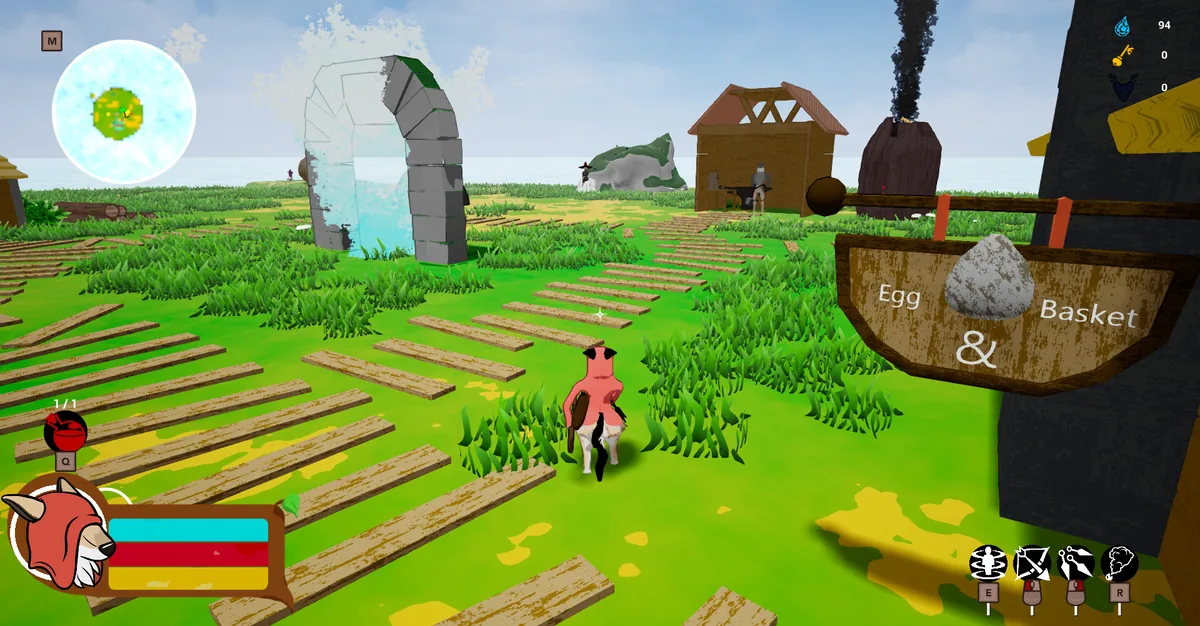
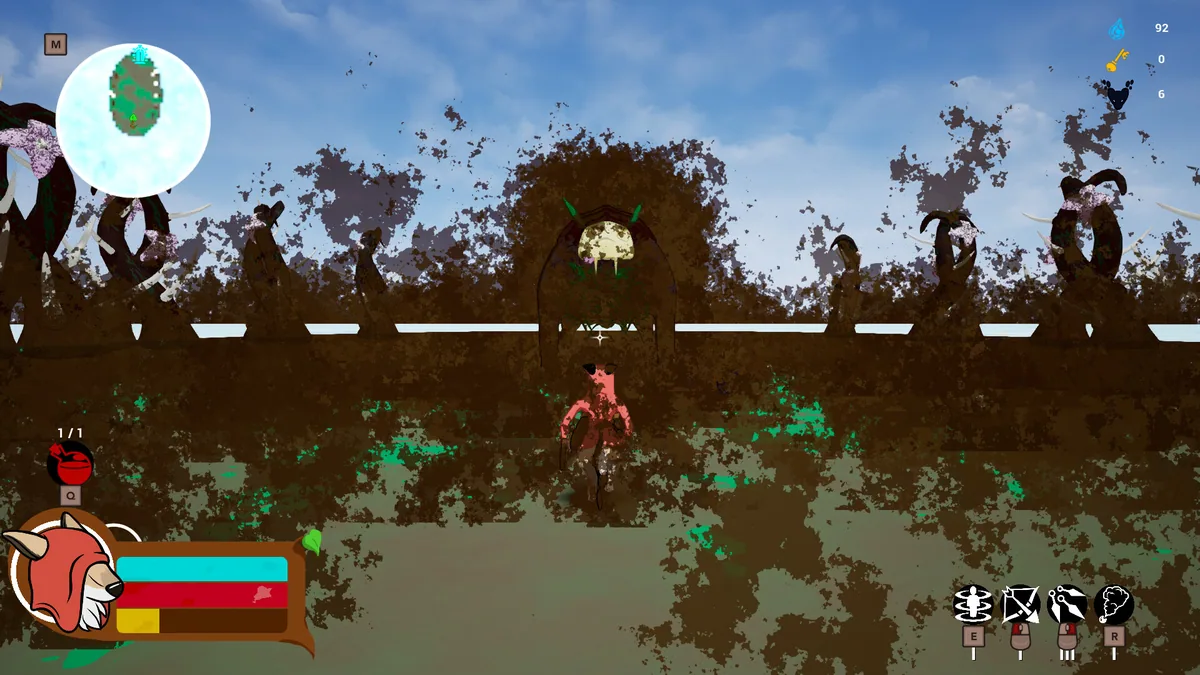
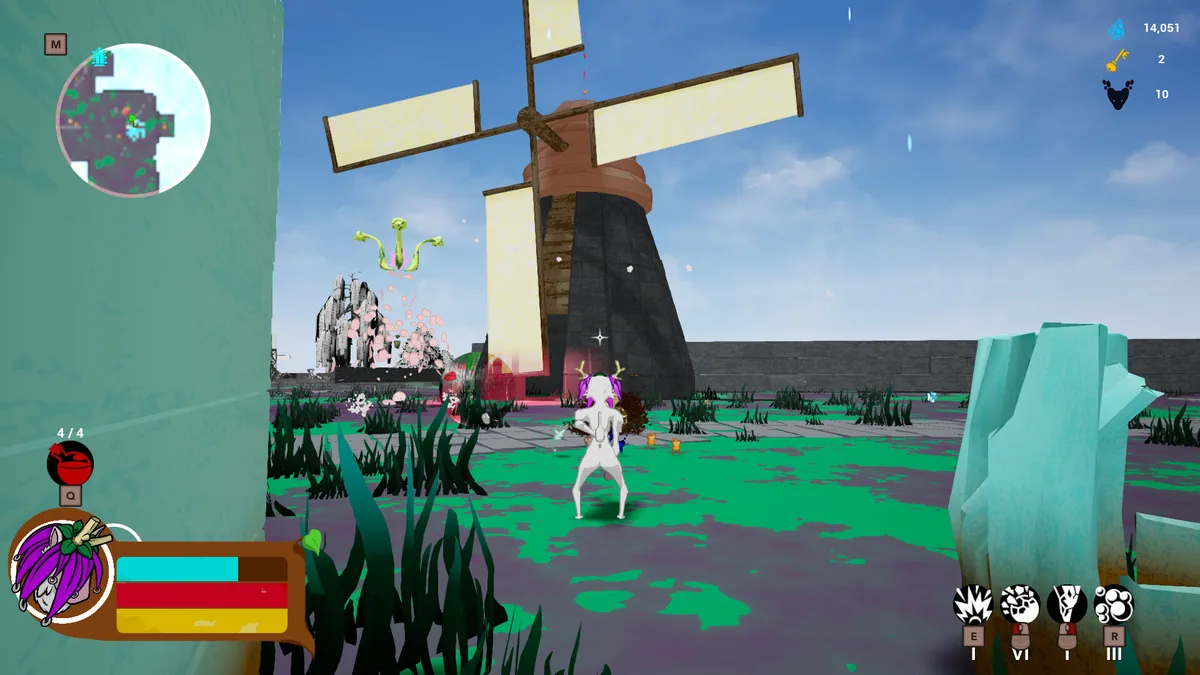
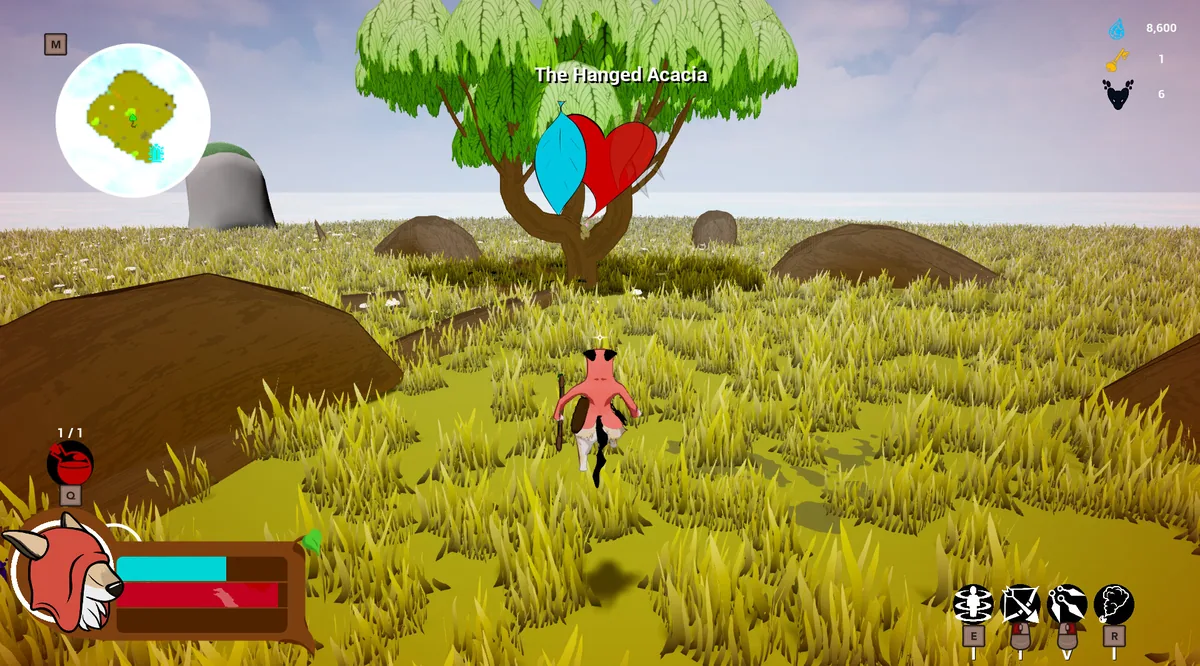
Using the A Storm Unsung trainer
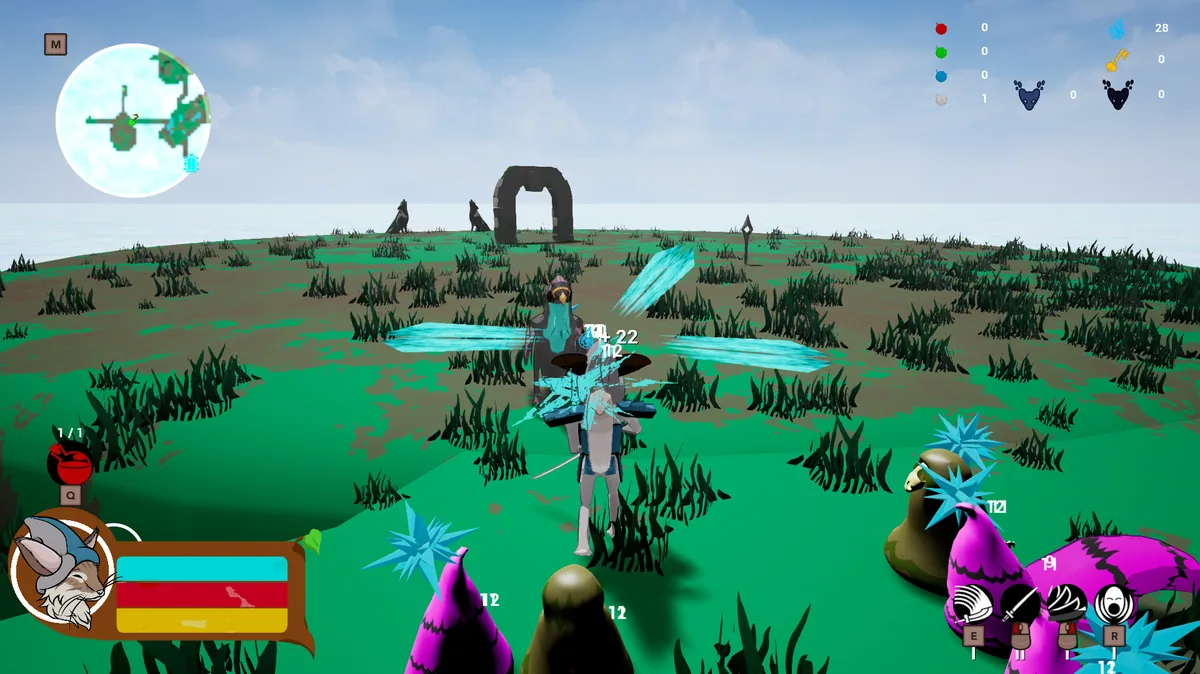
The menu presents the active character, event status and enemy pressure together. It helps compare an upgrade with the risk of the next generated area, while a run log makes unusual Glass's Eyes events easier to understand after a failed attempt.