FREE CHEATS FOR
Aetherlob
Released November 14, 2026
Updated

 EAGLE CHEATS
How to use Eagle in Aetherlob
With Aetherlob running, press Insert to open the Eagle menu. The quick keys give direct access to Wind Direction and Shot Charge. Use the menu for Terrain Map, Weapon Relics and Companion Roster and the remaining listed features; close it with Insert to return to the app.
- F2 Wind Direction
Press F2 to turn Wind Direction on or off without opening the menu. - F3 Shot Charge
Press F3 to turn Shot Charge on or off without opening the menu. - Insert Terrain Map
Press Insert, find Terrain Map in the feature list, and switch it on or off. - Insert Weapon Relics
Press Insert, find Weapon Relics in the feature list, and switch it on or off. - Insert Companion Roster
Press Insert, find Companion Roster in the feature list, and switch it on or off.
EXPLORE THE MENUFeatures
8 features
The Eagle trainer for Aetherlob brings wind direction, shot charge, terrain map together for the Windows PC release. Press Insert during play to open the menu, choose a control and return to the current session. Additional controls cover companion roster, weapon relics, and layer progress during play.
- Wind Direction
- Shot Charge
- Terrain Map
- Companion Roster
- Weapon Relics
- Layer Progress
- Team Markers
- Turn History
About the game
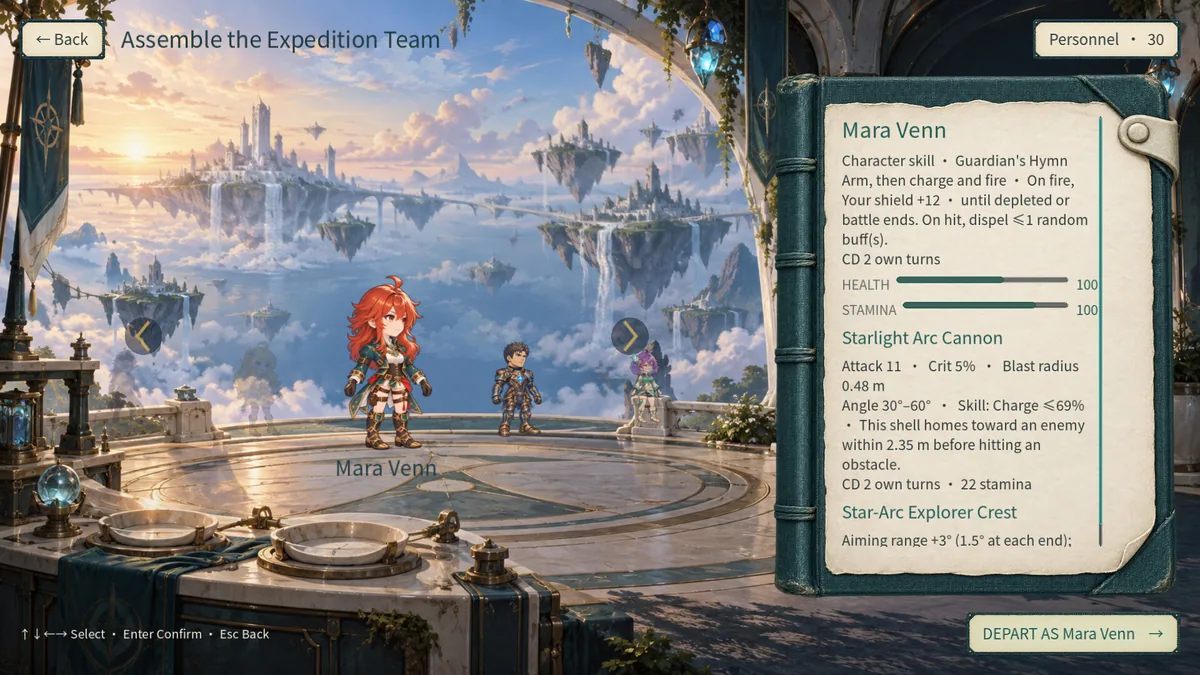
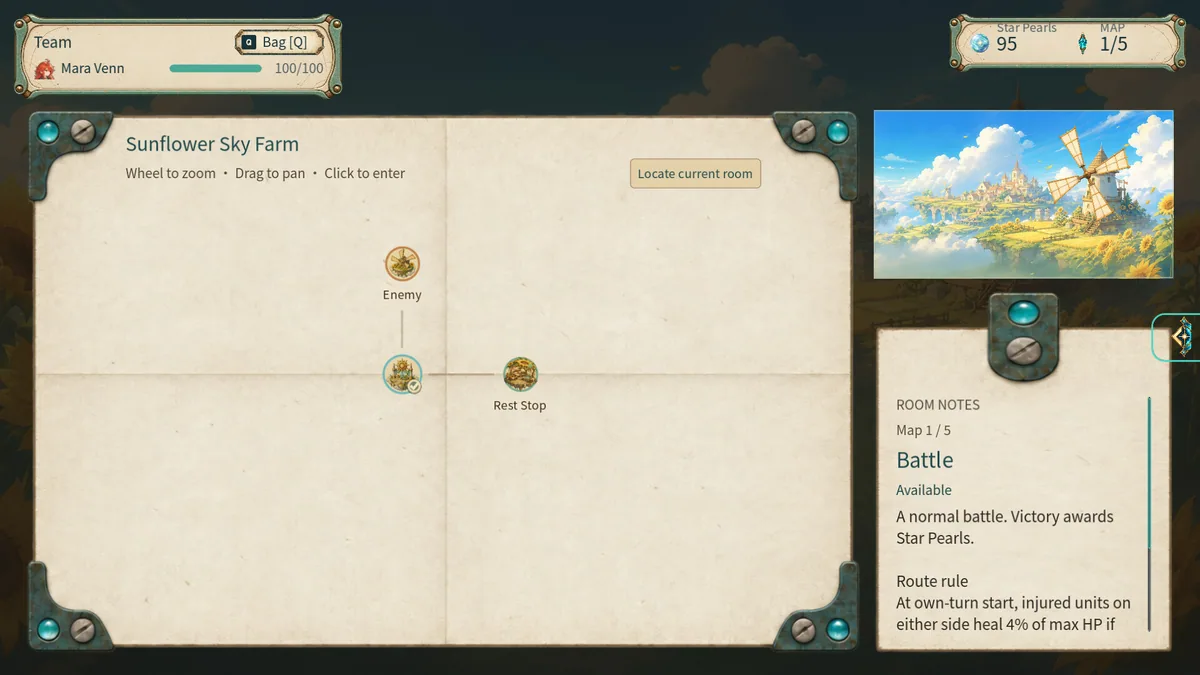
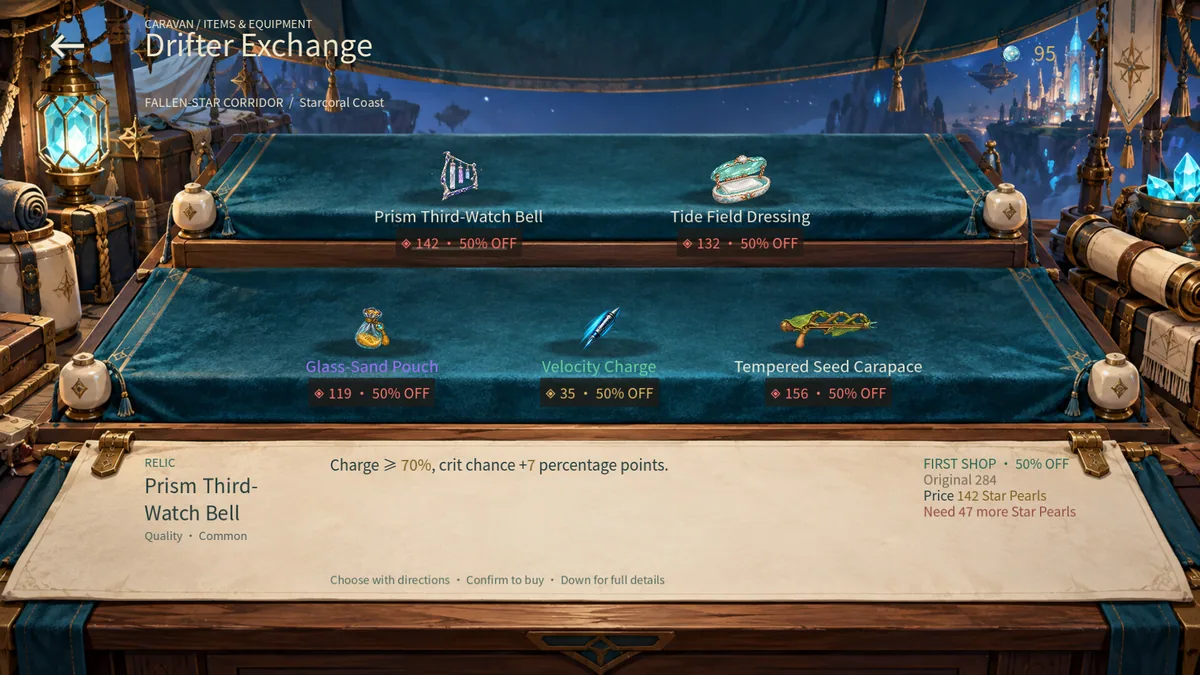
Aetherlob is a turn-based artillery roguelite about a rumored star that never goes out. Players read wind, charge shots and reshape terrain while traveling through five layers with recruited companions. Weapon and relic combinations can be explored solo or in online and LAN cooperative play.
A charged shot is valuable only when its trajectory accounts for wind and changing ground. Destroying cover may help a companion now but remove a useful defense next turn. The layered journey encourages careful comparison of equipment rather than treating every battle as an isolated puzzle.
Official game page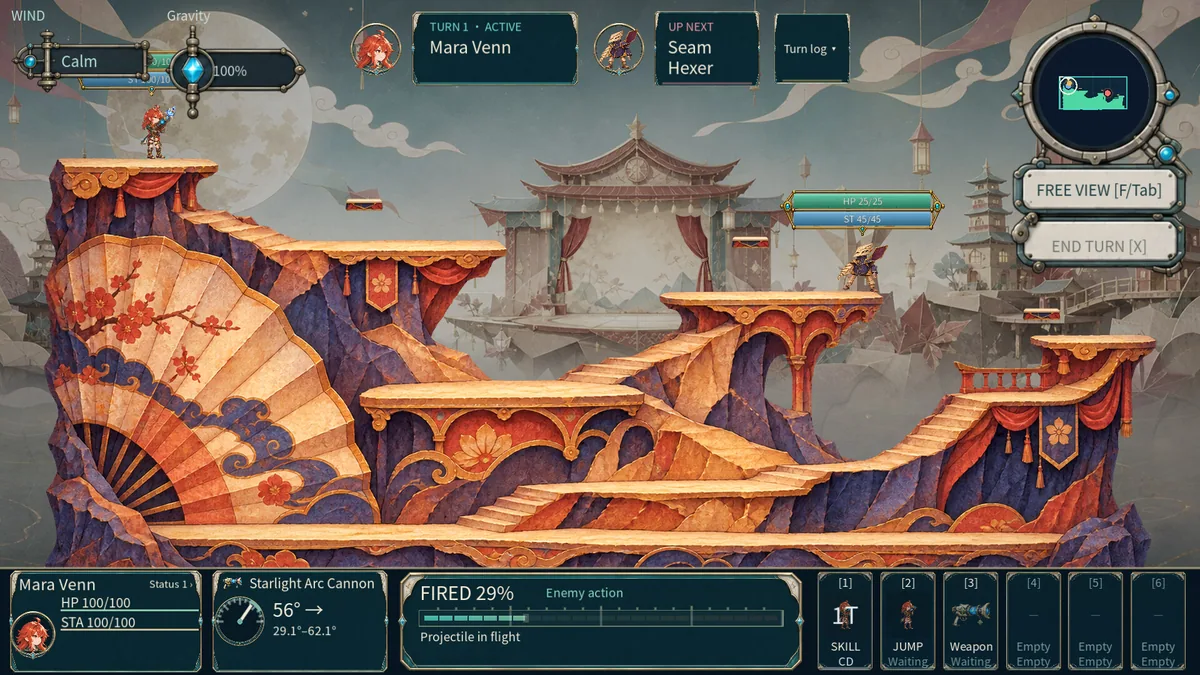
Using the Aetherlob trainer
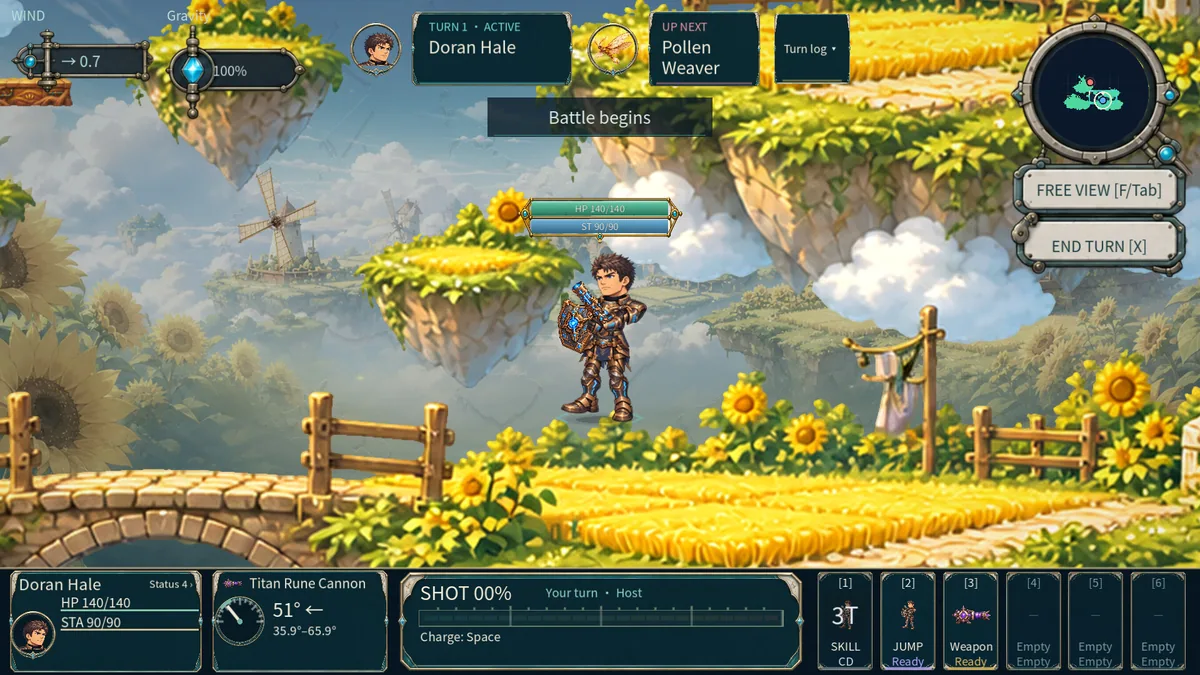
The Eagle menu displays wind direction, terrain changes and the current party alongside weapon and relic details. Open it with Insert before a shot to compare charge and possible landing areas. A layer tracker keeps route progress visible, and teammate markers support coordinated artillery in cooperative sessions.