FREE CHEATS FOR
Airport 7
Released November 14, 2026
Updated

 EAGLE CHEATS
How to use Eagle in Airport 7
With Airport 7 running, press Insert to open the Eagle menu. The quick keys give direct access to Terminal Map and Anomaly Log. Use the menu for Route History, Area Checklist and Exit Clues and the remaining listed features; close it with Insert to return to the app.
- F2 Terminal Map
Press F2 to turn Terminal Map on or off without opening the menu. - F3 Anomaly Log
Press F3 to turn Anomaly Log on or off without opening the menu. - Insert Route History
Press Insert, find Route History in the feature list, and switch it on or off. - Insert Area Checklist
Press Insert, find Area Checklist in the feature list, and switch it on or off. - Insert Exit Clues
Press Insert, find Exit Clues in the feature list, and switch it on or off.
EXPLORE THE MENUFeatures
8 features
The Eagle trainer for Airport 7 brings terminal map, anomaly log, route history together for the Windows PC release. Press Insert during play to open the menu, choose a control and return to the current session. Additional controls cover area checklist, exit clues, and observation notes during play.
- Terminal Map
- Anomaly Log
- Route History
- Area Checklist
- Exit Clues
- Observation Notes
- Loop Counter
- Checkpoint View
About the game
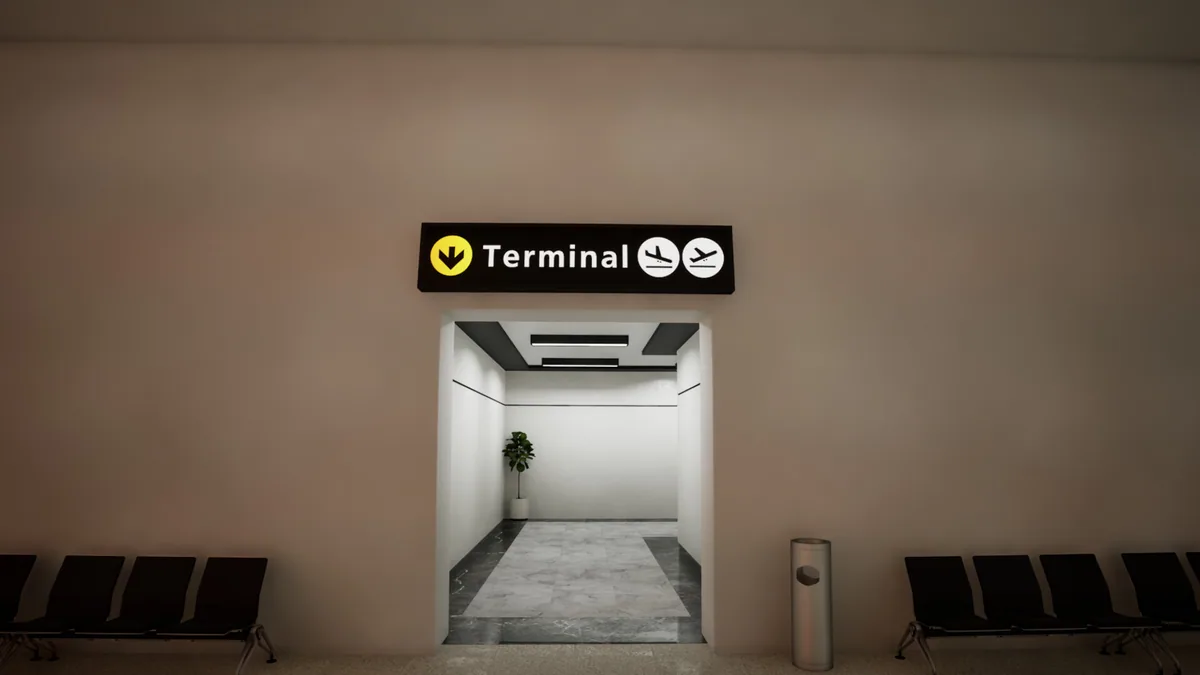
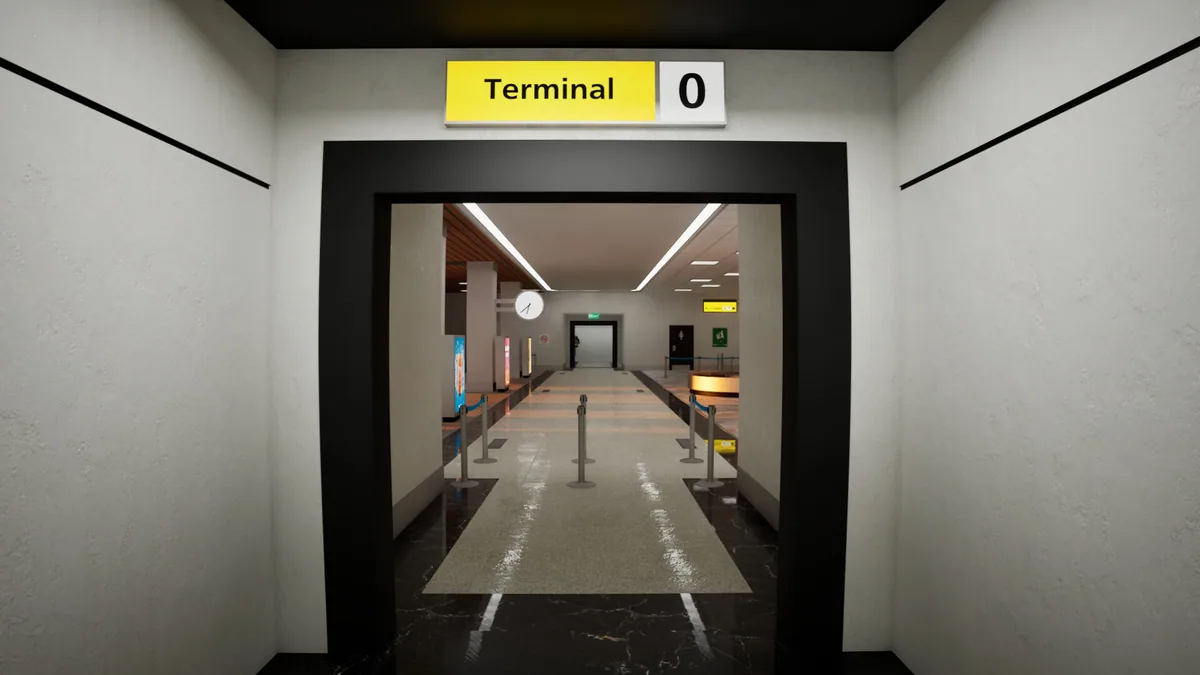
Airport 7 traps the player in an apparently endless terminal. Escape depends on observing the surroundings and noticing anomalies rather than simply following signs. The ordinary layout of an airport becomes unsettling when a detail no longer matches the way the space looked before.
A small change in a shopfront or corridor can matter more than a dramatic event. Rushing through repeated areas makes those differences easy to miss, while careful comparison gives a reason to choose one route over another. The puzzle is built from attention to familiar places.
Official game page


Using the Airport 7 trainer
The Eagle menu records observed terminal details, visited areas and unresolved anomaly clues. Use Insert after a circuit to compare the current hallway with a prior note. A route history helps prevent aimless repetition without selecting the correct exit on the player's behalf.