FREE CHEATS FOR
Alethra
Released November 17, 2026
Updated

 EAGLE CHEATS
How to use Eagle in Alethra
With Alethra running, press Insert to open the Eagle menu. The quick keys give direct access to Drafted Dice and Combo Paths. Use the menu for Exit Route, Risk View and Secured Collection and the remaining listed features; close it with Insert to return to the app.
- F2 Drafted Dice
Press F2 to turn Drafted Dice on or off without opening the menu. - F3 Combo Paths
Press F3 to turn Combo Paths on or off without opening the menu. - Insert Exit Route
Press Insert, find Exit Route in the feature list, and switch it on or off. - Insert Risk View
Press Insert, find Risk View in the feature list, and switch it on or off. - Insert Secured Collection
Press Insert, find Secured Collection in the feature list, and switch it on or off.
EXPLORE THE MENUFeatures
8 features
The Eagle trainer for Alethra brings drafted dice, combo paths, exit route together for the Windows PC release. Press Insert during play to open the menu, choose a control and return to the current session. Additional controls cover risk view, secured collection, and battle notes during play.
- Drafted Dice
- Combo Paths
- Exit Route
- Risk View
- Secured Collection
- Battle Notes
- Run Ledger
- Progression Record
About the game
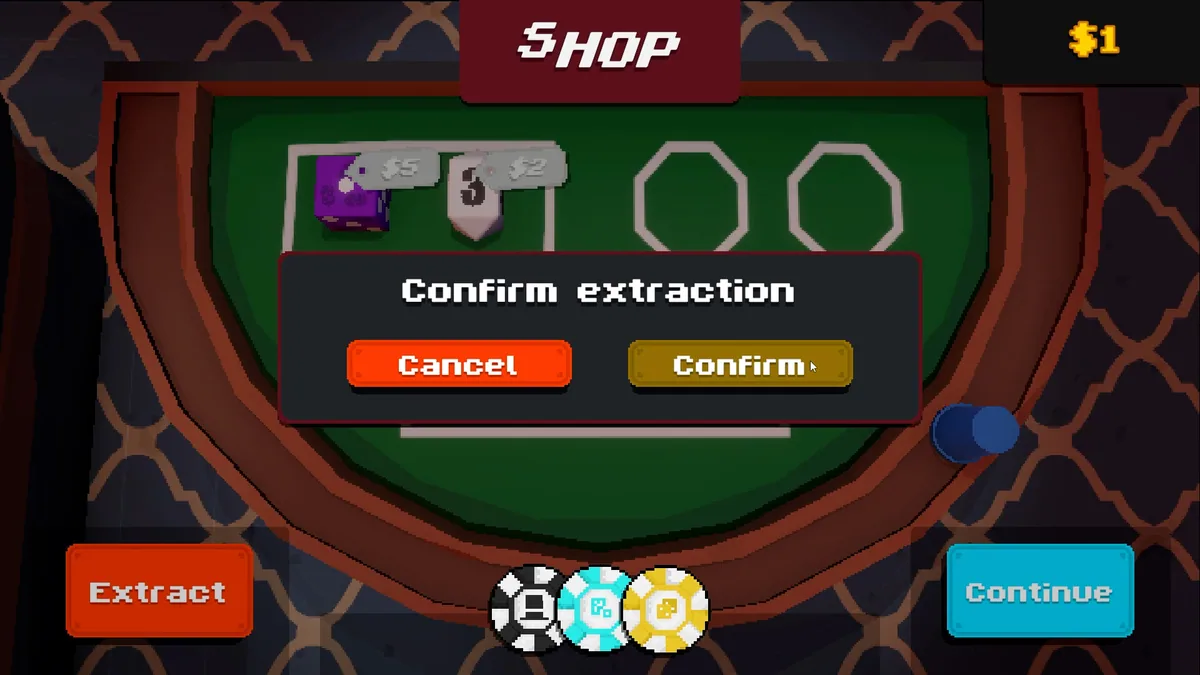
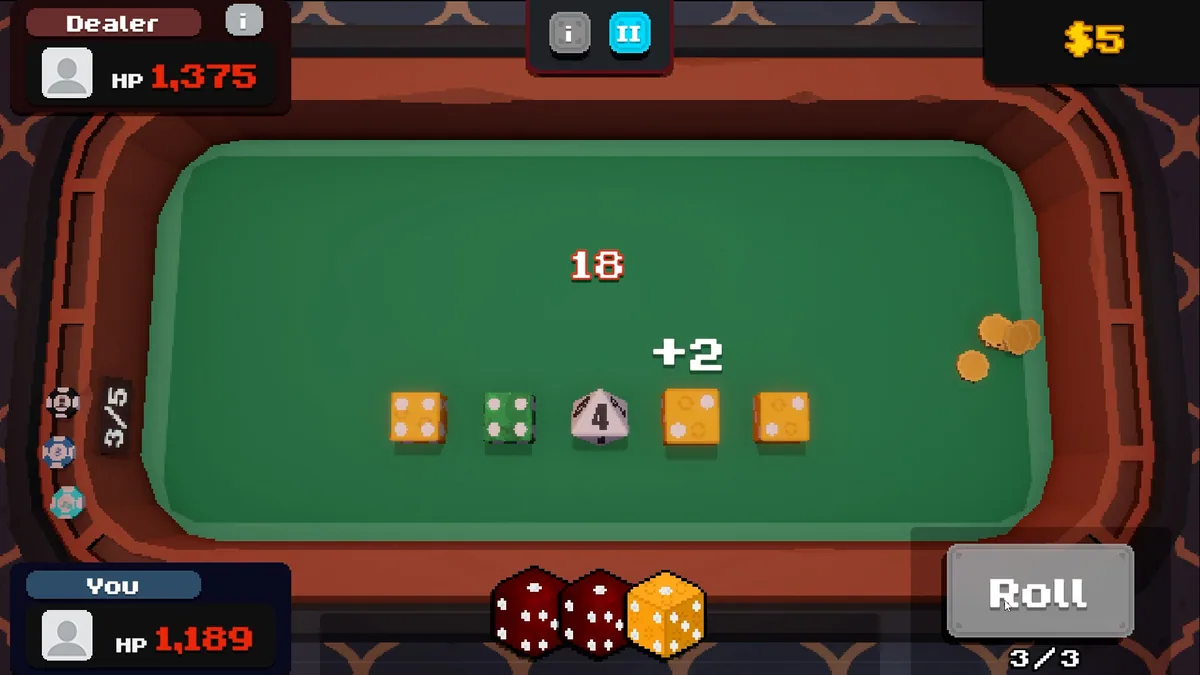
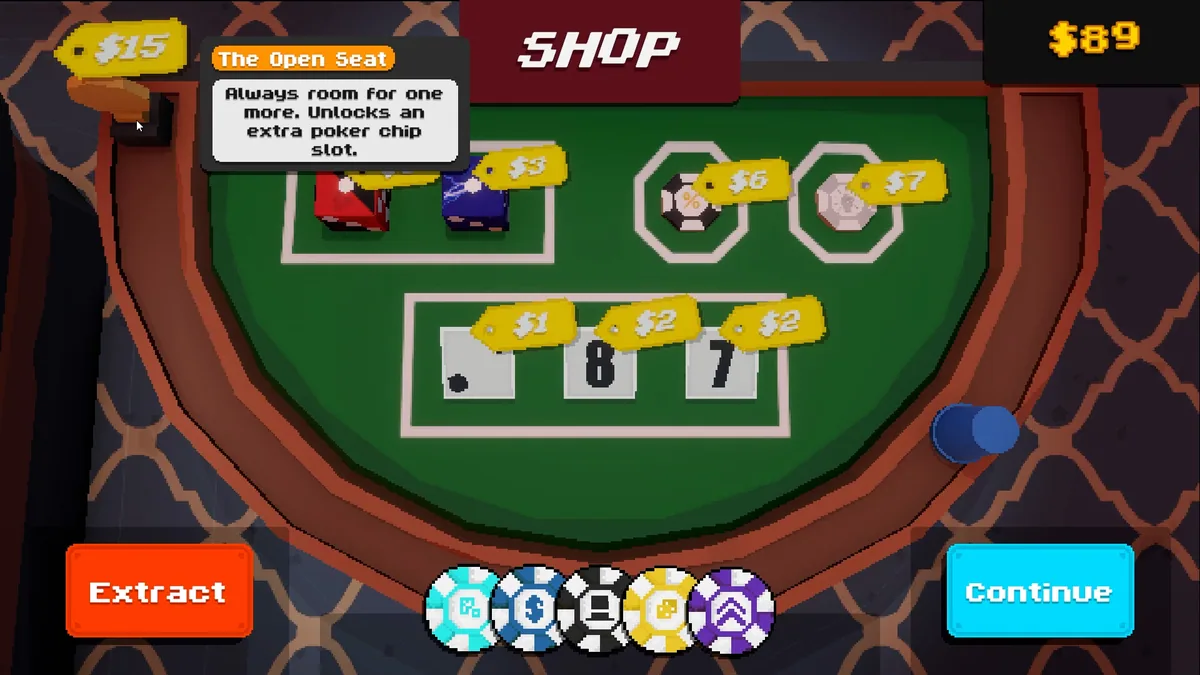
Alethra is a dice roguelike where a drafted die remains yours only if it leaves the run safely. Combinations and stacked effects offer growing rewards. The extraction rule makes each deeper encounter a question of risk.
A rare die can be powerful without fitting the current chain. Staying longer may improve the haul but threatens everything already collected. Comparing successful exits with lost runs helps judge when to leave.
Official game page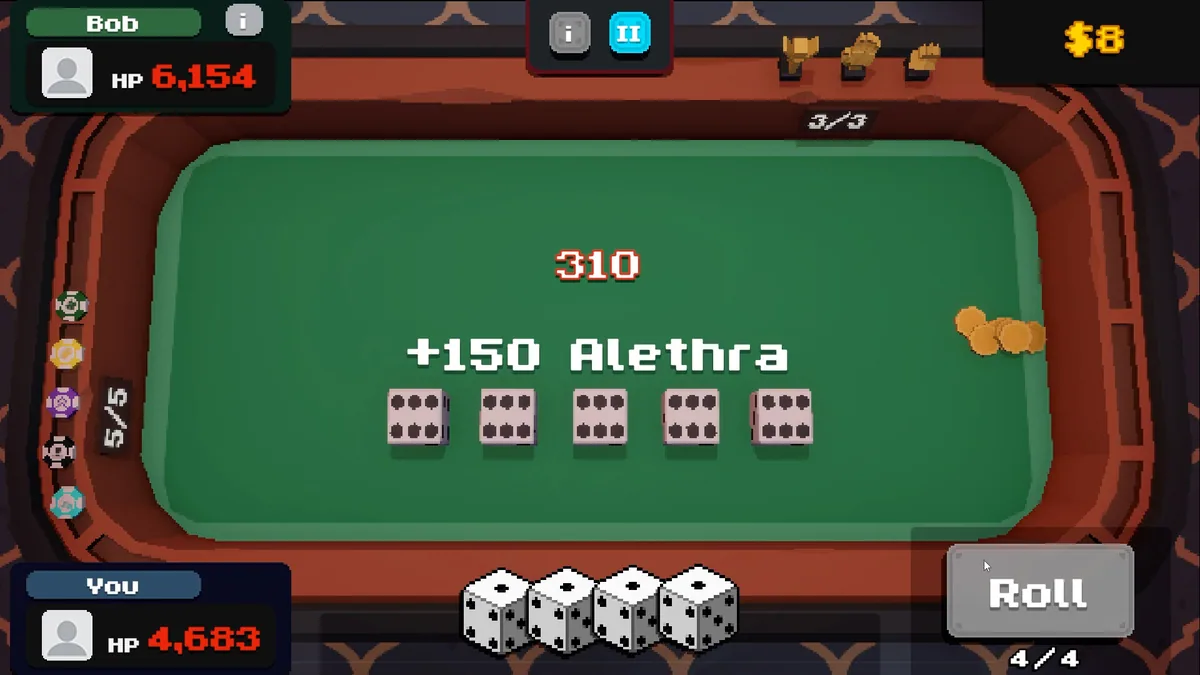
Using the Alethra trainer
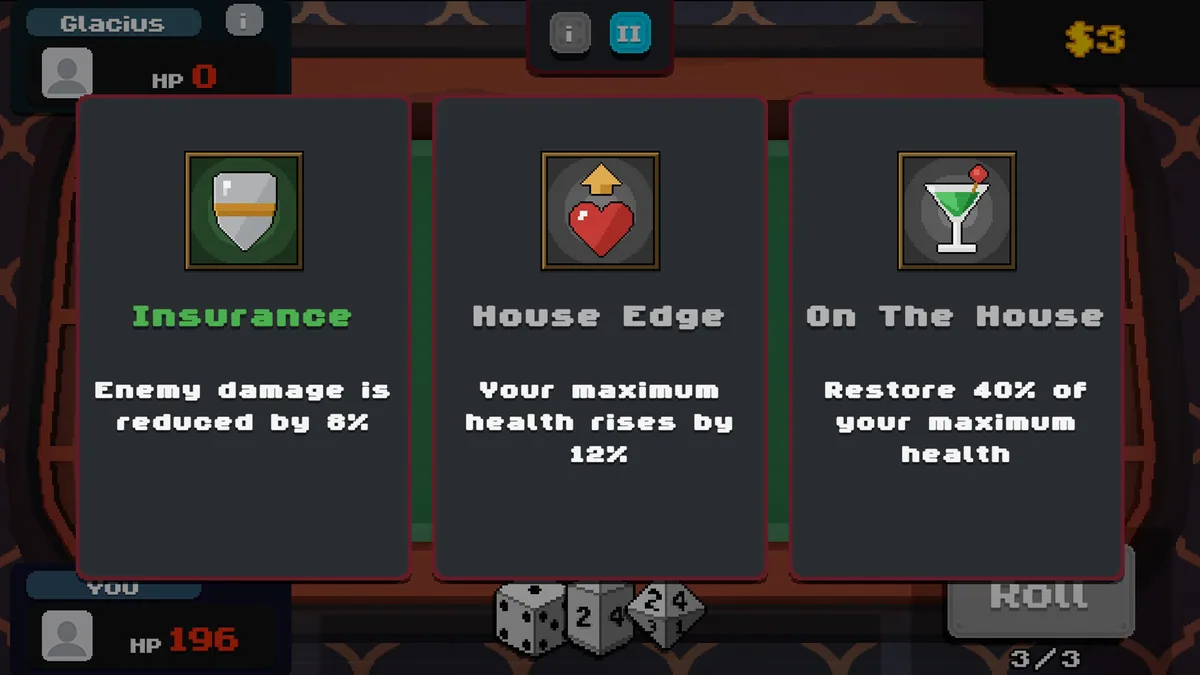
Open the Eagle menu with Insert to review drafted dice, combo paths and the exit route. The run ledger separates temporary finds from secured ones. Use the risk panel before entering a battle that could put a valuable die in danger.