FREE CHEATS FOR
AlterMage
Released November 17, 2026
Updated
 EAGLE CHEATS
How to use Eagle in AlterMage
With AlterMage running, press Insert to open the Eagle menu. The quick keys give direct access to Spell List and Blade Moves. Use the menu for Platform Route, Enemy Notes and Magic Reserve and the remaining listed features; close it with Insert to return to the app.
- F2 Spell List
Press F2 to turn Spell List on or off without opening the menu. - F3 Blade Moves
Press F3 to turn Blade Moves on or off without opening the menu. - Insert Platform Route
Press Insert, find Platform Route in the feature list, and switch it on or off. - Insert Enemy Notes
Press Insert, find Enemy Notes in the feature list, and switch it on or off. - Insert Magic Reserve
Press Insert, find Magic Reserve in the feature list, and switch it on or off.
EXPLORE THE MENUFeatures
8 features
The Eagle trainer for AlterMage brings spell list, blade moves, platform route together for the Windows PC release. Press Insert during play to open the menu, choose a control and return to the current session. Additional controls cover enemy notes, magic reserve, and combat journal during play.
- Spell List
- Blade Moves
- Platform Route
- Enemy Notes
- Magic Reserve
- Combat Journal
- Equipment Build
- Journey Progress
About the game
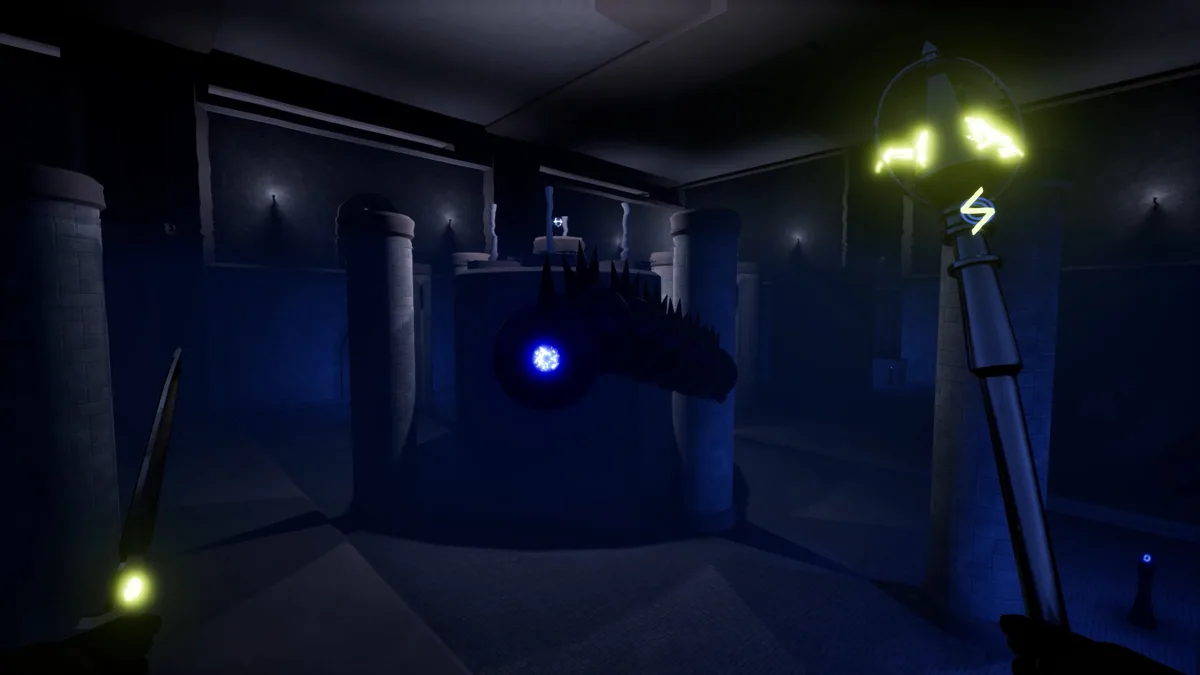
AlterMage is a first-person action platformer built around spellblade combat. Magic and movement share space in each encounter, so a well-timed jump can create an opening for a strike. Exploration brings new combinations to test.
A powerful spell may be difficult to use if it interrupts a necessary dodge. Learning when to close distance with the blade helps conserve magic. Reviewing which moves connect across platforms makes the next encounter more controlled.
Official game page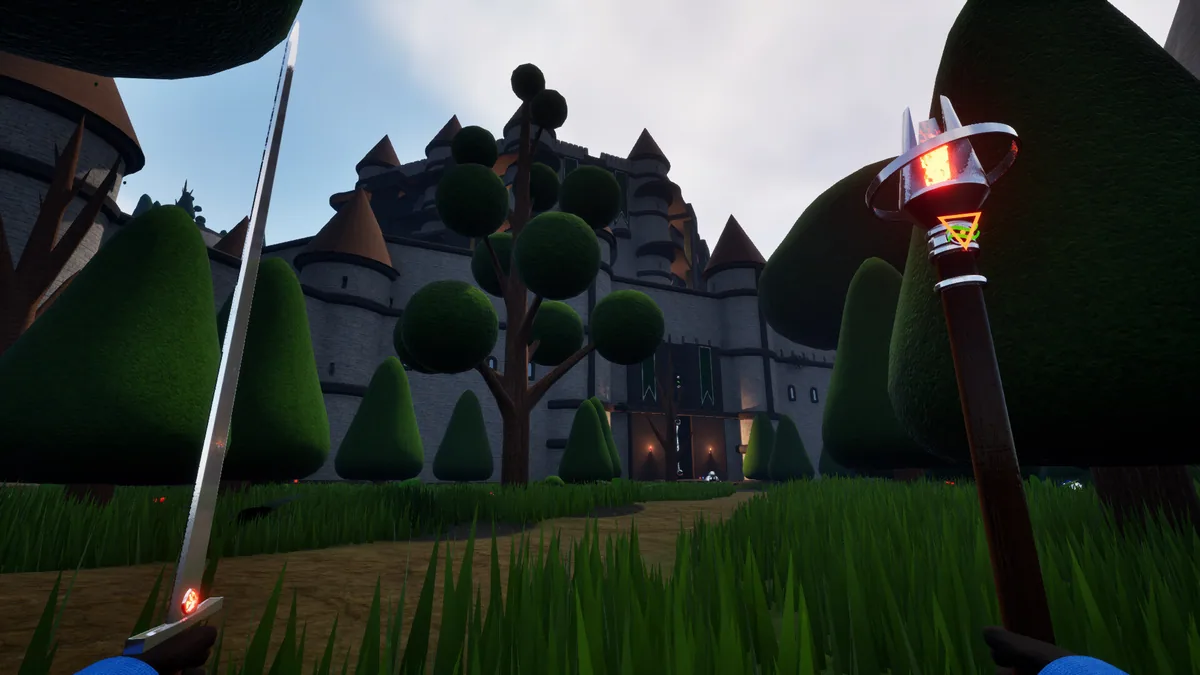

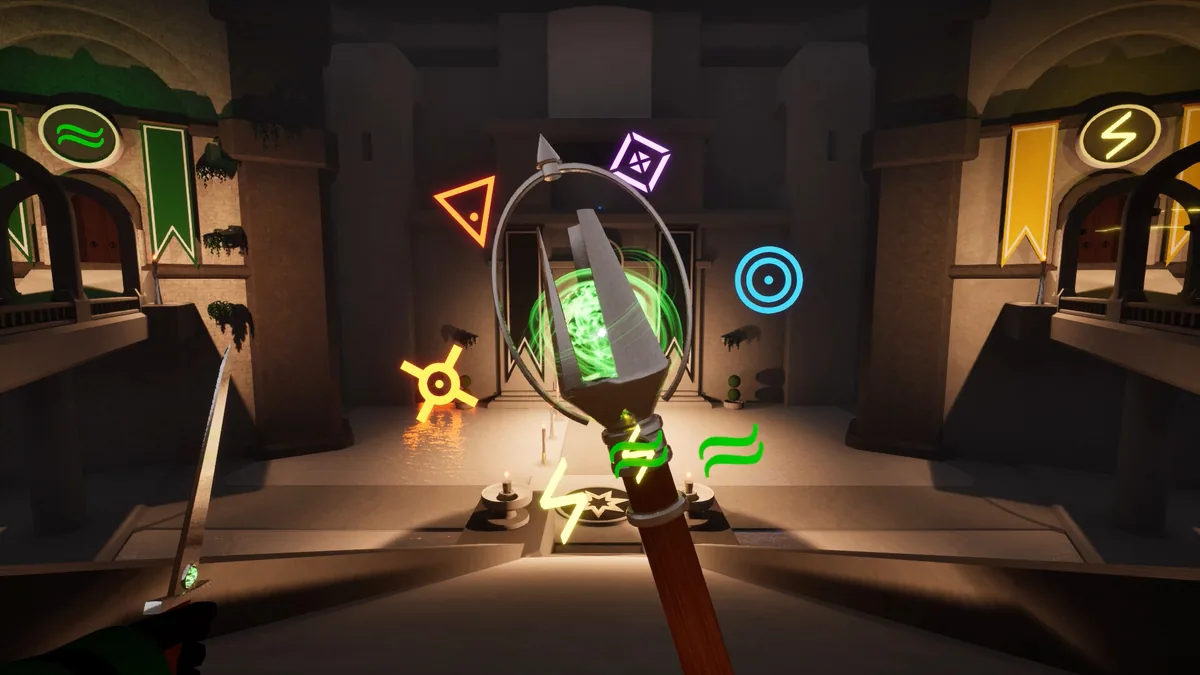

Using the AlterMage trainer
Open the Eagle menu with Insert between fights to inspect spells, blade techniques and traversal routes. The combat journal records successful sequences. Use the equipment panel before entering an area with unfamiliar enemies. The route history identifies platforms that complicate spell timing.