FREE CHEATS FOR
Analog Aisle
Released November 16, 2026
Updated
 EAGLE CHEATS
How to use Eagle in Analog Aisle
With Analog Aisle running, press Insert to open the Eagle menu. The quick keys give direct access to Genre Groups and Aisle Map. Use the menu for Shelf Checklist, VHS Inspector and Stack Tracker and the remaining listed features; close it with Insert to return to the app.
- F2 Genre Groups
Press F2 to turn Genre Groups on or off without opening the menu. - F3 Aisle Map
Press F3 to turn Aisle Map on or off without opening the menu. - Insert Shelf Checklist
Press Insert, find Shelf Checklist in the feature list, and switch it on or off. - Insert VHS Inspector
Press Insert, find VHS Inspector in the feature list, and switch it on or off. - Insert Stack Tracker
Press Insert, find Stack Tracker in the feature list, and switch it on or off.
EXPLORE THE MENUFeatures
8 features
The Eagle trainer for Analog Aisle brings genre groups, aisle map, shelf checklist together for the Windows PC release. Press Insert during play to open the menu, choose a control and return to the current session. Additional controls cover vhs inspector, stack tracker, and placement view during play.
- Genre Groups
- Aisle Map
- Shelf Checklist
- VHS Inspector
- Stack Tracker
- Placement View
- Store Progress
- Collection Count
About the game
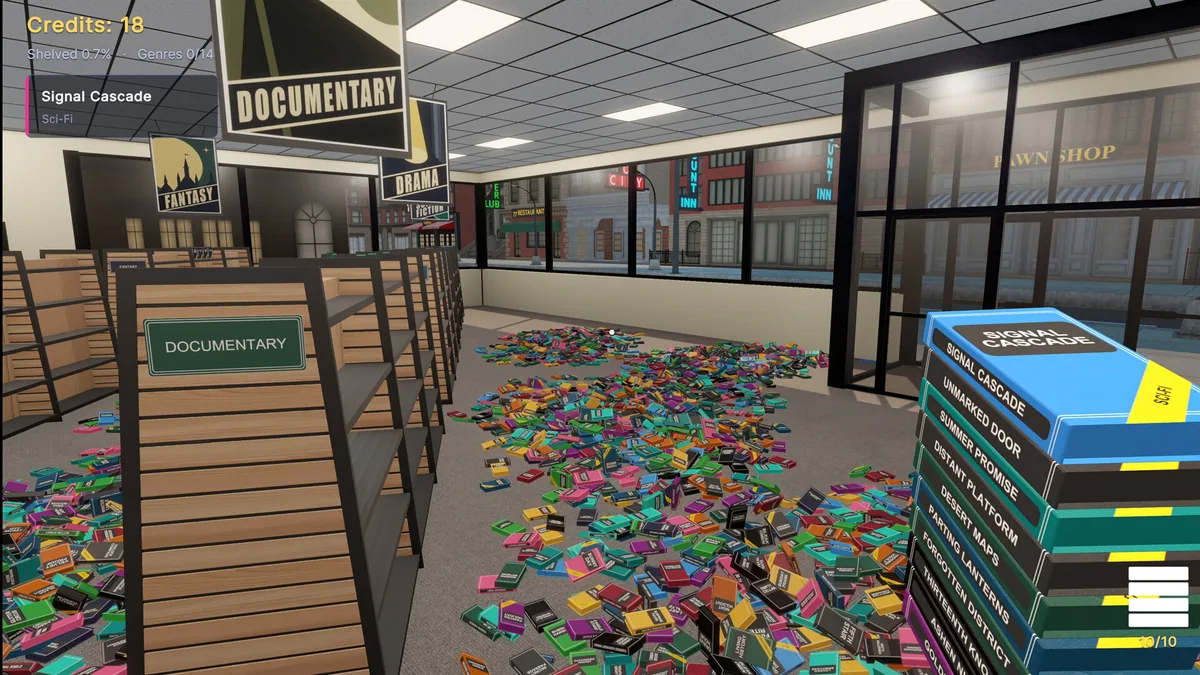
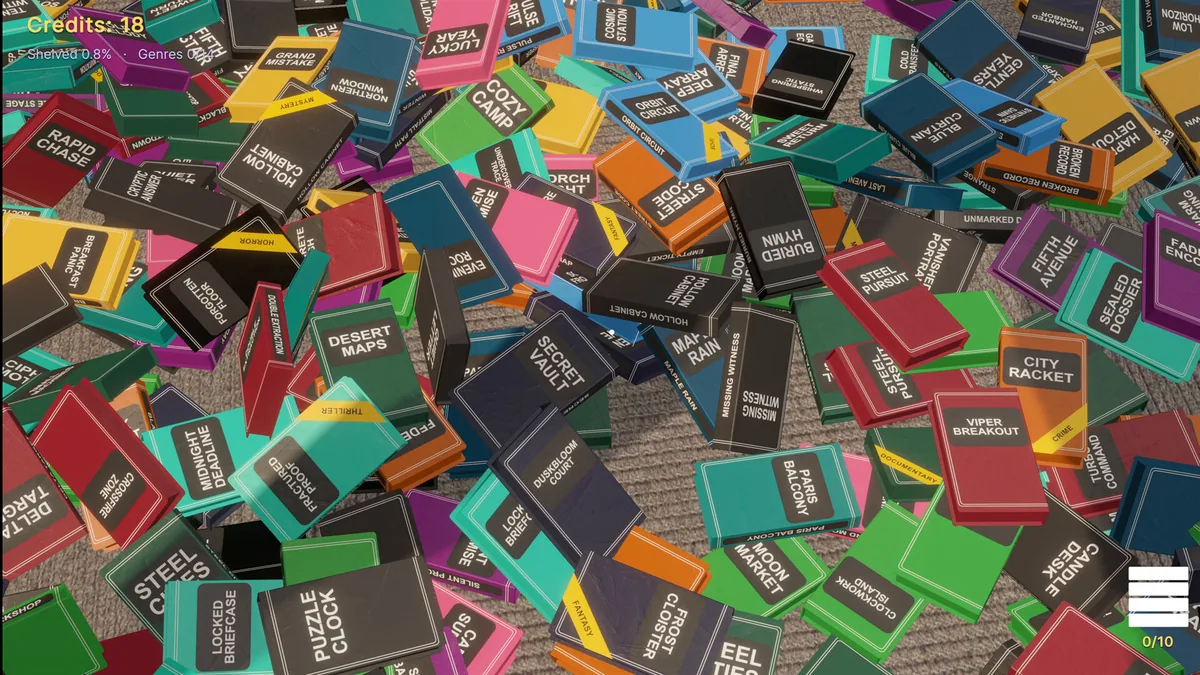
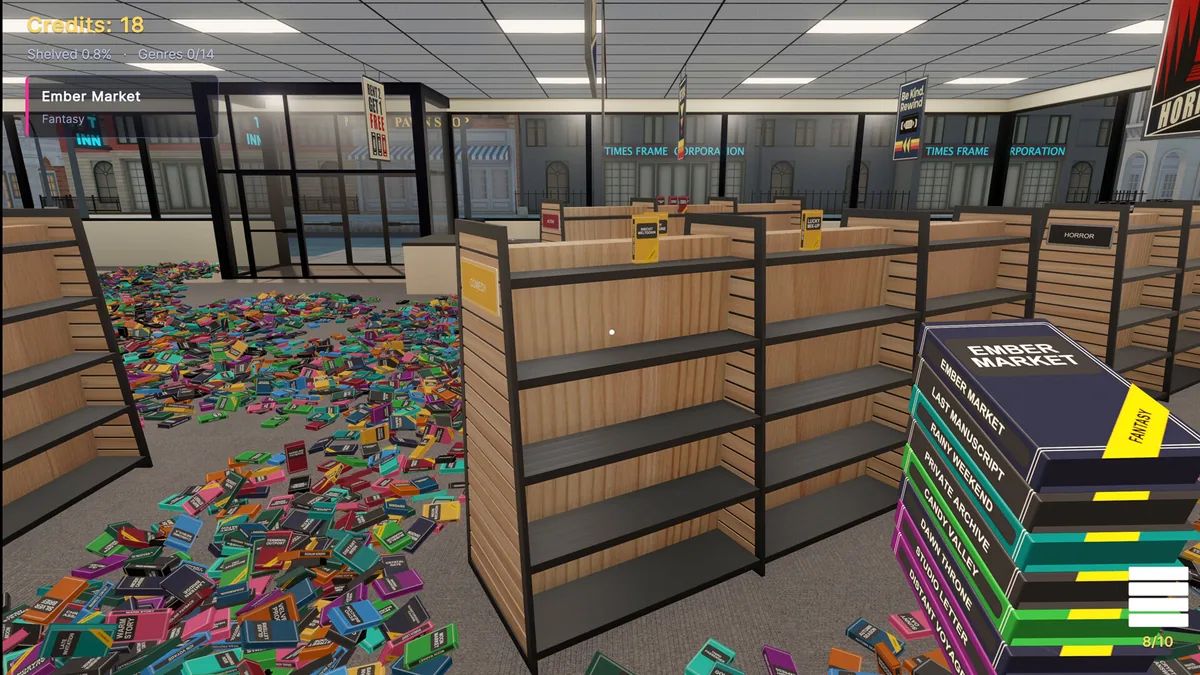
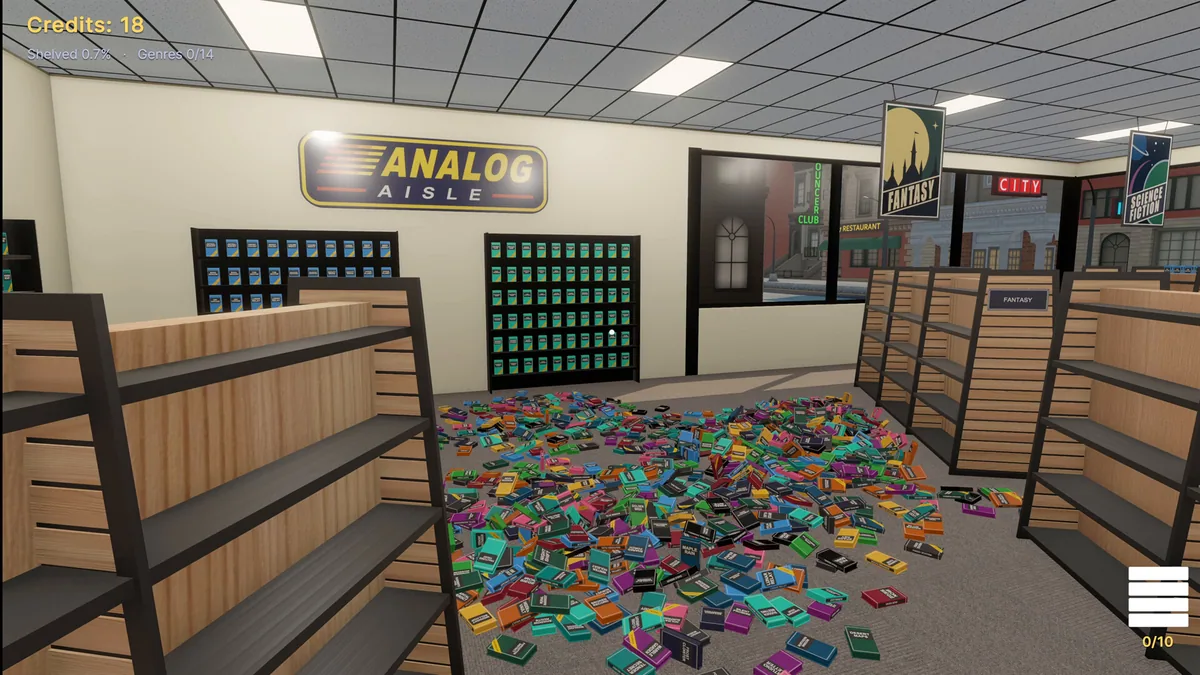
Analog Aisle makes a nostalgic video store the setting for a large organizing task. Thousands of VHS cases across fourteen fictional genres need to be sorted and shelved. Building and shuffling stacks gives the job a physical rhythm as the shop slowly becomes presentable.
A shelf full of the wrong genre can make the next cart more difficult to place. Reading covers and grouping similar cases before moving them saves repeated trips through the aisles. The store's progress is visible in each cleared section, not only in a final completion number.
Official game page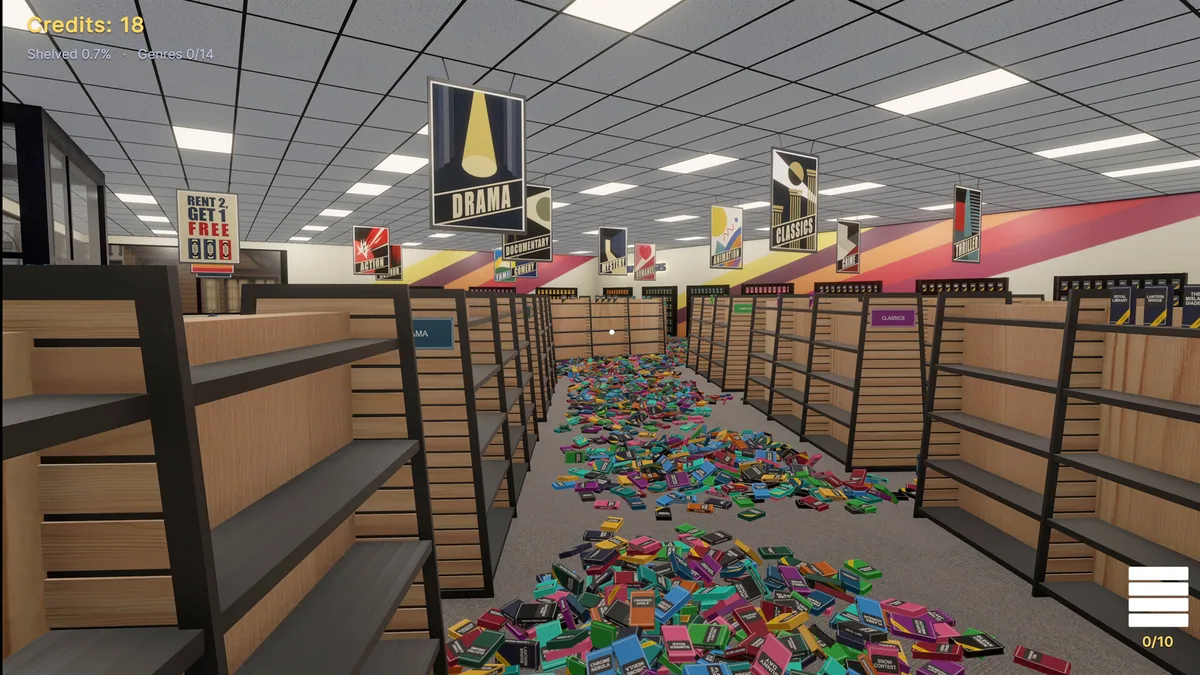
Using the Analog Aisle trainer
The Eagle menu shows genre groups, aisle progress and outstanding stacks. Open it with Insert while sorting a cart to see where a case belongs. A store map helps distinguish a finished shelf from one that still has gaps.