FREE CHEATS FOR
Assassination Contracts
Released November 11, 2026
Updated

 EAGLE CHEATS
How to use Eagle in Assassination Contracts
With Assassination Contracts running, press Insert to open the Eagle menu. The quick keys give direct access to Target Tracker and Ammo Reserve. Use the menu for Enemy Markers, Health View and Contract Map and the remaining listed features; close it with Insert to return to the app.
- F2 Target Tracker
Press F2 to turn Target Tracker on or off without opening the menu. - F3 Ammo Reserve
Press F3 to turn Ammo Reserve on or off without opening the menu. - Insert Enemy Markers
Press Insert, find Enemy Markers in the feature list, and switch it on or off. - Insert Health View
Press Insert, find Health View in the feature list, and switch it on or off. - Insert Contract Map
Press Insert, find Contract Map in the feature list, and switch it on or off.
EXPLORE THE MENUFeatures
8 features
The Eagle trainer for Assassination Contracts brings target tracker, ammo reserve, enemy markers together for the Windows PC release. Press Insert during play to open the menu, choose a control and return to the current session. Additional controls cover health view, contract map, and boss health during play.
- Target Tracker
- Ammo Reserve
- Enemy Markers
- Health View
- Contract Map
- Boss Health
- Equipment Slots
- Mission Replay
About the game
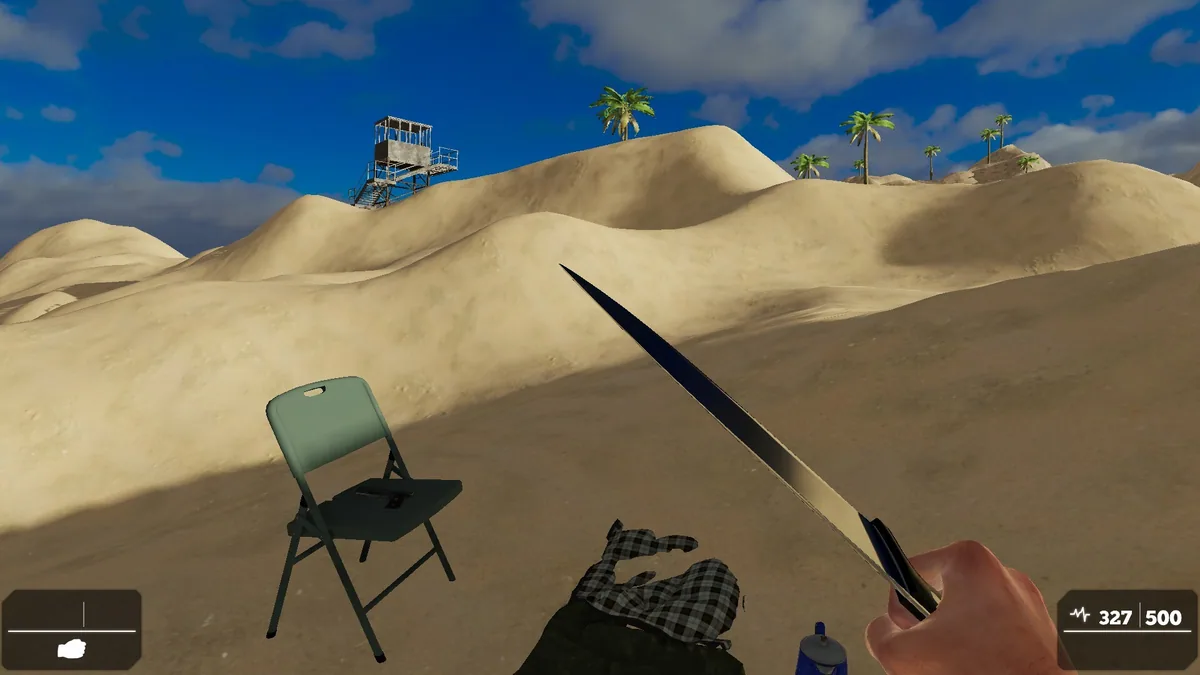
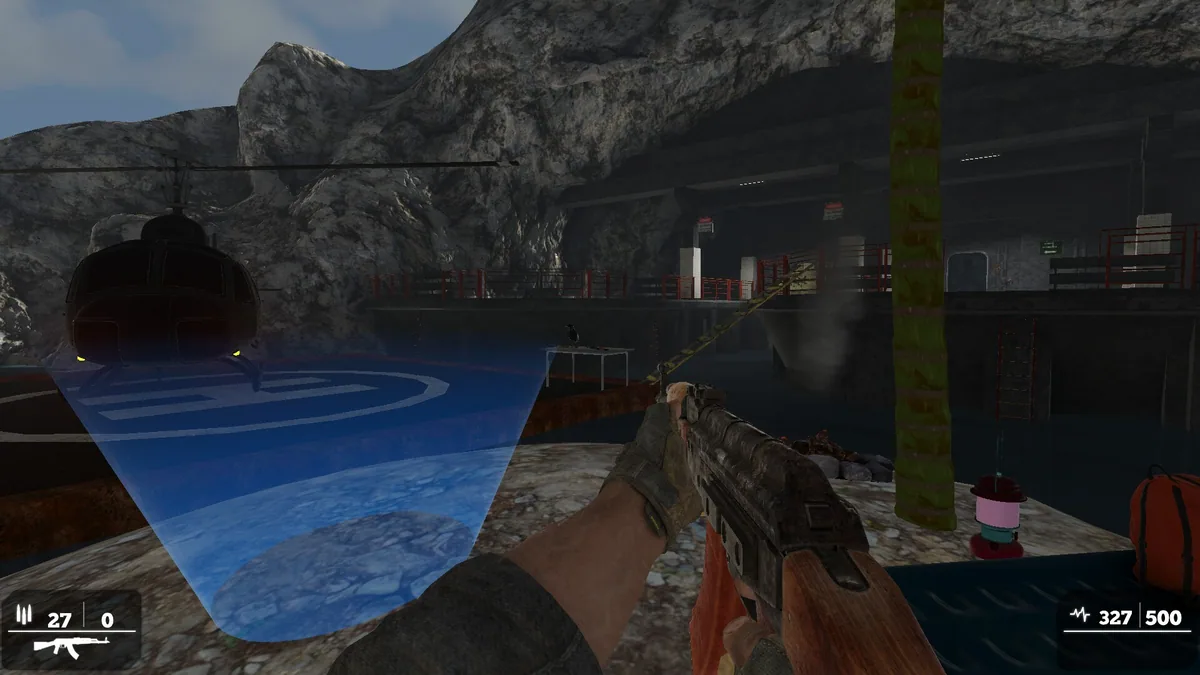
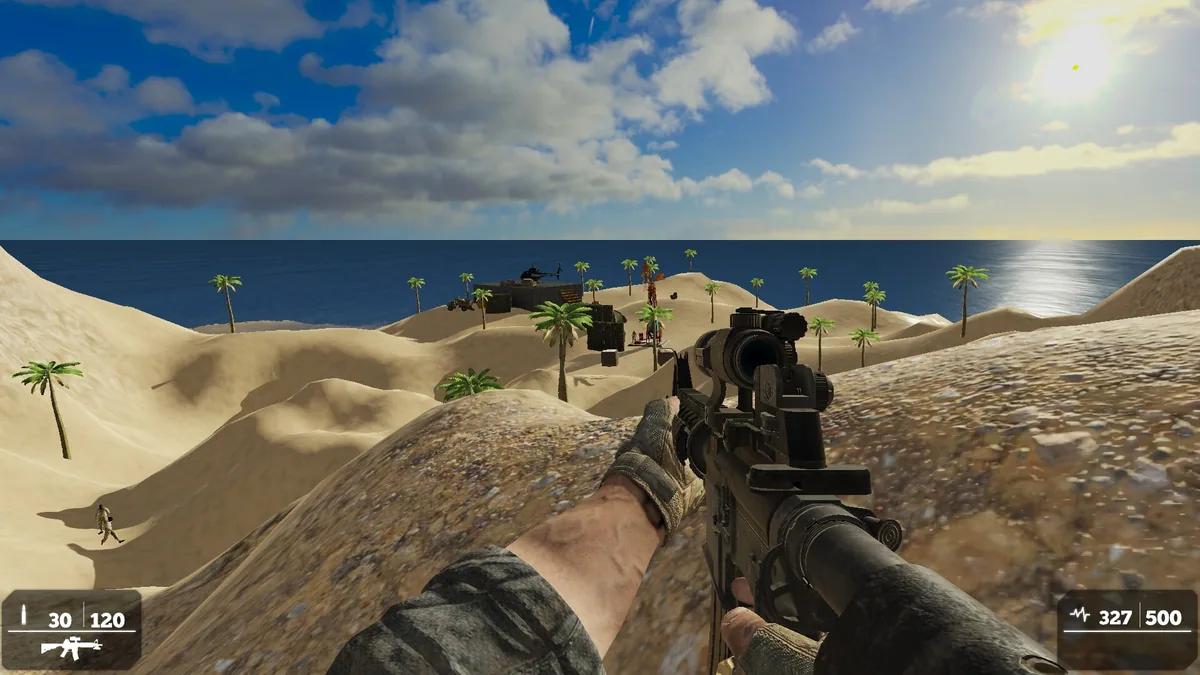
Assassination Contracts sends an action-game protagonist through enemy-filled locations toward a target and a powerful boss. Three distinct environments give each contract a different route and set of encounters. Finishing a mission requires surviving the intervening fights as well as reaching the final objective.
The next room may demand ammunition that was spent in the previous one, so pacing matters across an entire contract. Enemy positions, health and available cover affect whether a direct push is sensible. A boss encounter tests the equipment and route choices made earlier.
Official game page
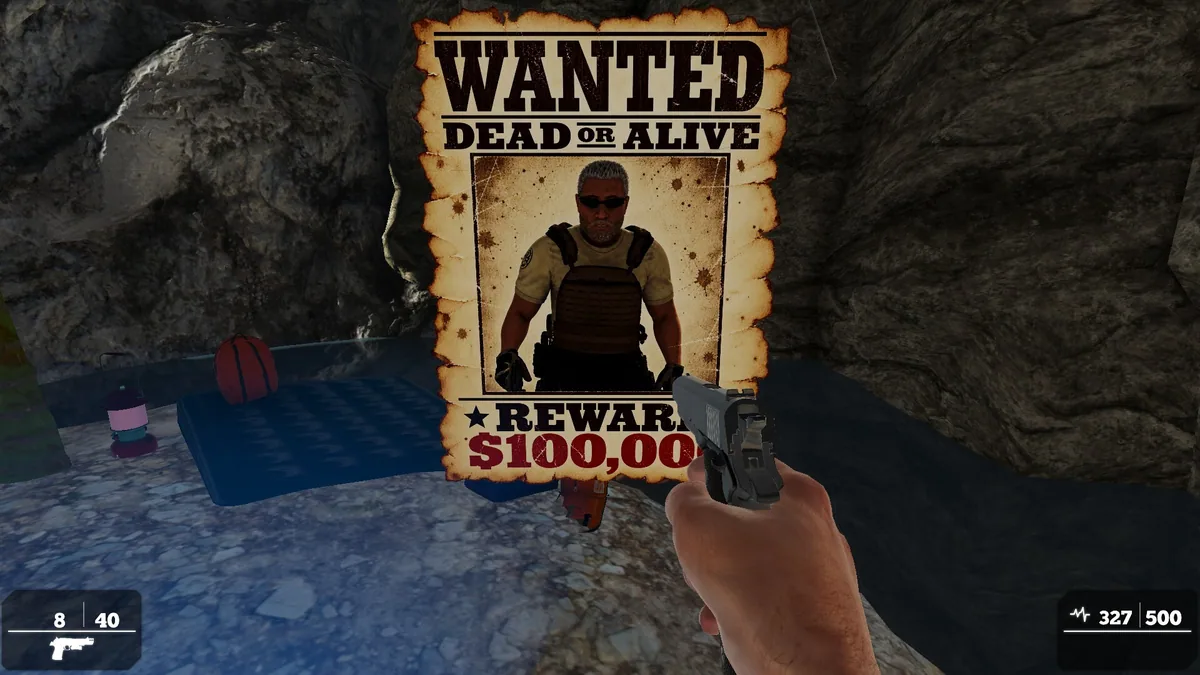
Using the Assassination Contracts trainer
The menu puts the current target, ammunition and enemy markers beside the location map. A player can inspect remaining supplies before entering a boss area and use the objective log to see which contract steps remain. The replay view supports learning a difficult encounter.