FREE CHEATS FOR
Assetto Corsa Competizione
Released May 29, 2019
Updated

 EAGLE CHEATS
How to use Eagle in Assetto Corsa Competizione
With Assetto Corsa Competizione running, press Insert to open the Eagle menu. The quick keys give direct access to No Vehicle Damage and Infinite Fuel. Use the menu for Vehicle Speed, Freeze Race Timer and Set Grip and the remaining listed features; close it with Insert to return to the app.
- F2 No Vehicle Damage
Press F2 to turn No Vehicle Damage on or off without opening the menu. - F3 Infinite Fuel
Press F3 to turn Infinite Fuel on or off without opening the menu. - Insert Vehicle Speed
Press Insert, choose Vehicle Speed, adjust the value, and apply. - Insert Freeze Race Timer
Press Insert, find Freeze Race Timer in the feature list, and switch it on or off. - Insert Set Grip
Press Insert, choose Set Grip, adjust its value or option, and apply.
EXPLORE THE MENUFeatures
8 features
The free Assetto Corsa Competizione trainer includes No Vehicle Damage, Infinite Fuel and Vehicle Speed. It also offers Set Grip, Instant Vehicle Repair and Freeze Race Timer. Press Insert to open the menu on Windows PC.
- No Vehicle Damage
- Infinite Fuel
- Vehicle Speed
- Set Grip
- Instant Vehicle Repair
- Freeze Race Timer
- Save Vehicle Position
- Free Camera
About the game
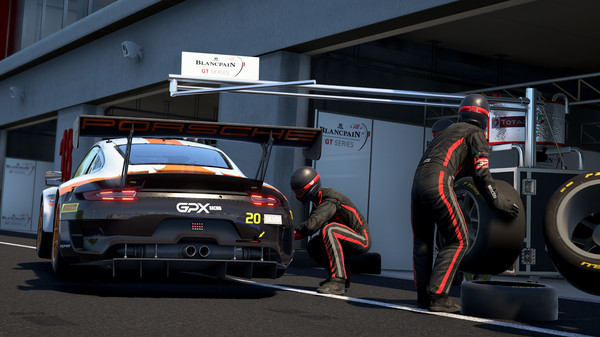
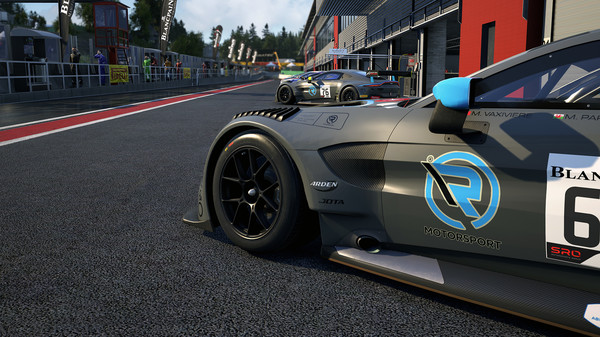
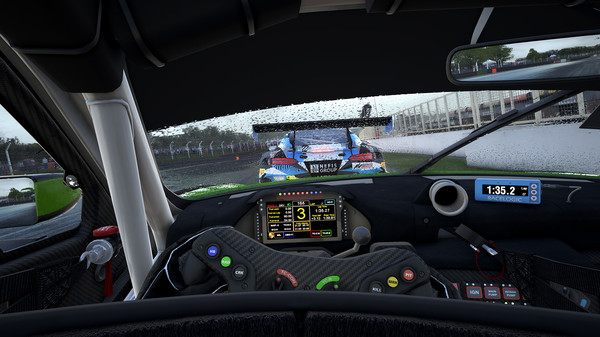
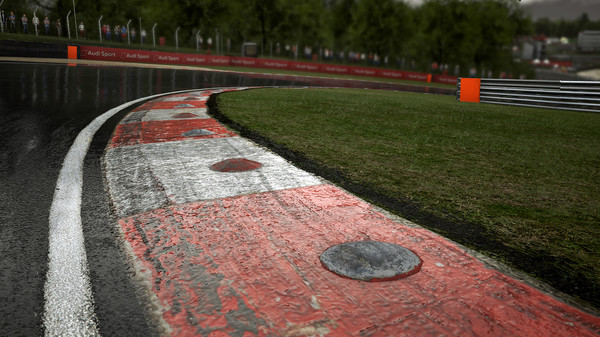
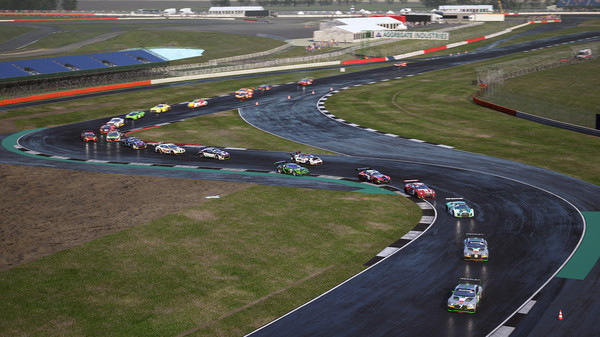
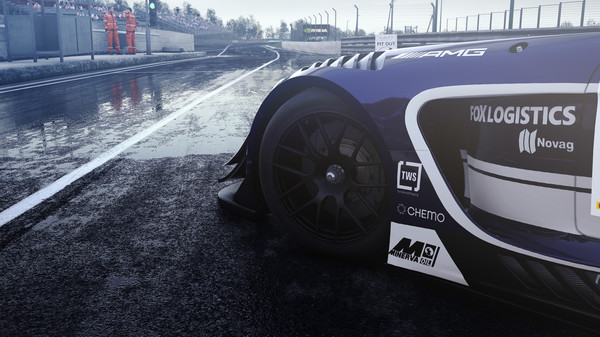
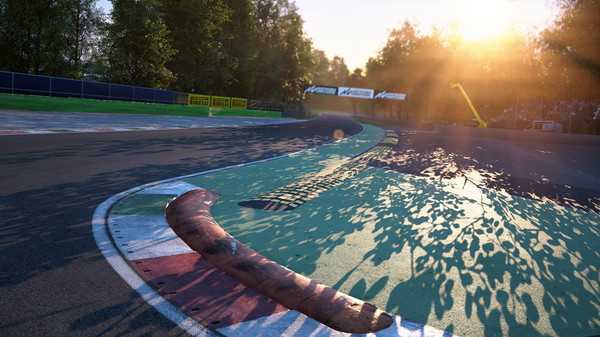
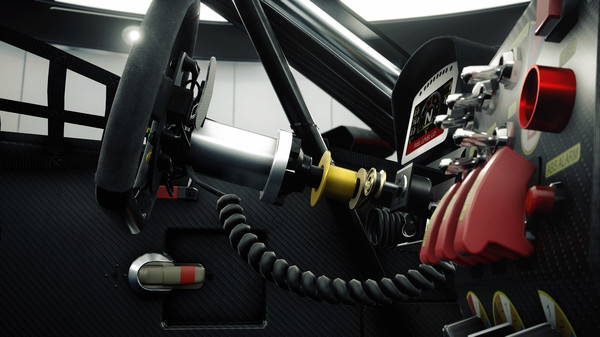
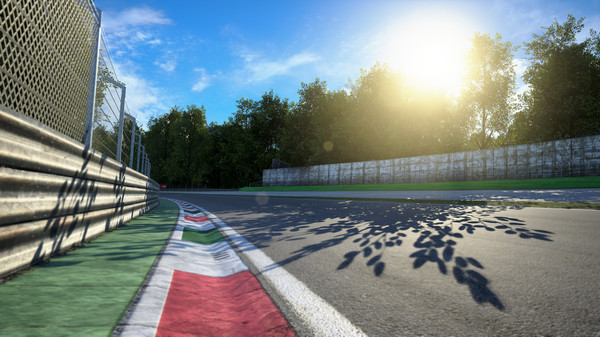
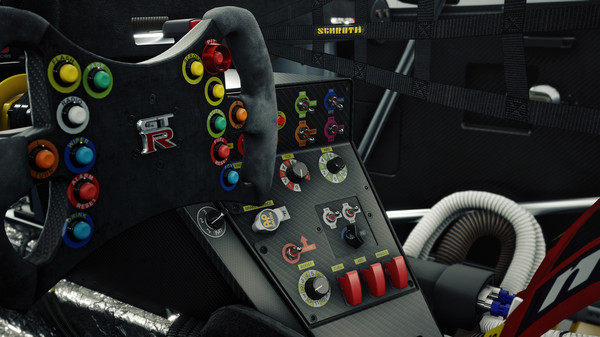
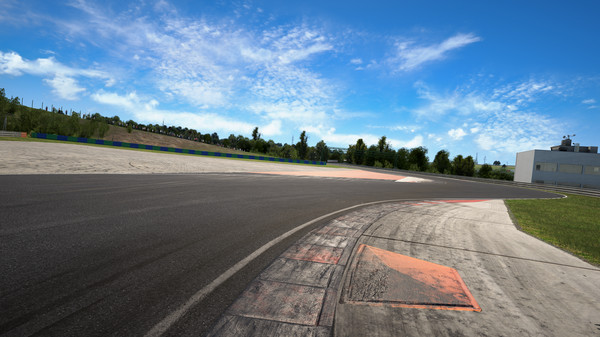
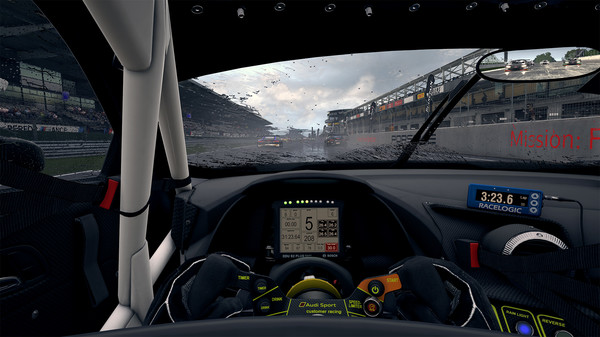
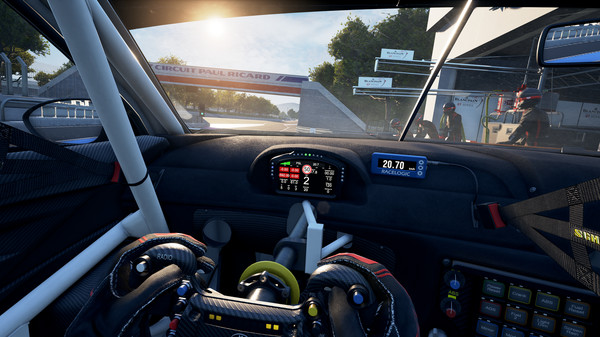
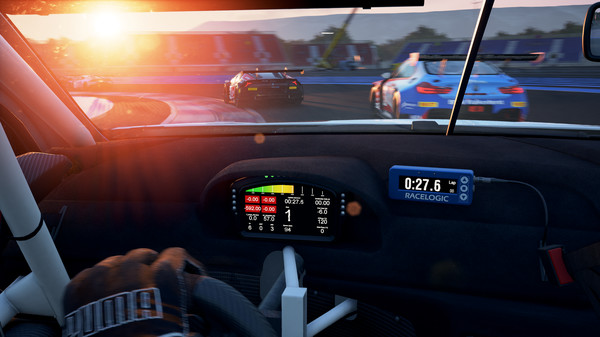
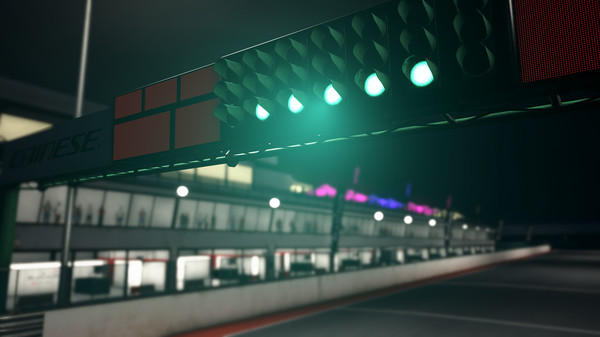
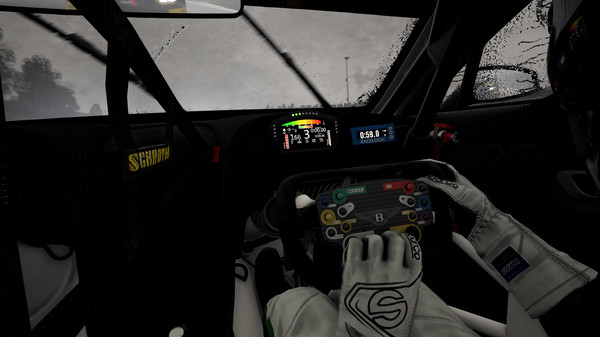
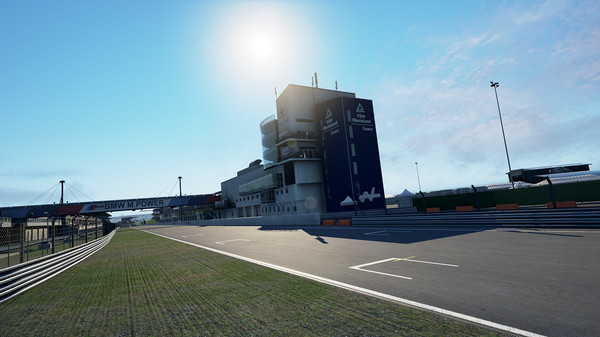
Assetto Corsa Competizione, the official GT World Challenge videogame. Thanks to the extraordinary quality of simulation, you will experience the atmosphere of the GT3 championship. Compete against official drivers, teams, cars and official circuits reproduced to the highest quality ever seen.
Official game page










































































































Why use Eagle for Assetto Corsa Competizione?
Assetto Corsa Competizione is about comparing a car's behavior over laps, not just reaching the finish. Eagle puts grip, fuel, vehicle damage and repair controls alongside a free camera, making it possible to try a setup or inspect a corner during the same session. For a player practicing a circuit, those related options are easier to use together than as separate adjustments. Open the menu with Insert on Windows PC and choose the controls relevant to the current run.