FREE CHEATS FOR
Bodycam
Released June 7, 2024
Updated
 EAGLE CHEATS
How to use Eagle in Bodycam
With Bodycam running, press Insert to open the Eagle menu. The quick keys give direct access to Player ESP, Aimbot and Triggerbot. Use the menu for No Recoil, Infinite Health and Movement Speed and the remaining listed features; close it with Insert to return to the app.
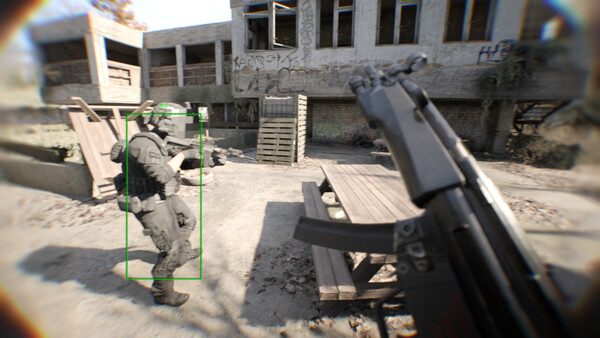
- F2 Player ESP
Press F2 to turn Player ESP on or off without opening the menu. - F3 Aimbot
Press F3 to turn Aimbot on or off without opening the menu. - F4 Triggerbot
Press F4 to turn Triggerbot on or off without opening the menu. - Insert No Recoil
Press Insert, find No Recoil in the feature list, and switch it on or off. - Insert Infinite Health
Press Insert, find Infinite Health in the feature list, and switch it on or off. - Insert Movement Speed
Press Insert, choose Movement Speed, adjust the value, and apply.
EXPLORE THE MENUFeatures
17 features
The free Bodycam cheat menu includes Player ESP, Aimbot and Triggerbot. It also offers No Recoil, No Sway and Weapon ESP. Press Insert to open the menu on Windows PC.
- Player ESP
- Aimbot
- Triggerbot
- No Recoil
- No Sway
- Weapon ESP
- Distance Markers
- Radar
- Spectator List
- FOV Controls
- Infinite Health
- Infinite Ammo
- No Reload
- No Weapon Sway
- Enemy ESP
- Ammo Counter Overlay
- Movement Speed
About the game
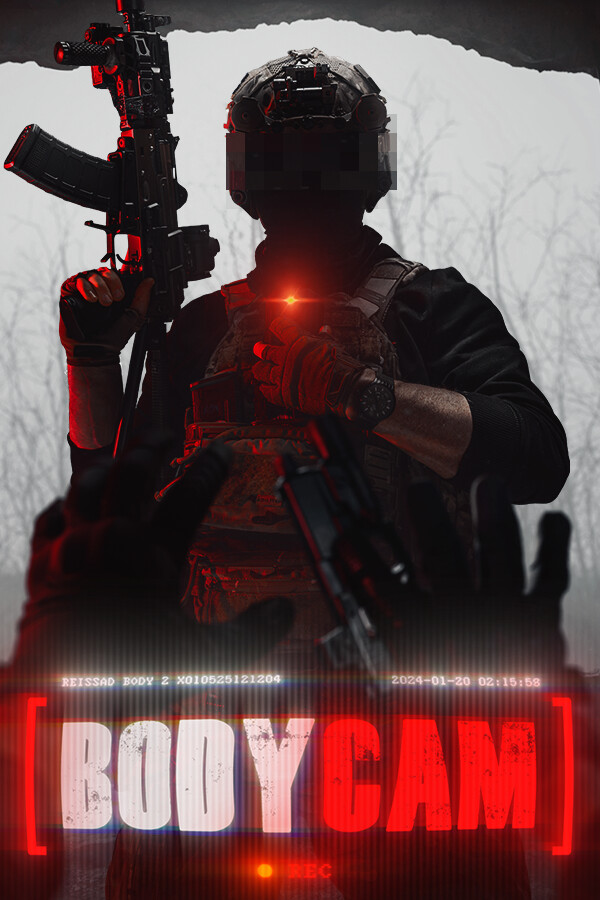
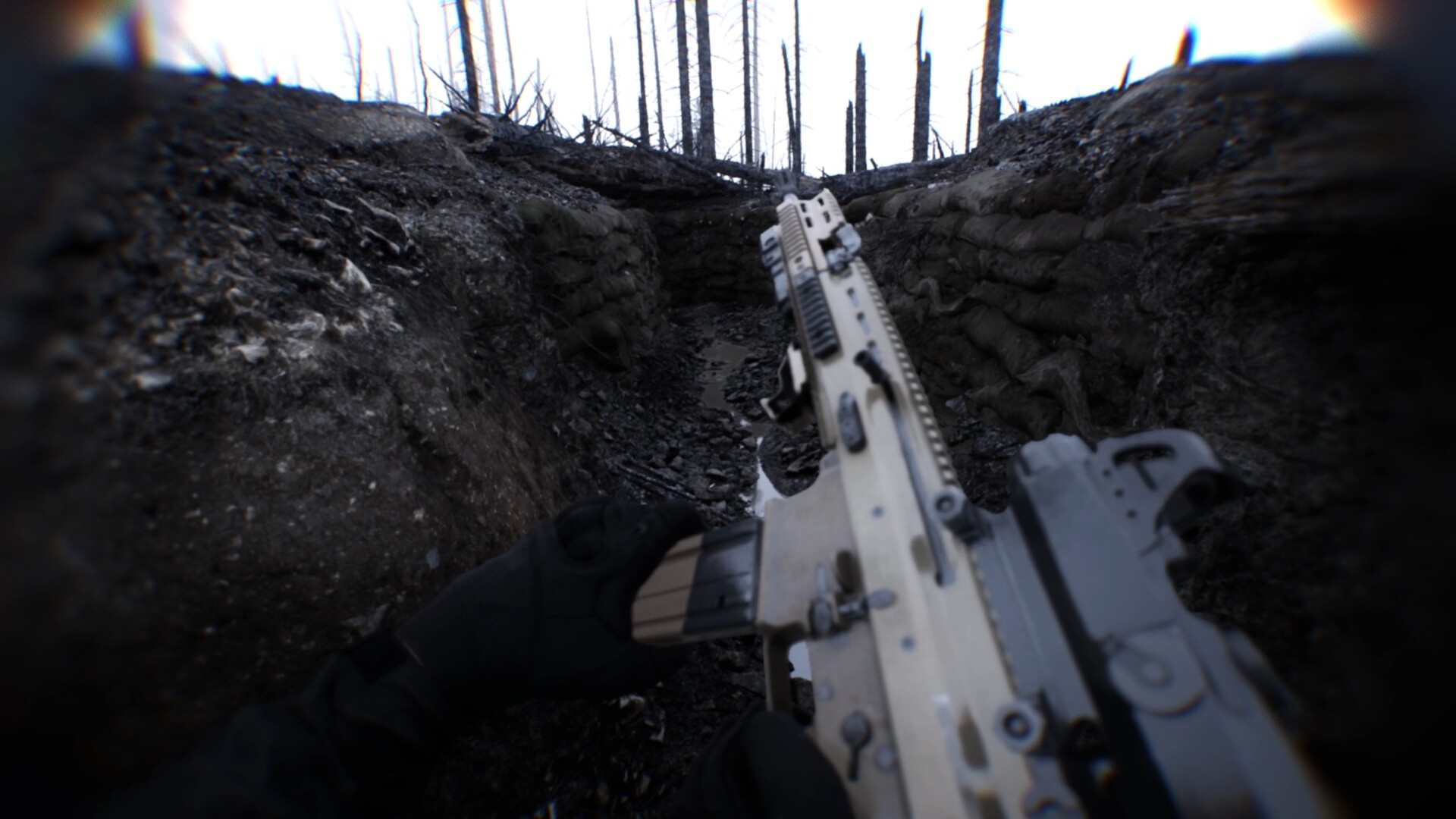
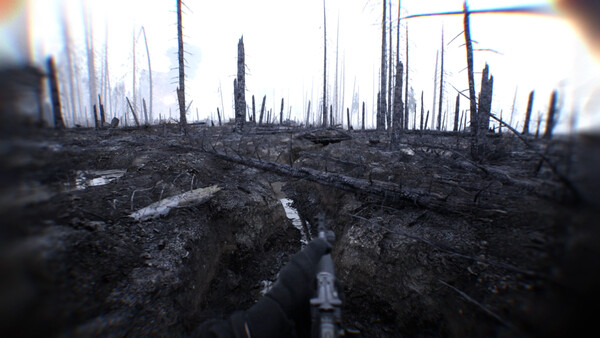
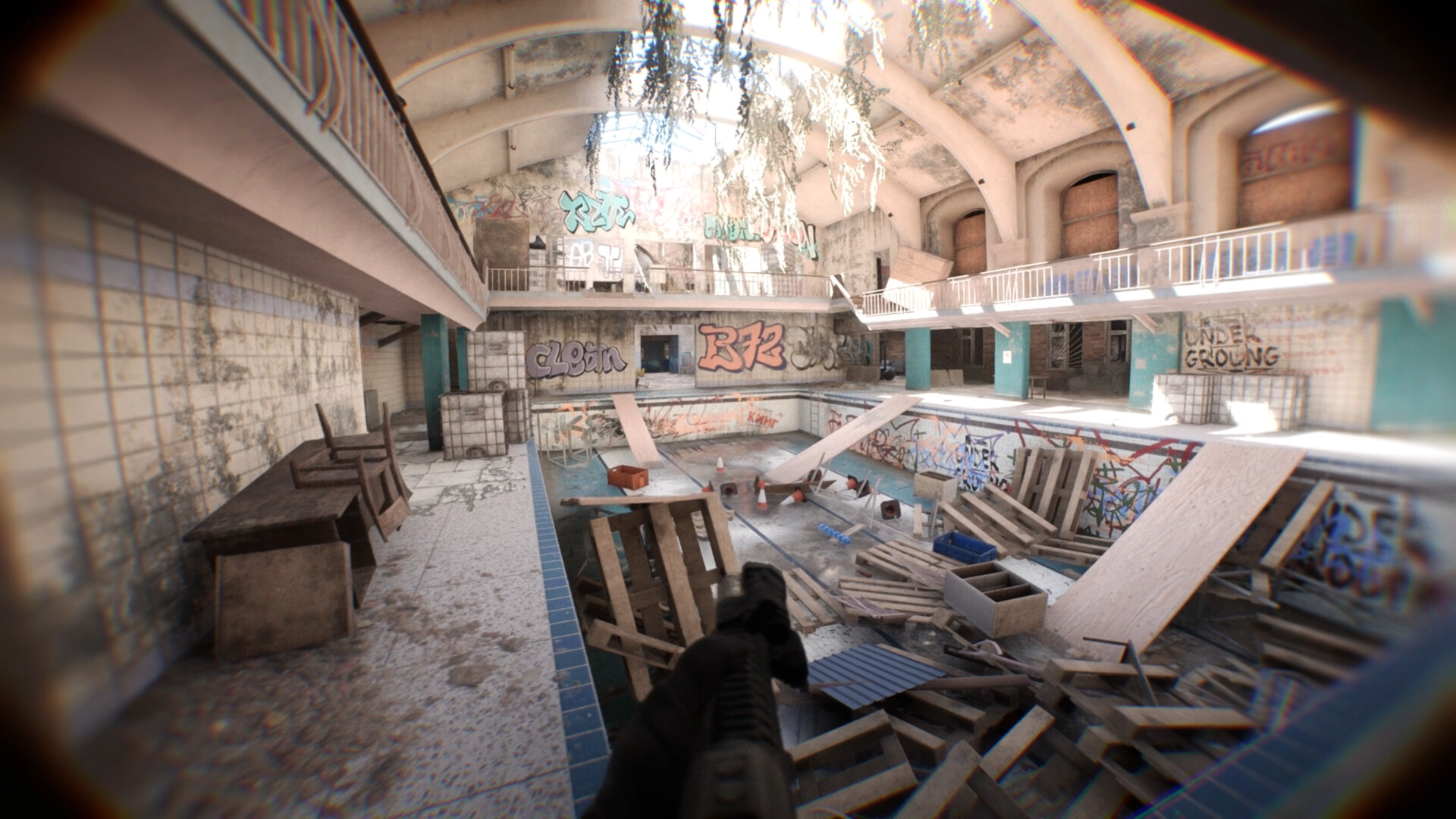
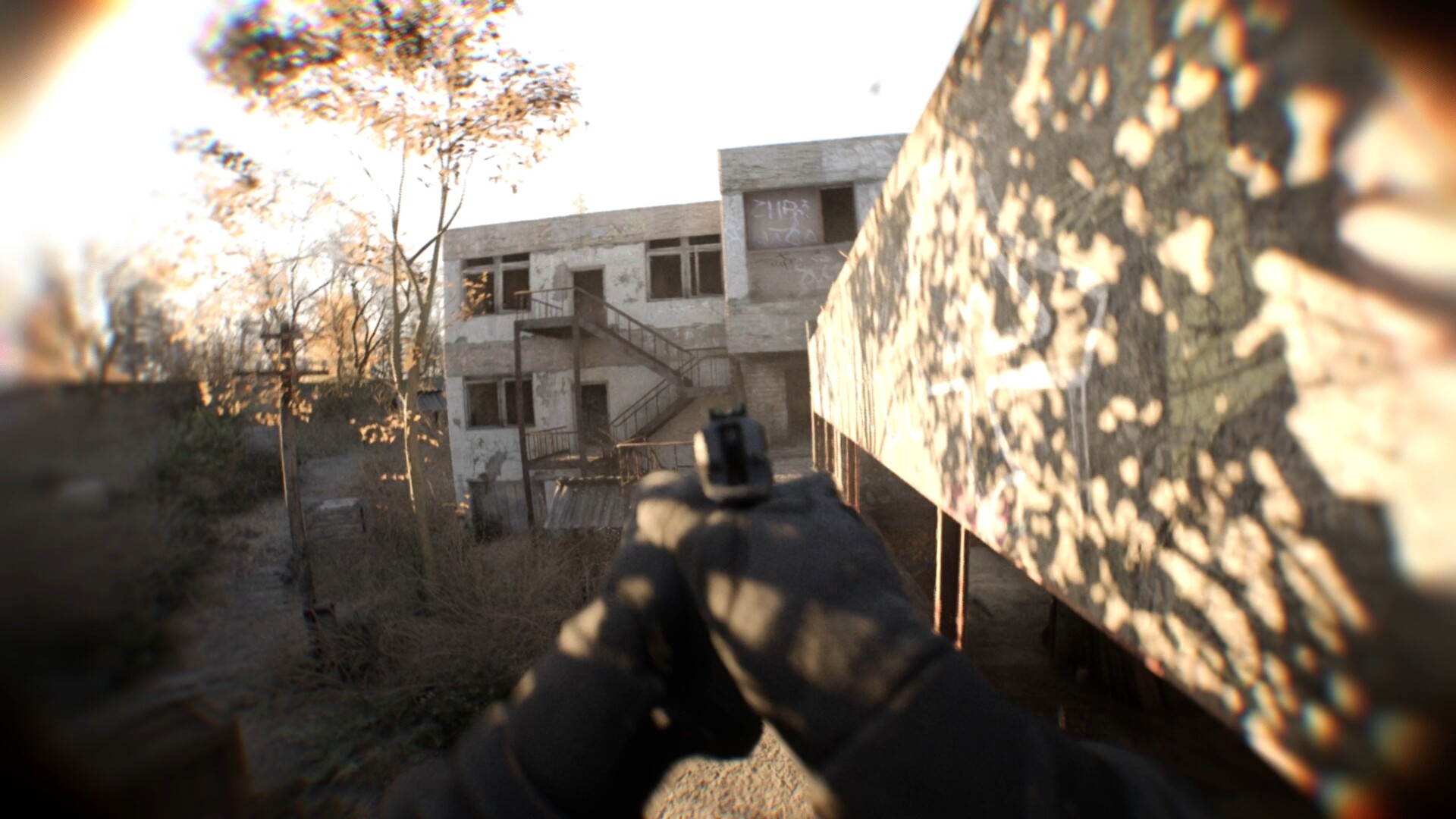
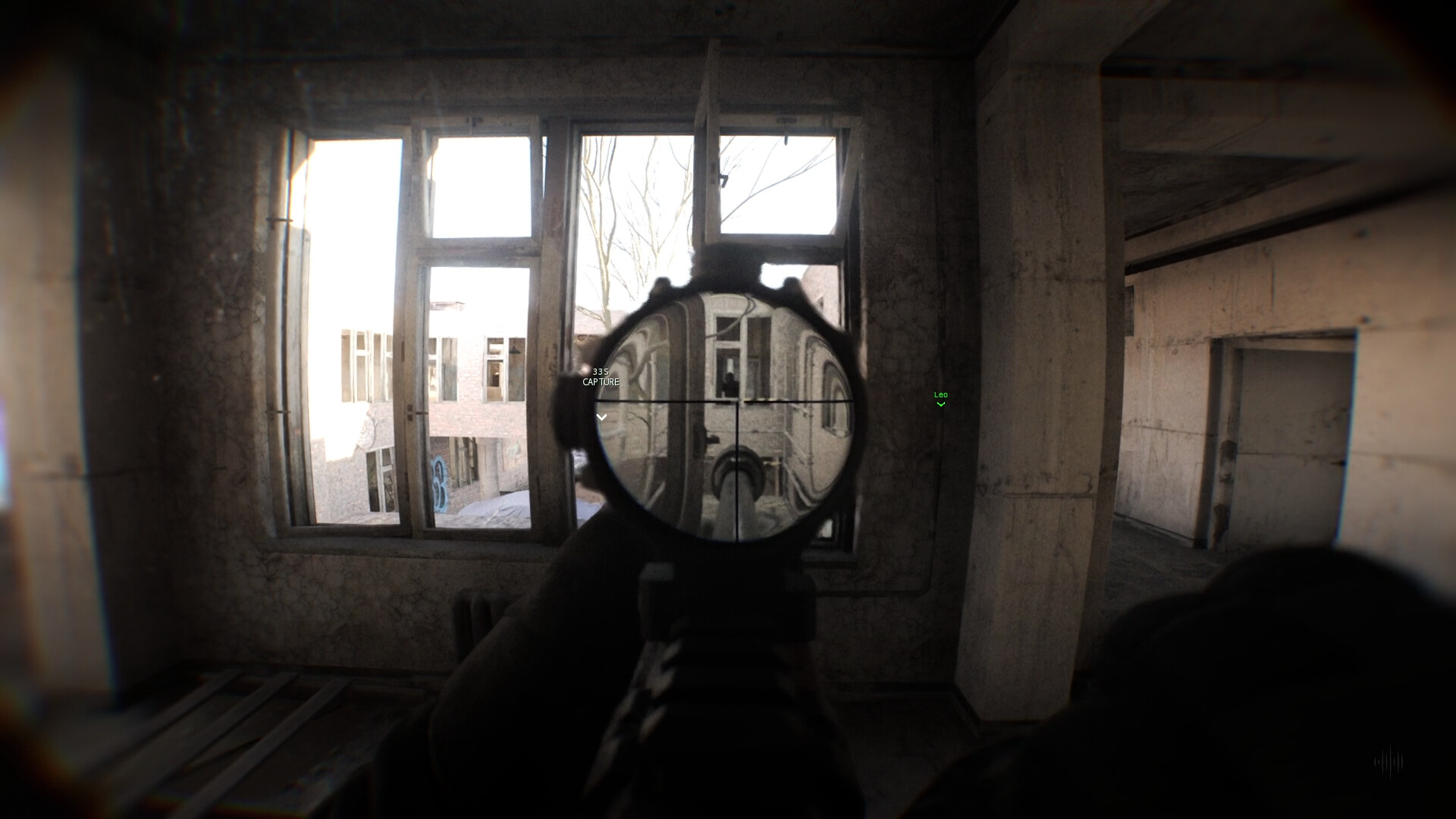
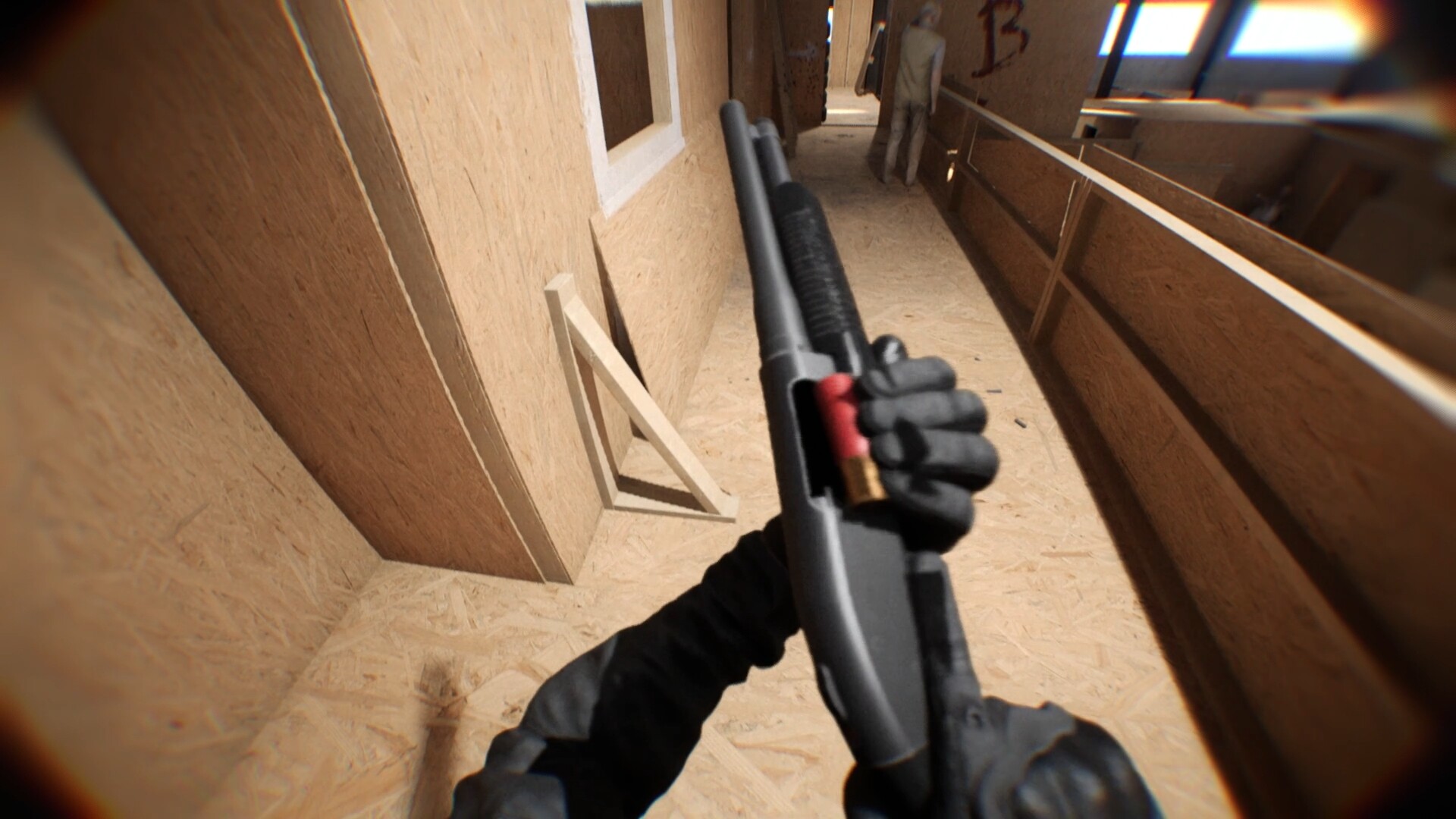
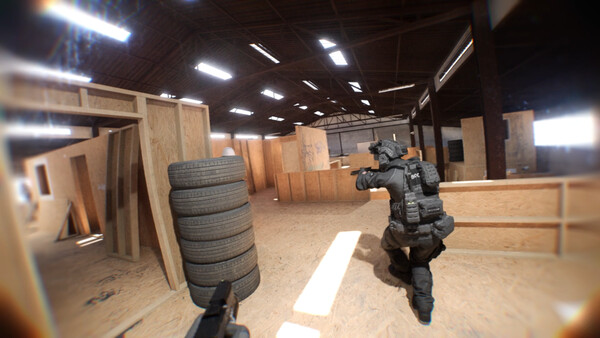
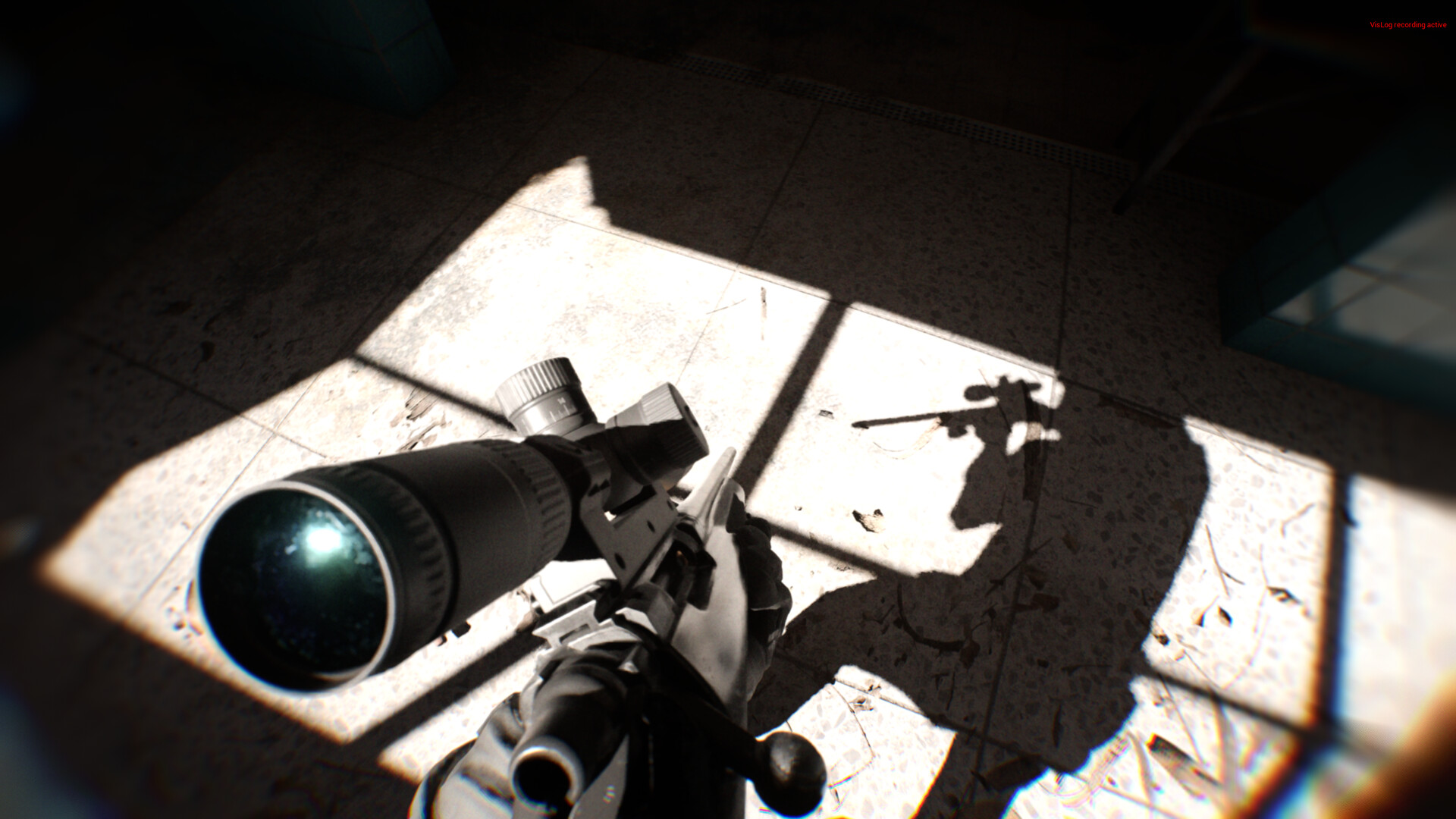
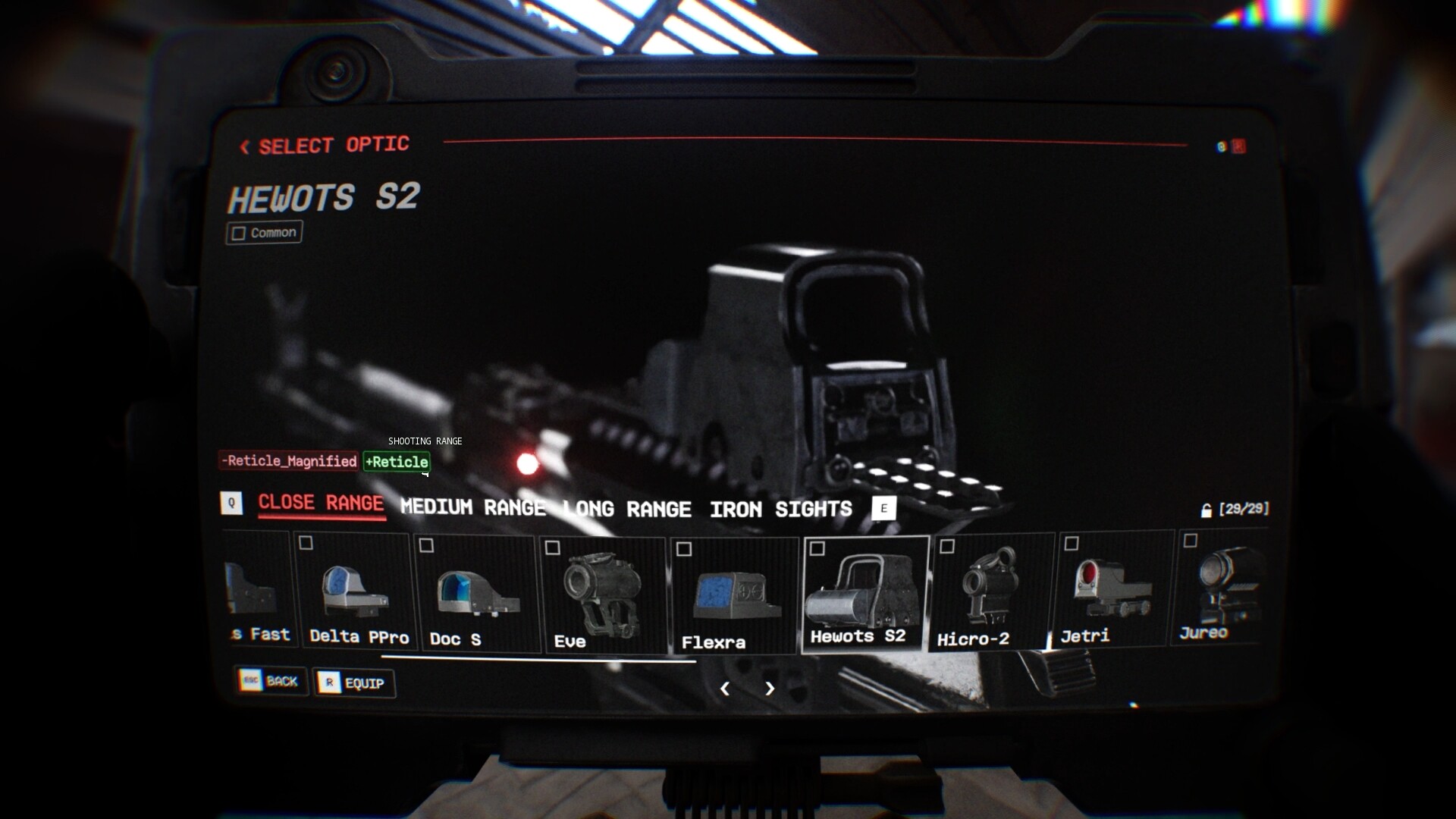
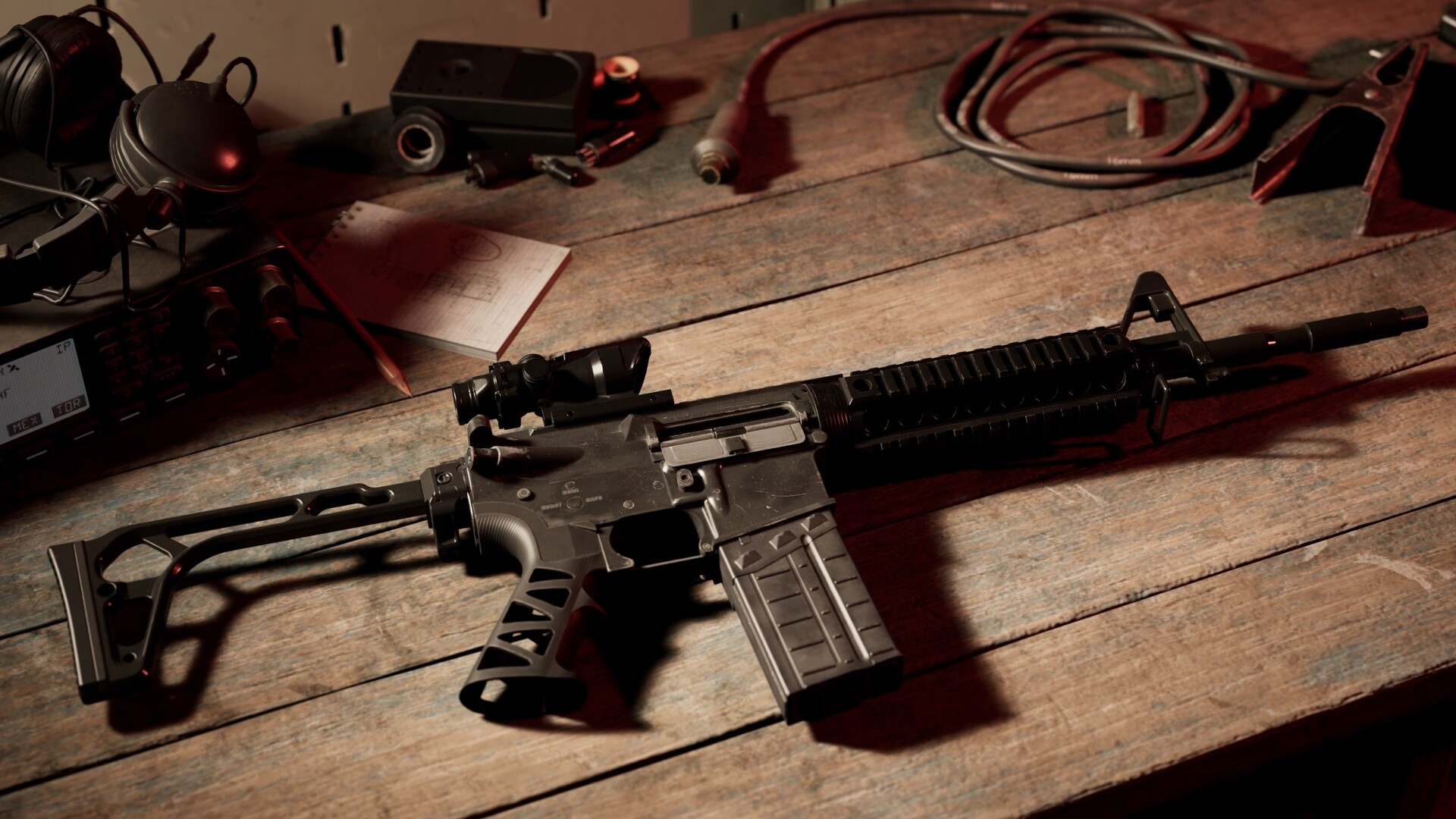
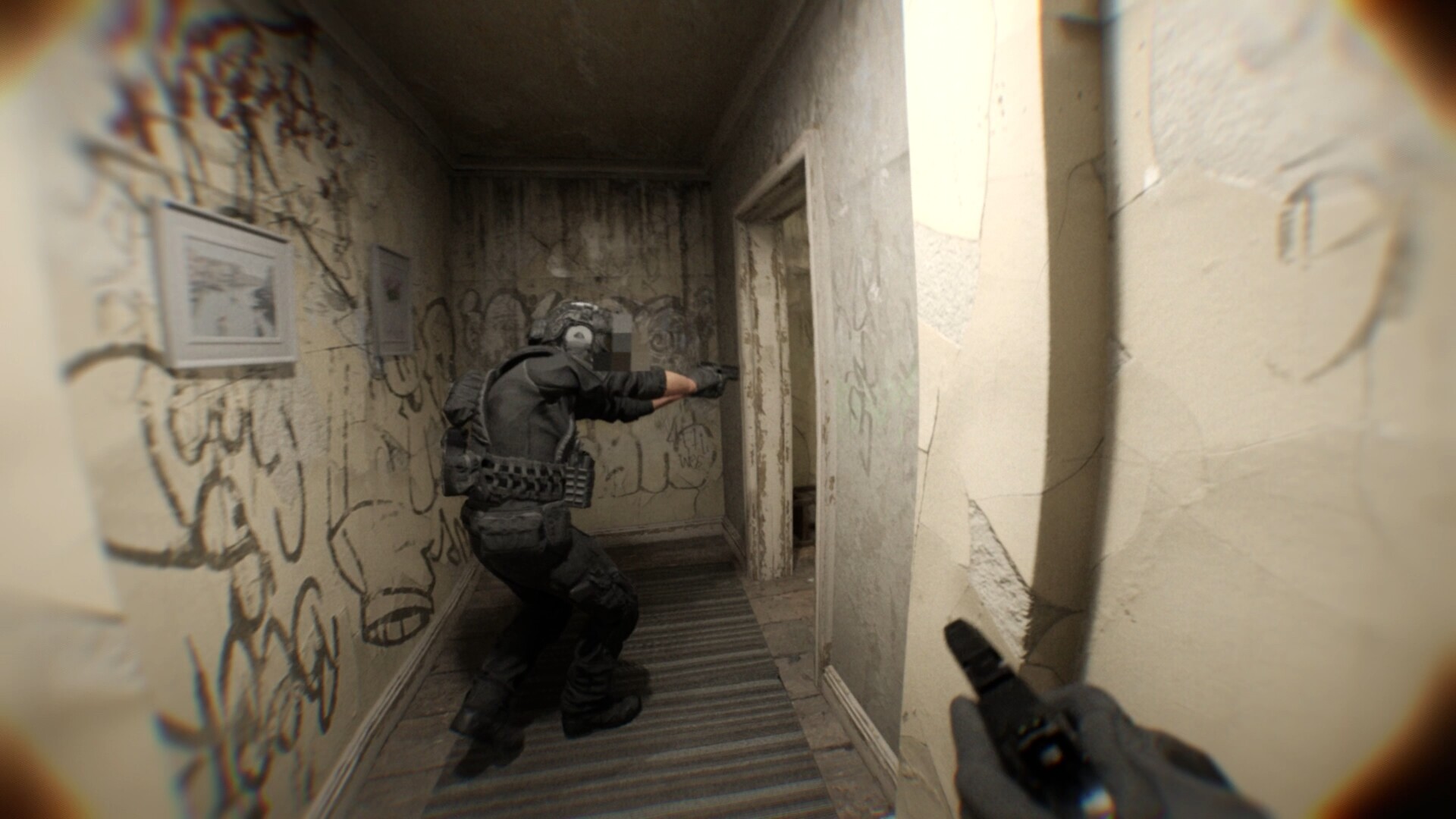
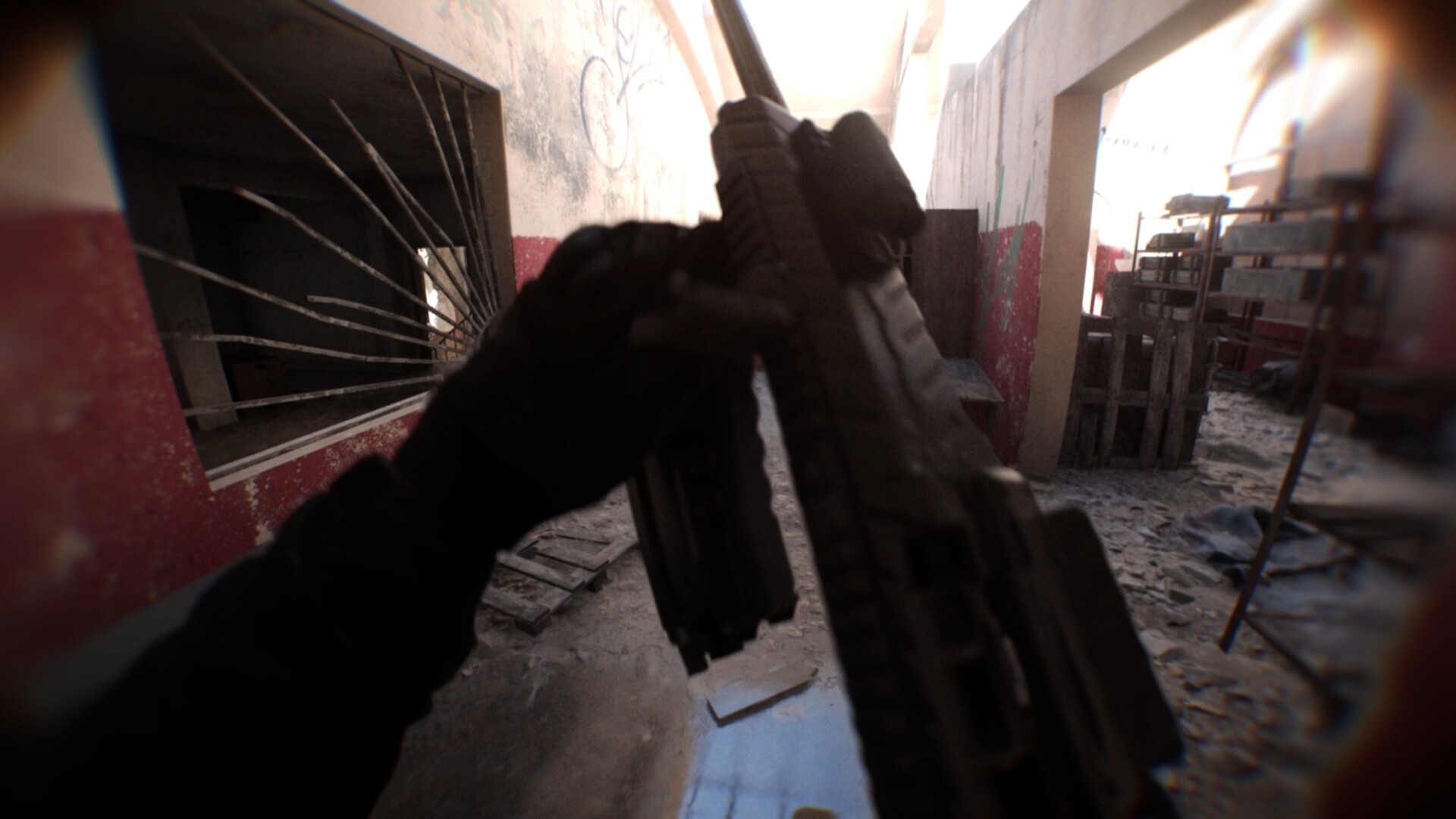
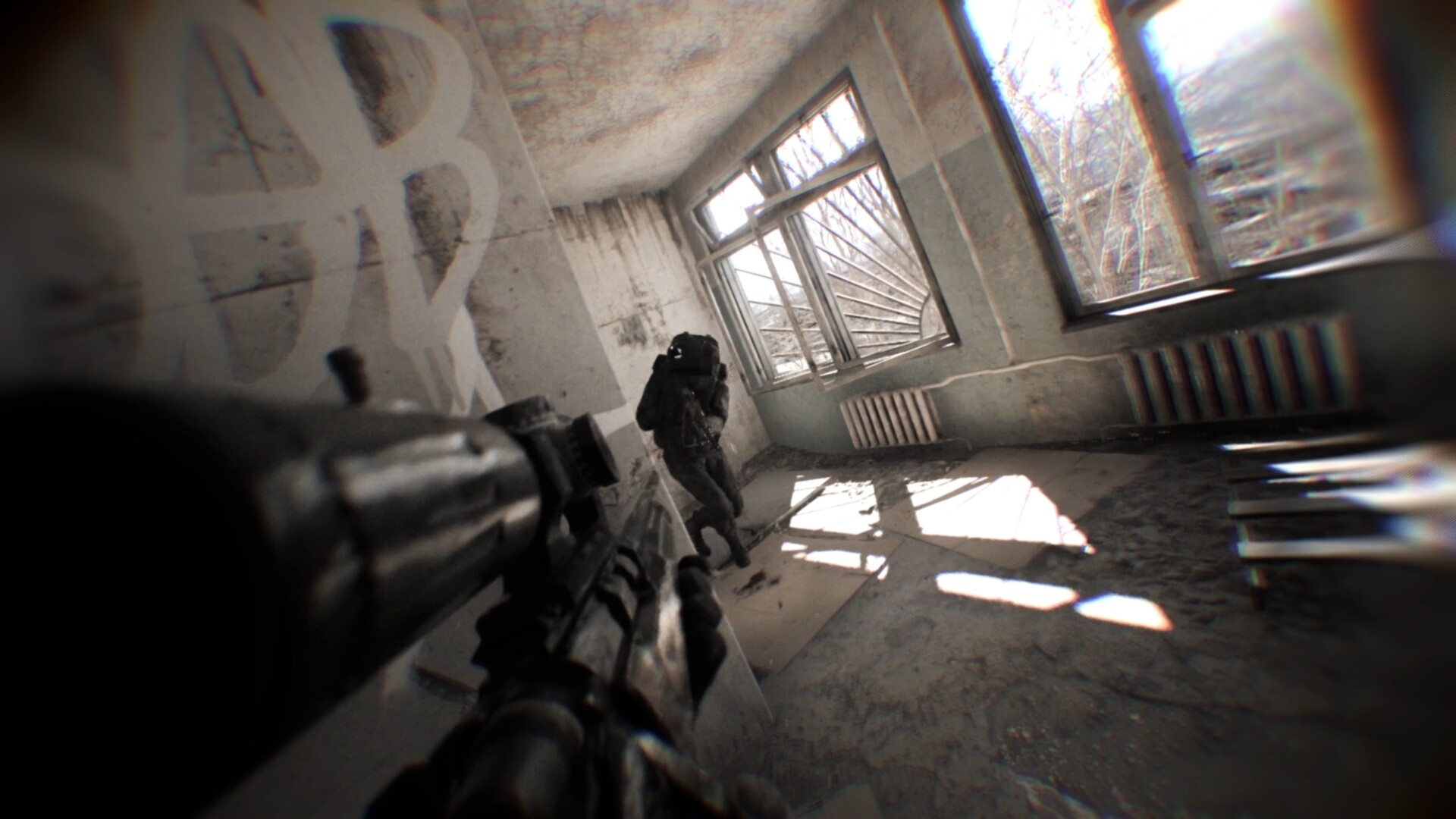
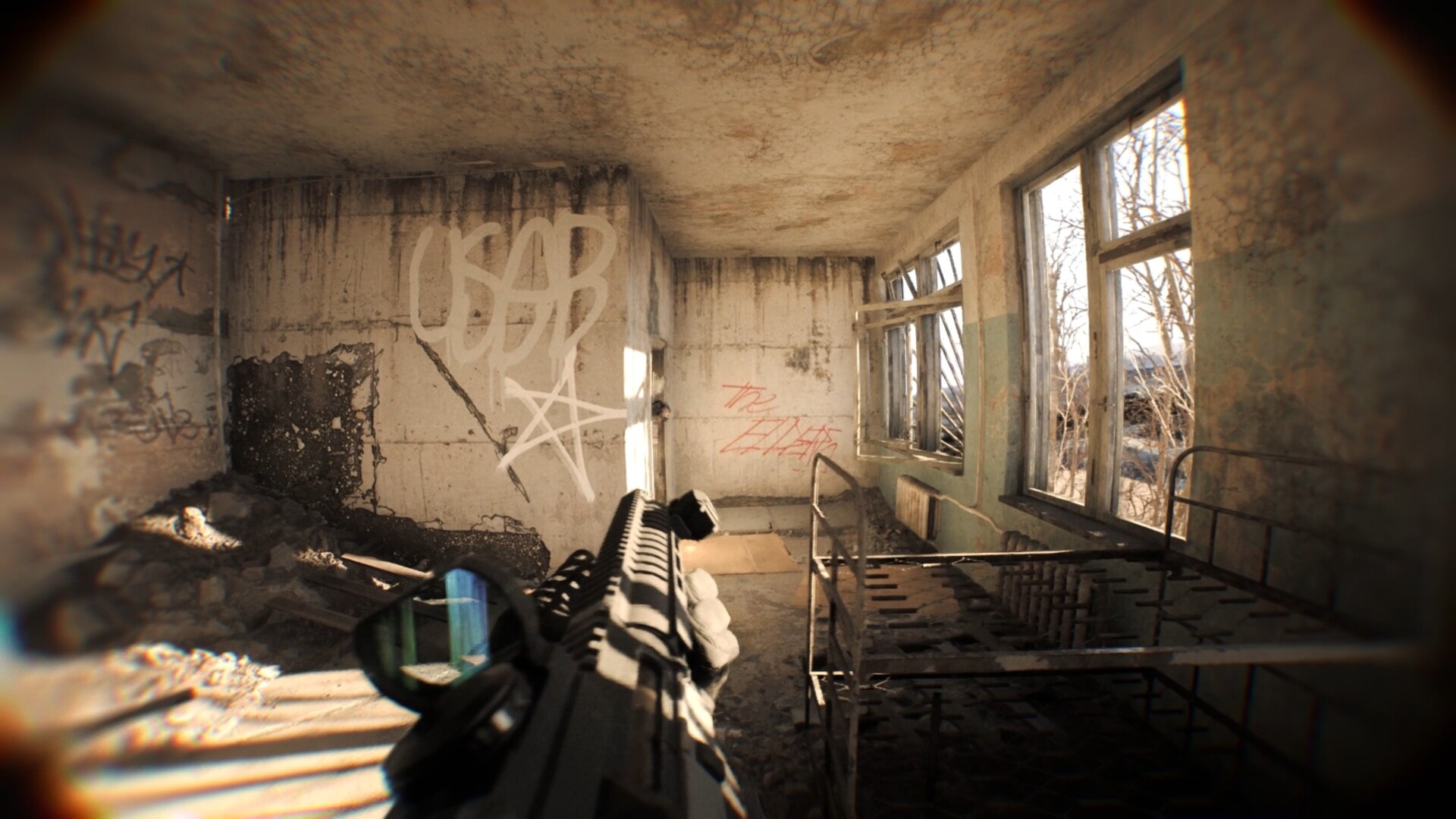
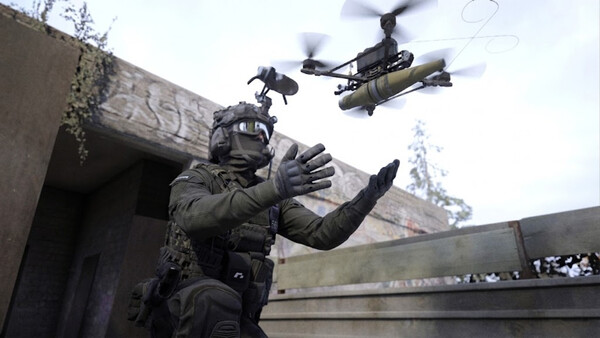
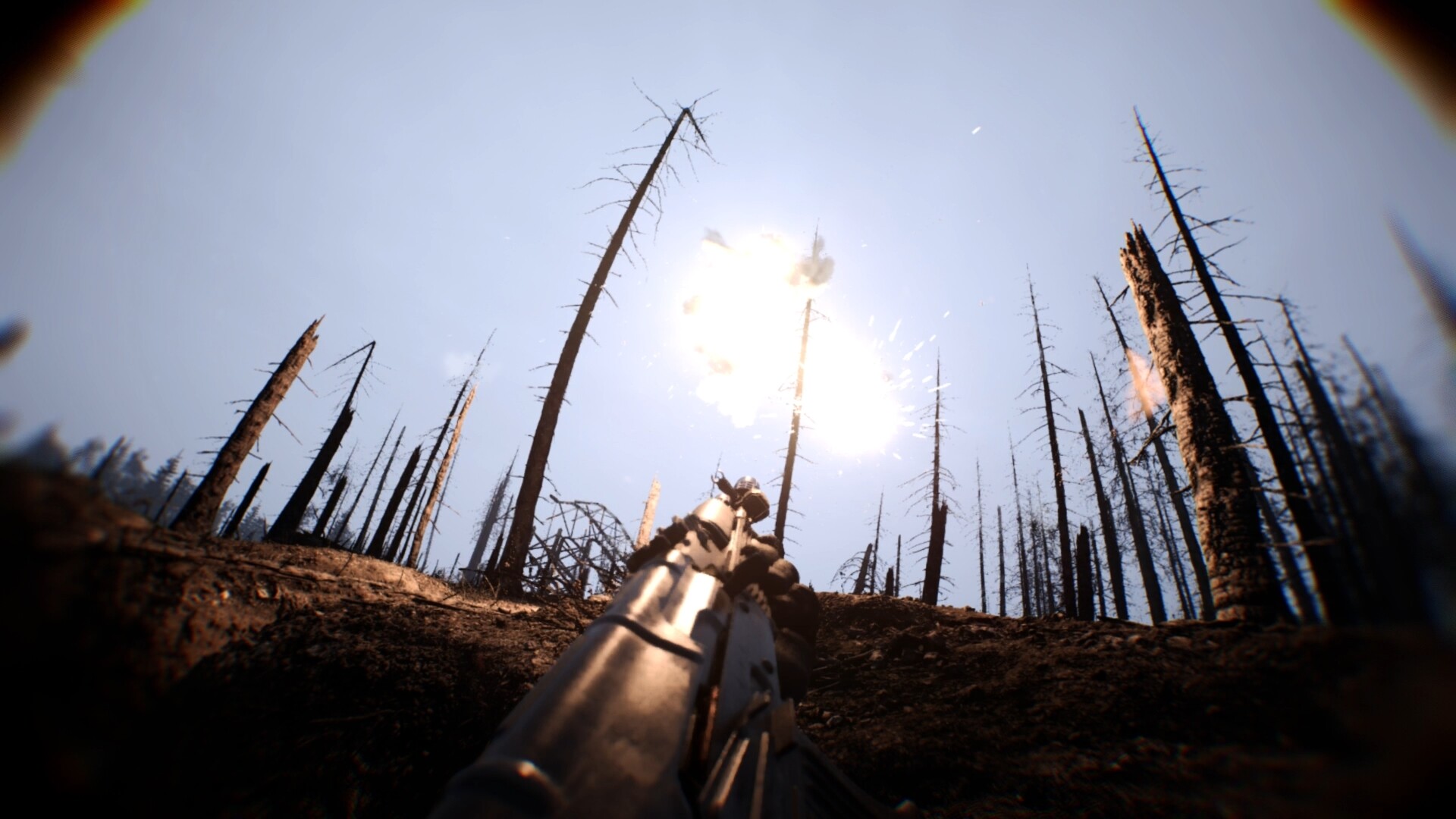
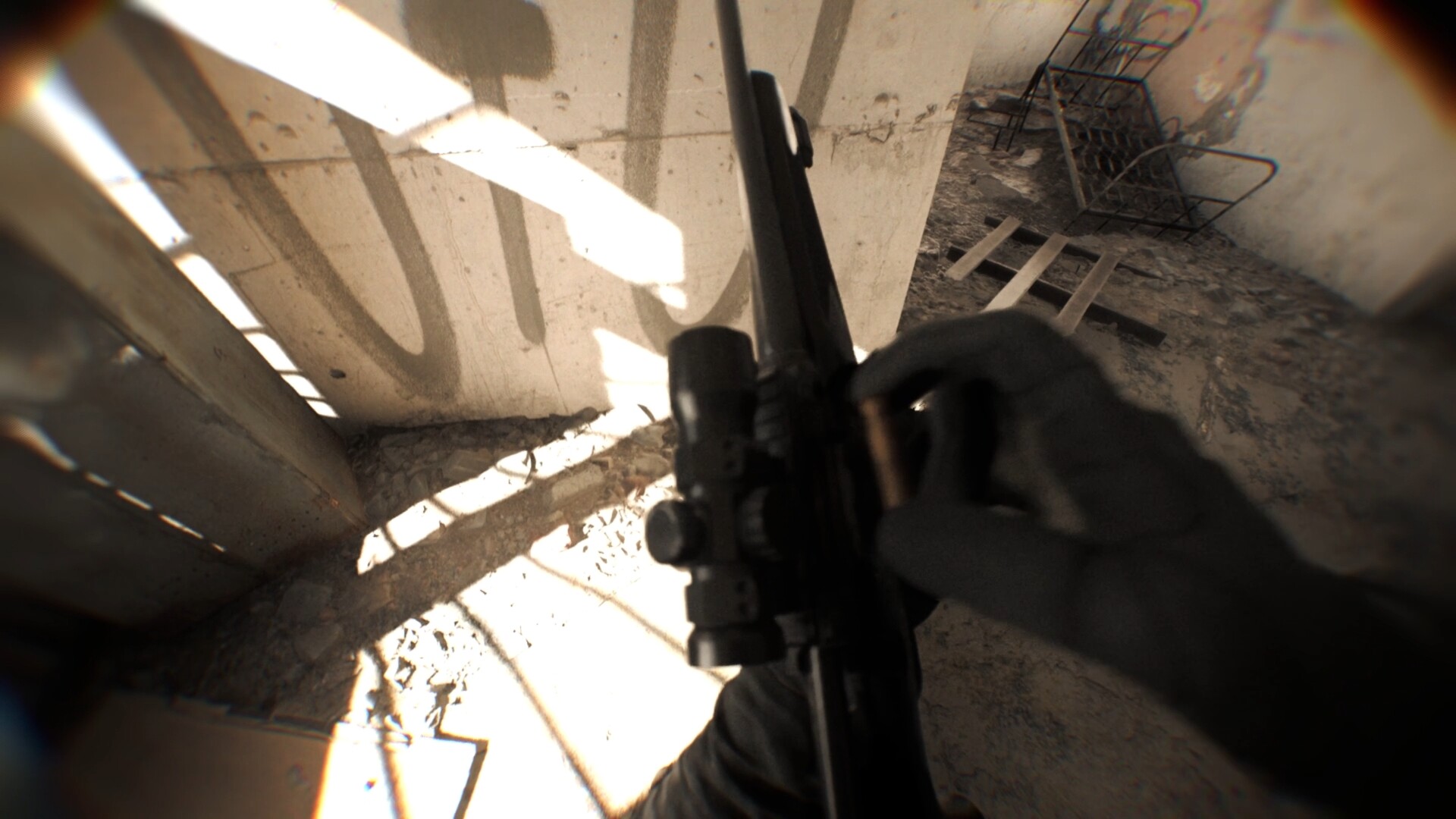
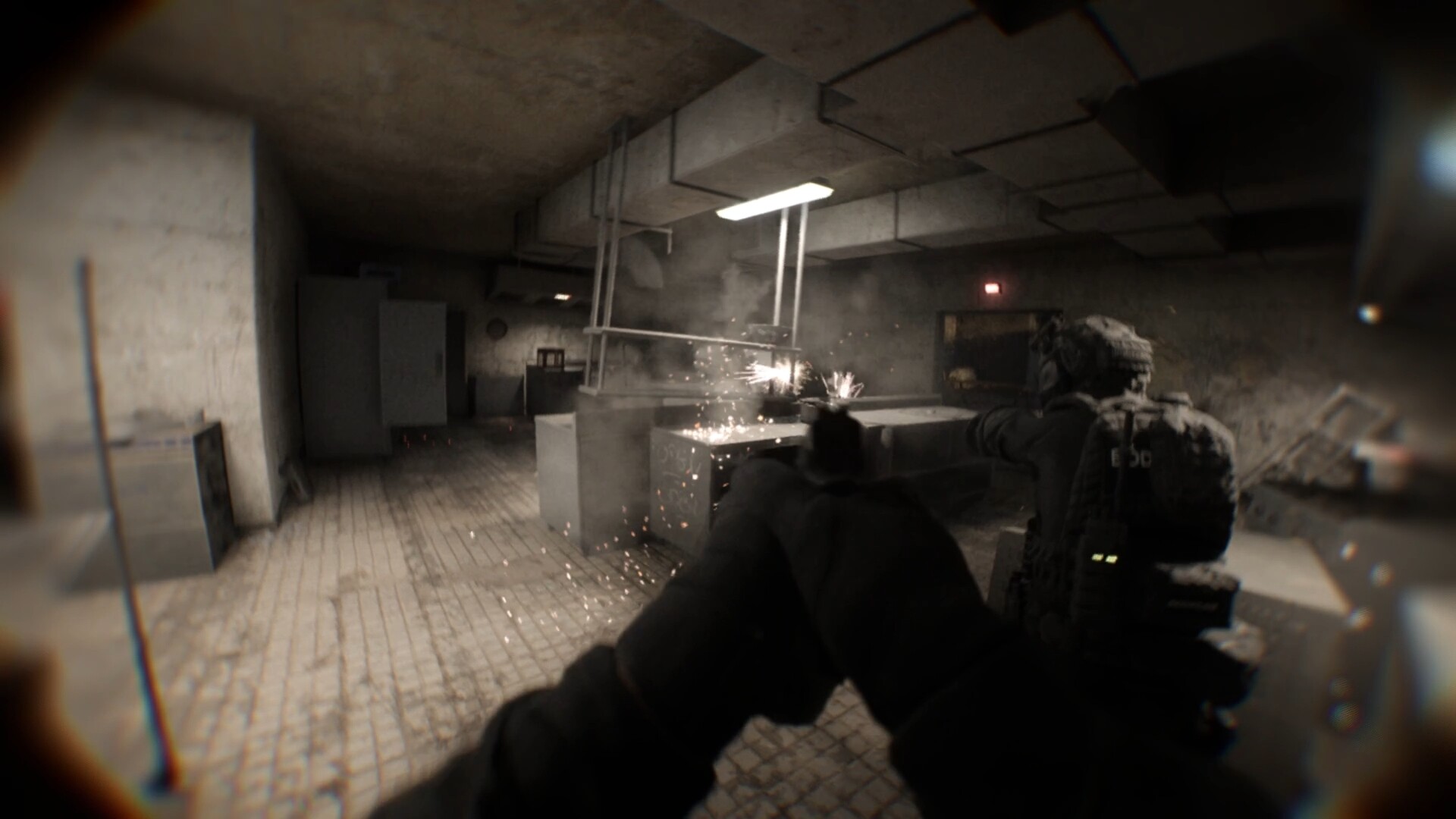
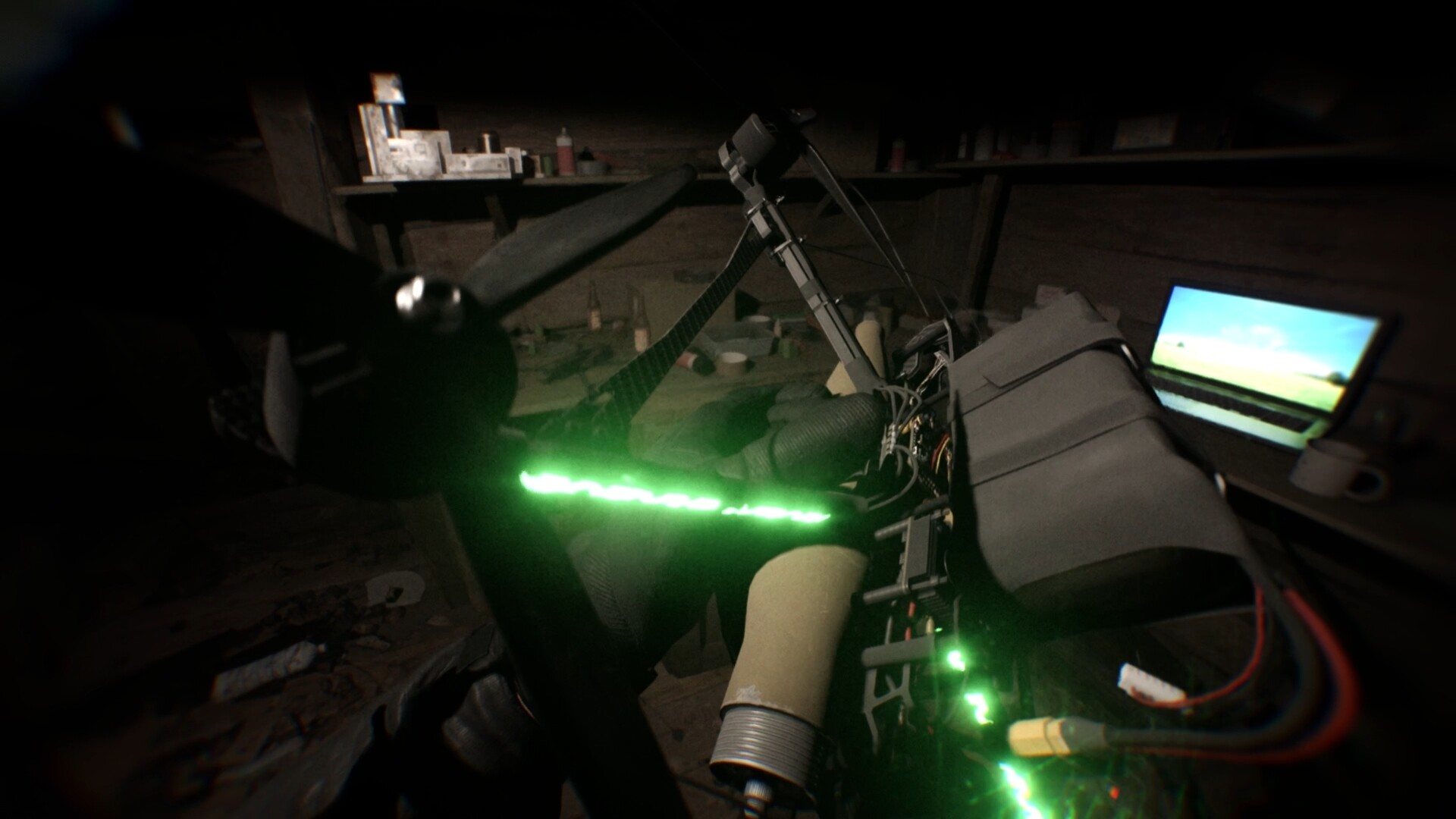
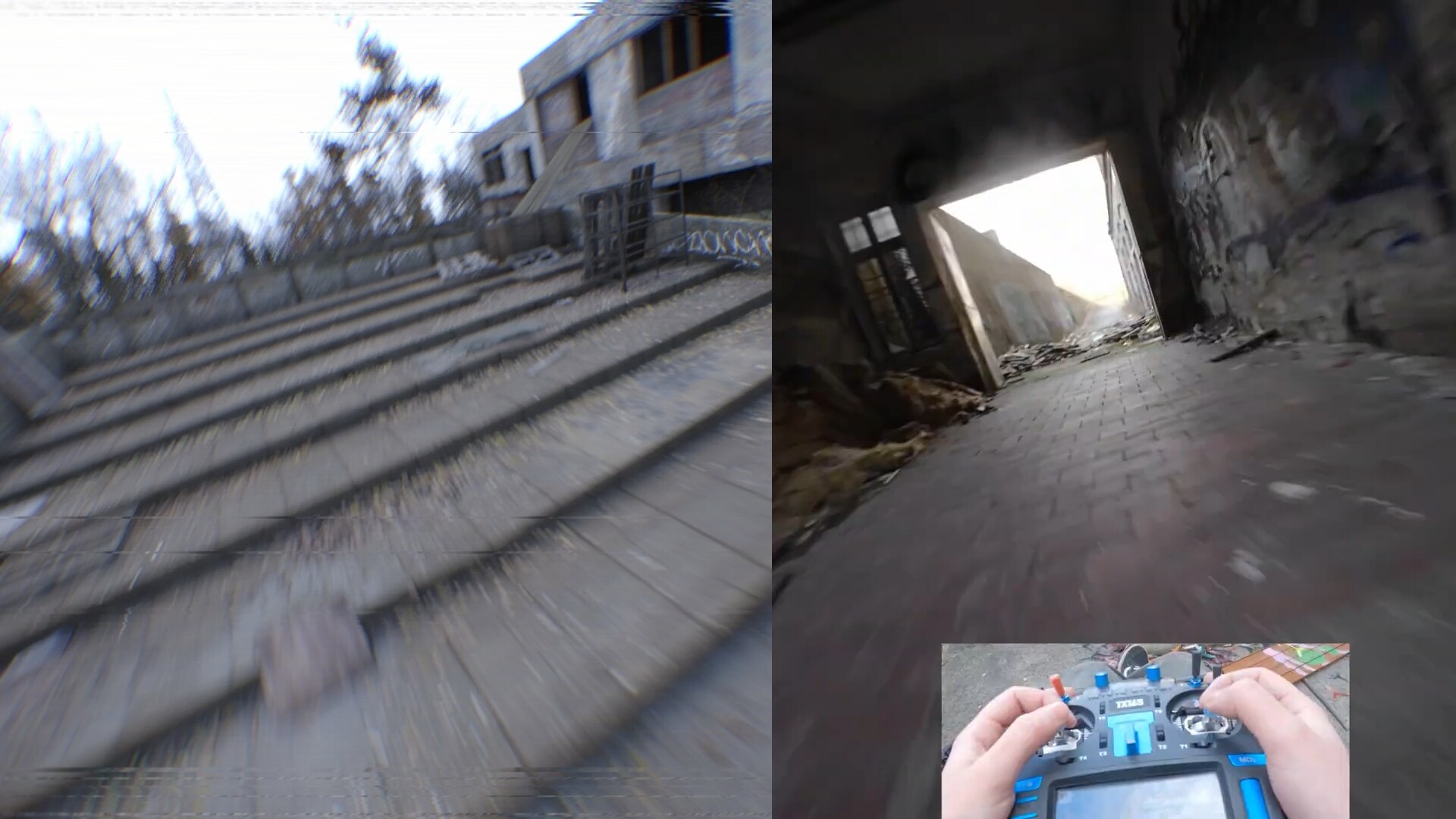
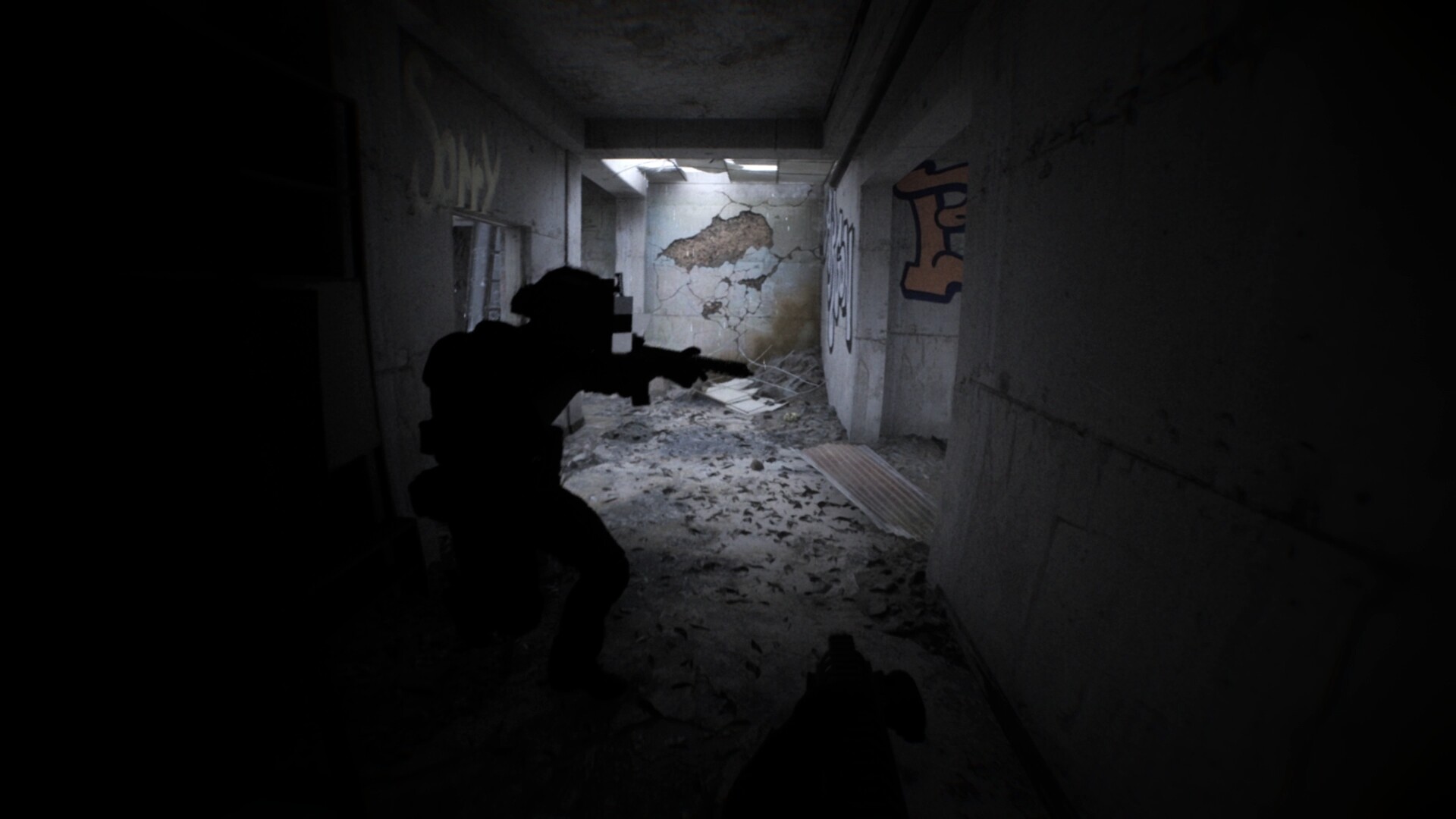
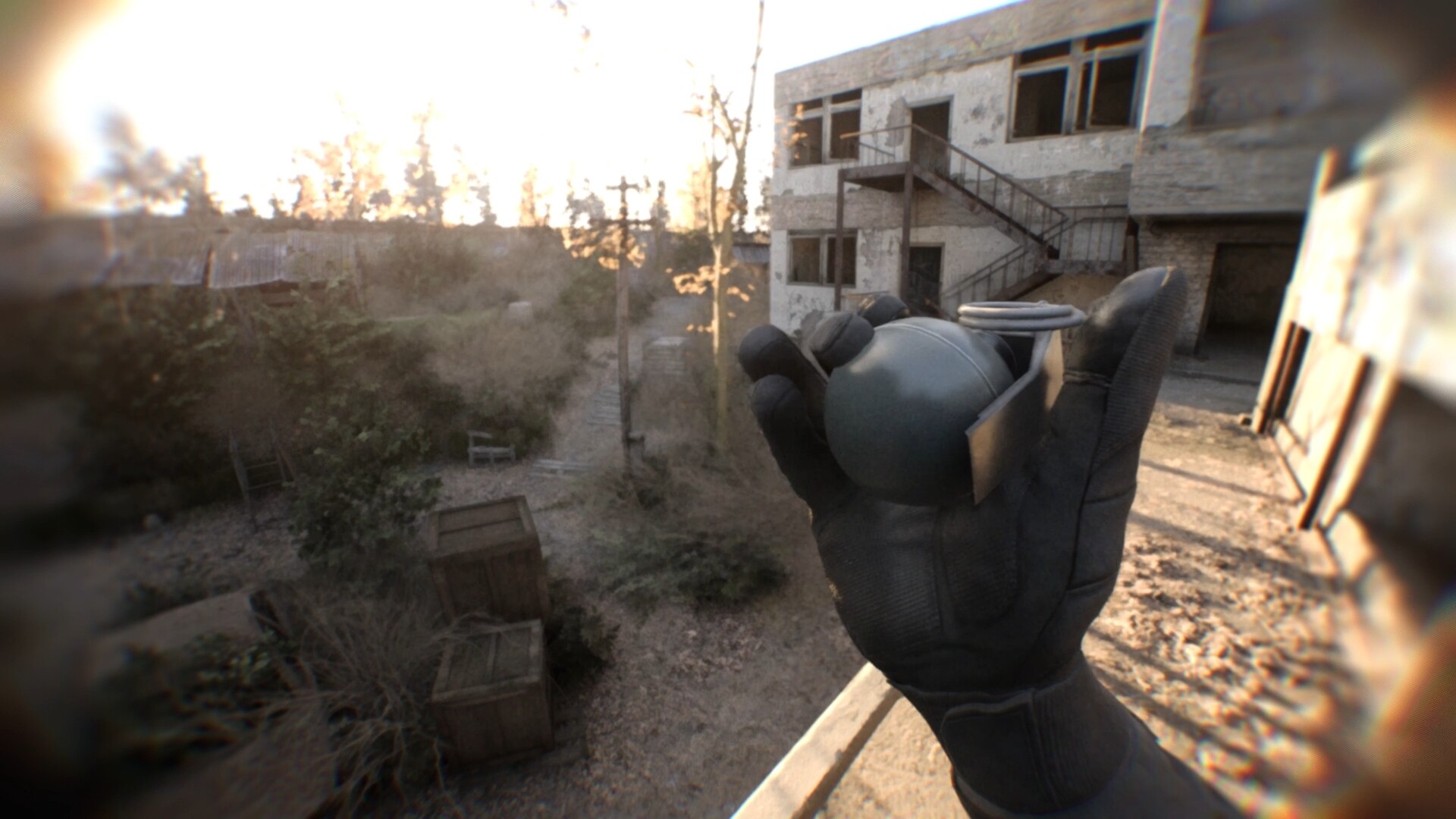
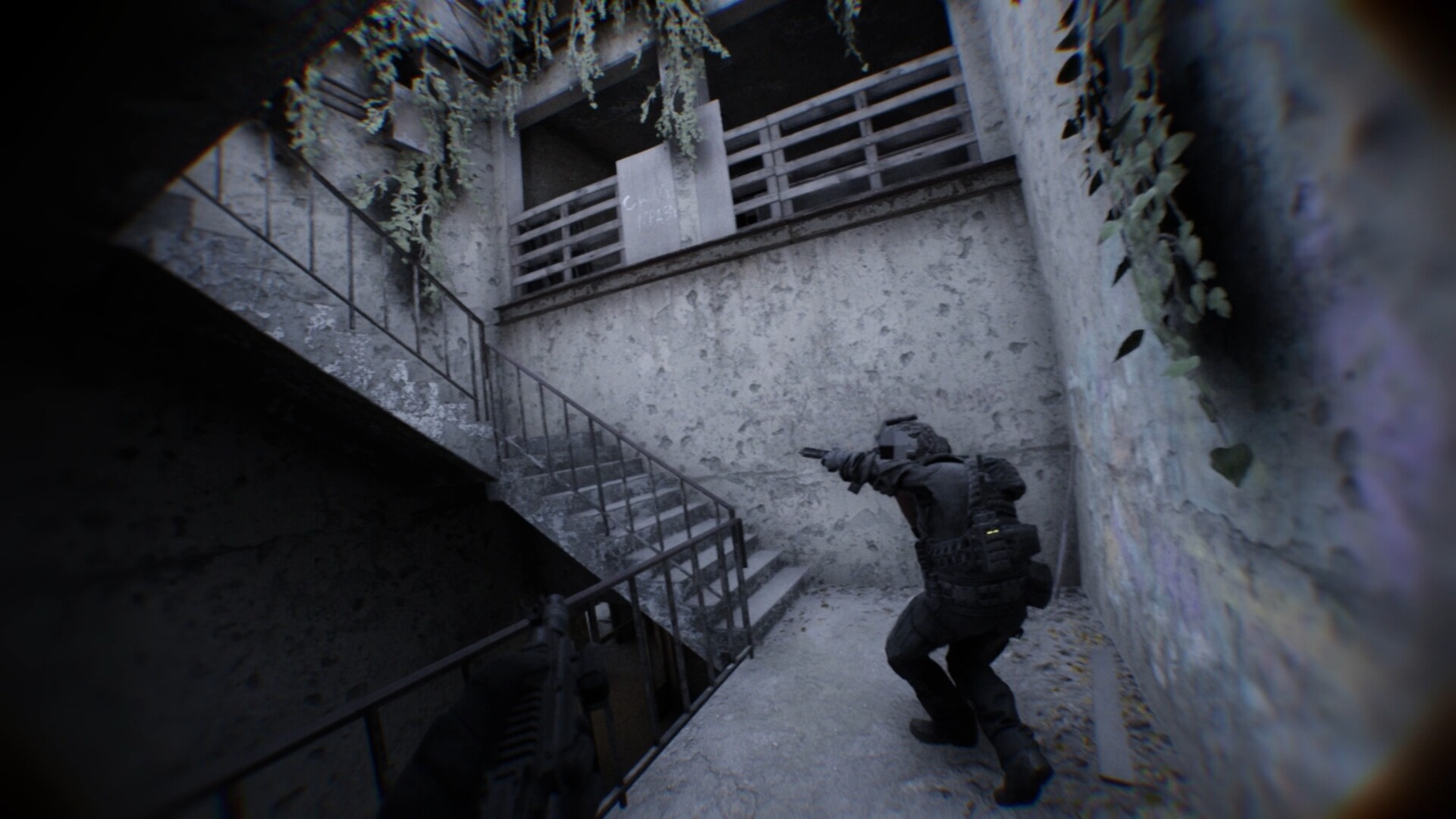
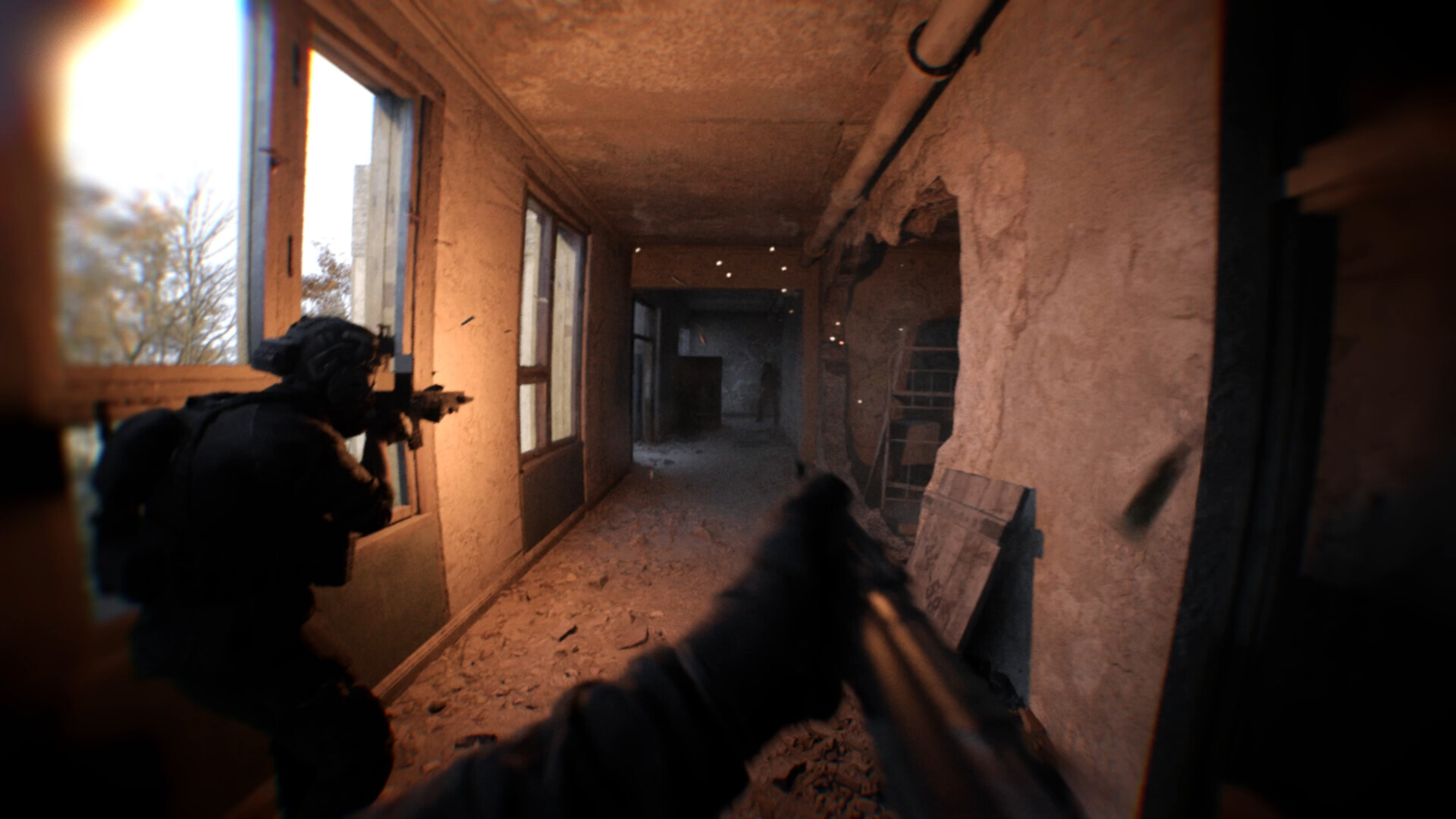
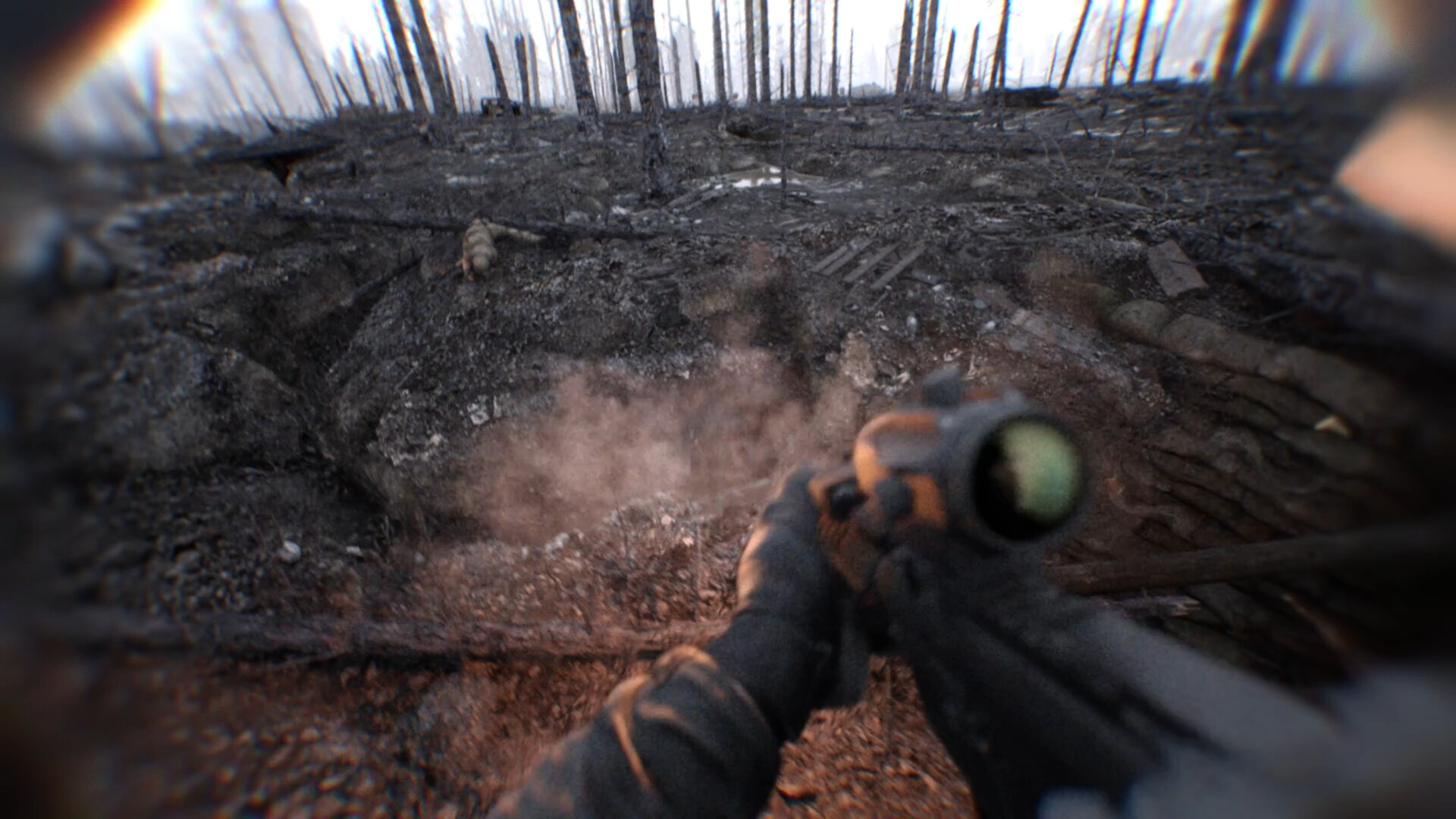
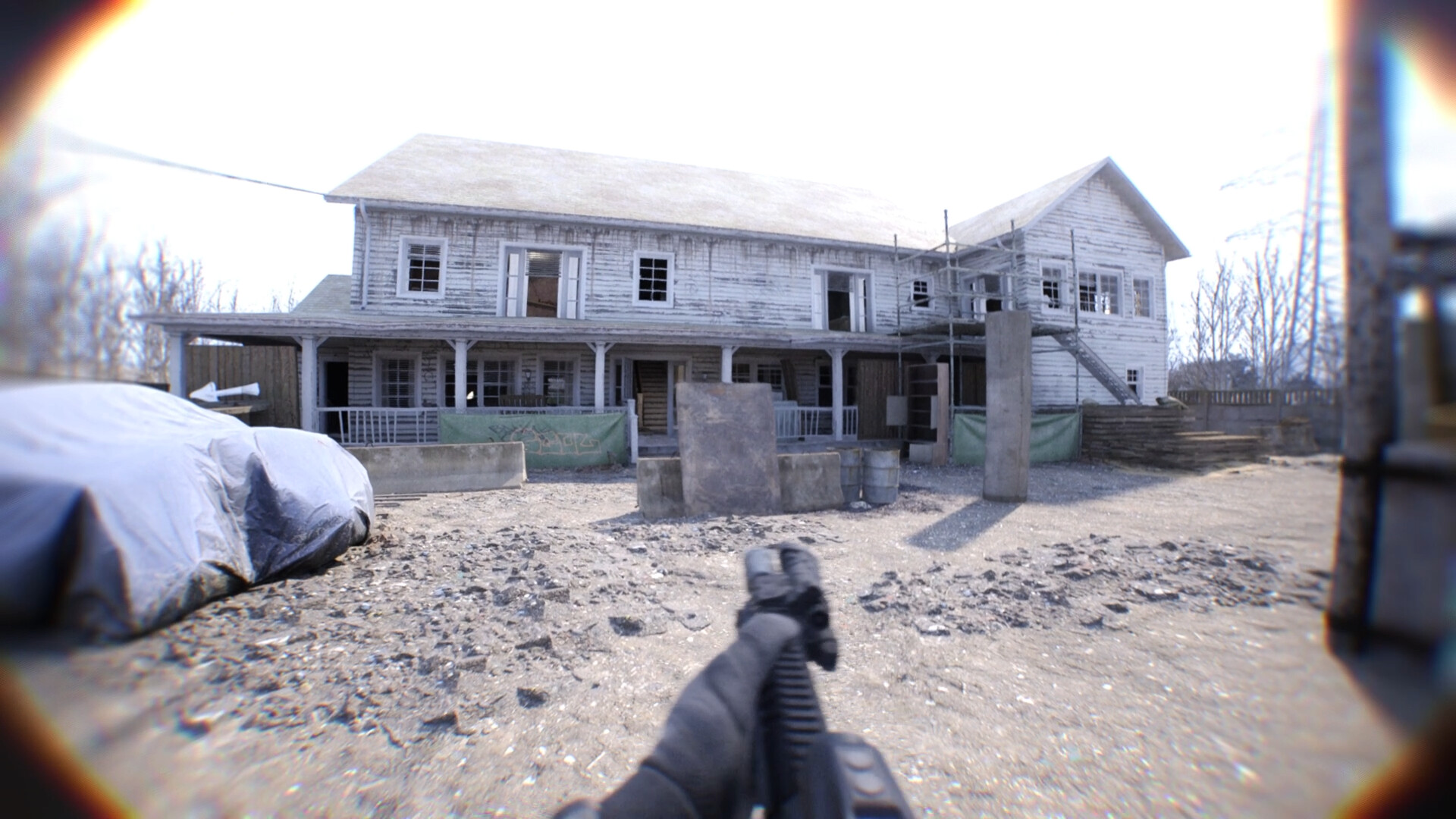
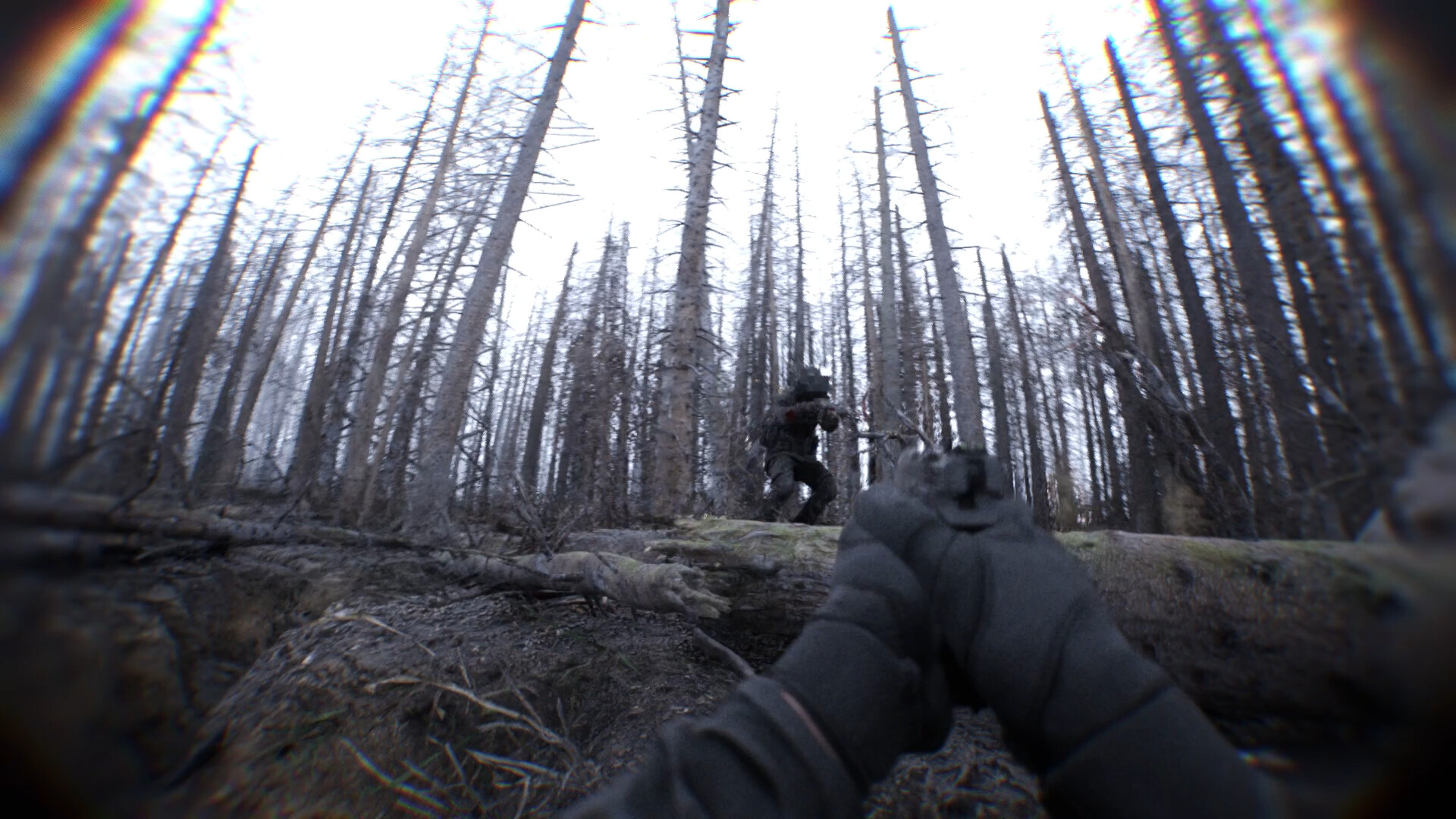
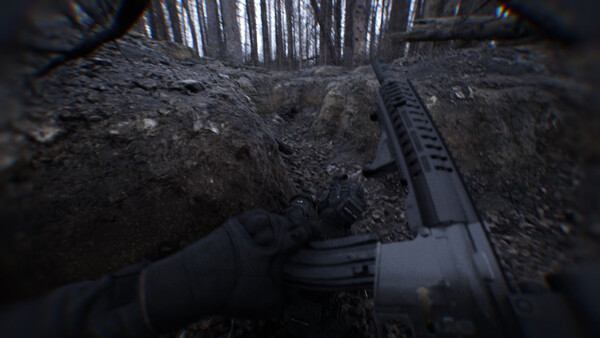
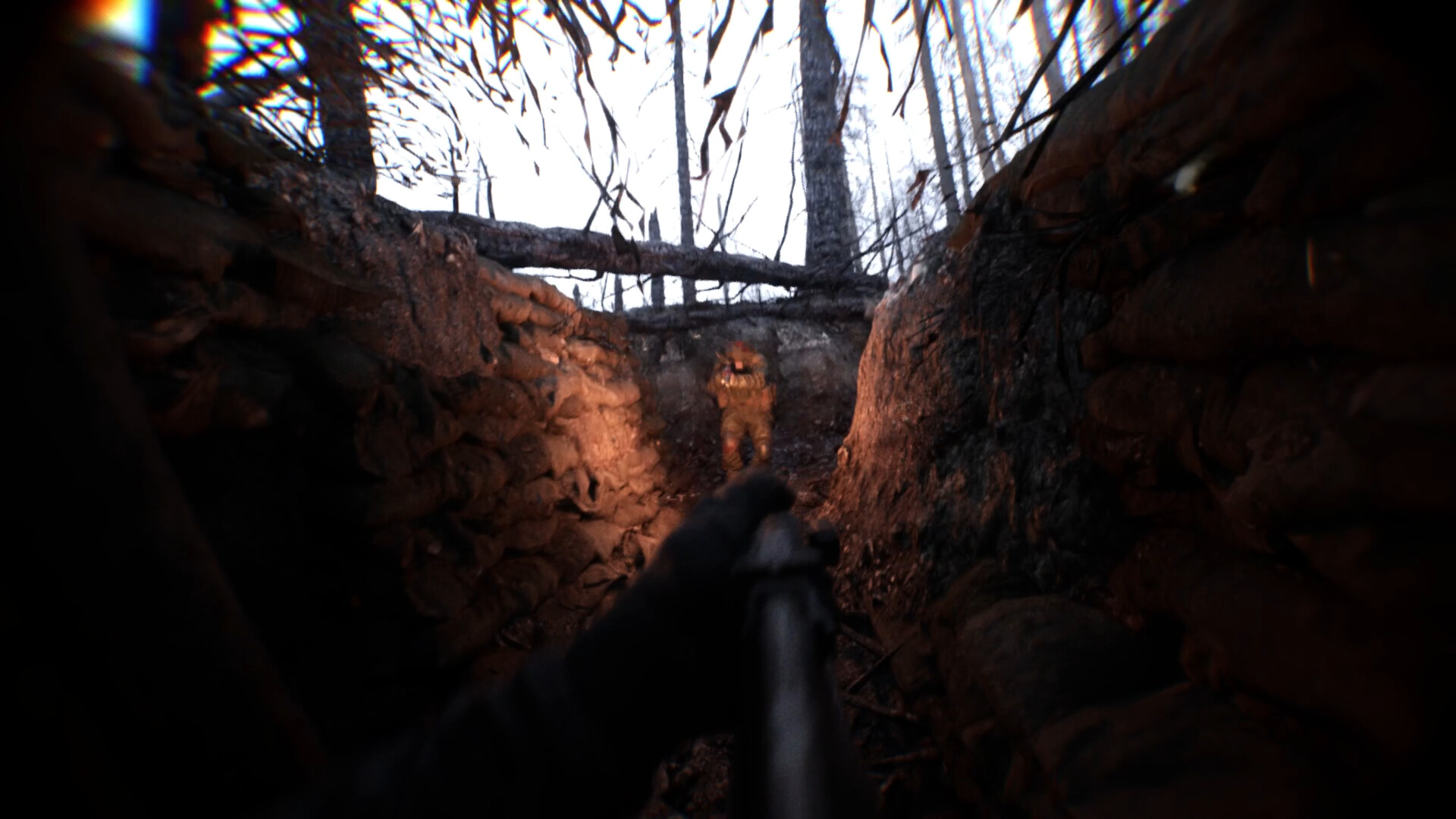
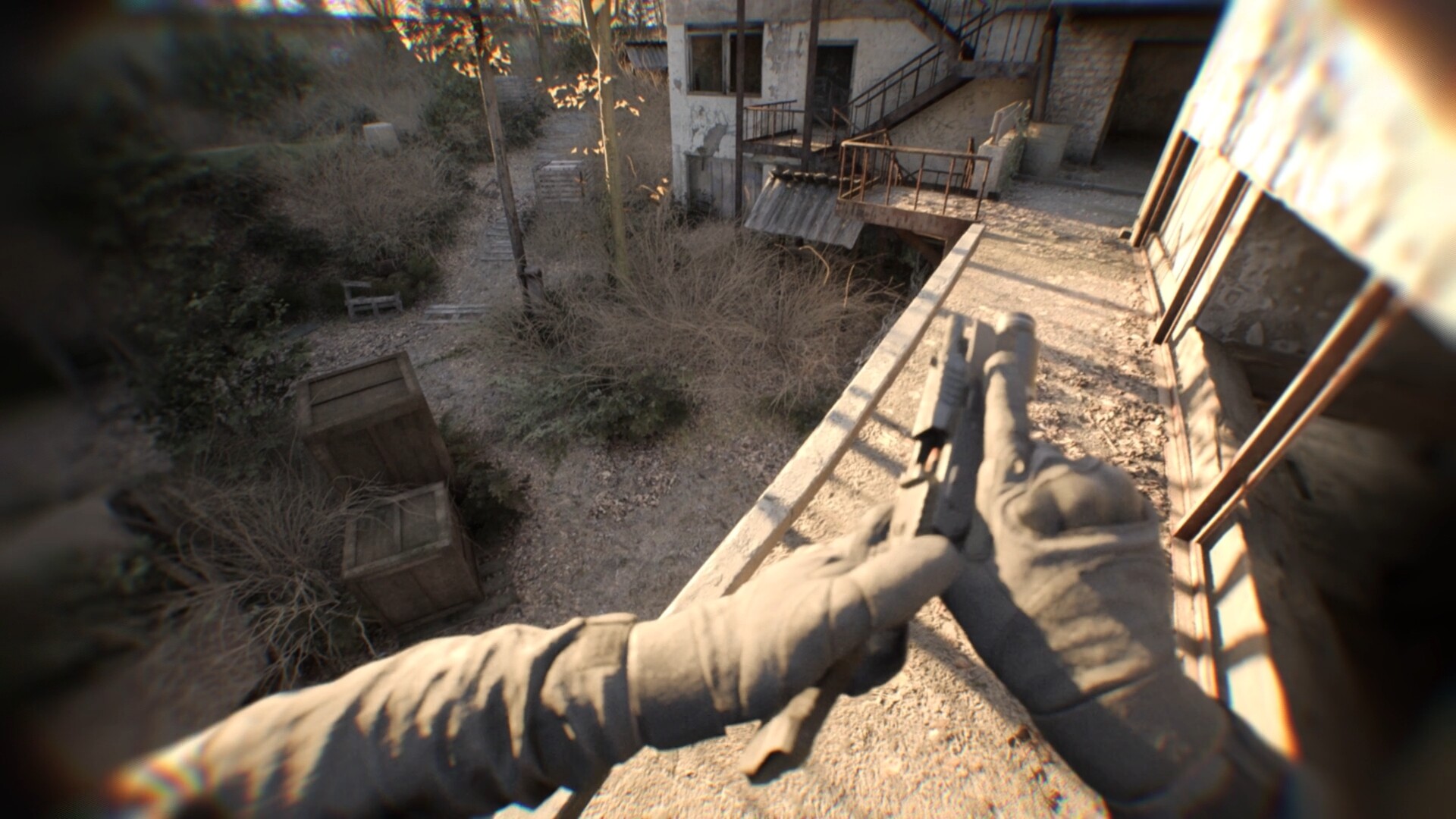
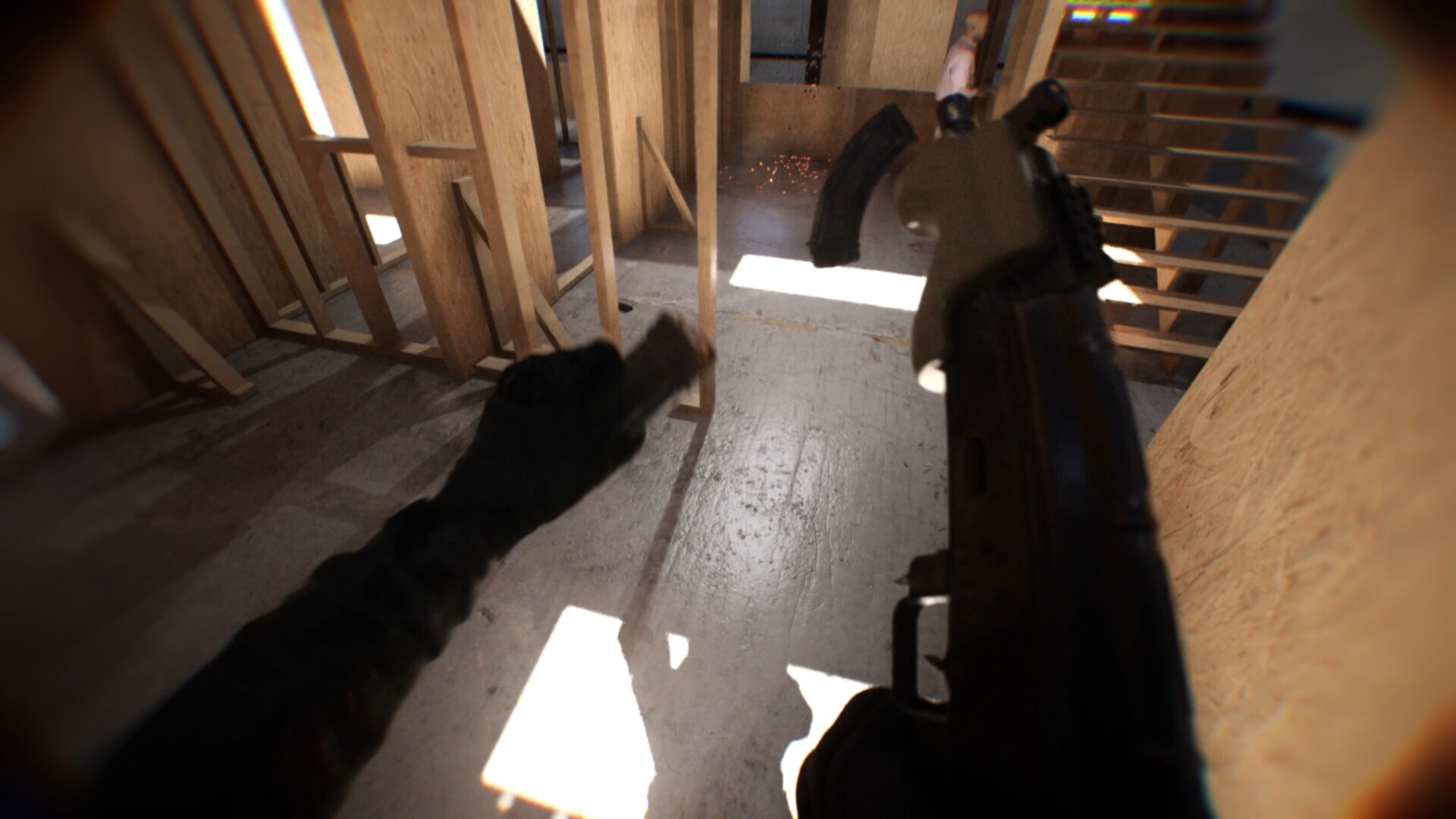
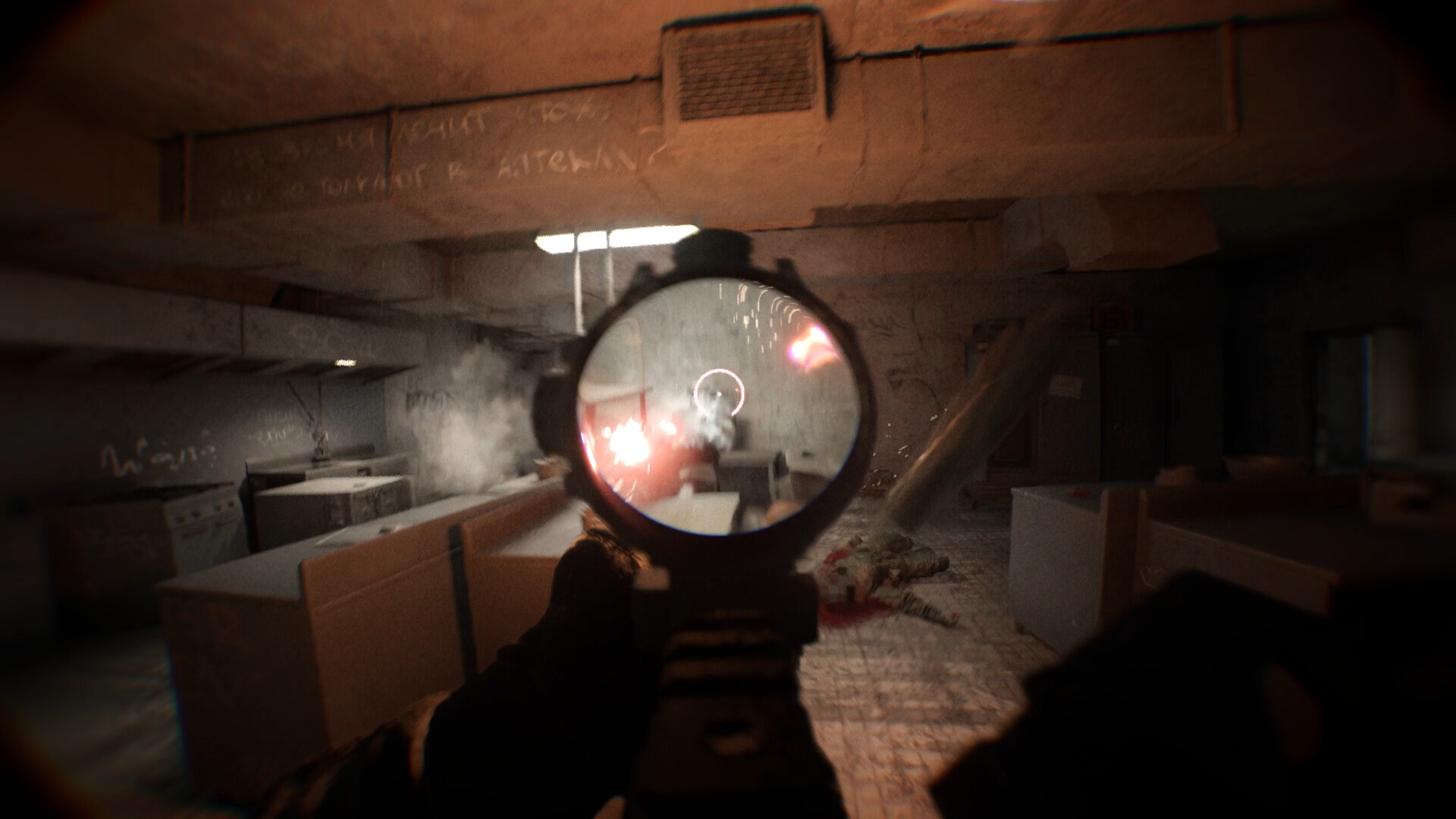
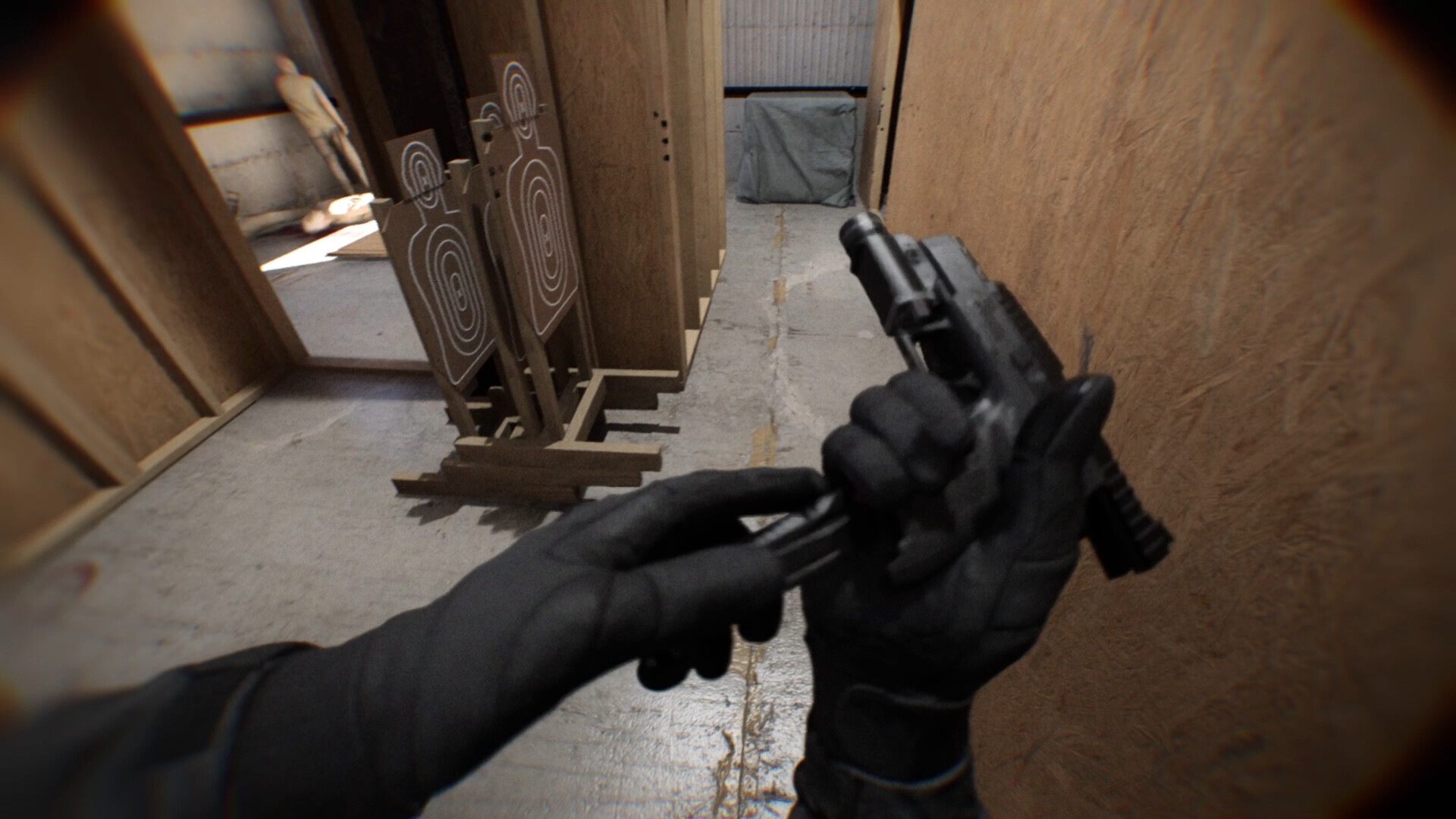
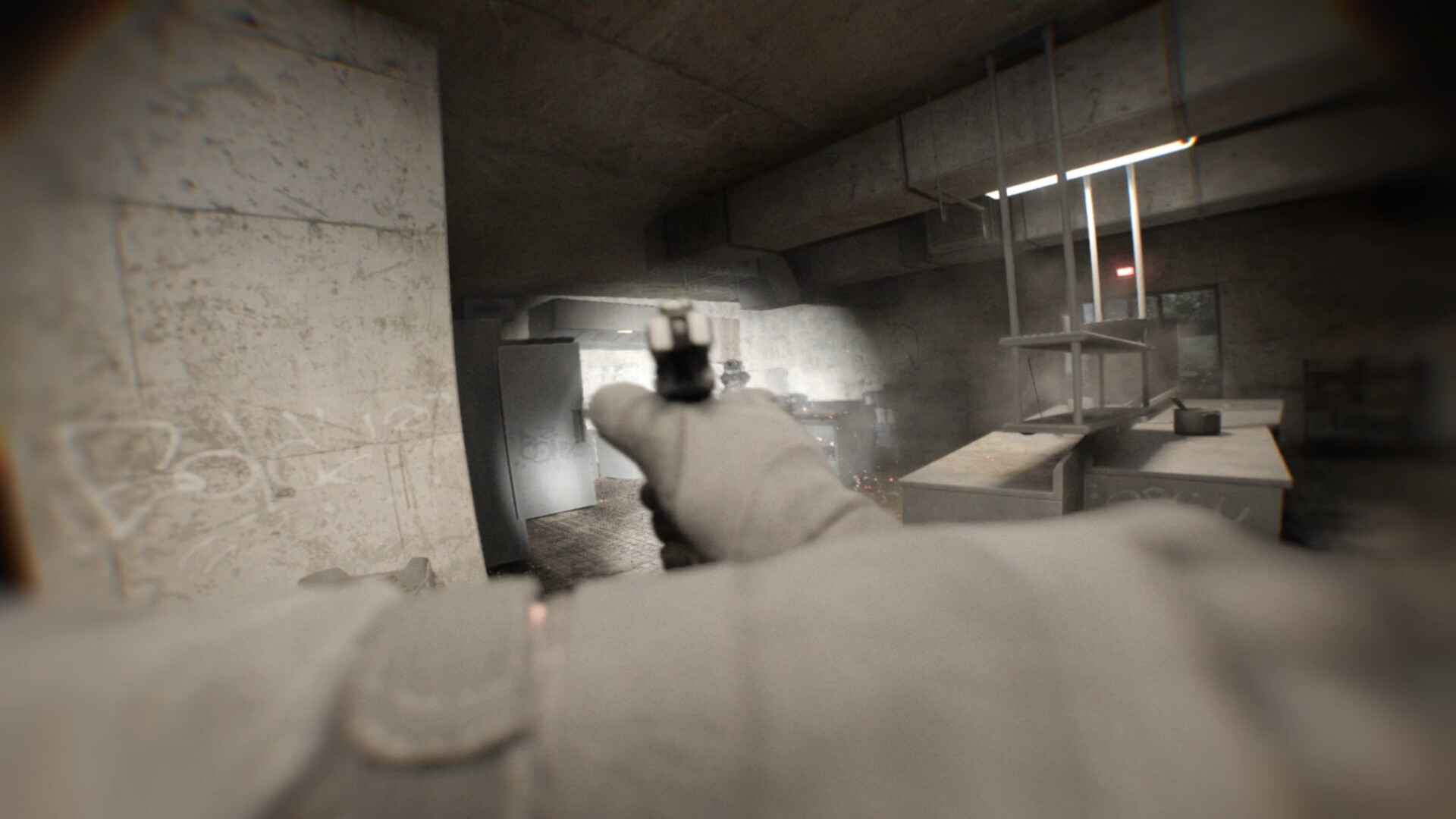
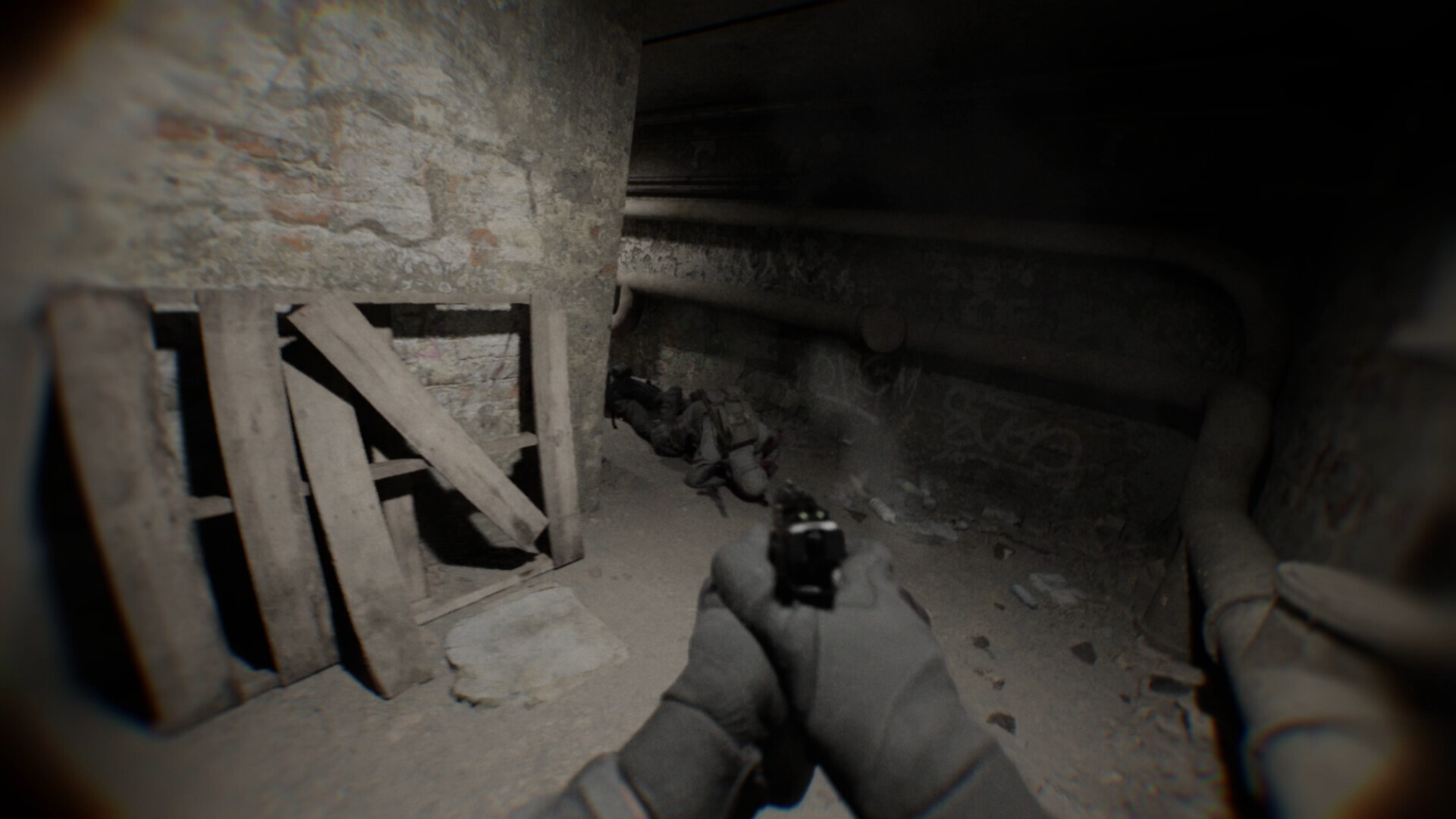
Bodycam is a tactical multiplayer shooter presented through a body-mounted camera. Its photoreal environments and close-range sound design make every room, doorway and callout feel immediate.
Matches span modes including Deathmatch, Team Deathmatch and Wingman. Players must read limited visual information quickly, coordinate with teammates and react to movement across tightly built maps.
Official game page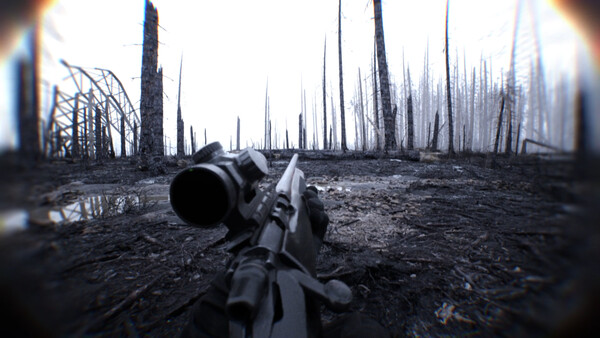







Why use Eagle for Bodycam?
Bodycam presents tactical multiplayer fights from a close body-camera perspective, where a doorway or sound can decide an encounter. Eagle groups player visibility and weapon controls in one menu, giving you a place to review what information is displayed for the current match. The benefit is keeping the game's listed settings together as the fight moves between rooms. Press Insert on Windows PC to open the options.



