FREE CHEATS FOR
BOOM! Buster
Released November 13, 2026
Updated
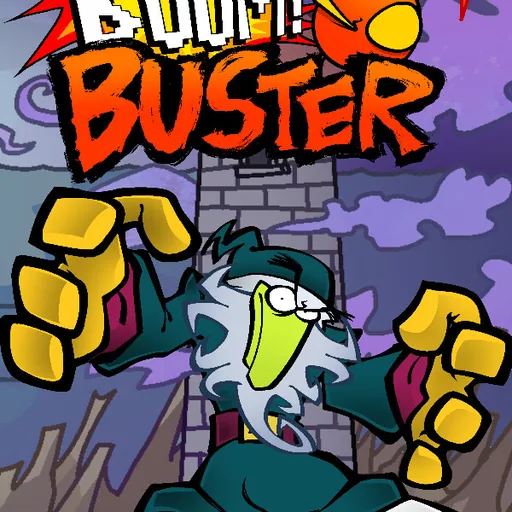
 EAGLE CHEATS
How to use Eagle in BOOM! Buster
With BOOM! Buster running, press Insert to open the Eagle menu. The quick keys give direct access to Hot Potato Timer and Checkpoint Map. Use the menu for Jump History, Course Route and Attempt Counter and the remaining listed features; close it with Insert to return to the app.
- F2 Hot Potato Timer
Press F2 to turn Hot Potato Timer on or off without opening the menu. - F3 Checkpoint Map
Press F3 to turn Checkpoint Map on or off without opening the menu. - Insert Jump History
Press Insert, find Jump History in the feature list, and switch it on or off. - Insert Course Route
Press Insert, find Course Route in the feature list, and switch it on or off. - Insert Attempt Counter
Press Insert, find Attempt Counter in the feature list, and switch it on or off.
EXPLORE THE MENUFeatures
8 features
The Eagle trainer for BOOM! Buster brings hot potato timer, checkpoint map, jump history together for the Windows PC release. Press Insert during play to open the menu, choose a control and return to the current session. Additional controls cover course route, attempt counter, and momentum view during play.
- Hot Potato Timer
- Checkpoint Map
- Jump History
- Course Route
- Attempt Counter
- Momentum View
- Hazard Markers
- Best Run
About the game
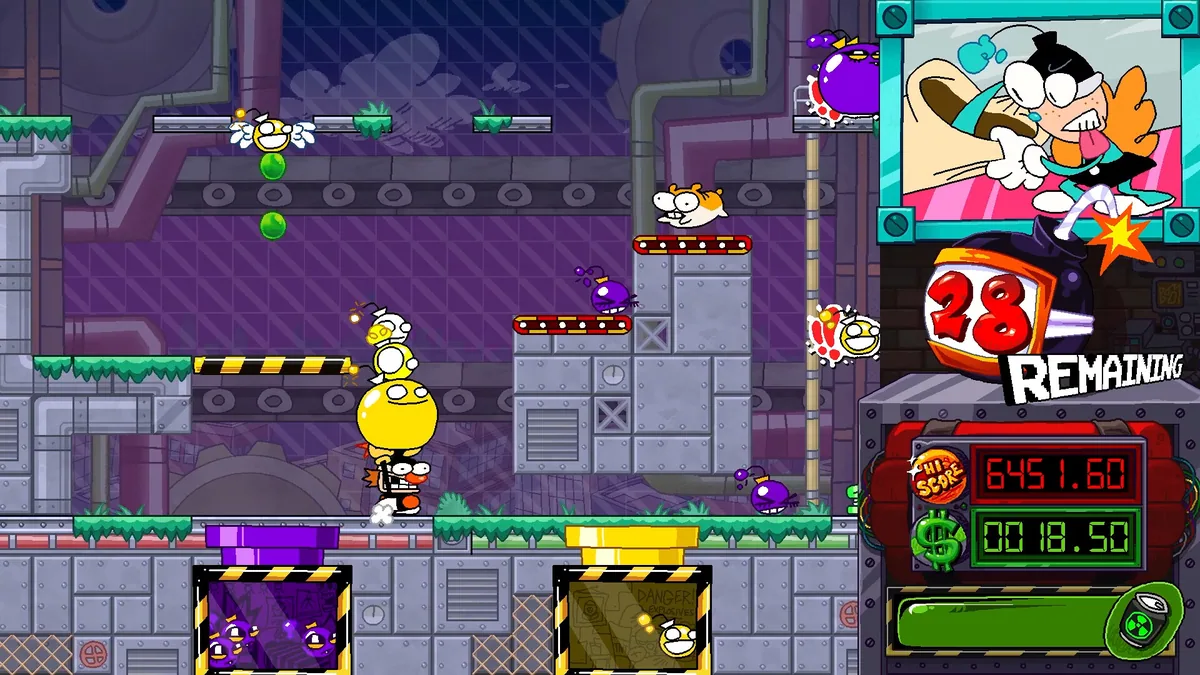
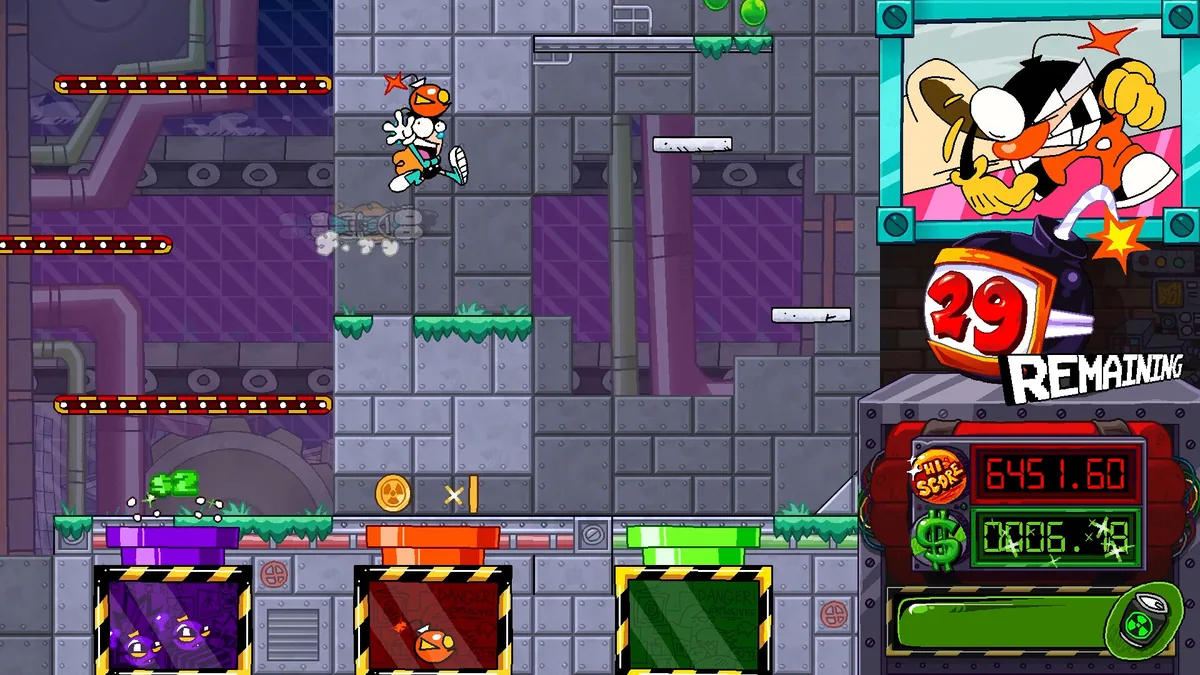
BOOM! Buster is an arcade platformer with the deliberately unforgiving spirit of older rage games. A hot-potato mechanic keeps pressure on movement, so hesitation can turn a manageable jump into a failed run. The challenge comes from linking quick decisions across a demanding course.
A safe-looking platform may cost too much time if the player arrives with the wrong momentum. Repeated attempts are part of learning the route, and a small improvement in one section can make the next much easier. The game rewards awareness of timing more than a long inventory of equipment.
Official game page


Using the BOOM! Buster trainer
The Eagle menu records checkpoint positions, recent attempts and the current hot-potato timer. Open it with Insert between runs to inspect the next section's route. A jump history helps identify where an attempt failed while leaving the actual execution to the player.