FREE CHEATS FOR
Breachwall: Network Defense
Released November 17, 2026
Updated
 EAGLE CHEATS
How to use Eagle in Breachwall: Network Defense
With Breachwall: Network Defense running, press Insert to open the Eagle menu. The quick keys give direct access to Network Topology and Attack Paths. Use the menu for Node Status, Defense Rules and Incident Ledger and the remaining listed features; close it with Insert to return to the app.
- F2 Network Topology
Press F2 to turn Network Topology on or off without opening the menu. - F3 Attack Paths
Press F3 to turn Attack Paths on or off without opening the menu. - Insert Node Status
Press Insert, find Node Status in the feature list, and switch it on or off. - Insert Defense Rules
Press Insert, find Defense Rules in the feature list, and switch it on or off. - Insert Incident Ledger
Press Insert, find Incident Ledger in the feature list, and switch it on or off.
EXPLORE THE MENUFeatures
8 features
The Eagle trainer for Breachwall: Network Defense brings network topology, attack paths, node status together for the Windows PC release. Press Insert during play to open the menu, choose a control and return to the current session. Additional controls cover defense rules, incident ledger, and detection view during play.
- Network Topology
- Attack Paths
- Node Status
- Defense Rules
- Incident Ledger
- Detection View
- Recovery Plan
- Expansion Record
About the game
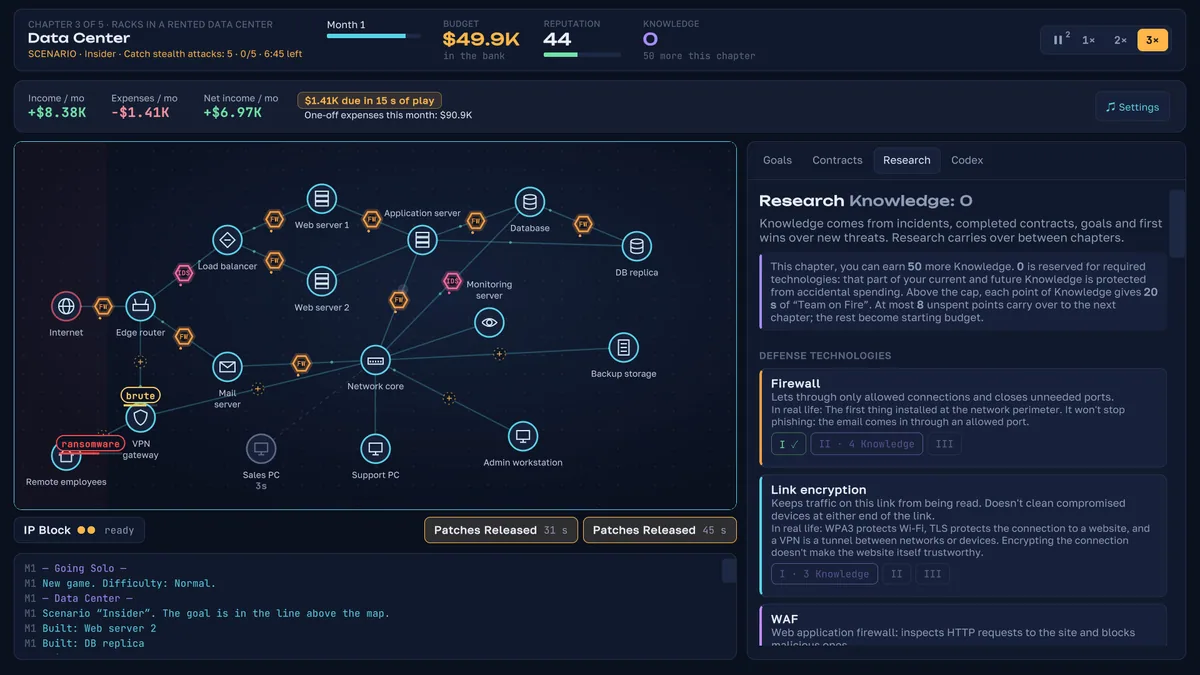
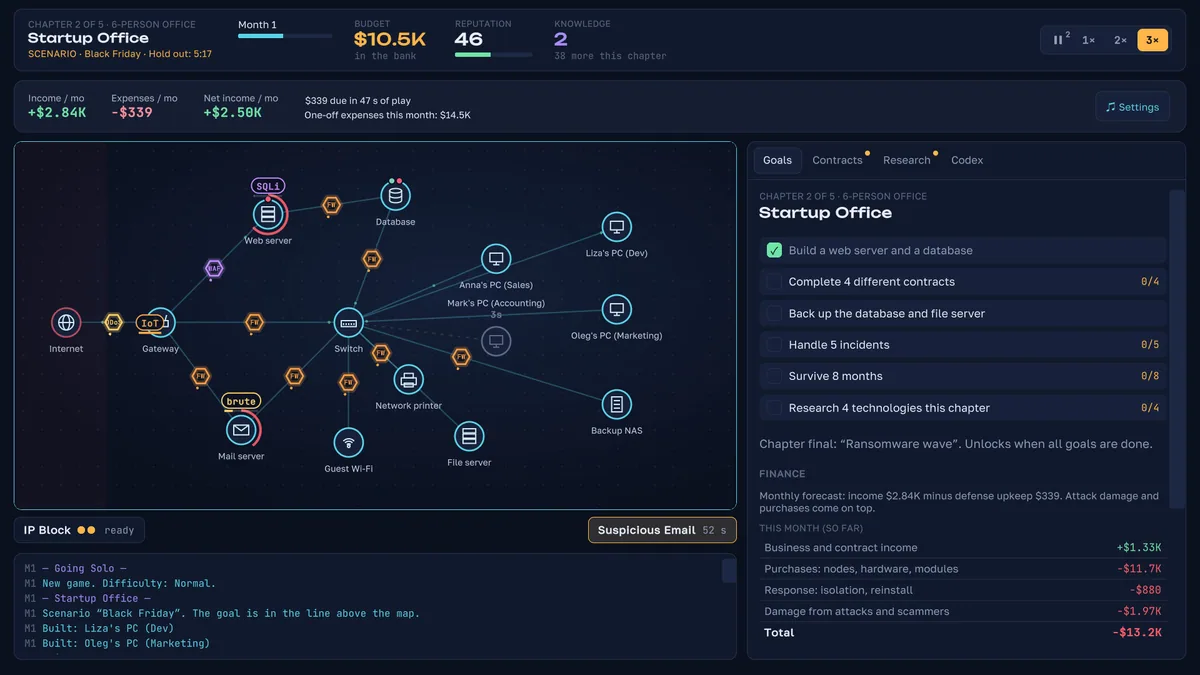
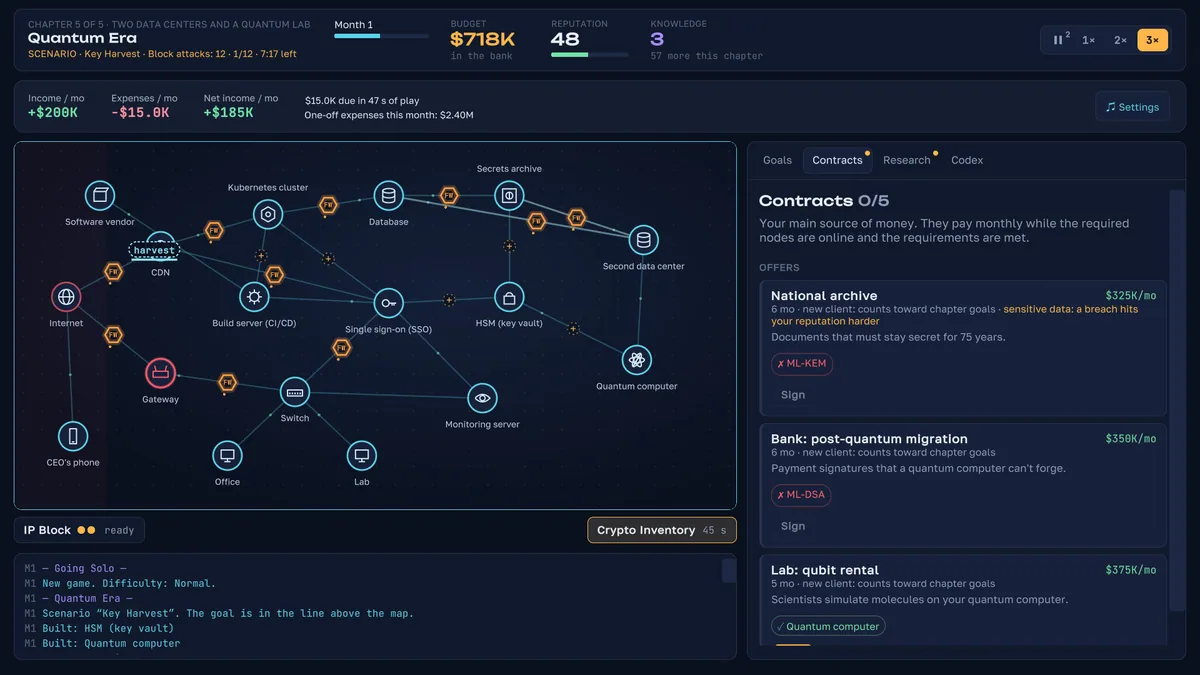
Breachwall: Network Defense begins with a small laptop network and grows toward more advanced systems. Defensive choices meet real-world-inspired cyberattacks as the network expands. Protecting one machine is different from protecting a connected whole.
An exposed service can give an attacker a route past otherwise strong defenses. Spending everything on one node leaves others fragile. Reviewing incidents by entry point helps decide whether to improve detection, isolation or recovery next.
Official game page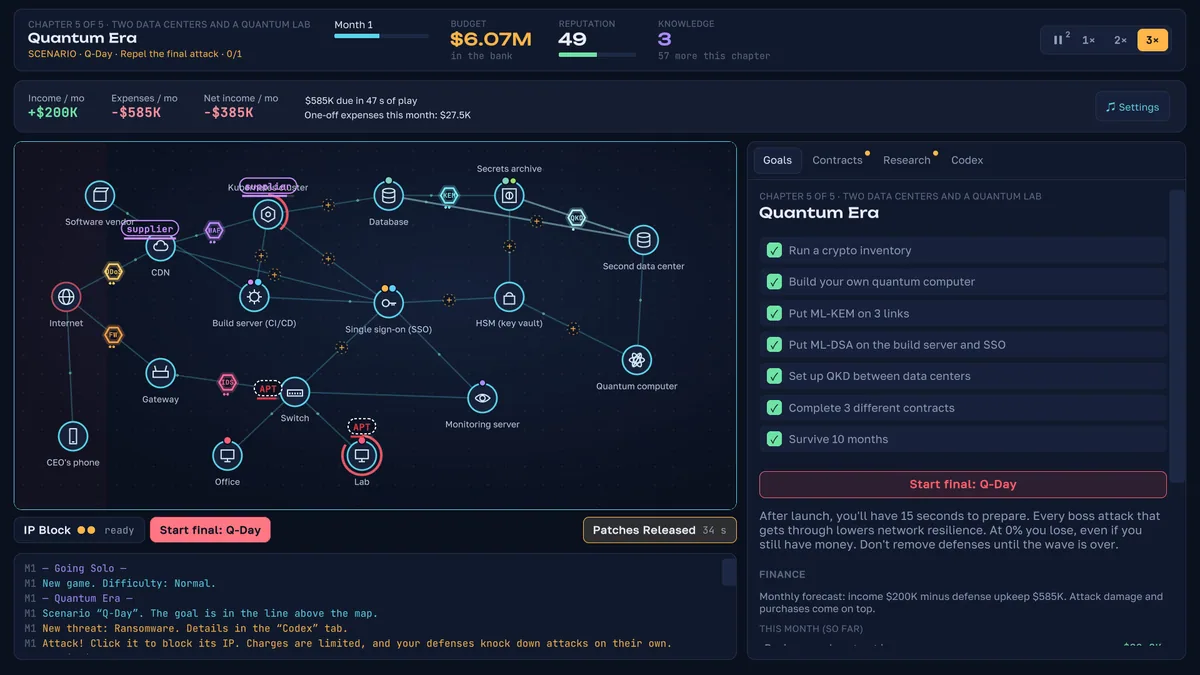
Using the Breachwall: Network Defense trainer
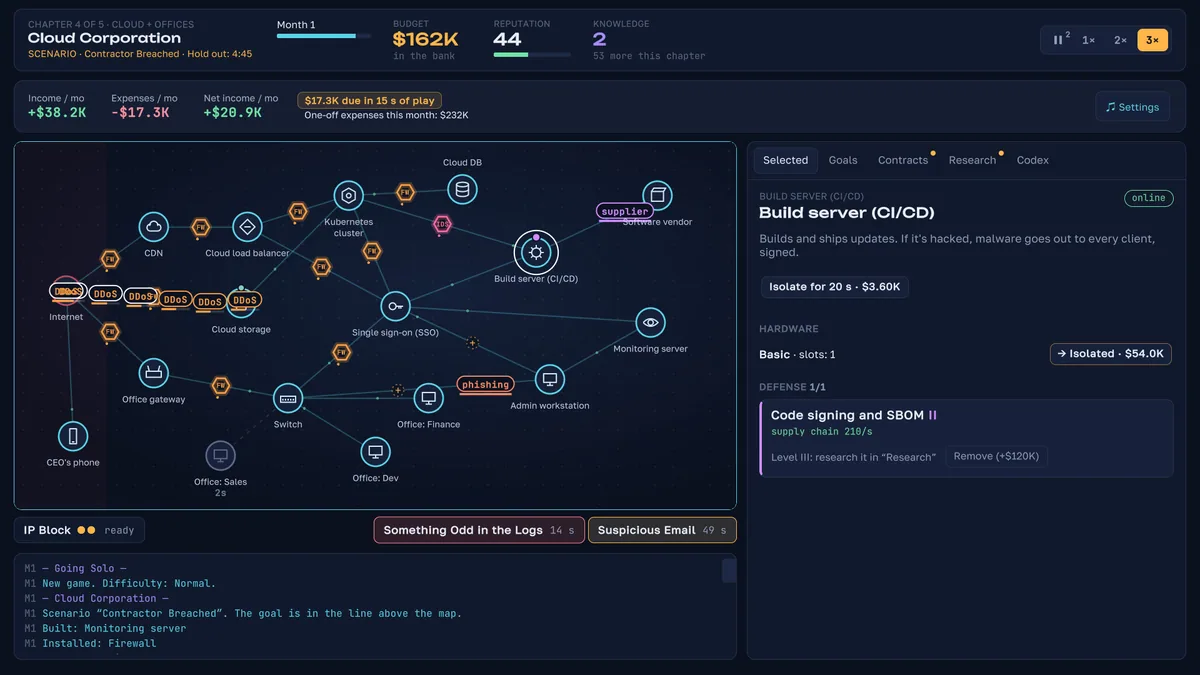
Open the Eagle menu with Insert to inspect network nodes, attack paths and current defenses. The incident ledger links threats to the systems they reached. Use the topology view before adding another connection that widens the surface to protect.