FREE CHEATS FOR
CapyHaven
Released November 17, 2026
Updated

 EAGLE CHEATS
How to use Eagle in CapyHaven
With CapyHaven running, press Insert to open the Eagle menu. The quick keys give direct access to Hex Overview and Tile Types. Use the menu for Colony Needs, Land Purchases and Building Plan and the remaining listed features; close it with Insert to return to the app.
- F2 Hex Overview
Press F2 to turn Hex Overview on or off without opening the menu. - F3 Tile Types
Press F3 to turn Tile Types on or off without opening the menu. - Insert Colony Needs
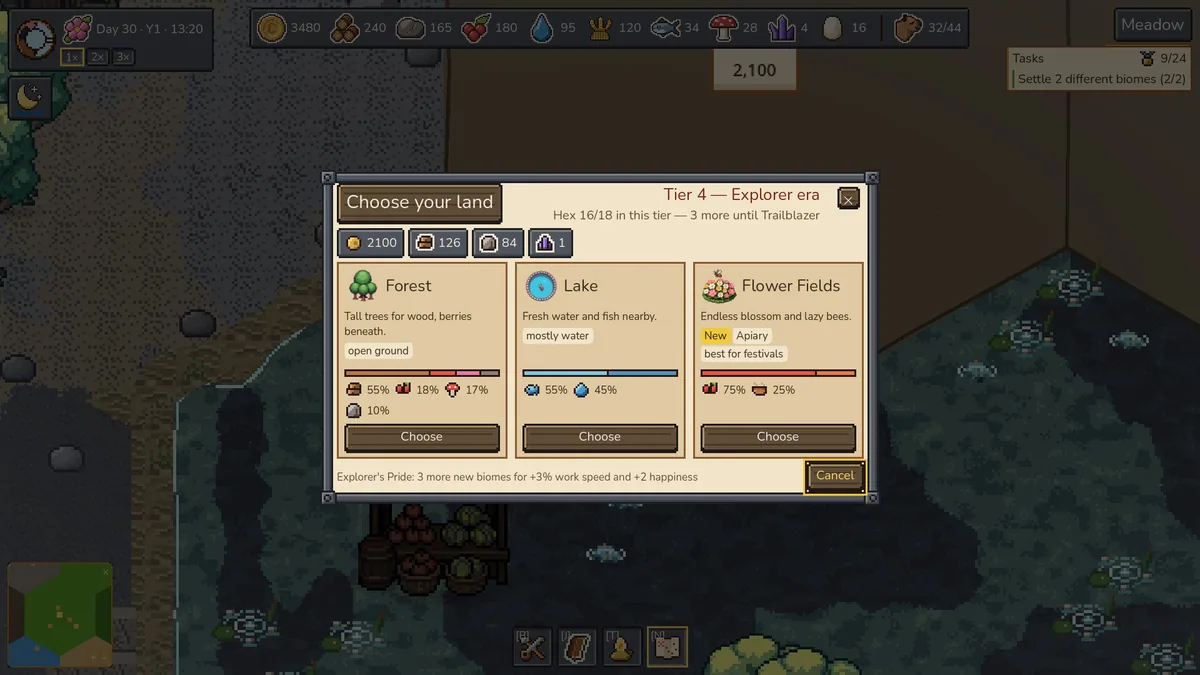
Press Insert, find Colony Needs in the feature list, and switch it on or off. - Insert Land Purchases
Press Insert, find Land Purchases in the feature list, and switch it on or off. - Insert Building Plan
Press Insert, find Building Plan in the feature list, and switch it on or off.
EXPLORE THE MENUFeatures
8 features
The Eagle trainer for CapyHaven brings hex overview, tile types, colony needs together for the Windows PC release. Press Insert during play to open the menu, choose a control and return to the current session. Additional controls cover land purchases, building plan, and production view during play.
- Hex Overview
- Tile Types
- Colony Needs
- Land Purchases
- Building Plan
- Production View
- Growth History
- Capybara Roster
About the game
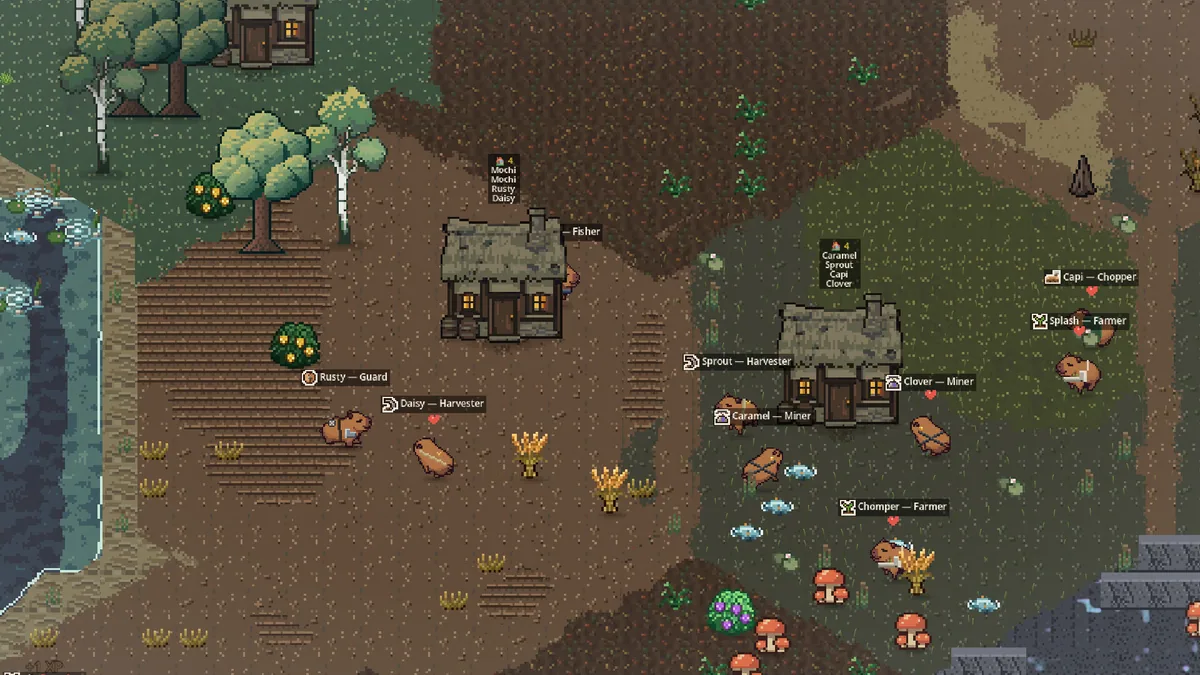
CapyHaven begins with two capybaras in a meadow and grows into a hex-based colony. Each purchased tile becomes a choice about housing, resources or the shape of the settlement. Expansion is gentle, but poor placement can make later growth awkward.
A productive tile is more valuable when it supports neighbors and leaves a route for another purchase. The colony's needs change as more capybaras arrive. Reviewing how a small layout evolved helps choose the next hex with more care.
Official game page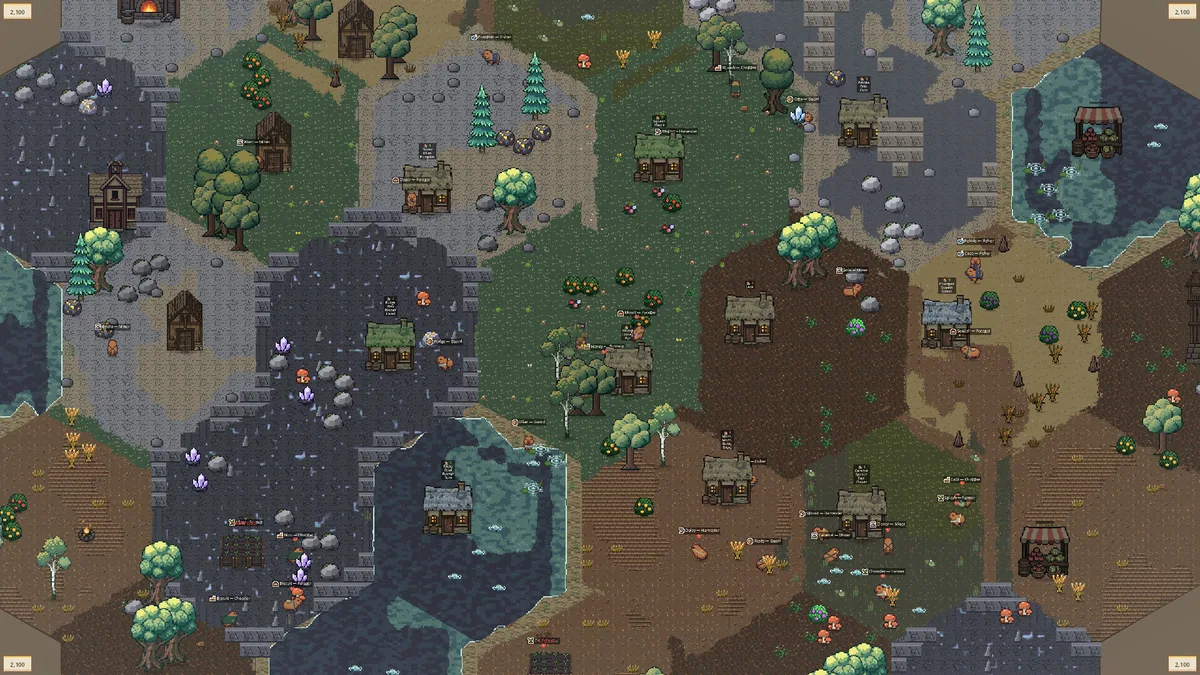
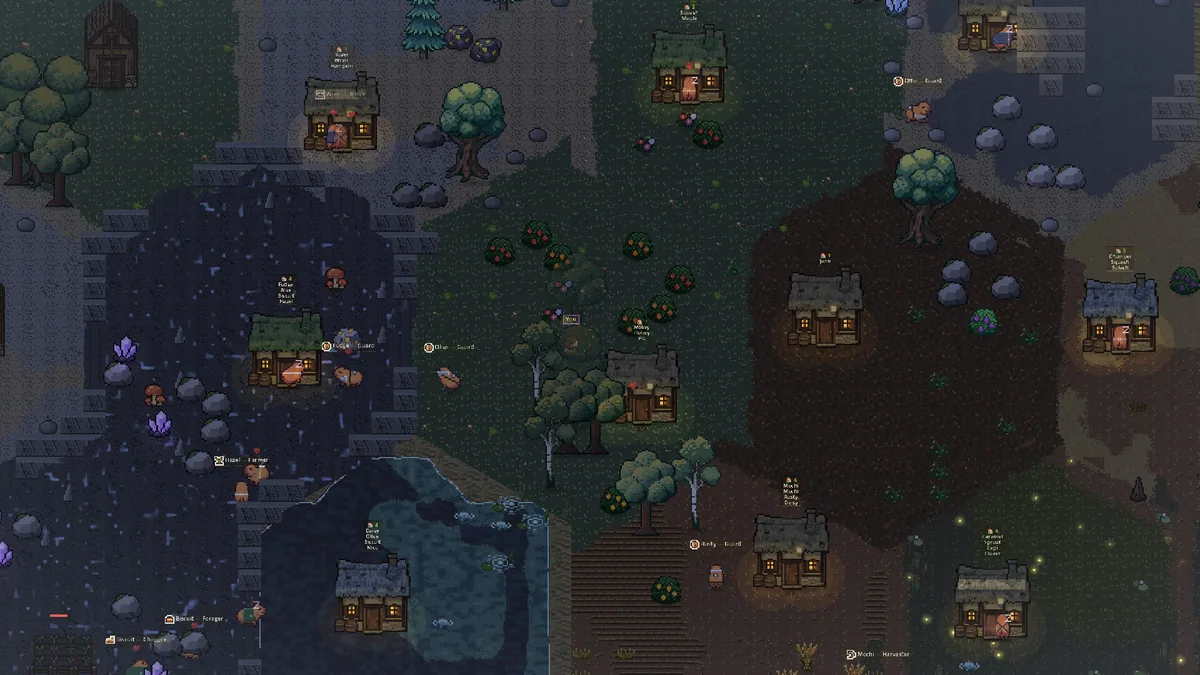
Using the CapyHaven trainer
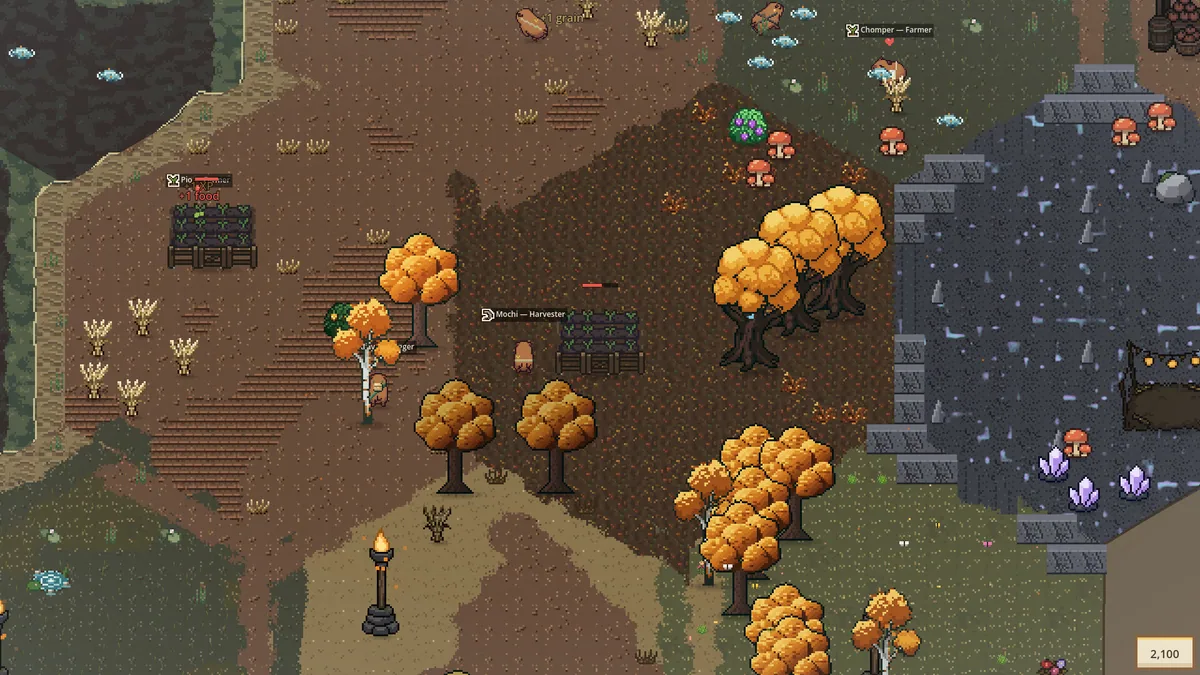
Open the Eagle menu with Insert to inspect tile types, colony needs and planned purchases. Its hex overview puts current production beside open land. Use the growth history to compare earlier layouts before committing a scarce tile to a new building.