FREE CHEATS FOR
CardCraft Champions
Released November 17, 2026
Updated

 EAGLE CHEATS
How to use Eagle in CardCraft Champions
With CardCraft Champions running, press Insert to open the Eagle menu. The quick keys give direct access to Card Mods and Deck Curve. Use the menu for Champion Roles, Battle Order and Synergy View and the remaining listed features; close it with Insert to return to the app.
- F2 Card Mods
Press F2 to turn Card Mods on or off without opening the menu. - F3 Deck Curve
Press F3 to turn Deck Curve on or off without opening the menu. - Insert Champion Roles
Press Insert, find Champion Roles in the feature list, and switch it on or off. - Insert Battle Order
Press Insert, find Battle Order in the feature list, and switch it on or off. - Insert Synergy View
Press Insert, find Synergy View in the feature list, and switch it on or off.
EXPLORE THE MENUFeatures
8 features
The Eagle trainer for CardCraft Champions brings card mods, deck curve, champion roles together for the Windows PC release. Press Insert during play to open the menu, choose a control and return to the current session. Additional controls cover battle order, synergy view, and build journal during play.
- Card Mods
- Deck Curve
- Champion Roles
- Battle Order
- Synergy View
- Build Journal
- Reward Choices
- Run Progress
About the game
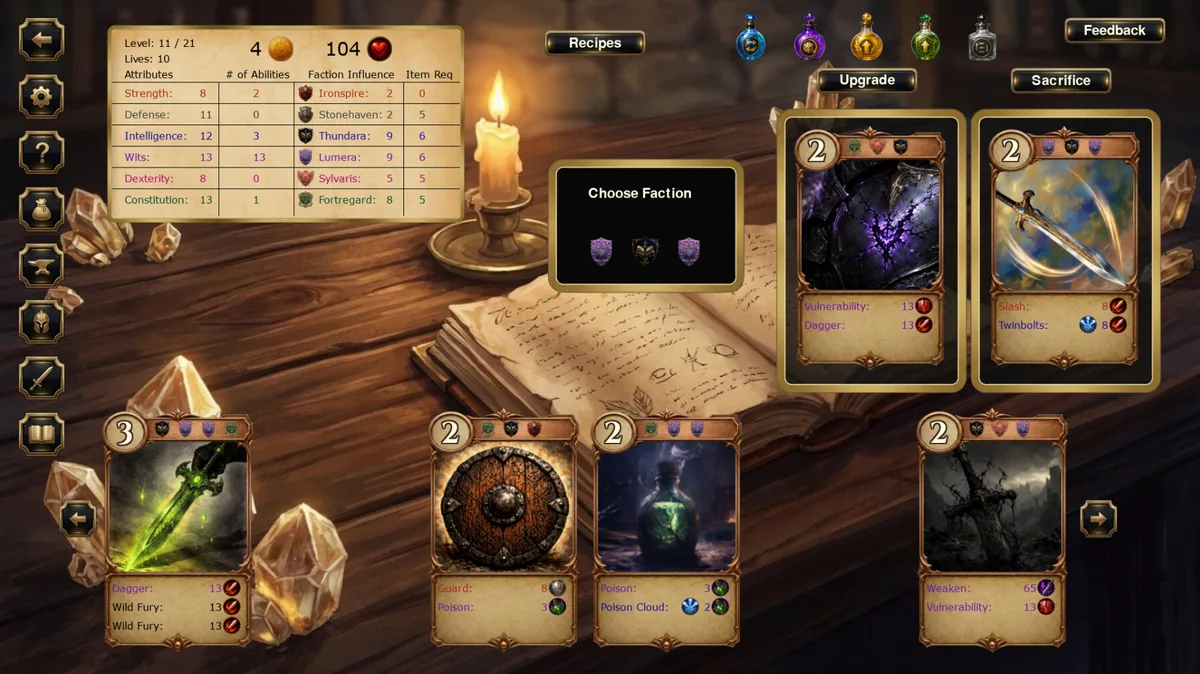
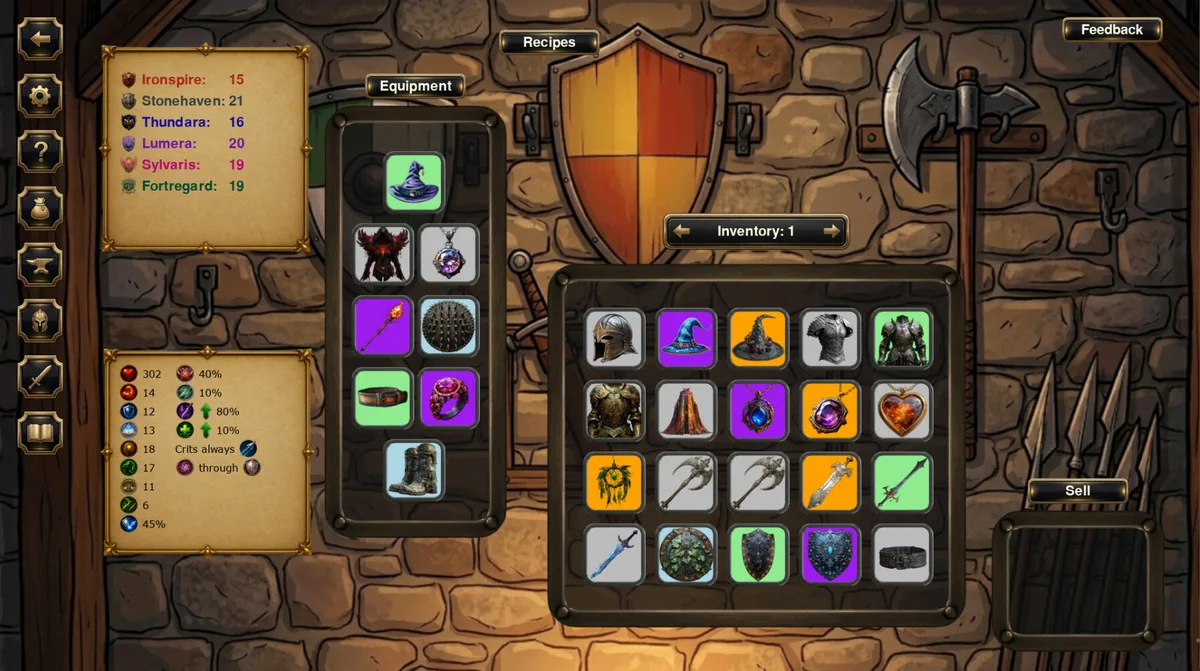
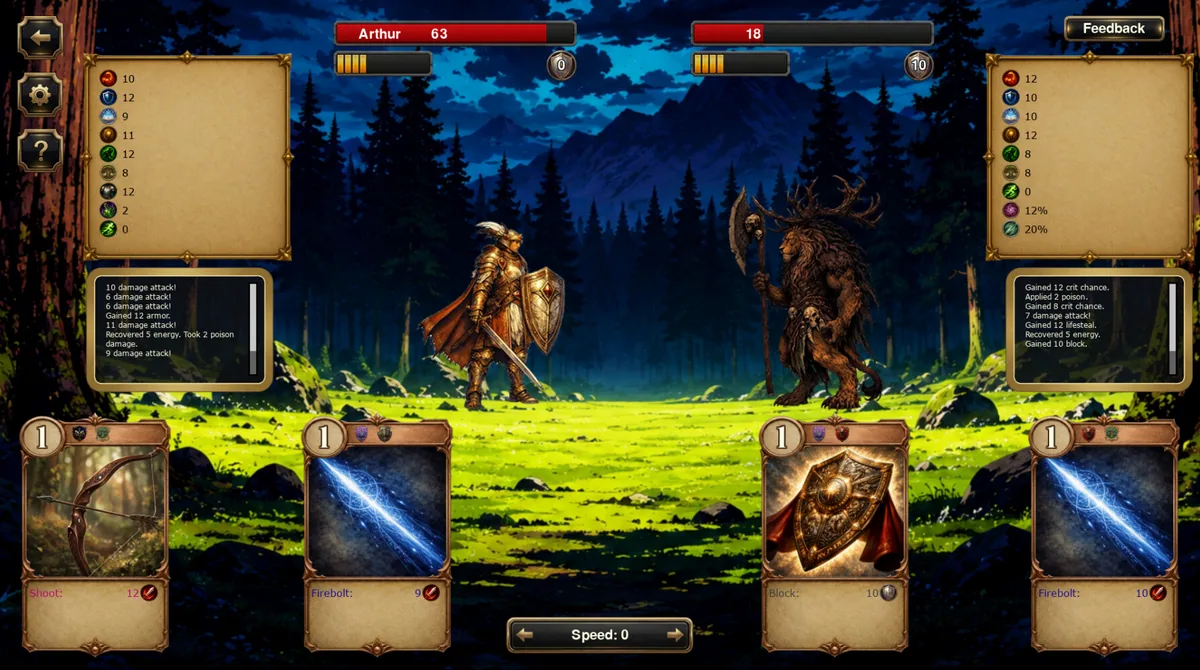
CardCraft Champions combines deckbuilding with autobattler preparation. Cards can be customized, creating strategic choices before each fight. The best deck works as a system rather than a pile of individually powerful effects.
A card improved for damage may lose utility that the rest of the build needs. Battle order also changes which effect matters first. Reviewing outcomes after each customization helps identify a coherent champion strategy.
Official game page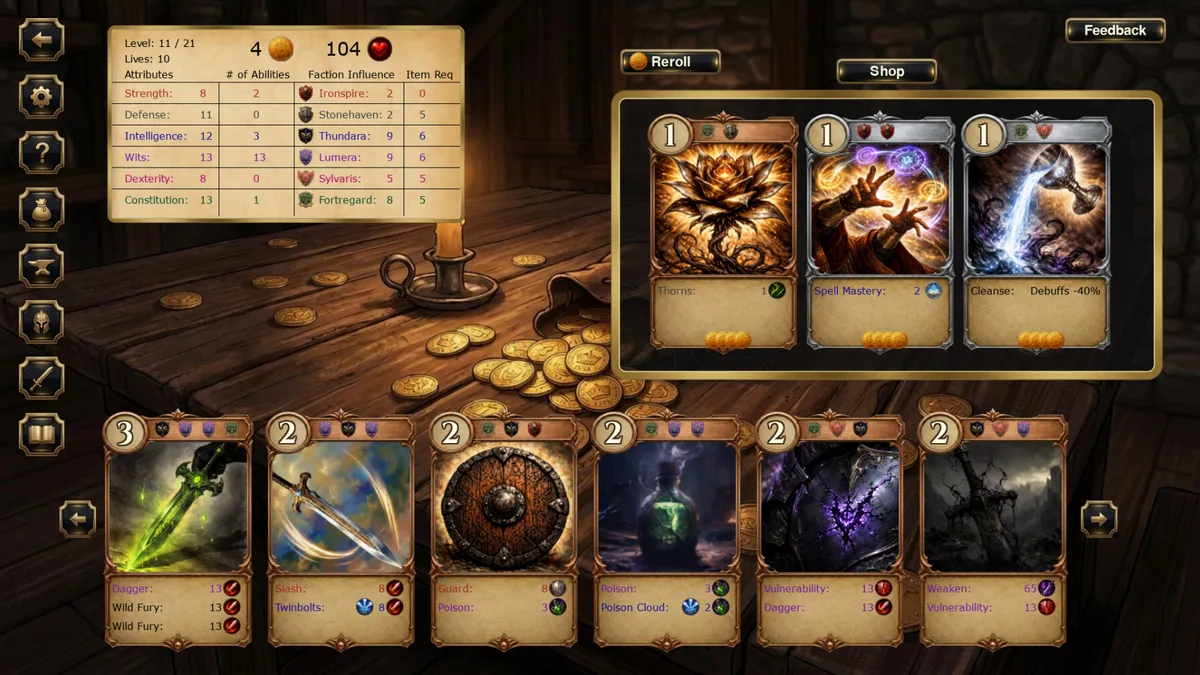

Using the CardCraft Champions trainer
Open the Eagle menu with Insert to inspect card modifications, deck curve and battle results. The build journal links choices to later fights. Use the synergy panel before changing a card that supports several others.