FREE CHEATS FOR
Carnival Catastrophe
Released November 17, 2026
Updated
 EAGLE CHEATS
How to use Eagle in Carnival Catastrophe
With Carnival Catastrophe running, press Insert to open the Eagle menu. The quick keys give direct access to Attraction Repairs and Supply Needs. Use the menu for Fairground Map, Work Orders and Cleanup Tasks and the remaining listed features; close it with Insert to return to the app.
- F2 Attraction Repairs
Press F2 to turn Attraction Repairs on or off without opening the menu. - F3 Supply Needs
Press F3 to turn Supply Needs on or off without opening the menu. - Insert Fairground Map
Press Insert, find Fairground Map in the feature list, and switch it on or off. - Insert Work Orders
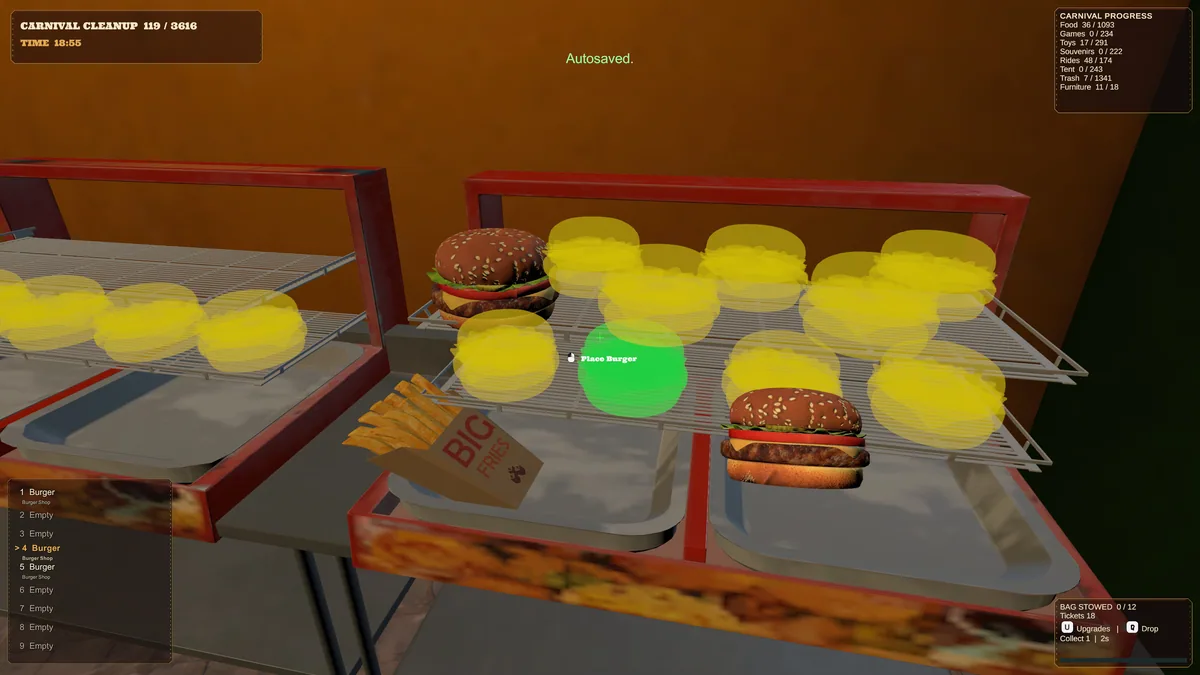
Press Insert, find Work Orders in the feature list, and switch it on or off. - Insert Cleanup Tasks
Press Insert, find Cleanup Tasks in the feature list, and switch it on or off.
EXPLORE THE MENUFeatures
8 features
The Eagle trainer for Carnival Catastrophe brings attraction repairs, supply needs, fairground map together for the Windows PC release. Press Insert during play to open the menu, choose a control and return to the current session. Additional controls cover work orders, cleanup tasks, and unlock history during play.
- Attraction Repairs
- Supply Needs
- Fairground Map
- Work Orders
- Cleanup Tasks
- Unlock History
- Restoration Log
- Park Progress
About the game
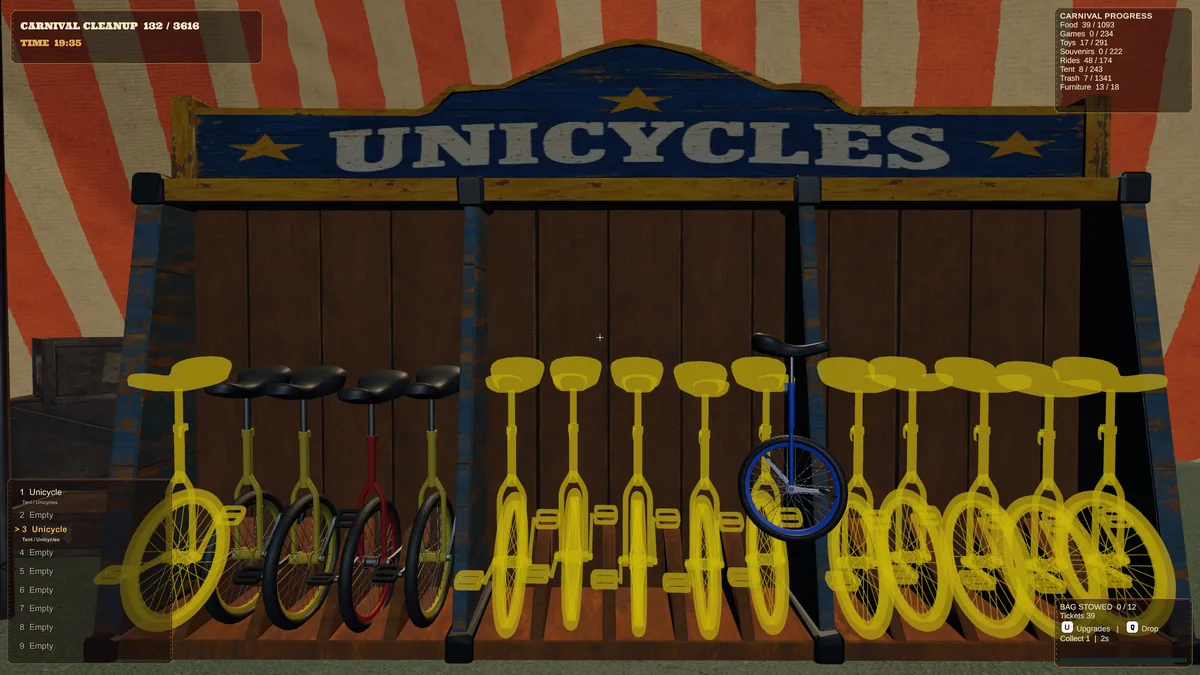
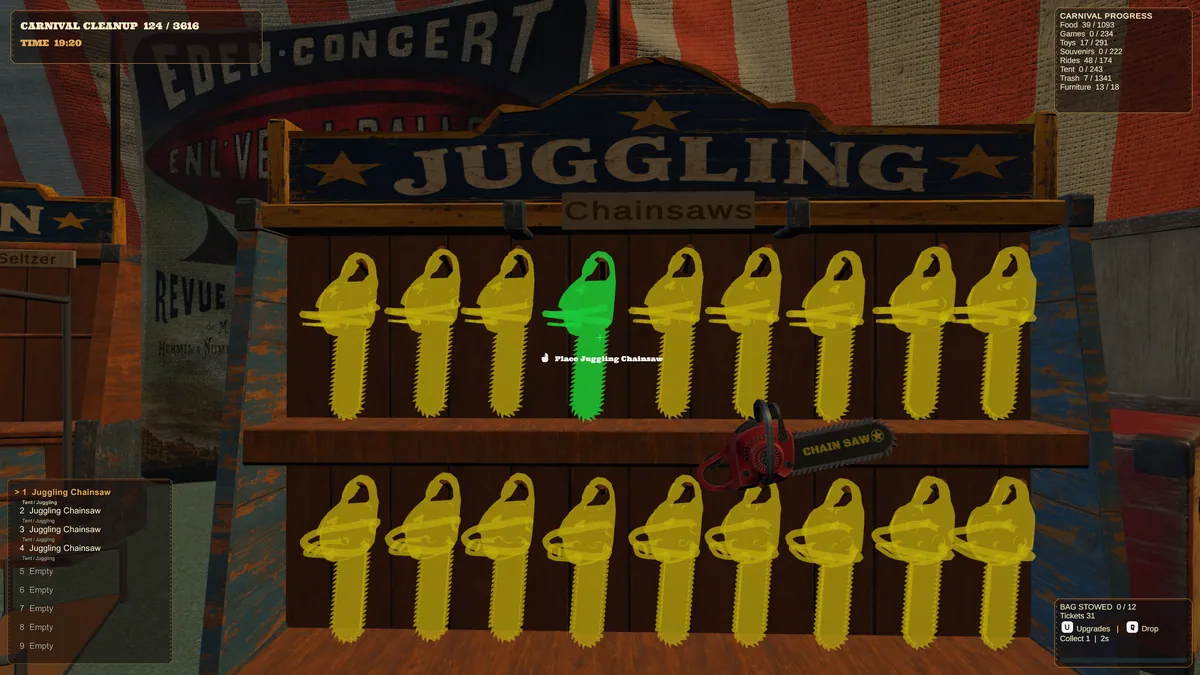
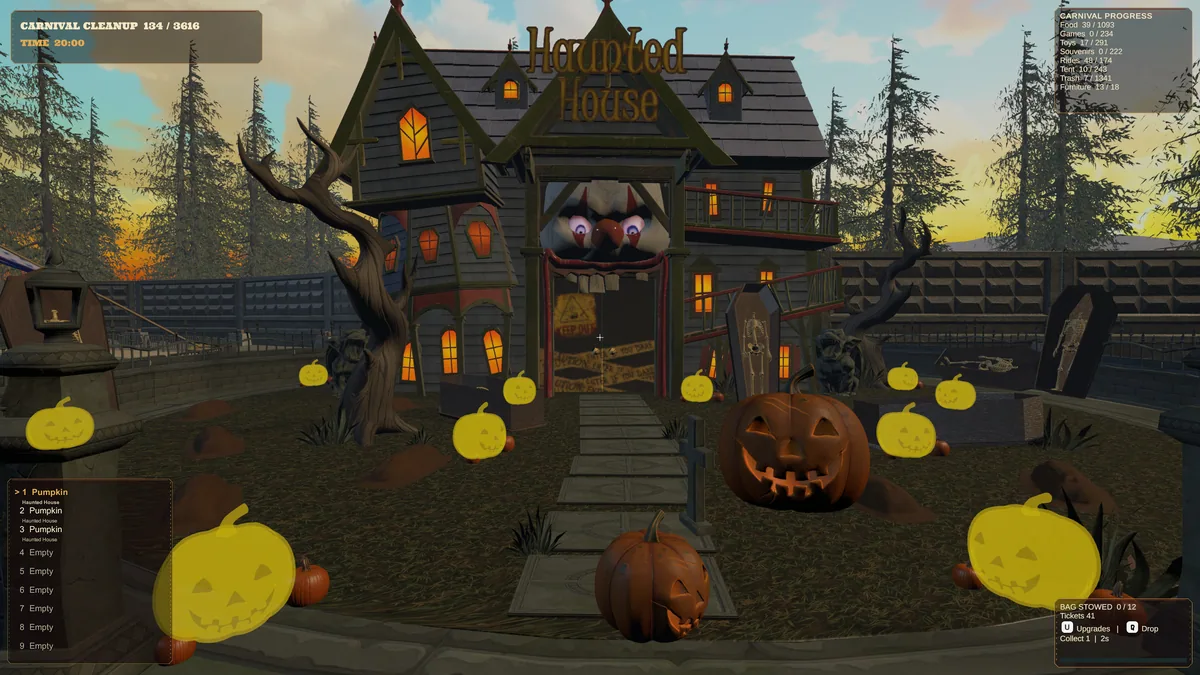
Carnival Catastrophe begins after food stands, booths and rides have been wrecked. Restoring the fairground is a sequence of cleanup and repair jobs. Each fixed attraction makes the park feel more alive and opens another part of the work.
Repairing a visible ride may not help if the supplies to finish it are still locked behind a messy stall. Planning jobs by location cuts repeated travel. A checklist of remaining damage makes a sprawling carnival easier to restore.
Official game page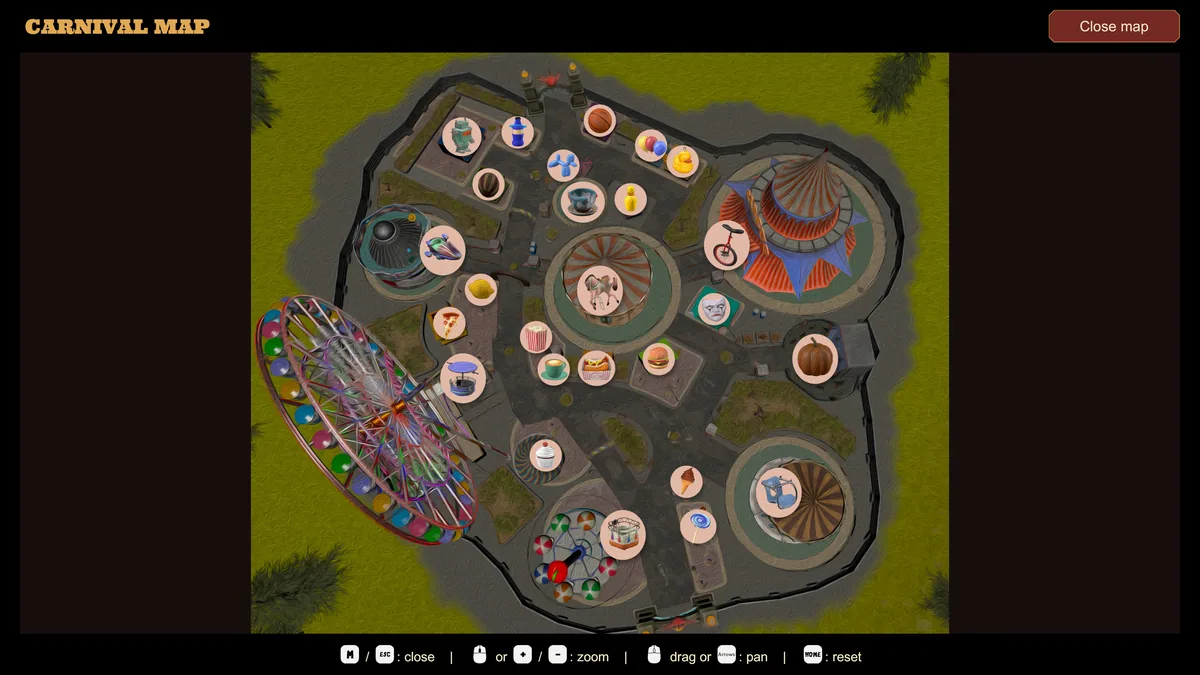
Using the Carnival Catastrophe trainer
Open the Eagle menu with Insert to review attraction repairs, needed supplies and the fairground map. The work order panel groups jobs by area. Use the restoration log to see which repairs unlocked new tasks before moving to the next zone.