FREE CHEATS FOR
Chase The King
Released November 10, 2026
Updated
 EAGLE CHEATS
How to use Eagle in Chase The King
With Chase The King running, press Insert to open the Eagle menu. The quick keys give direct access to Piece Bank and King Safety. Use the menu for Legal Moves, Attack Lines and Board History and the remaining listed features; close it with Insert to return to the app.
- F2 Piece Bank
Press F2 to turn Piece Bank on or off without opening the menu. - F3 King Safety
Press F3 to turn King Safety on or off without opening the menu. - Insert Legal Moves
Press Insert, find Legal Moves in the feature list, and switch it on or off. - Insert Attack Lines
Press Insert, find Attack Lines in the feature list, and switch it on or off. - Insert Board History
Press Insert, find Board History in the feature list, and switch it on or off.
EXPLORE THE MENUFeatures
8 features
The Eagle trainer for Chase The King brings piece bank, king safety, legal moves together for the Windows PC release. Press Insert during play to open the menu, choose a control and return to the current session. Additional controls cover attack lines, board history, and purchase costs during play.
- Piece Bank
- King Safety
- Legal Moves
- Attack Lines
- Board History
- Purchase Costs
- Opponent Rating
- Match Replay
About the game
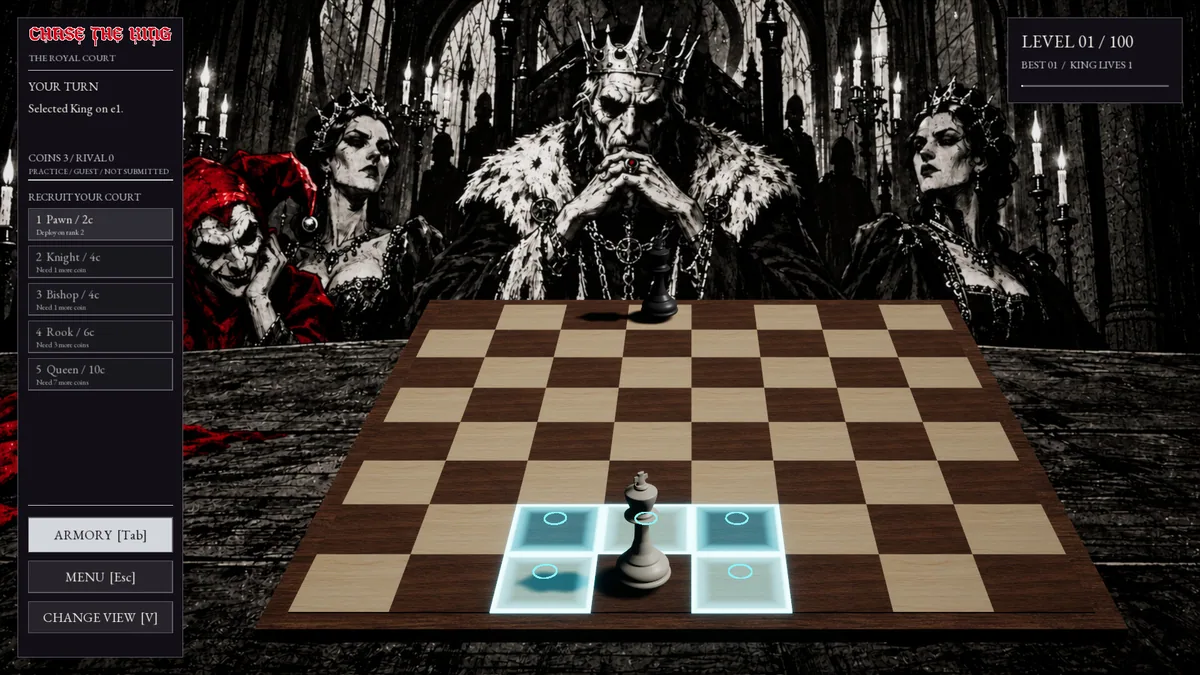
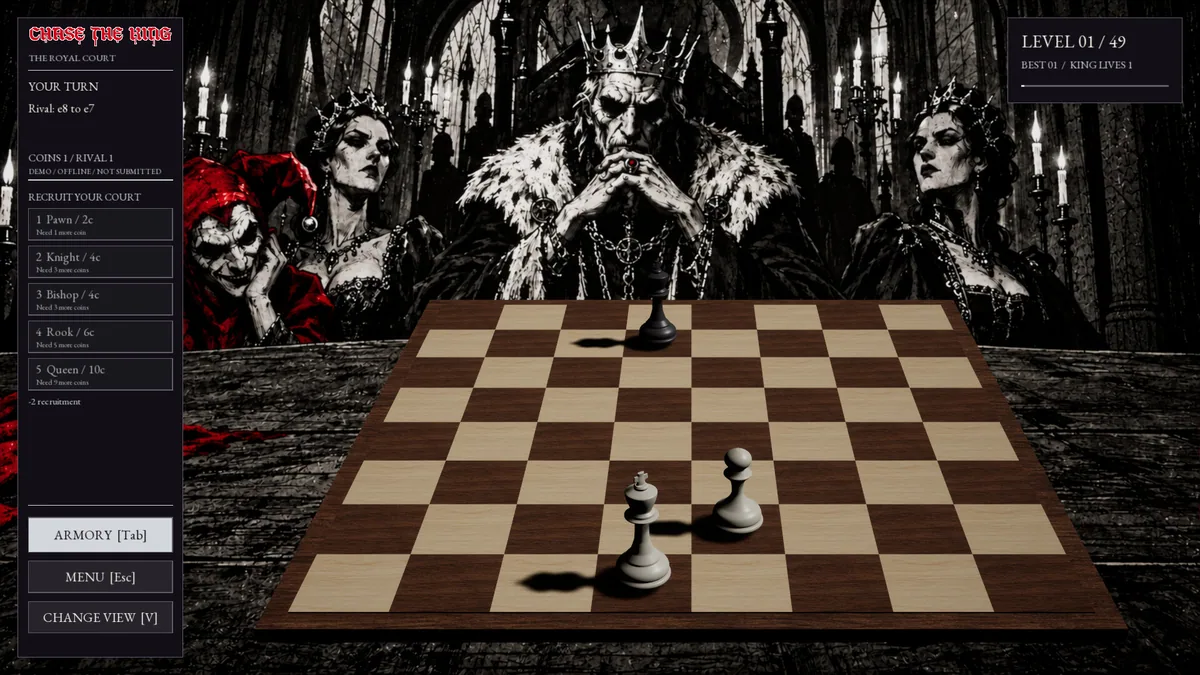
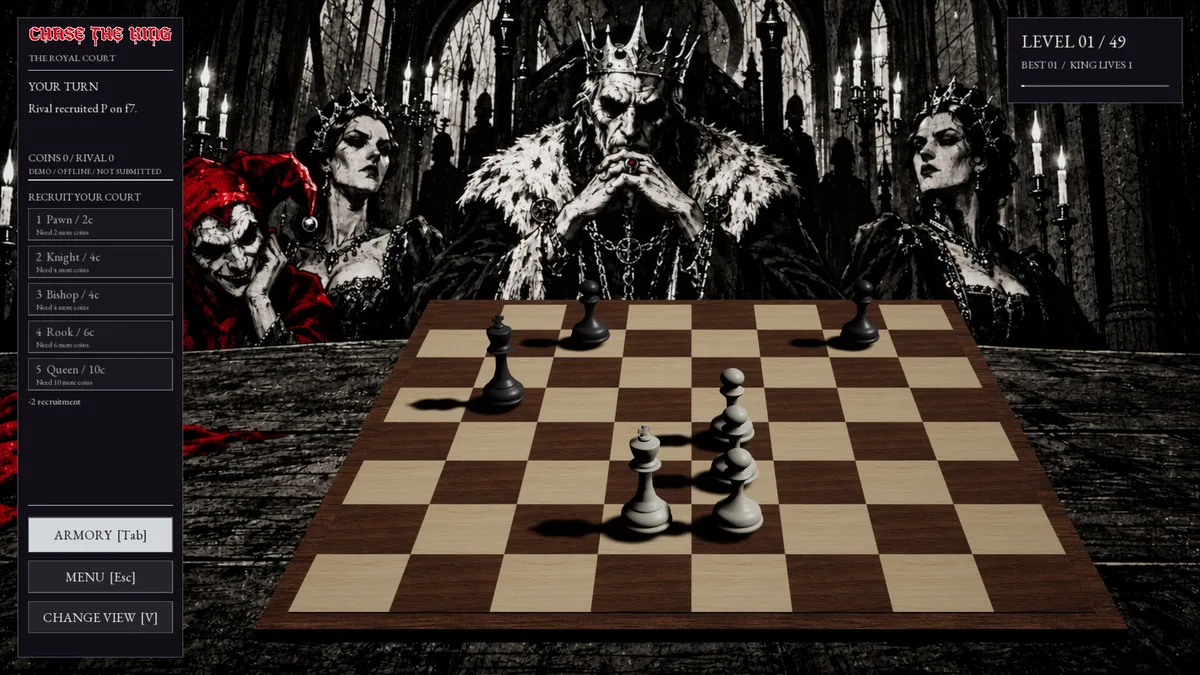
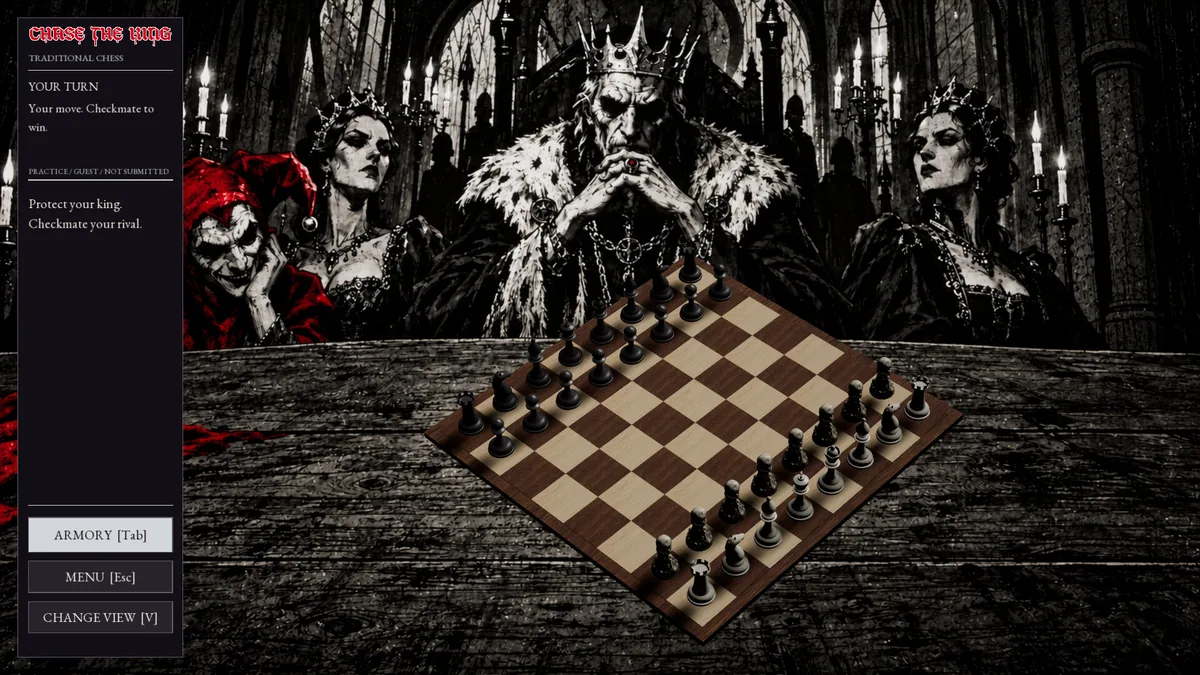
Chase The King rethinks chess by starting both kings without supporting pieces. Aggressive moves earn pieces, so early play creates an army instead of developing one already on the board. Offline difficulty levels and online opponents offer different tests of the same economy.
A capture can be valuable for its immediate board effect and for the piece it lets the player recruit. Spending too soon may leave the king exposed, while waiting too long gives an opponent more territory. The familiar chessboard asks for unfamiliar opening decisions.
Official game page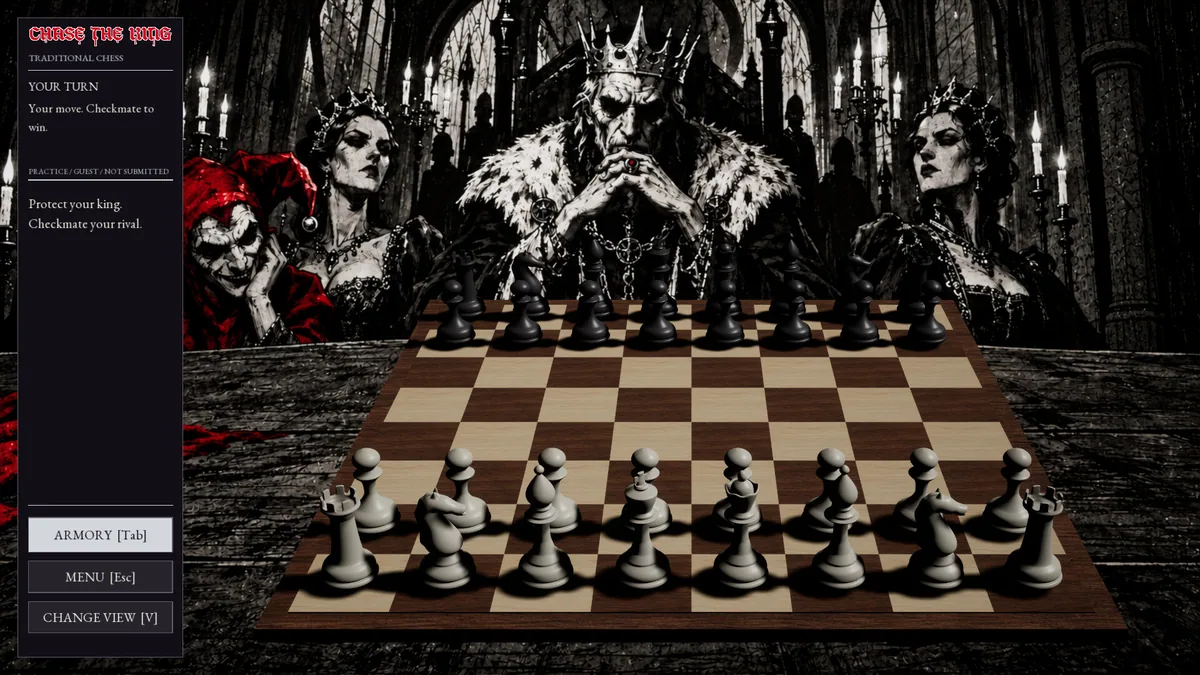
Using the Chase The King trainer
The menu displays earned piece options, attack lines and king safety before a move. It helps compare a defensive purchase with a more aggressive plan and review how the board developed from two lone kings. Match history tracks progress through the offline levels.