FREE CHEATS FOR
Choice of Life: Modern Ages
Released November 17, 2026
Updated

 EAGLE CHEATS
How to use Eagle in Choice of Life: Modern Ages
With Choice of Life: Modern Ages running, press Insert to open the Eagle menu. The quick keys give direct access to Life Timeline and Choice History. Use the menu for Career Routes, Money Record and Character Notes and the remaining listed features; close it with Insert to return to the app.
- F2 Life Timeline
Press F2 to turn Life Timeline on or off without opening the menu. - F3 Choice History
Press F3 to turn Choice History on or off without opening the menu. - Insert Career Routes
Press Insert, find Career Routes in the feature list, and switch it on or off. - Insert Money Record
Press Insert, find Money Record in the feature list, and switch it on or off. - Insert Character Notes
Press Insert, find Character Notes in the feature list, and switch it on or off.
EXPLORE THE MENUFeatures
8 features
The Eagle trainer for Choice of Life: Modern Ages brings life timeline, choice history, career routes together for the Windows PC release. Press Insert during play to open the menu, choose a control and return to the current session. Additional controls cover character notes, ending gallery, and money record during play.
- Life Timeline
- Choice History
- Career Routes
- Character Notes
- Ending Gallery
- Money Record
- Route Journal
- Story Progress
About the game
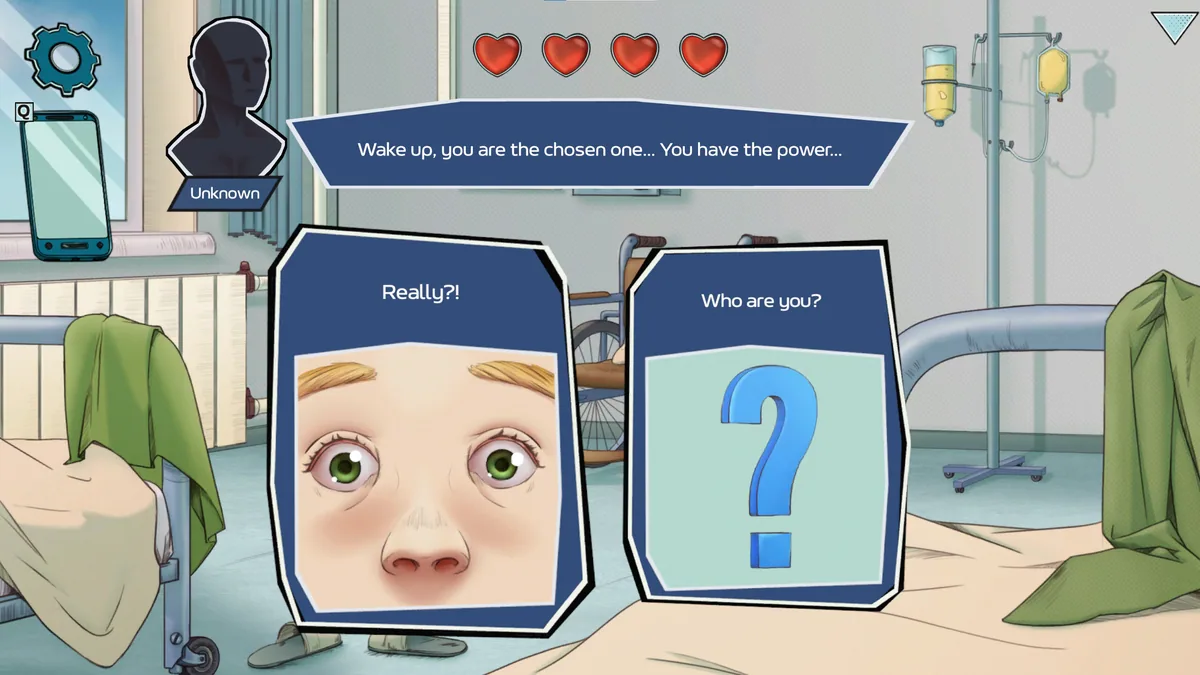
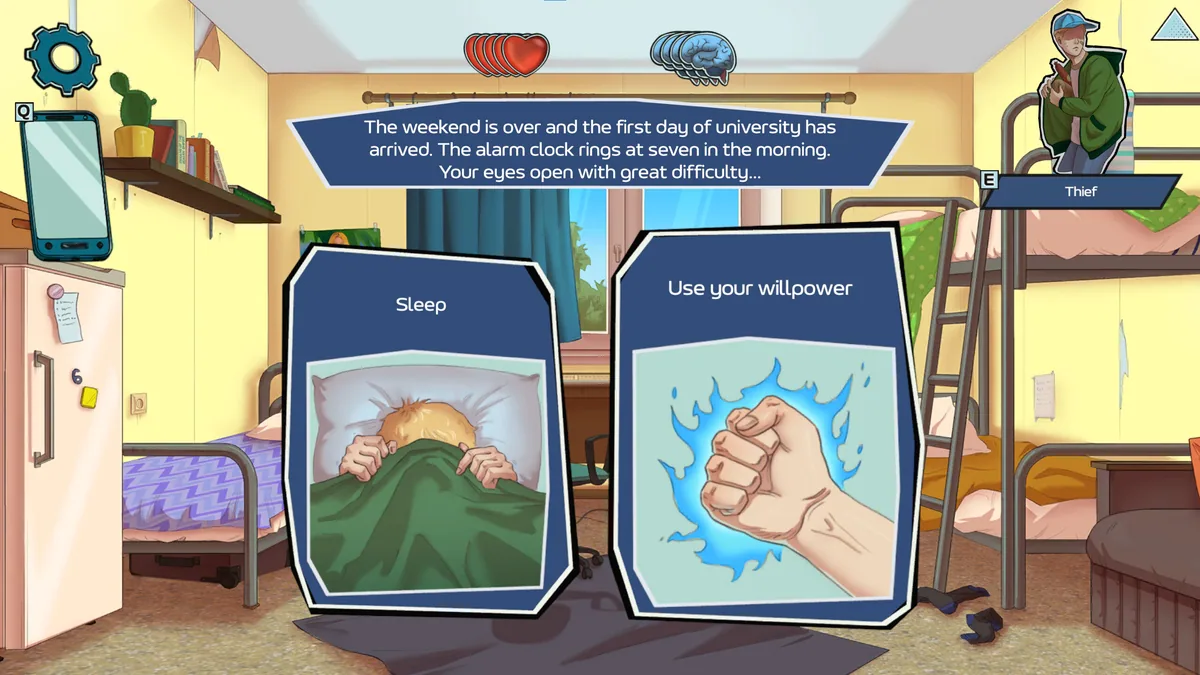
Choice of Life: Modern Ages is a choice-driven story about growing up in Capital City. School, work, crime and entrepreneurship create very different futures from a difficult start. The appeal is seeing how small decisions accumulate.
A choice that solves money trouble today may close a later opportunity. Remembering what was learned in another route helps explore without repeating the same ending. Tracking relationships and major decisions clarifies the story's branching structure.
Official game page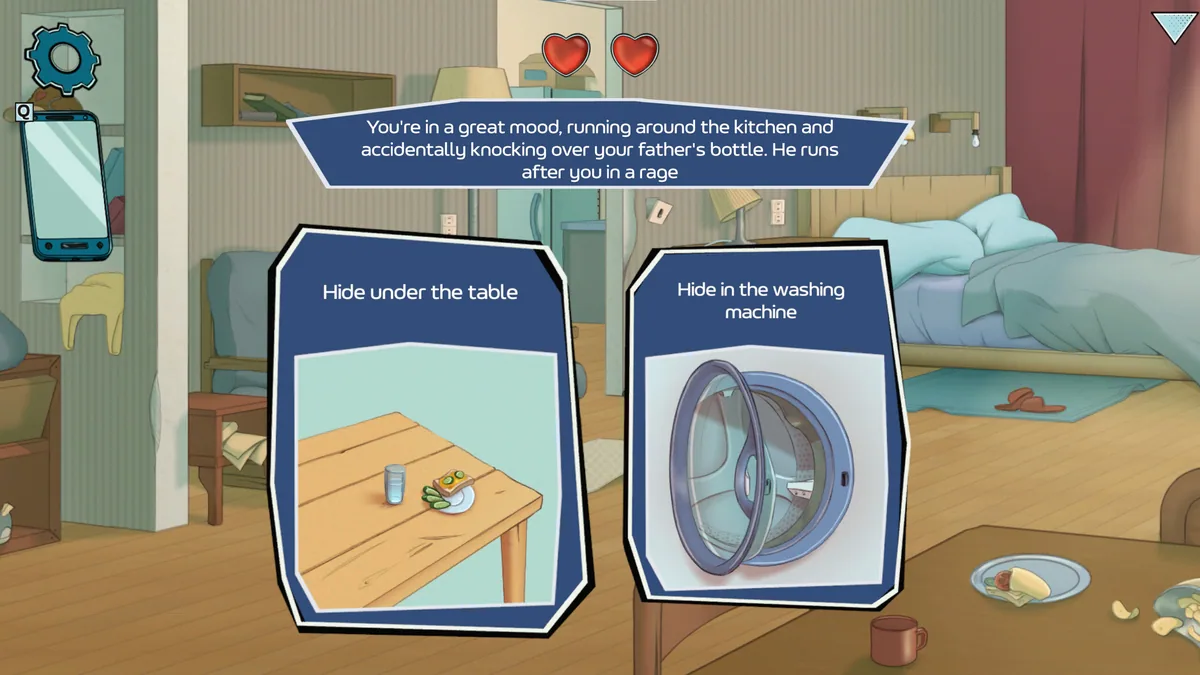


Using the Choice of Life: Modern Ages trainer
Open the Eagle menu with Insert to review life events, decisions and discovered endings. The route journal keeps alternate paths separate. Use the character notes before choosing a job or commitment that changes the next chapter.