FREE CHEATS FOR
Crossing Space Zen
Released November 10, 2026
Updated

 EAGLE CHEATS
How to use Eagle in Crossing Space Zen
With Crossing Space Zen running, press Insert to open the Eagle menu. The quick keys give direct access to Orbit Preview and Gravity Field. Use the menu for Fuel Gauge, Flight Replay and Drift Map and the remaining listed features; close it with Insert to return to the app.
- F2 Orbit Preview
Press F2 to turn Orbit Preview on or off without opening the menu. - F3 Gravity Field
Press F3 to turn Gravity Field on or off without opening the menu. - Insert Fuel Gauge
Press Insert, find Fuel Gauge in the feature list, and switch it on or off. - Insert Flight Replay
Press Insert, find Flight Replay in the feature list, and switch it on or off. - Insert Drift Map
Press Insert, find Drift Map in the feature list, and switch it on or off.
EXPLORE THE MENUFeatures
8 features
The Eagle trainer for Crossing Space Zen brings orbit preview, gravity field, fuel gauge together for the Windows PC release. Press Insert during play to open the menu, choose a control and return to the current session. Additional controls cover ship integrity, landing target, and exodus progress during play.
- Orbit Preview
- Gravity Field
- Fuel Gauge
- Ship Integrity
- Landing Target
- Exodus Progress
- Drift Map
- Flight Replay
About the game
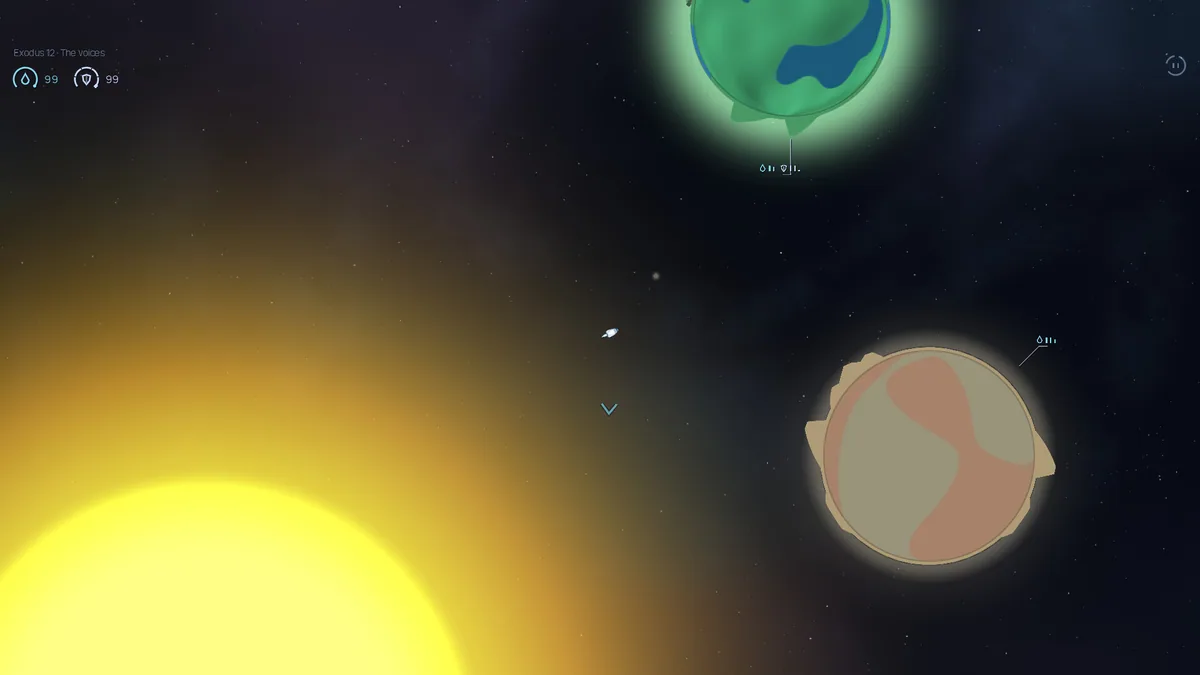
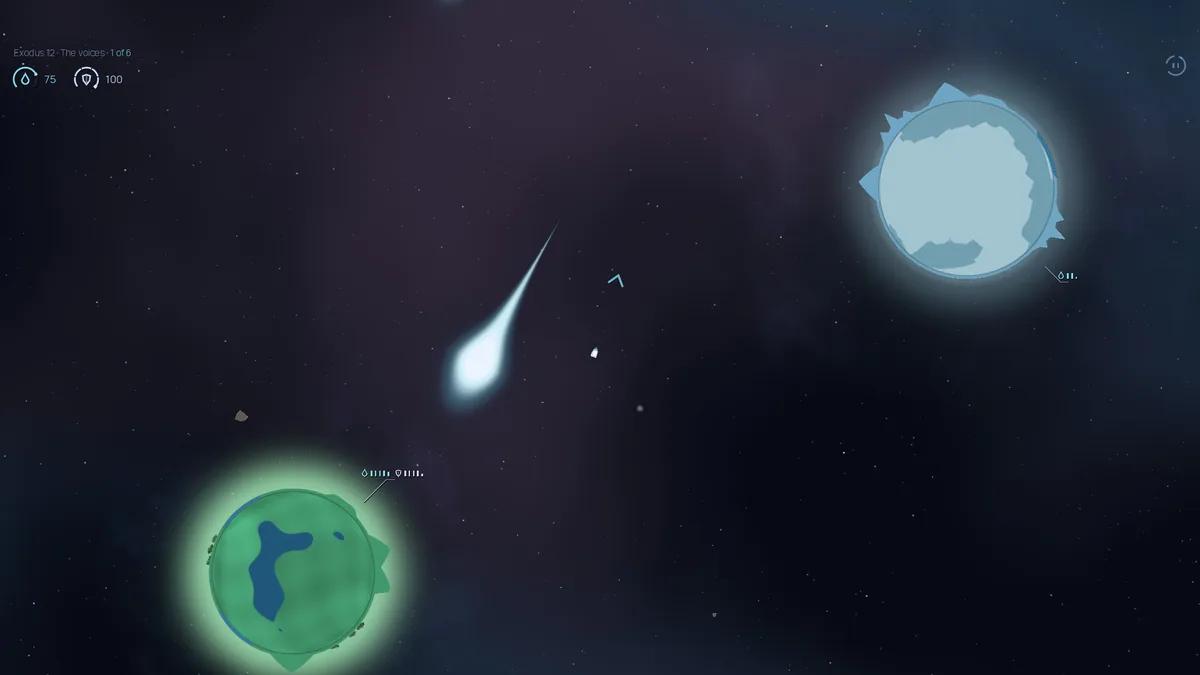
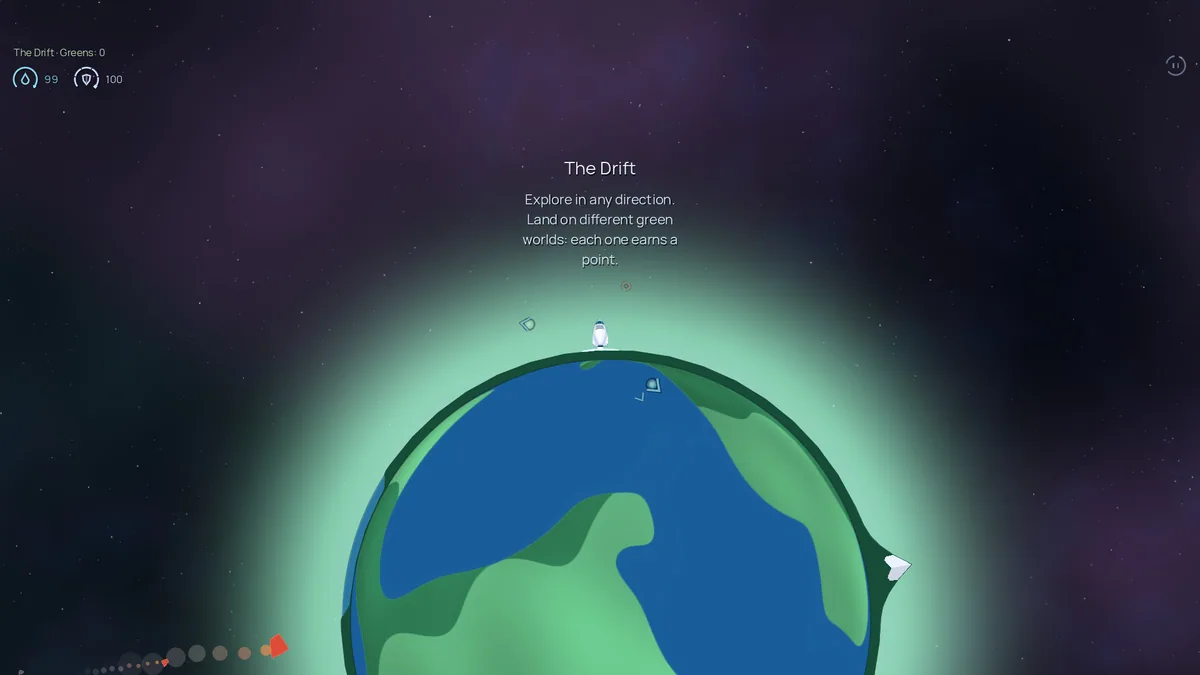
Crossing Space Zen is a peaceful two-dimensional space-flight game with realistic gravity and no weapons. The ship carries sleeping people through eighteen exoduses toward a place to land. Players can also drift through an open universe and study the pull of planets and suns.
The absence of combat shifts attention to trajectories, fuel and safe arrival. A close approach can save time but risk pulling the vessel into a body it cannot escape. Planning a wide arc and adjusting gently often matters more than a dramatic burst of speed.
Official game page
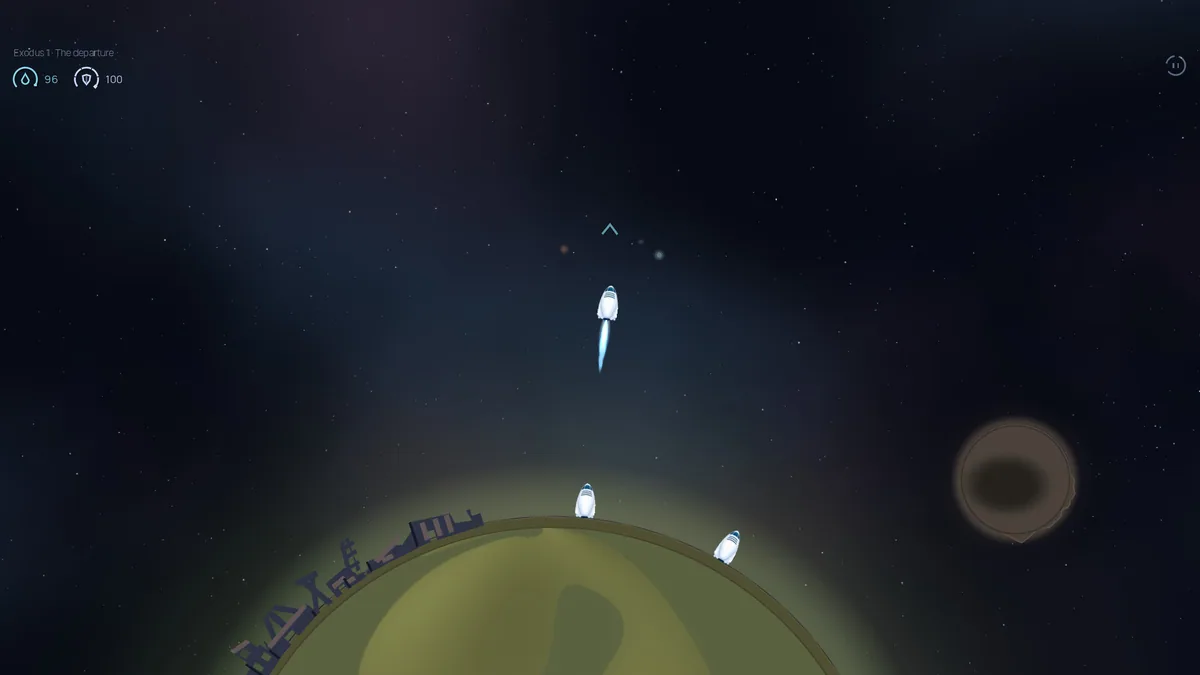
Using the Crossing Space Zen trainer
The menu displays gravitational influence, projected orbit and the passengers' journey status. It helps a pilot compare a landing approach with a safer pass and keep the next exodus objective in view. The Drift map supports quiet exploration without turning it into a combat mission.