FREE CHEATS FOR
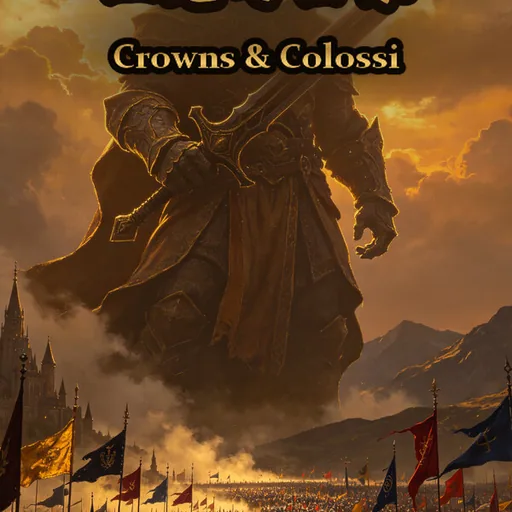
Crowns & Colossi
Released November 14, 2026
Updated
 EAGLE CHEATS
How to use Eagle in Crowns & Colossi
With Crowns & Colossi running, press Insert to open the Eagle menu. The quick keys give direct access to Minister Roster and Treasury View. Use the menu for Kingdom Map, Legion Strength and Colossus Status and the remaining listed features; close it with Insert to return to the app.
- F2 Minister Roster
Press F2 to turn Minister Roster on or off without opening the menu. - F3 Treasury View
Press F3 to turn Treasury View on or off without opening the menu. - Insert Kingdom Map
Press Insert, find Kingdom Map in the feature list, and switch it on or off. - Insert Legion Strength
Press Insert, find Legion Strength in the feature list, and switch it on or off. - Insert Colossus Status
Press Insert, find Colossus Status in the feature list, and switch it on or off.
EXPLORE THE MENUFeatures
8 features
The Eagle trainer for Crowns & Colossi brings minister roster, treasury view, kingdom map together for the Windows PC release. Press Insert during play to open the menu, choose a control and return to the current session. Additional controls cover legion strength, colossus status, and battle cards during play.
- Minister Roster
- Treasury View
- Kingdom Map
- Legion Strength
- Colossus Status
- Battle Cards
- Branch Log
- Turn Tracker
About the game
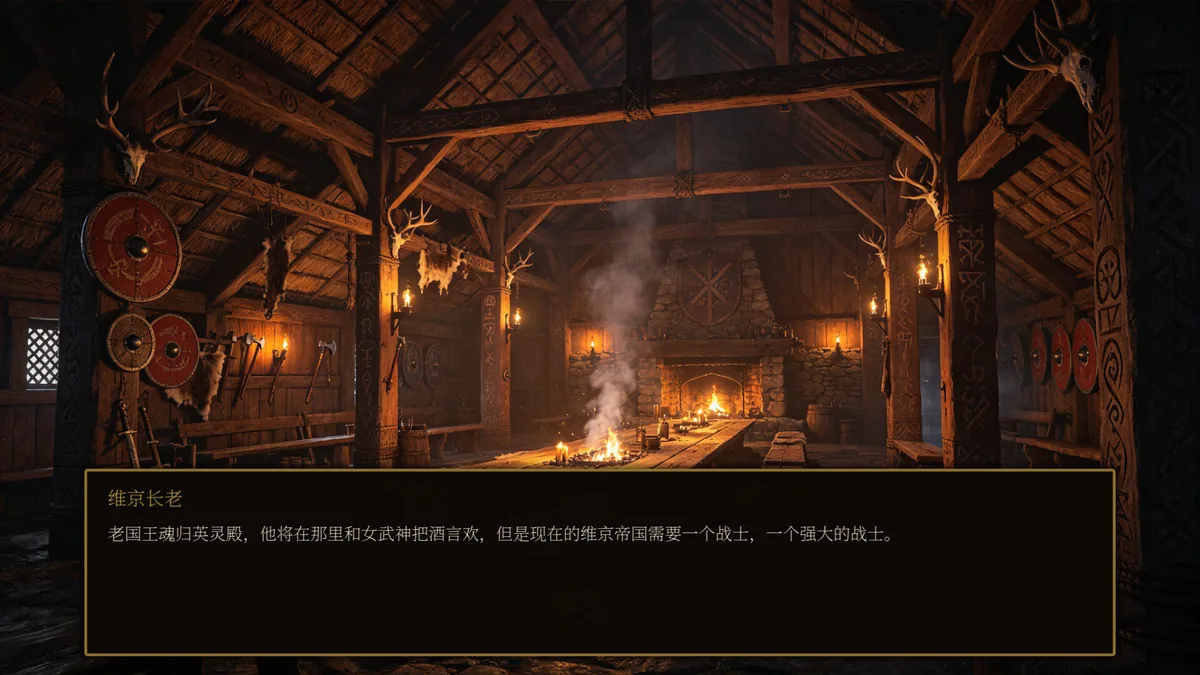
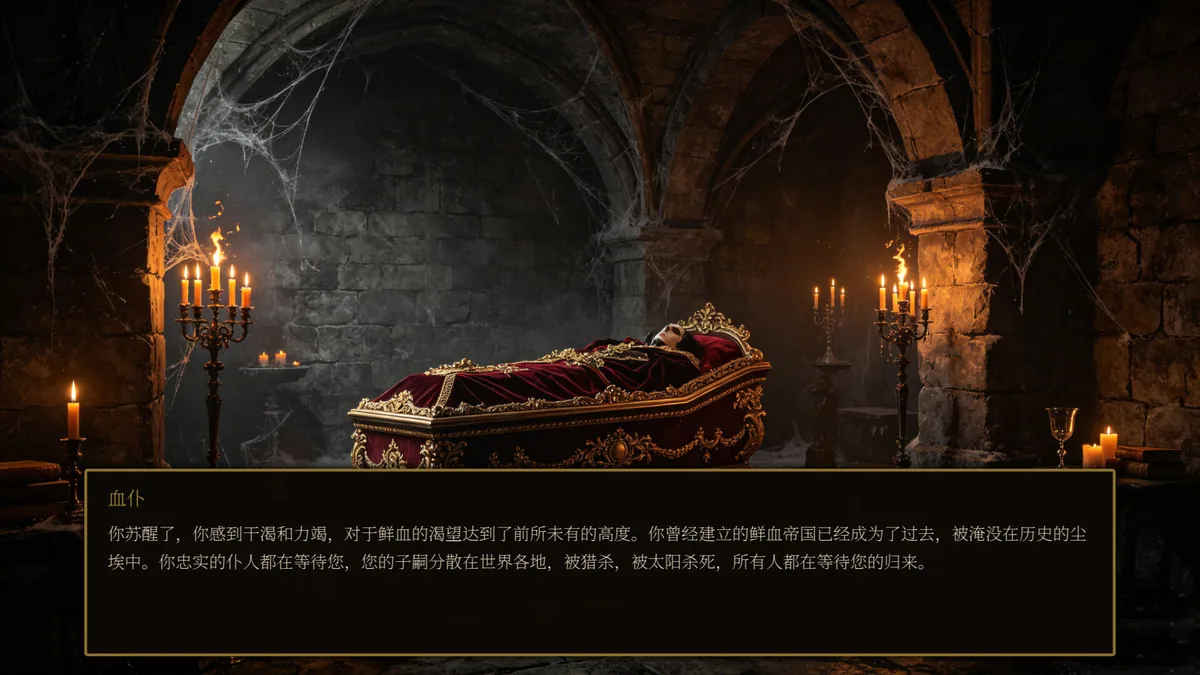
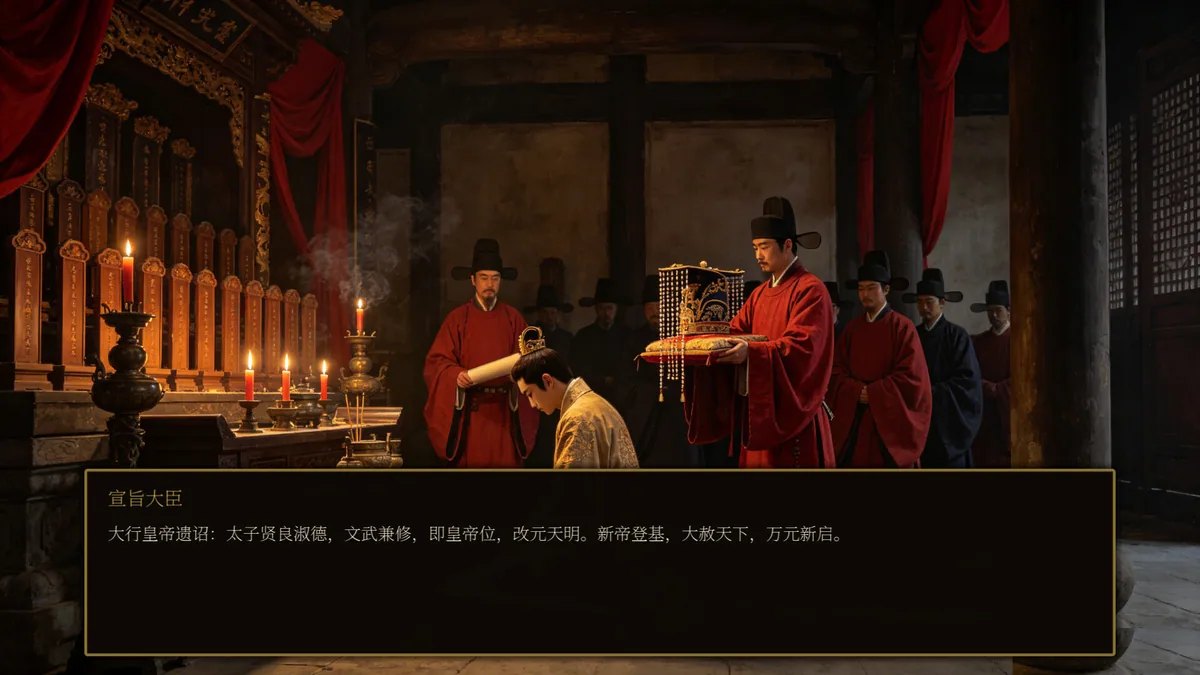
Crowns & Colossi asks a ruler to choose among thirteen fantasy kingdoms, appoint ministers and balance a treasury before commanding legions in turn-based battles. Strategy cards and giant colossi change the weight of a battlefield decision. Branching stories and multiple endings give each run a different political arc.
A ministerial choice can support one part of a kingdom while leaving another exposed. Spending on a colossus may offer immediate force at the cost of future flexibility, and the map gives rivals time to respond. Success therefore depends on linking court decisions with the next battle.
Official game page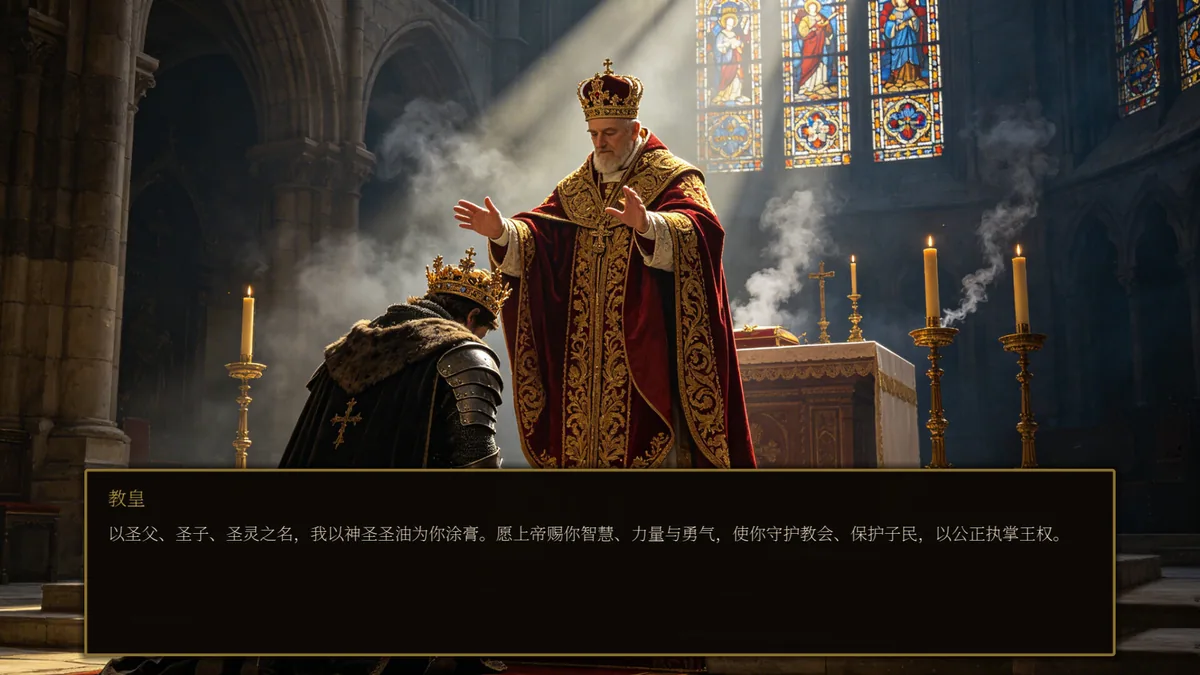

Using the Crowns & Colossi trainer
The Eagle menu brings minister posts, treasury and army position into a shared campaign view. Use Insert before ending a turn to inspect a kingdom's weak point and available battle cards. A branch log records story decisions without predicting the ending that a run will reach.