FREE CHEATS FOR
Crownsink
Released November 14, 2026
Updated
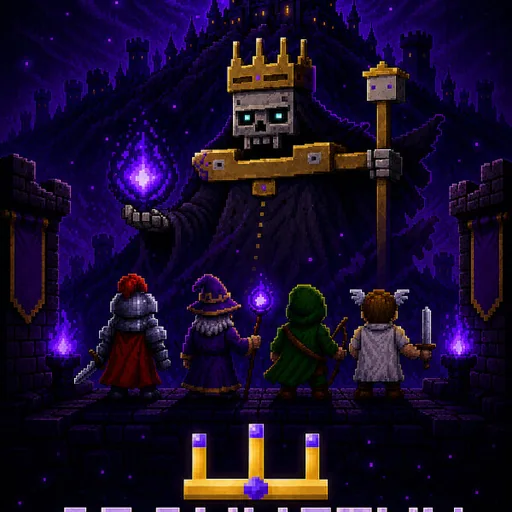
 EAGLE CHEATS
How to use Eagle in Crownsink
With Crownsink running, press Insert to open the Eagle menu. The quick keys give direct access to Floor Map and Weapon Chain. Use the menu for Upgrade Picks, Loot View and Hazard Alerts and the remaining listed features; close it with Insert to return to the app.
- F2 Floor Map
Press F2 to turn Floor Map on or off without opening the menu. - F3 Weapon Chain
Press F3 to turn Weapon Chain on or off without opening the menu. - Insert Upgrade Picks
Press Insert, find Upgrade Picks in the feature list, and switch it on or off. - Insert Loot View
Press Insert, find Loot View in the feature list, and switch it on or off. - Insert Hazard Alerts
Press Insert, find Hazard Alerts in the feature list, and switch it on or off.
EXPLORE THE MENUFeatures
8 features
The Eagle trainer for Crownsink brings floor map, weapon chain, upgrade picks together for the Windows PC release. Press Insert during play to open the menu, choose a control and return to the current session. Additional controls cover hazard alerts, king tracker, and team markers during play.
- Floor Map
- Weapon Chain
- Upgrade Picks
- Hazard Alerts
- King Tracker
- Team Markers
- Loot View
- Run History
About the game
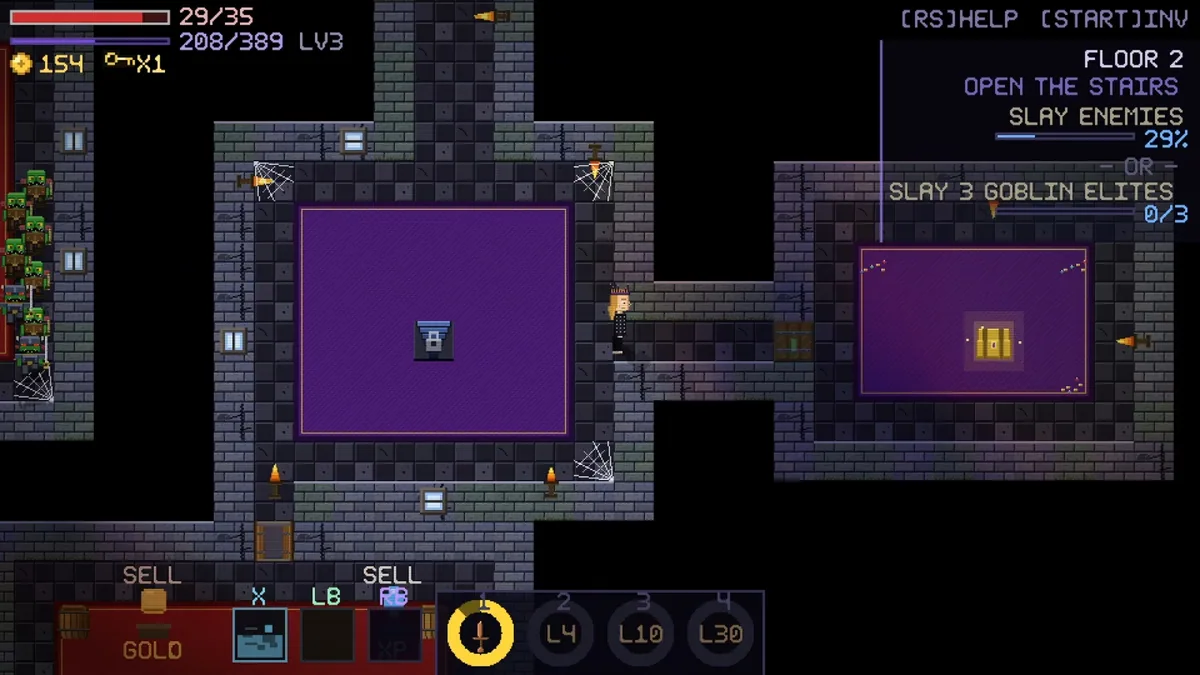
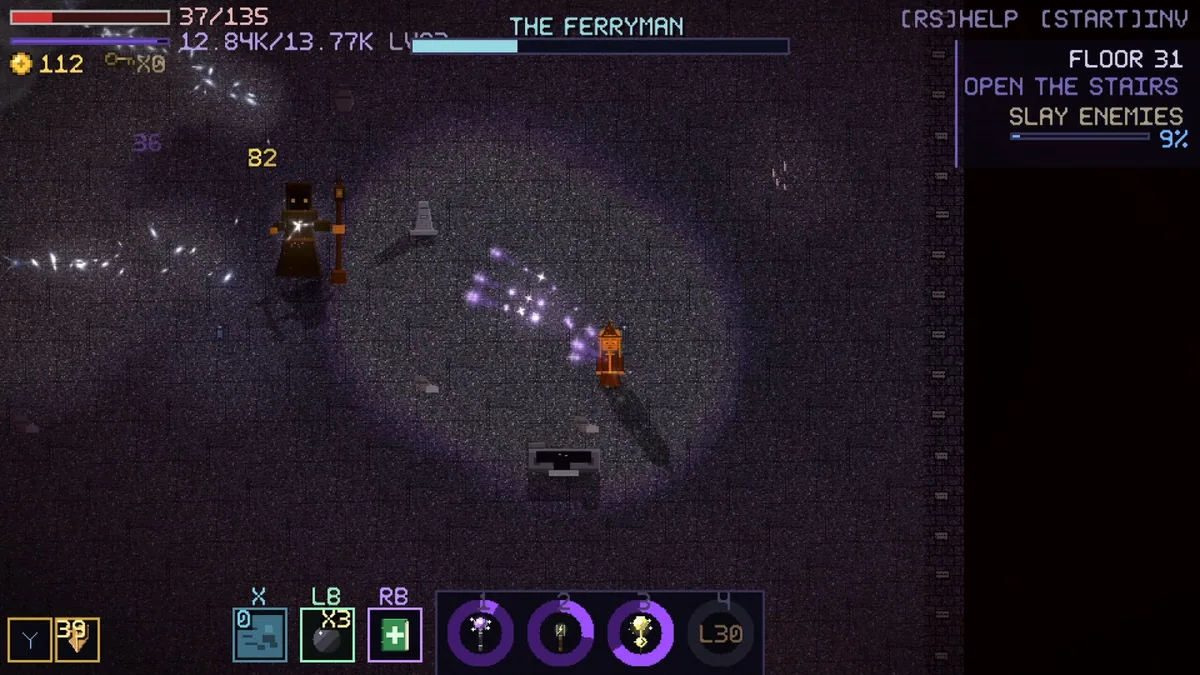
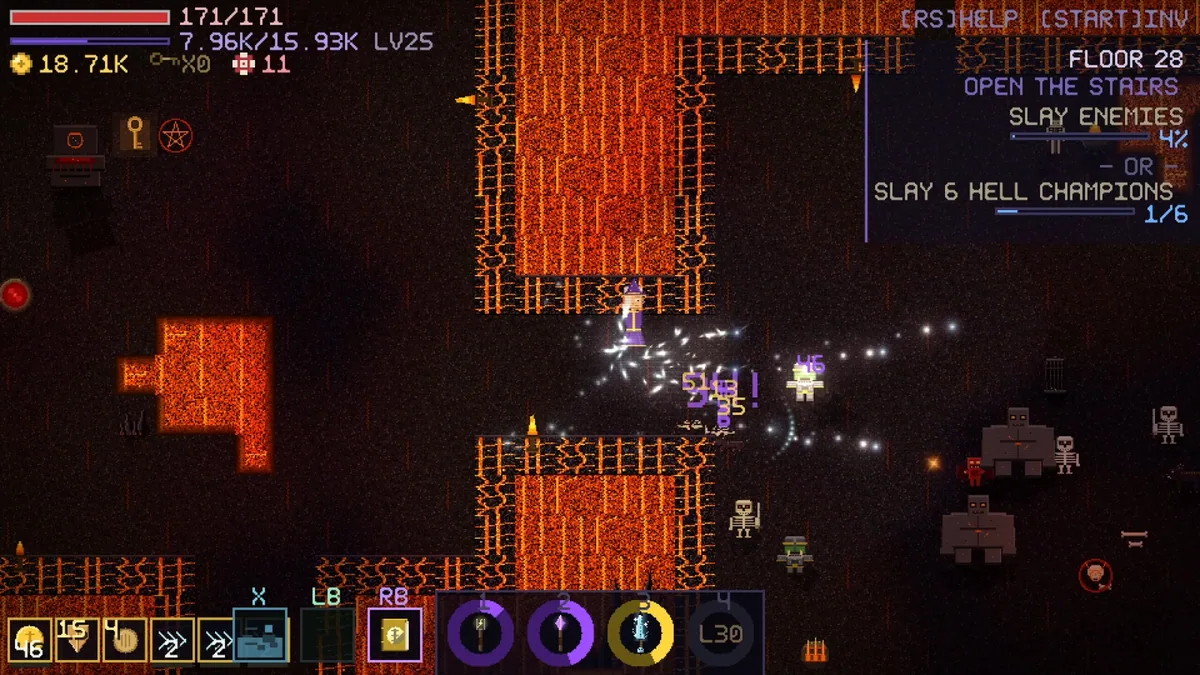
Crownsink is a fast top-down action roguelite of changing floors, loot and builds. Players chain weapons and upgrades through hazard rooms and arenas on the way to eight monster kings. Solo runs and online drop-in cooperation for up to three friends make positioning and build choices matter in different ways.
A weapon chain that clears ordinary rooms may need adjustment before a boss, and a tempting pickup can compete with an upgrade already working well. Hazards force movement even when the build is strong. In a group, each player's position changes which route through an arena is safest.
Official game page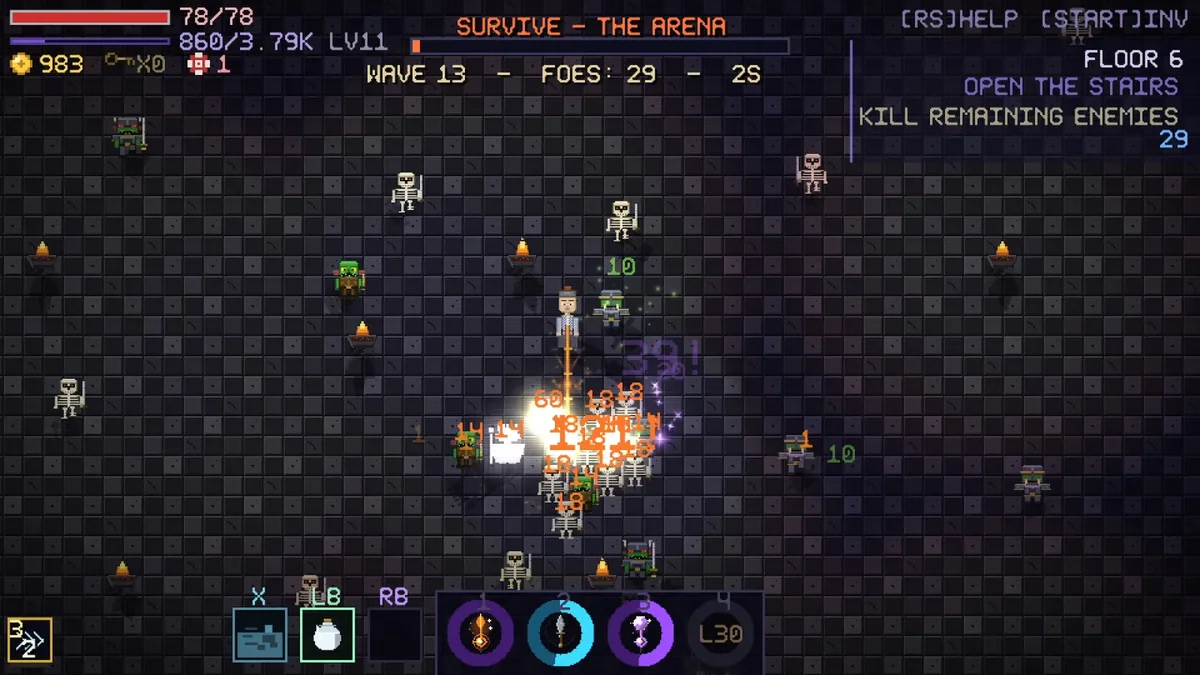
Using the Crownsink trainer
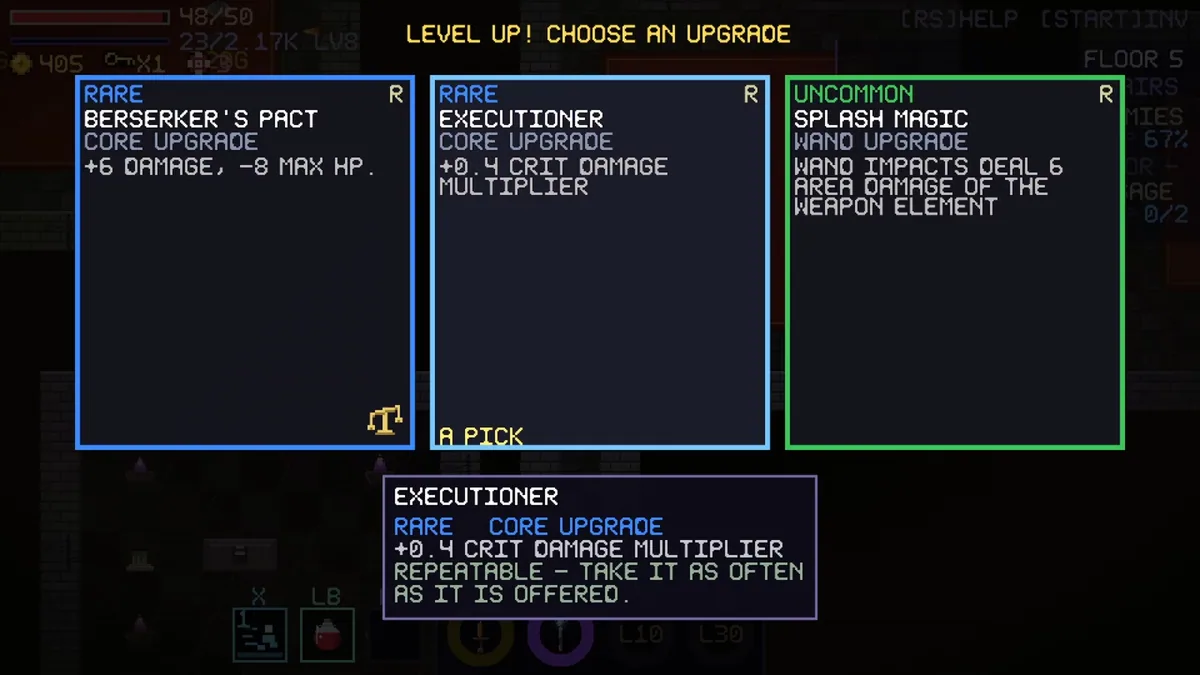
The Eagle menu presents floor route, equipment chain and boss status beside current hazards. Open it with Insert between rooms to compare an upgrade with the build already assembled. Teammate markers appear in cooperative runs, while a king tracker shows which major encounter remains ahead.