FREE CHEATS FOR
Daydream and Her Lonely Isle
Released November 16, 2026
Updated

 EAGLE CHEATS
How to use Eagle in Daydream and Her Lonely Isle
With Daydream and Her Lonely Isle running, press Insert to open the Eagle menu. The quick keys give direct access to Scene History and Character Memories. Use the menu for Dialogue Journal, Relationship Timeline and Shared Plans and the remaining listed features; close it with Insert to return to the app.
- F2 Scene History
Press F2 to turn Scene History on or off without opening the menu. - F3 Character Memories
Press F3 to turn Character Memories on or off without opening the menu. - Insert Dialogue Journal
Press Insert, find Dialogue Journal in the feature list, and switch it on or off. - Insert Relationship Timeline
Press Insert, find Relationship Timeline in the feature list, and switch it on or off. - Insert Shared Plans
Press Insert, find Shared Plans in the feature list, and switch it on or off.
EXPLORE THE MENUFeatures
8 features
The Eagle trainer for Daydream and Her Lonely Isle brings scene history, character memories, dialogue journal together for the Windows PC release. Press Insert during play to open the menu, choose a control and return to the current session. Additional controls cover shared plans, preference notes, and relationship timeline during play.
- Scene History
- Character Memories
- Dialogue Journal
- Shared Plans
- Preference Notes
- Relationship Timeline
- Choice Record
- Story Progress
About the game
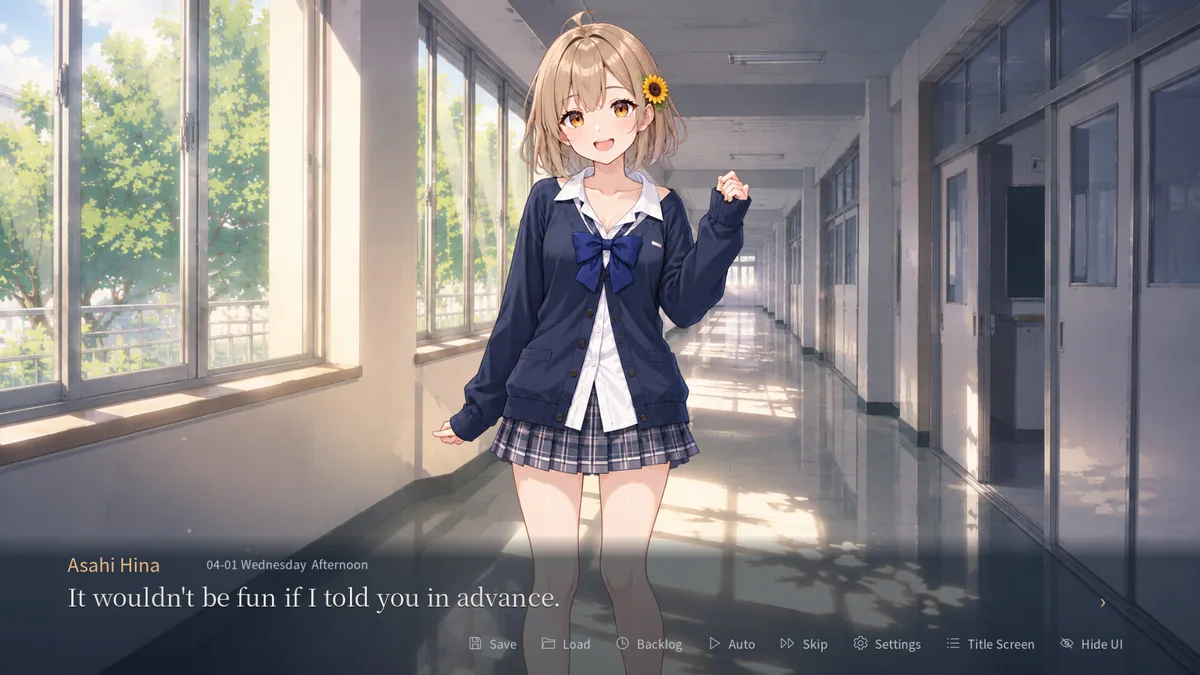
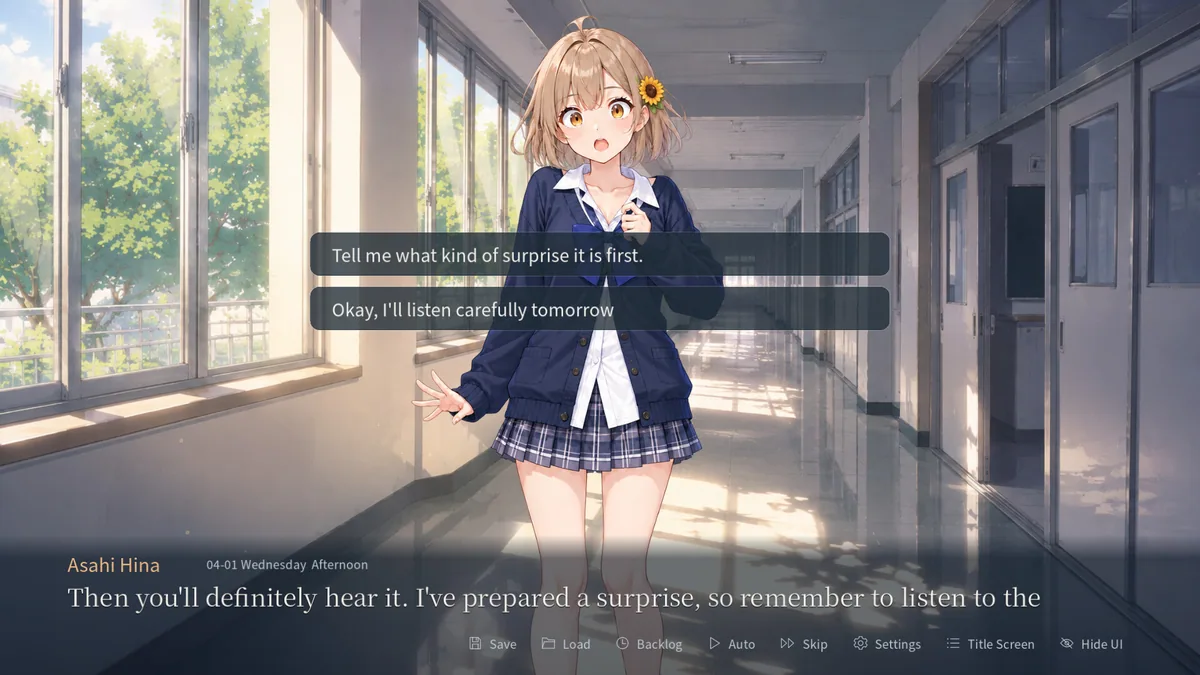
Daydream and Her Lonely Isle is a school romance visual novel with offline character chat and memory. Conversations can be written in the player's own words, and shared moments shape later exchanges. The appeal lies in the evolving relationship rather than a fixed dialogue list.
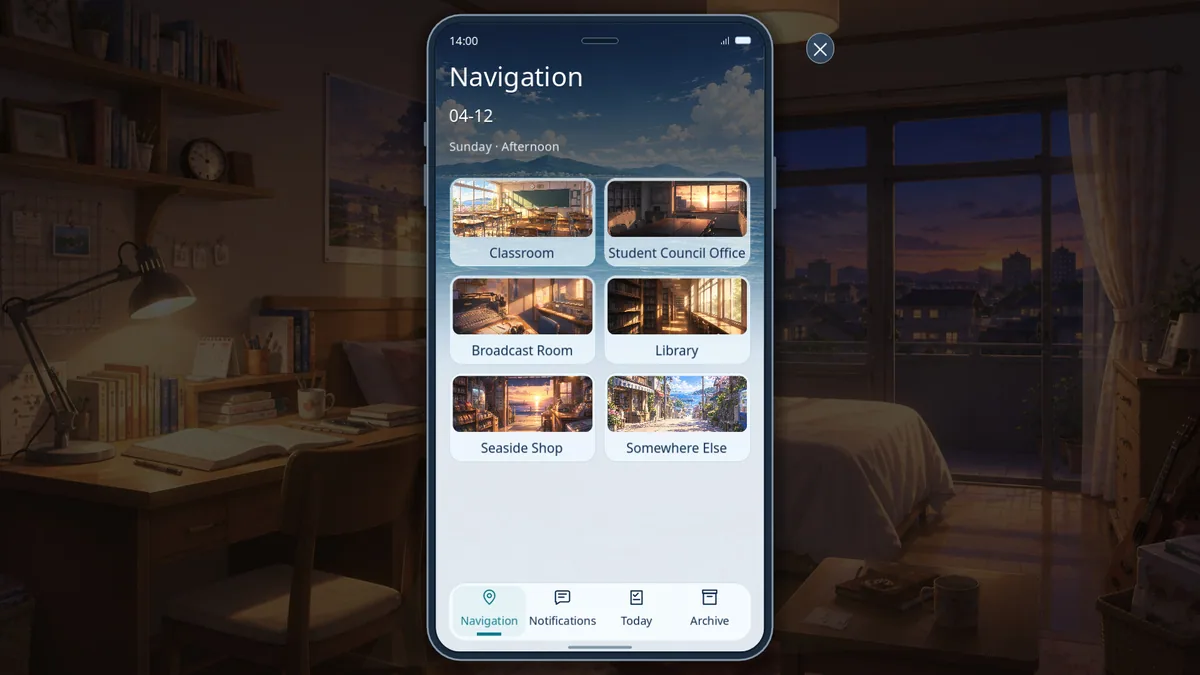
A brief comment can matter when the character remembers it later. Keeping track of plans and preferences helps follow the emotional thread without repeating the same topics. The story rewards thoughtful conversation and attention to earlier scenes.
Official game page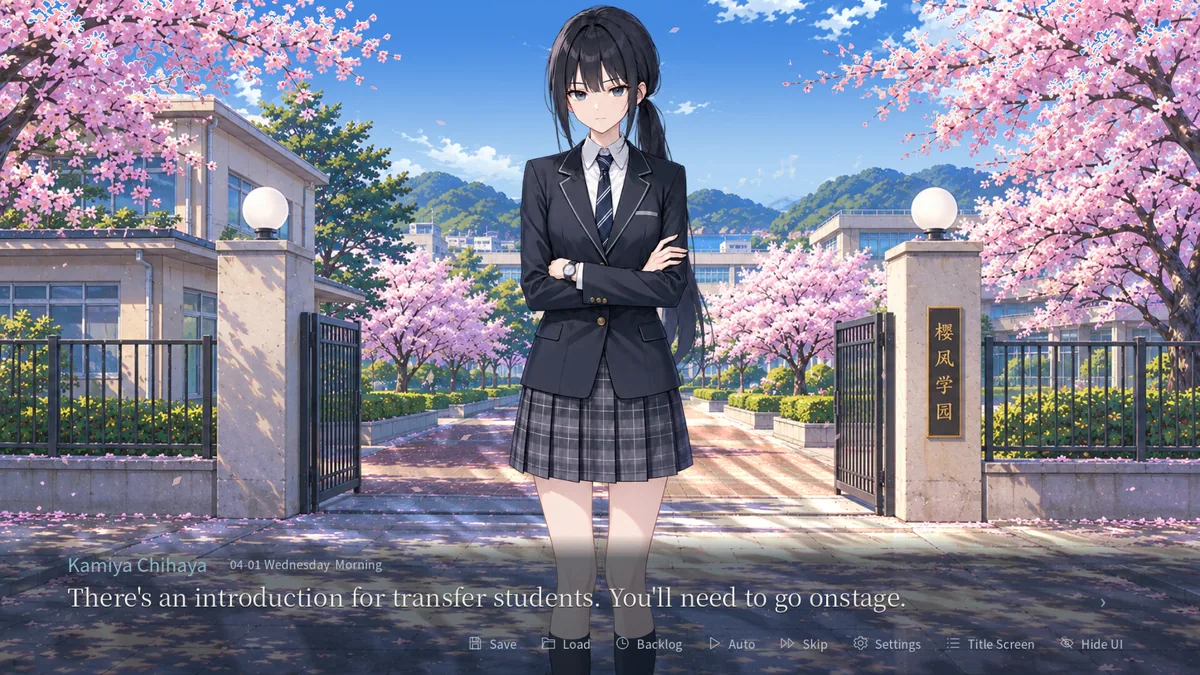

Using the Daydream and Her Lonely Isle trainer
Open the Eagle menu with Insert to review scene history, character memories and scheduled plans. The dialogue journal keeps important exchanges in order. Use the relationship notes before returning to a topic that has already changed meaning.