FREE CHEATS FOR
Deblock
Released November 10, 2026
Updated
 EAGLE CHEATS
How to use Eagle in Deblock
With Deblock running, press Insert to open the Eagle menu. The quick keys give direct access to Block Health and Break Power. Use the menu for Upgrade Costs, Damage History and Currency View and the remaining listed features; close it with Insert to return to the app.
- F2 Block Health
Press F2 to turn Block Health on or off without opening the menu. - F3 Break Power
Press F3 to turn Break Power on or off without opening the menu. - Insert Upgrade Costs
Press Insert, find Upgrade Costs in the feature list, and switch it on or off. - Insert Damage History
Press Insert, find Damage History in the feature list, and switch it on or off. - Insert Currency View
Press Insert, find Currency View in the feature list, and switch it on or off.
EXPLORE THE MENUFeatures
8 features
The Eagle trainer for Deblock brings block health, break power, upgrade costs together for the Windows PC release. Press Insert during play to open the menu, choose a control and return to the current session. Additional controls cover currency view, tool slots, and layer progress during play.
- Block Health
- Break Power
- Upgrade Costs
- Currency View
- Tool Slots
- Layer Progress
- Damage History
- Session Timer
About the game
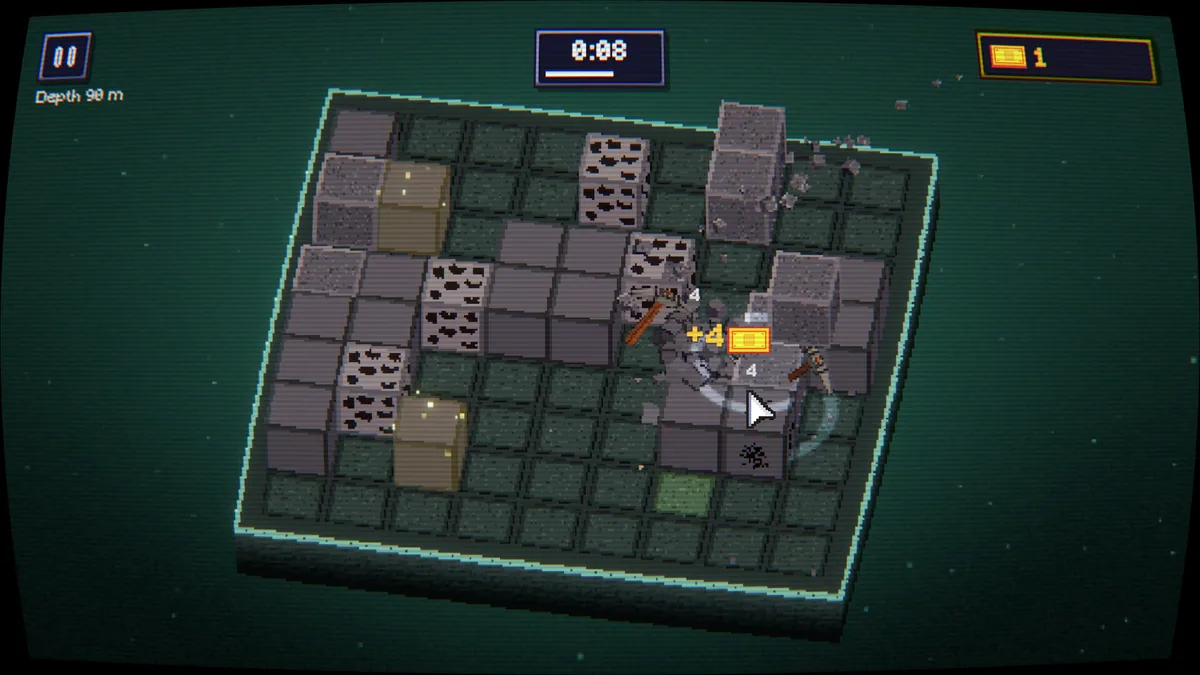
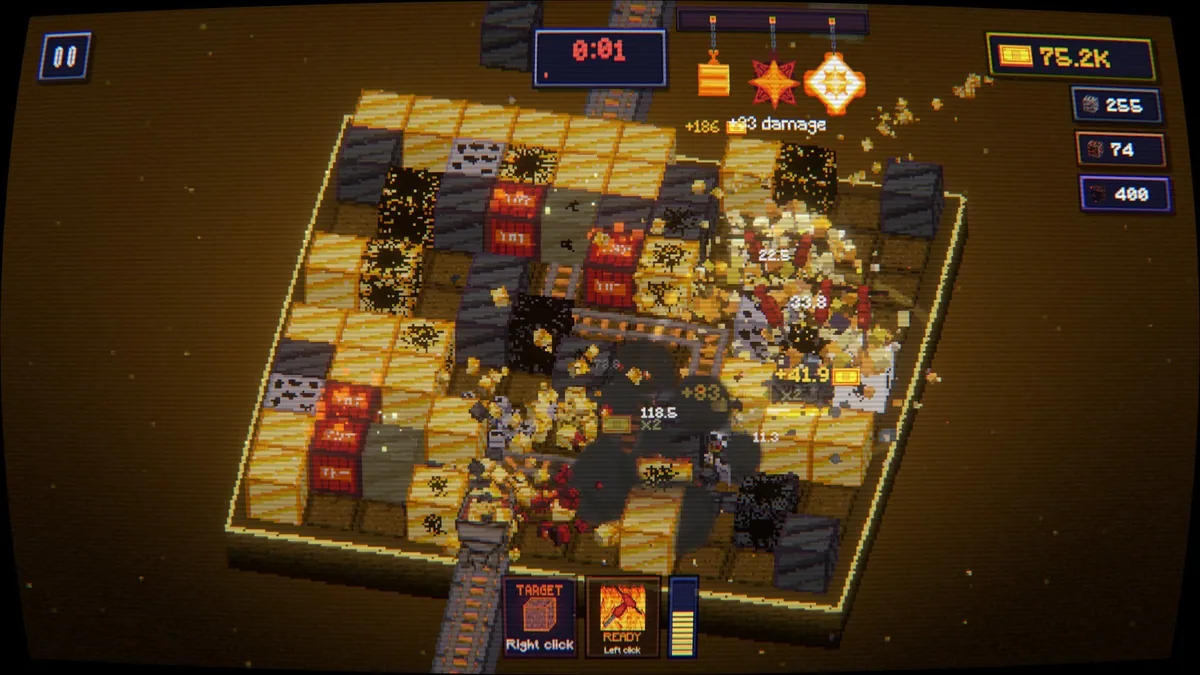
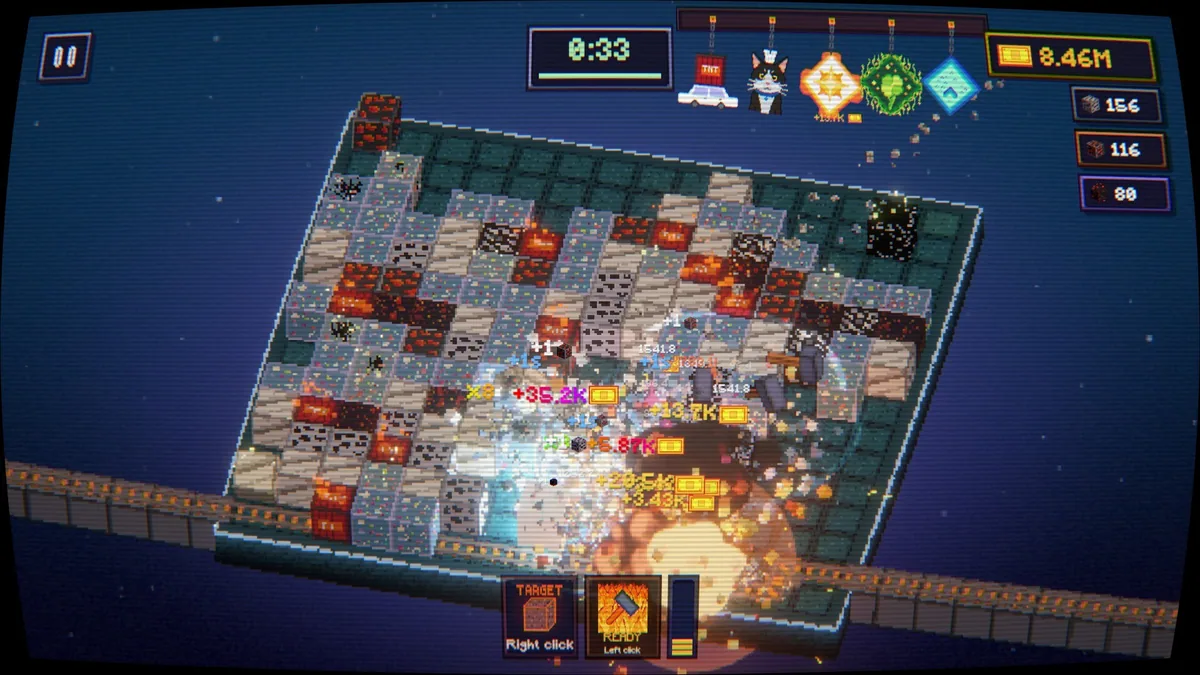
Deblock is a compact incremental game about breaking blocks and buying stronger tools. Every upgrade increases how quickly the next layer can be removed, making the loop easy to understand but still rewarding to optimize. The short format gives the progression a clear endpoint.
A cheap improvement may pay for itself quickly, while a costly tool can be worth saving for if it changes the break rate dramatically. Watching how long each block takes helps players decide when to invest rather than clicking without a plan.
Official game page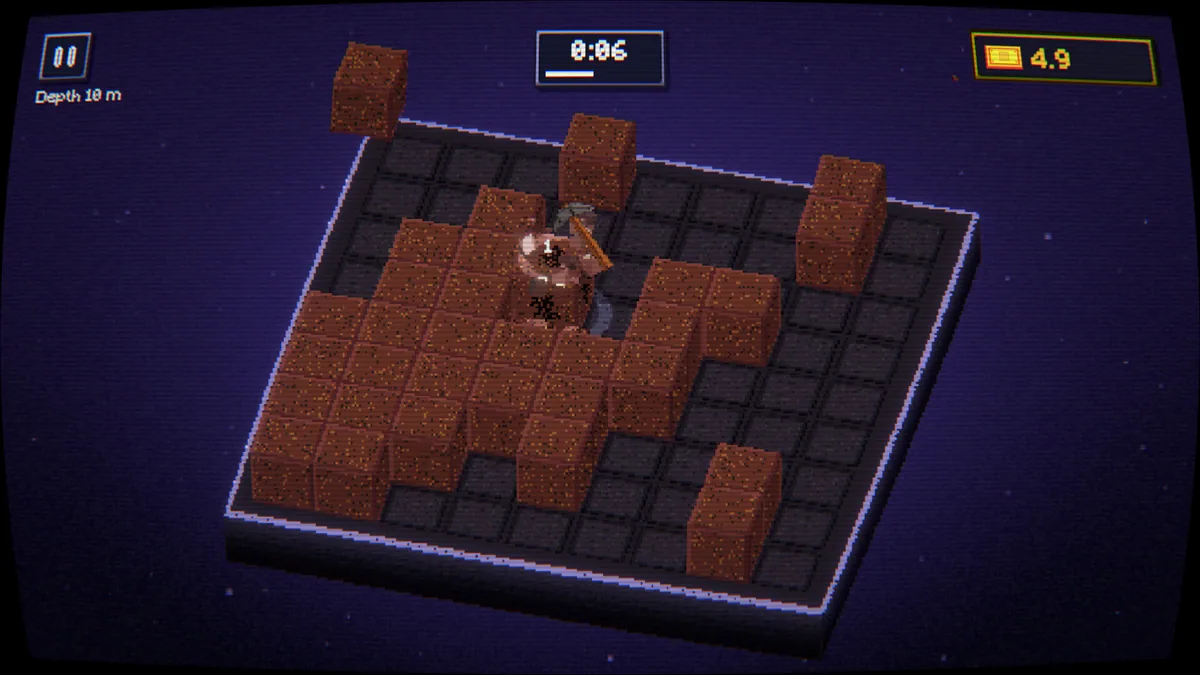
Using the Deblock trainer
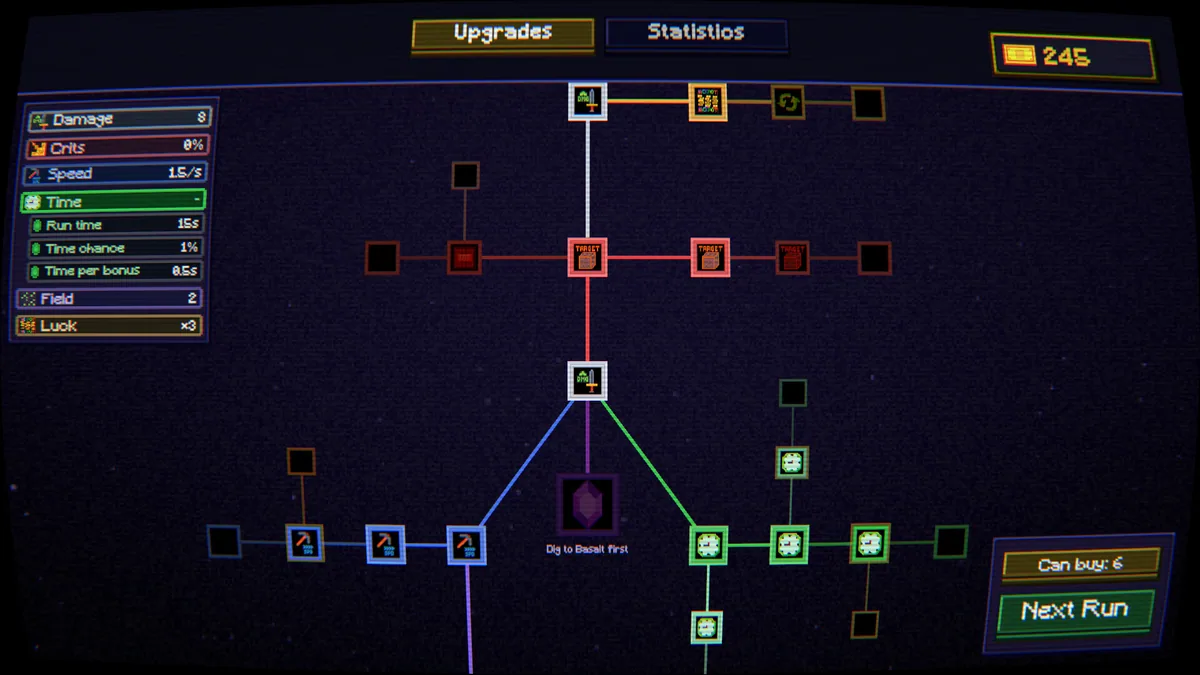
The menu puts block durability, current damage and upgrade prices together. It helps compare the next purchase with the time needed to earn it and follow progress through remaining layers. A session log shows which improvement produced the biggest change.