FREE CHEATS FOR
Deep Rock Galactic: Rogue Core
Released May 20, 2026
Updated

 EAGLE CHEATS
How to use Eagle in Deep Rock Galactic: Rogue Core
With Deep Rock Galactic: Rogue Core running, press Insert to open the Eagle menu. The quick keys give direct access to Squad Markers and Cave Map. Use the menu for Upgrade Choices, Weapon Status and Horde Alerts and the remaining listed features; close it with Insert to return to the app.
- F2 Squad Markers
Press F2 to turn Squad Markers on or off without opening the menu. - F3 Cave Map
Press F3 to turn Cave Map on or off without opening the menu. - Insert Upgrade Choices
Press Insert, find Upgrade Choices in the feature list, and switch it on or off. - Insert Weapon Status
Press Insert, find Weapon Status in the feature list, and switch it on or off. - Insert Horde Alerts
Press Insert, find Horde Alerts in the feature list, and switch it on or off.
EXPLORE THE MENUFeatures
8 features
The Eagle trainer for Deep Rock Galactic: Rogue Core brings squad markers, cave map, upgrade choices together for the Windows PC release. Press Insert during play to open the menu, choose a control and return to the current session. Additional controls cover horde alerts, mission progress, and weapon status during play.
- Squad Markers
- Cave Map
- Upgrade Choices
- Horde Alerts
- Mission Progress
- Weapon Status
- Resource Stock
- Route History
About the game
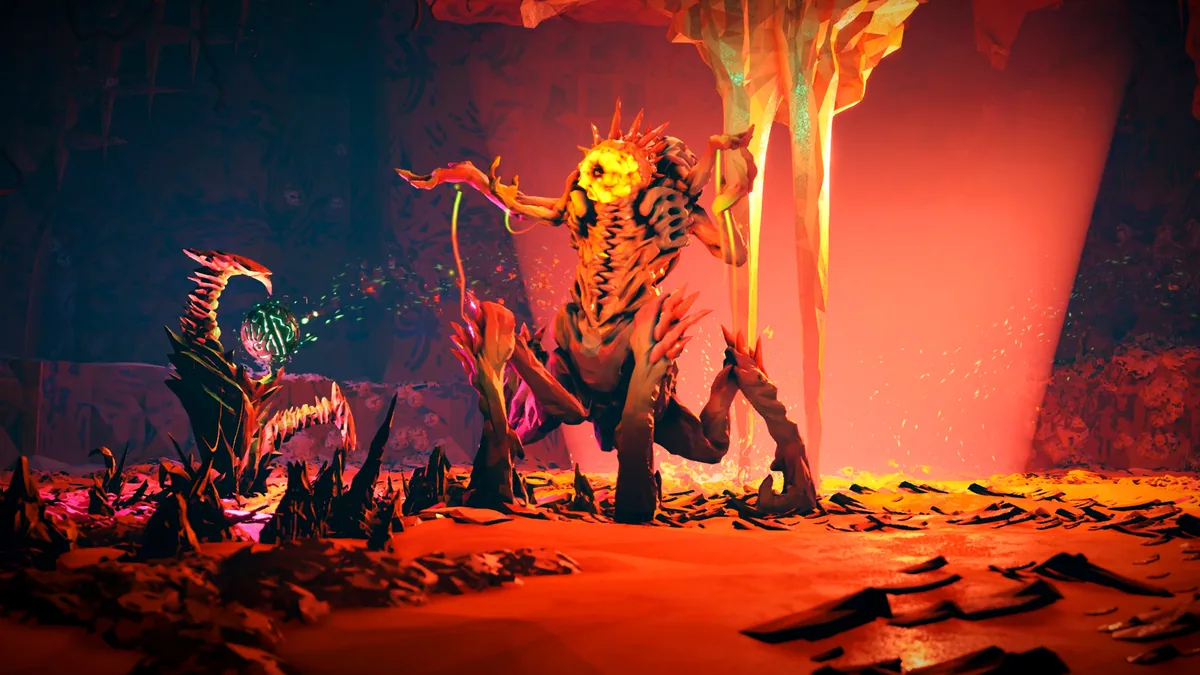
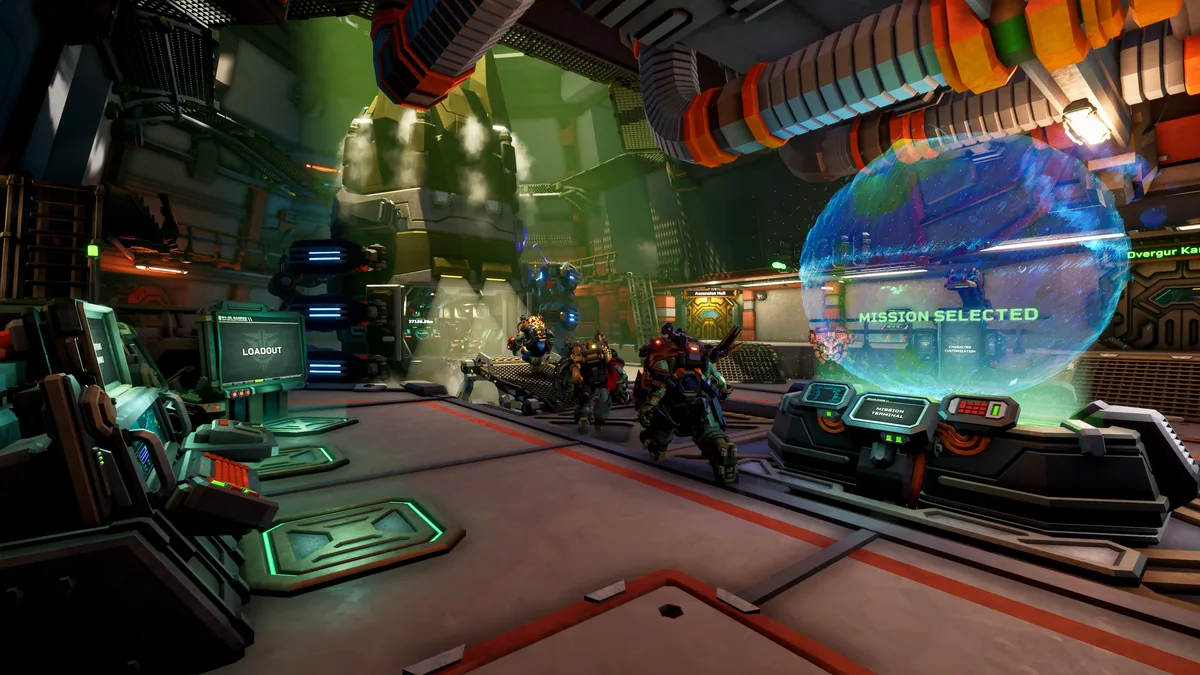
Deep Rock Galactic: Rogue Core is a cooperative shooter for one to four sci-fi dwarves exploring procedurally generated caves. Alien hordes and random roguelike upgrades make each mine run different. The crew must move together through maze-like tunnels while adapting its equipment to what the run provides.
An upgrade that helps one dwarf can leave a gap in the group's overall coverage. A narrow tunnel may offer a strong defense until enemies approach from a branch that was not mapped. Mining, navigation and combat become one shared decision when the team must find a safe way forward.
Official game page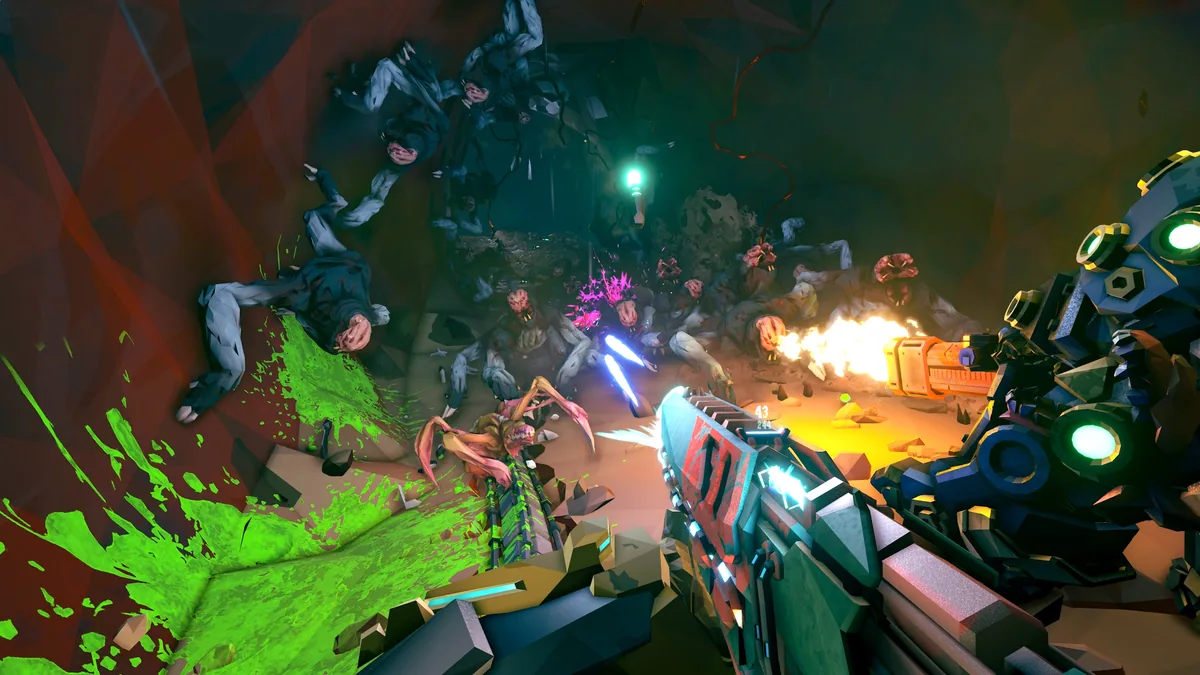
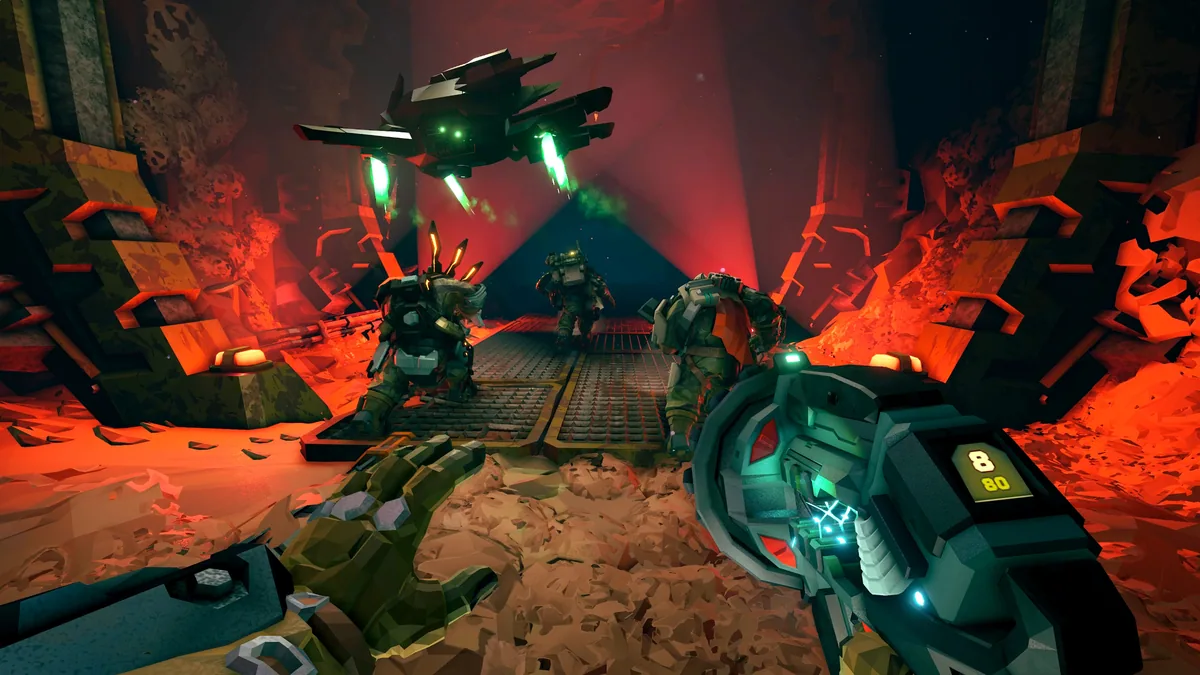
Using the Deep Rock Galactic: Rogue Core trainer
The Eagle menu places teammate positions, current upgrades and cave branches beside mission progress. Open it with Insert between fights to compare a new option with the squad's roles. A horde alert and route history help the crew regroup without obscuring the randomly generated cave.