FREE CHEATS FOR
Detonator Squad
Released November 12, 2026
Updated

 EAGLE CHEATS
How to use Eagle in Detonator Squad
With Detonator Squad running, press Insert to open the Eagle menu. The quick keys give direct access to Bomb Timer and Spawner Markers. Use the menu for Extraction Route, Level Map and Team Positions and the remaining listed features; close it with Insert to return to the app.
- F2 Bomb Timer
Press F2 to turn Bomb Timer on or off without opening the menu. - F3 Spawner Markers
Press F3 to turn Spawner Markers on or off without opening the menu. - Insert Extraction Route
Press Insert, find Extraction Route in the feature list, and switch it on or off. - Insert Level Map
Press Insert, find Level Map in the feature list, and switch it on or off. - Insert Team Positions
Press Insert, find Team Positions in the feature list, and switch it on or off.
EXPLORE THE MENUFeatures
8 features
The Eagle trainer for Detonator Squad brings bomb timer, spawner markers, extraction route together for the Windows PC release. Press Insert during play to open the menu, choose a control and return to the current session. Additional controls cover team positions, upgrade view, and level map during play.
- Bomb Timer
- Spawner Markers
- Extraction Route
- Team Positions
- Upgrade View
- Level Map
- Arena Score
- Mission Record
About the game
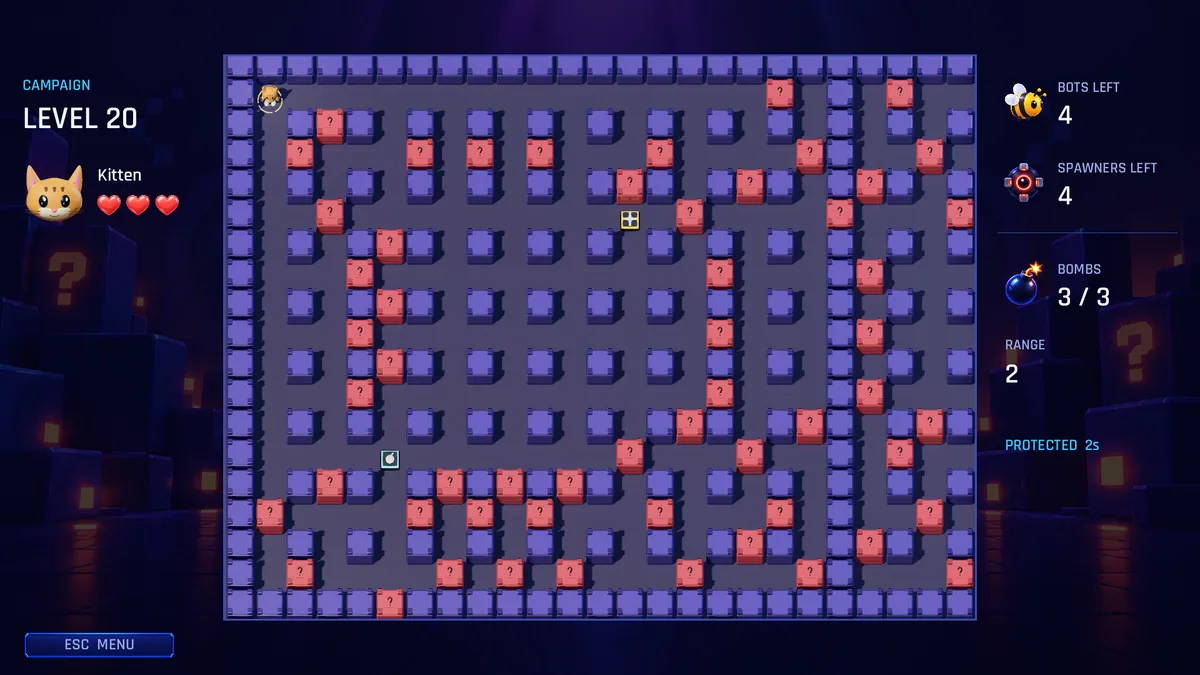
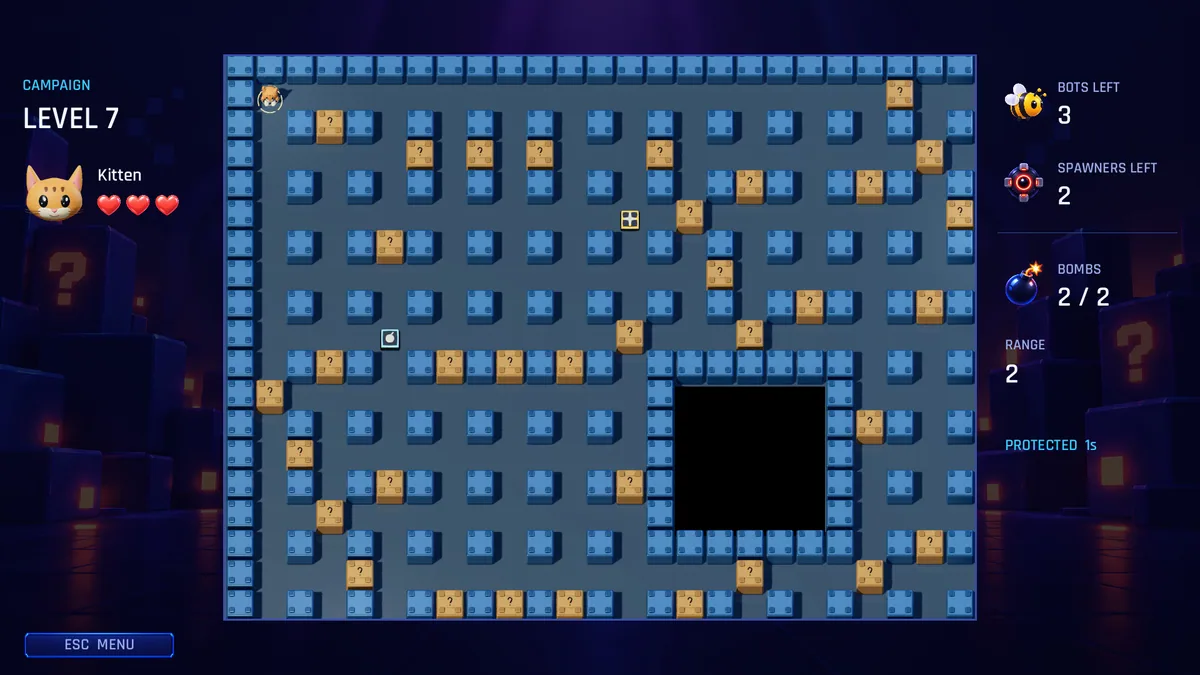
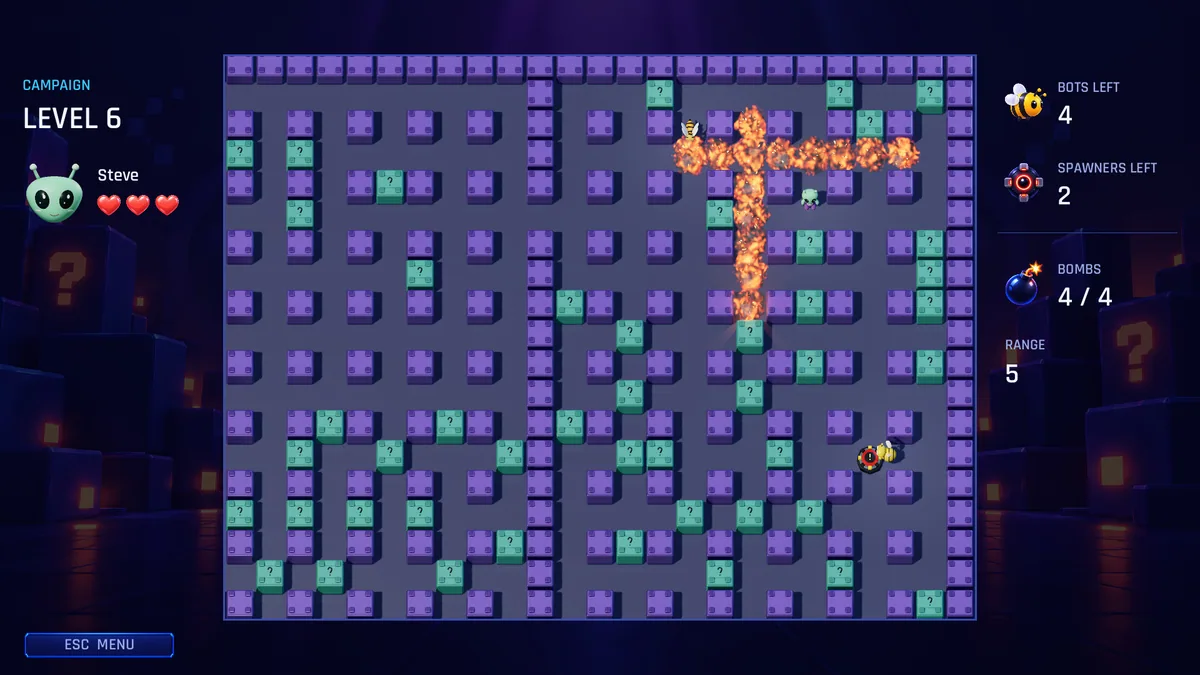
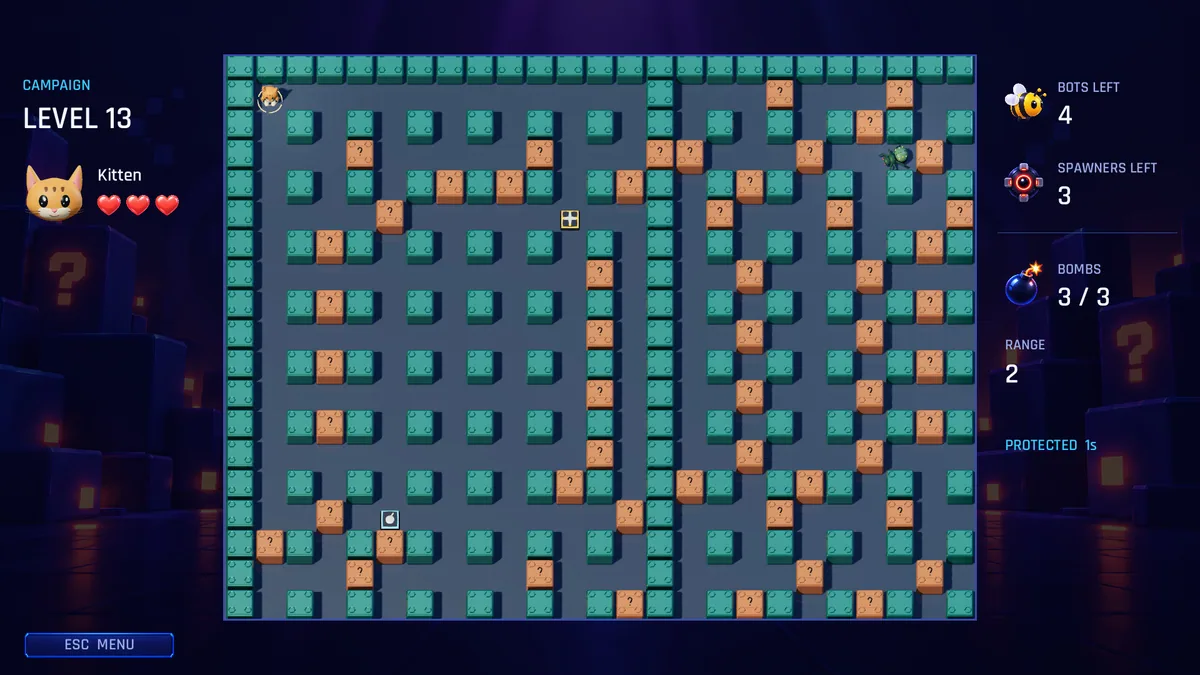
Detonator Squad mixes explosive cooperative missions, a solo campaign and arena player-versus-player battles. Campaign teams clear enemies and spawners across twenty levels, collect upgrades and escape before bombs detonate. Up to four players can join those missions, while arena fights support larger groups.
A team that clears one side quickly may still fail if the escape route is blocked when the timer runs down. Spawners can make a safe room dangerous again, so priorities need to be shared. Arena play rewards a different approach because rival players react to each move.
Official game page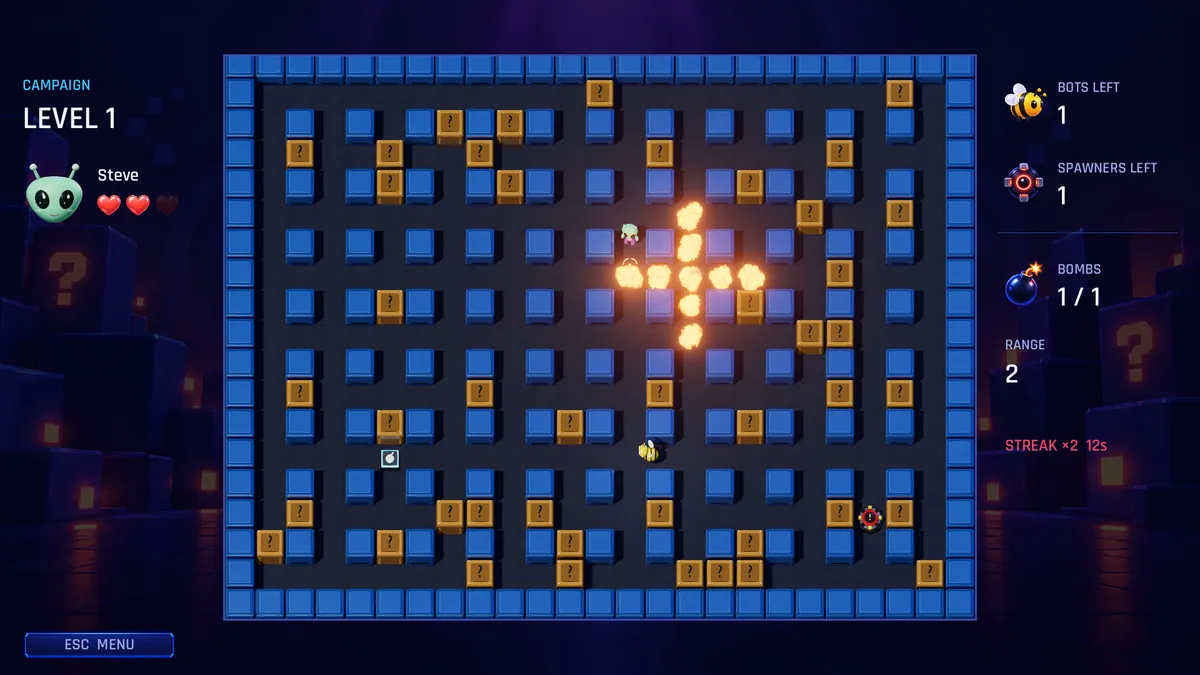
Using the Detonator Squad trainer
The Eagle menu keeps bomb timing, spawner locations and extraction route on a mission map. Open it with Insert before pushing deeper to review the remaining objective. In Arena mode, the panel switches to team score and player positions instead of campaign escape data.