FREE CHEATS FOR
Disc Treks
Released November 16, 2026
Updated
 EAGLE CHEATS
How to use Eagle in Disc Treks
With Disc Treks running, press Insert to open the Eagle menu. The quick keys give direct access to Disc Flight and Wind Direction. Use the menu for Hole Map, Throw Distance and Scorecard and the remaining listed features; close it with Insert to return to the app.
- F2 Disc Flight
Press F2 to turn Disc Flight on or off without opening the menu. - F3 Wind Direction
Press F3 to turn Wind Direction on or off without opening the menu. - Insert Hole Map
Press Insert, find Hole Map in the feature list, and switch it on or off. - Insert Throw Distance
Press Insert, find Throw Distance in the feature list, and switch it on or off. - Insert Scorecard
Press Insert, find Scorecard in the feature list, and switch it on or off.
EXPLORE THE MENUFeatures
8 features
The Eagle trainer for Disc Treks brings disc flight, wind direction, hole map together for the Windows PC release. Press Insert during play to open the menu, choose a control and return to the current session. Additional controls cover throw distance, scorecard, and build resources during play.
- Disc Flight
- Wind Direction
- Hole Map
- Throw Distance
- Scorecard
- Build Resources
- Course Editor
- Round History
About the game
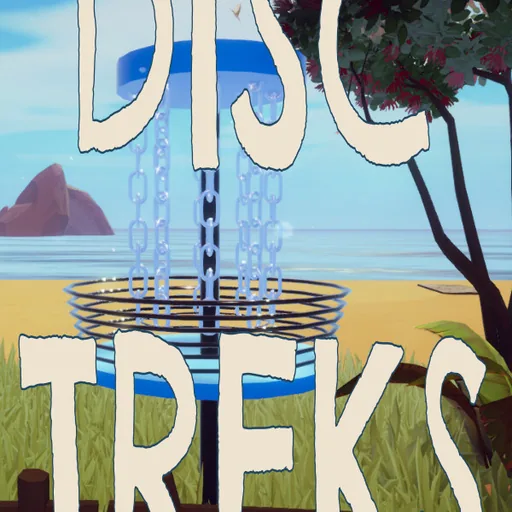
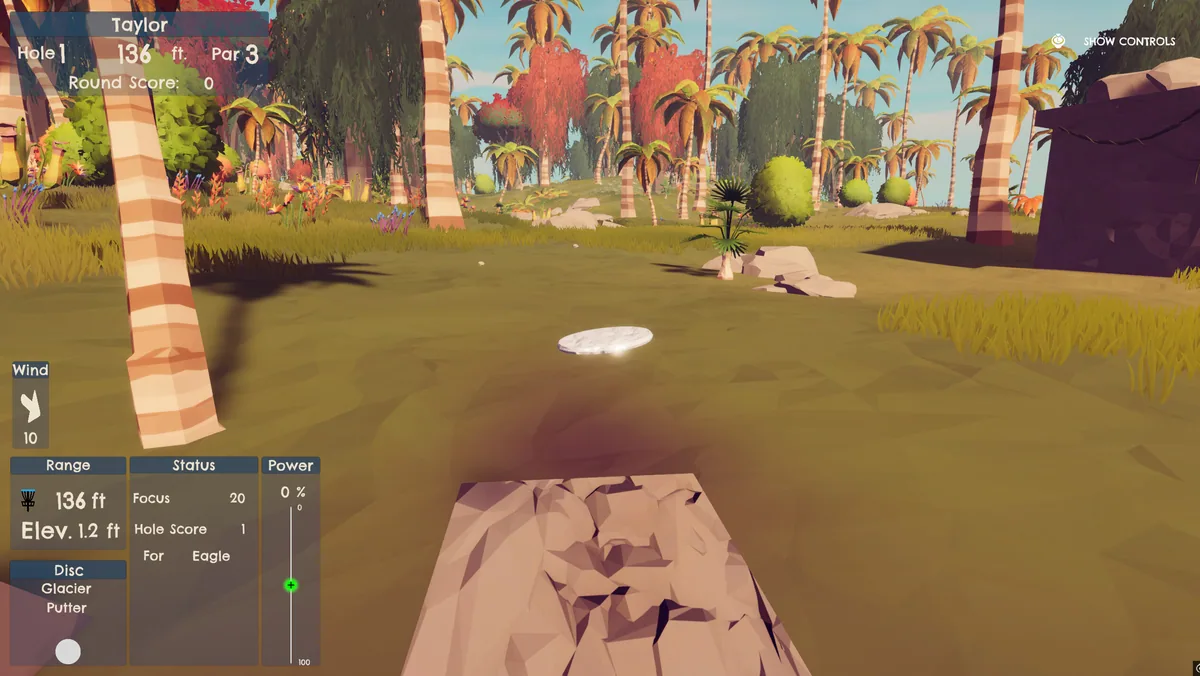
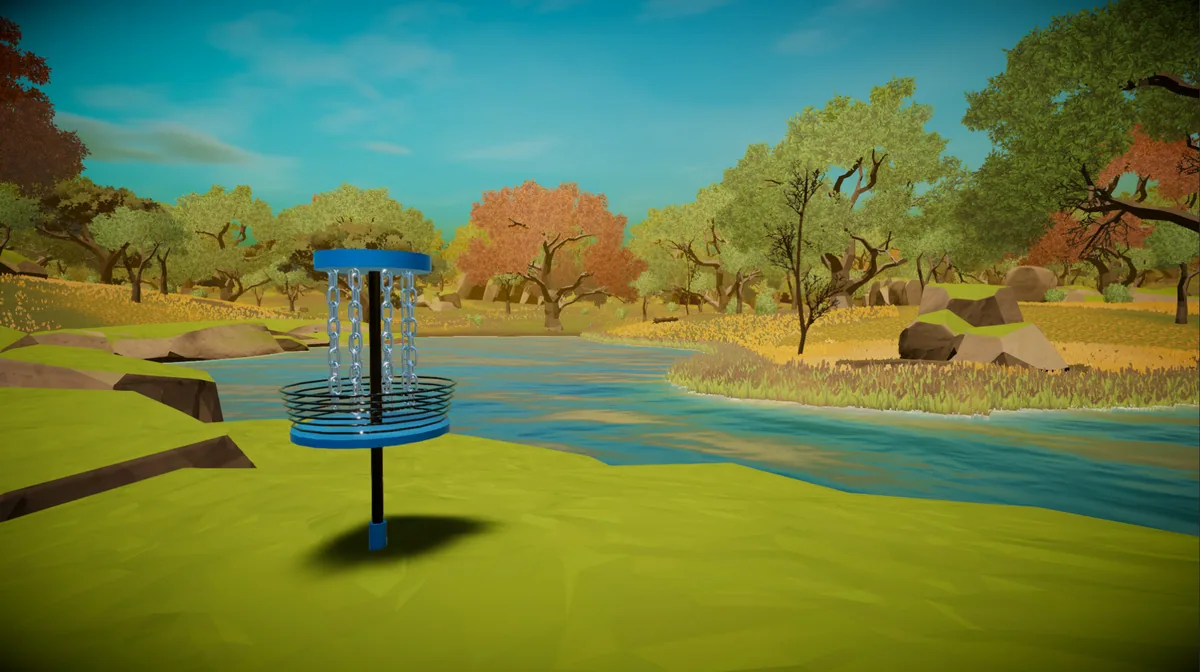
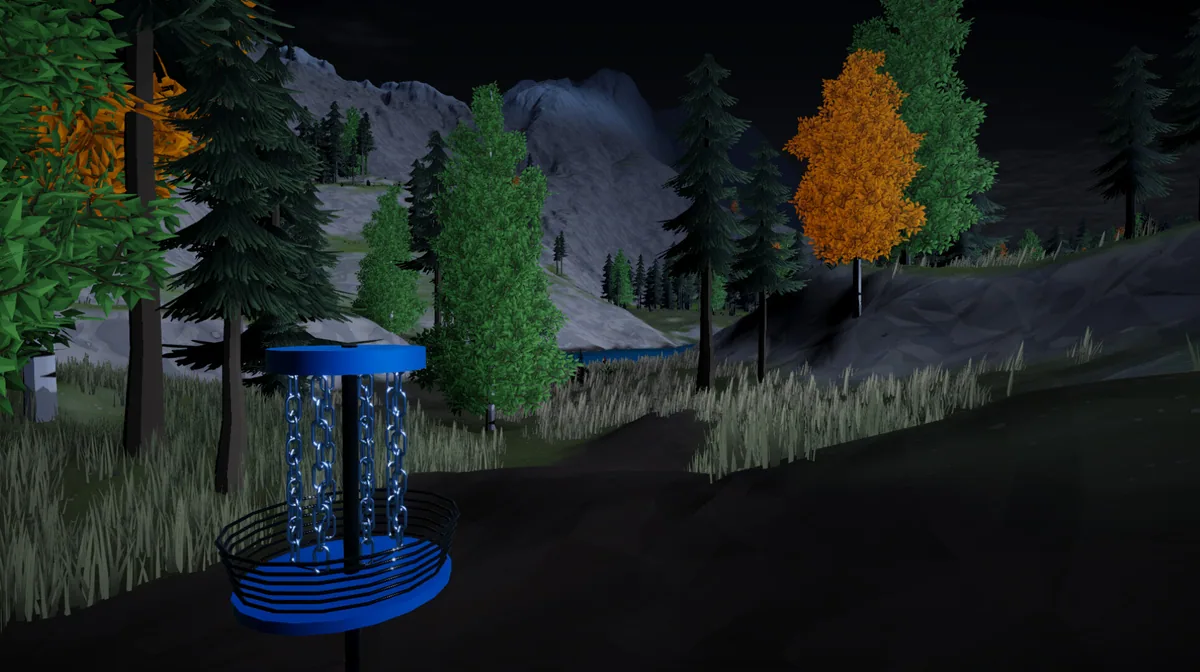
Disc Treks is a sandbox disc-golf game that combines physics-based throwing with exploration, gathering and course building. A player can practice flight on an existing layout or change the terrain that makes a hole interesting. The same disc behaves differently when release angle and obstacles change.
A direct line to the basket may be blocked by a tree, while a wider throw can use the disc's curve. Editing a course invites players to test whether a hazard is challenging and fair. Gathering materials gives the sandbox another reason to move beyond a single tee.
Official game page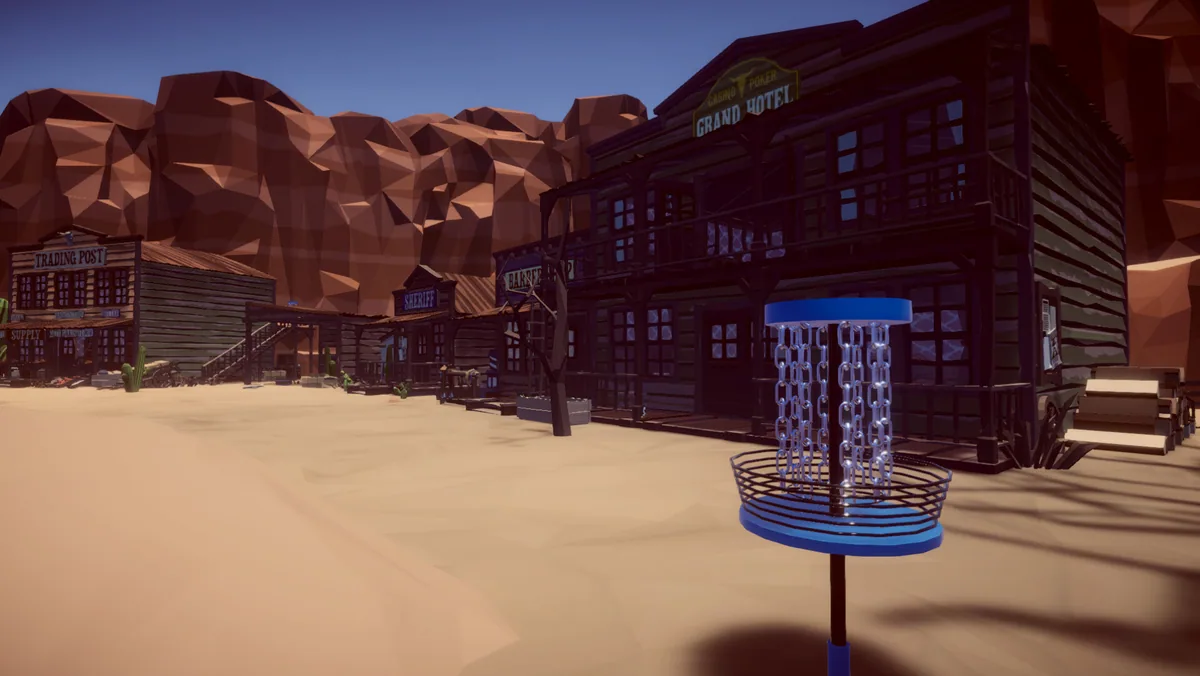
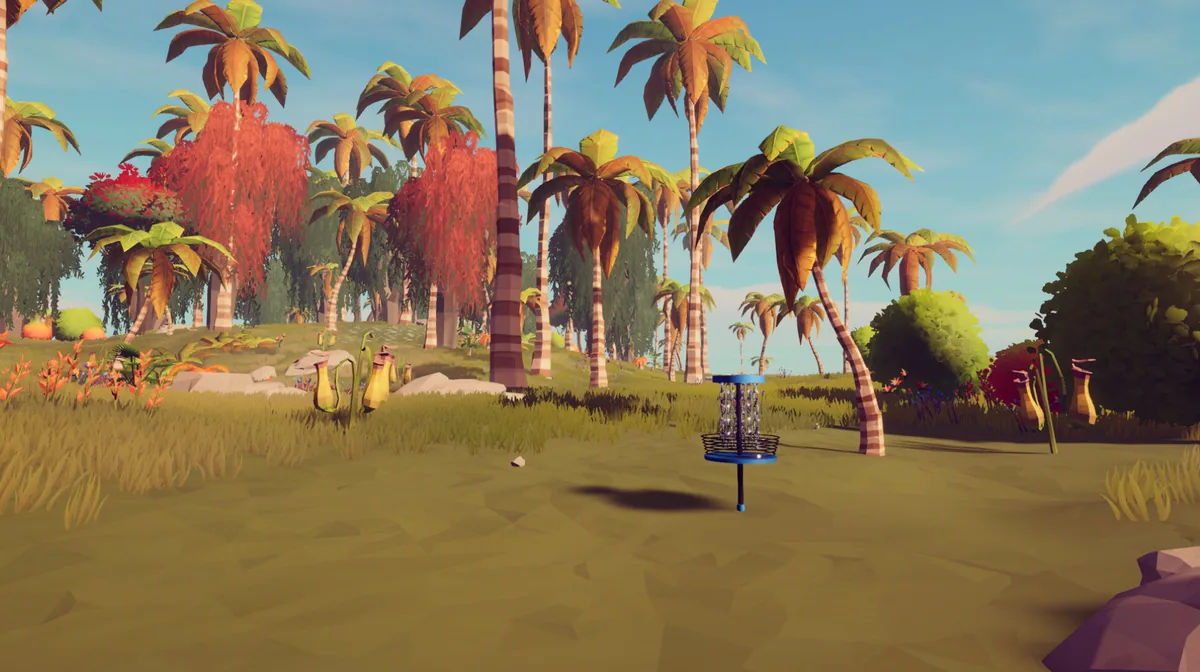
Using the Disc Treks trainer
The Eagle menu shows disc flight, hole layout and collected building resources. Use Insert before a throw to review wind and distance. A course editor panel tracks placed objects separately from the scorecard so building and playing remain clear.