FREE CHEATS FOR
DragonFire: Defense
Released November 16, 2026
Updated

 EAGLE CHEATS
How to use Eagle in DragonFire: Defense
With DragonFire: Defense running, press Insert to open the Eagle menu. The quick keys give direct access to Dragon Form and Species Traits. Use the menu for Upgrade Cards, Health View and Gold Stock and the remaining listed features; close it with Insert to return to the app.
- F2 Dragon Form
Press F2 to turn Dragon Form on or off without opening the menu. - F3 Species Traits
Press F3 to turn Species Traits on or off without opening the menu. - Insert Upgrade Cards
Press Insert, find Upgrade Cards in the feature list, and switch it on or off. - Insert Health View
Press Insert, find Health View in the feature list, and switch it on or off. - Insert Gold Stock
Press Insert, find Gold Stock in the feature list, and switch it on or off.
EXPLORE THE MENUFeatures
8 features
The Eagle trainer for DragonFire: Defense brings dragon form, species traits, upgrade cards together for the Windows PC release. Press Insert during play to open the menu, choose a control and return to the current session. Additional controls cover wave tracker, gold stock, and world map during play.
- Dragon Form
- Species Traits
- Upgrade Cards
- Wave Tracker
- Gold Stock
- World Map
- Health View
- Run History
About the game
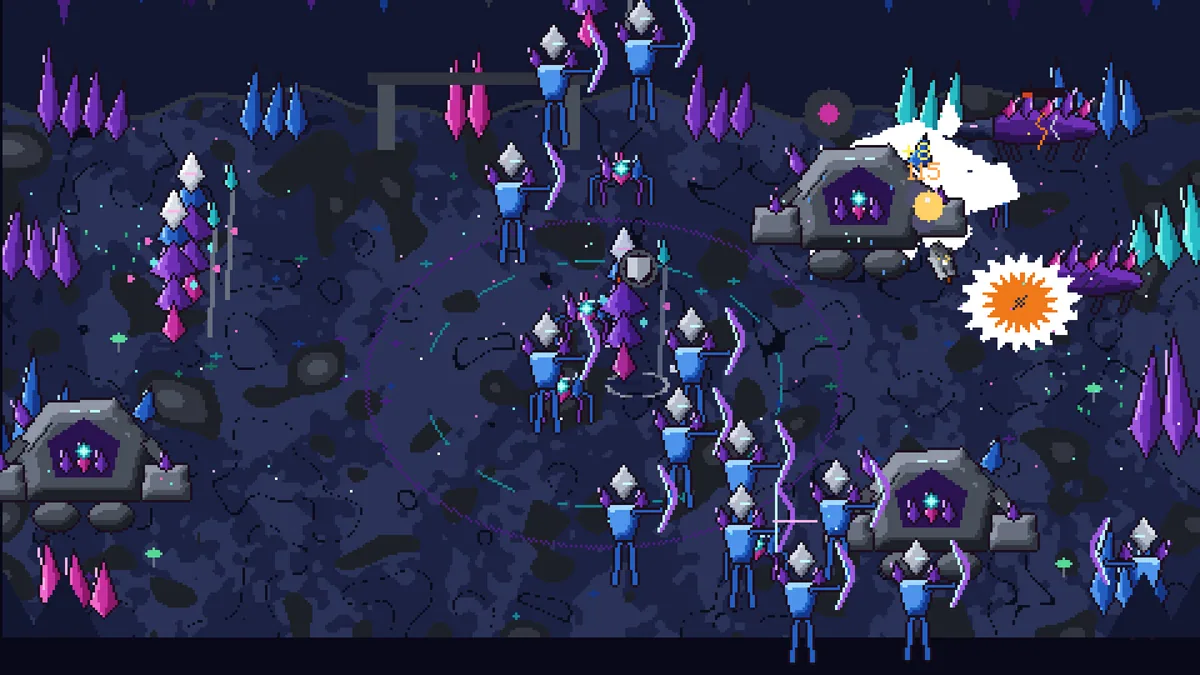
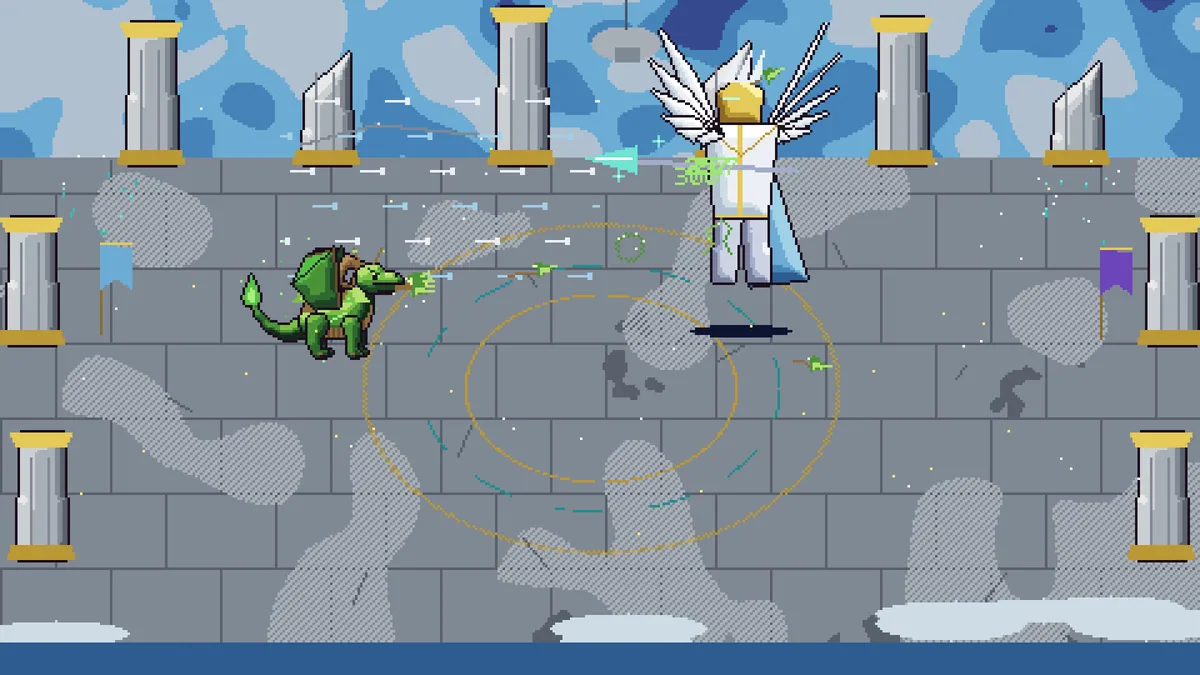
DragonFire: Defense begins by hatching a dragon and building its combat style through upgrade cards. Waves test the creature as it evolves through six forms, while gold carried home supports another attempt. Ten dragon species and worlds create room for different defensive approaches.
A card that strengthens firepower may leave the dragon vulnerable when enemies arrive from more than one direction. The next form can change its role, so upgrades should support the path the player intends to follow. Each run supplies information as well as gold.
Official game page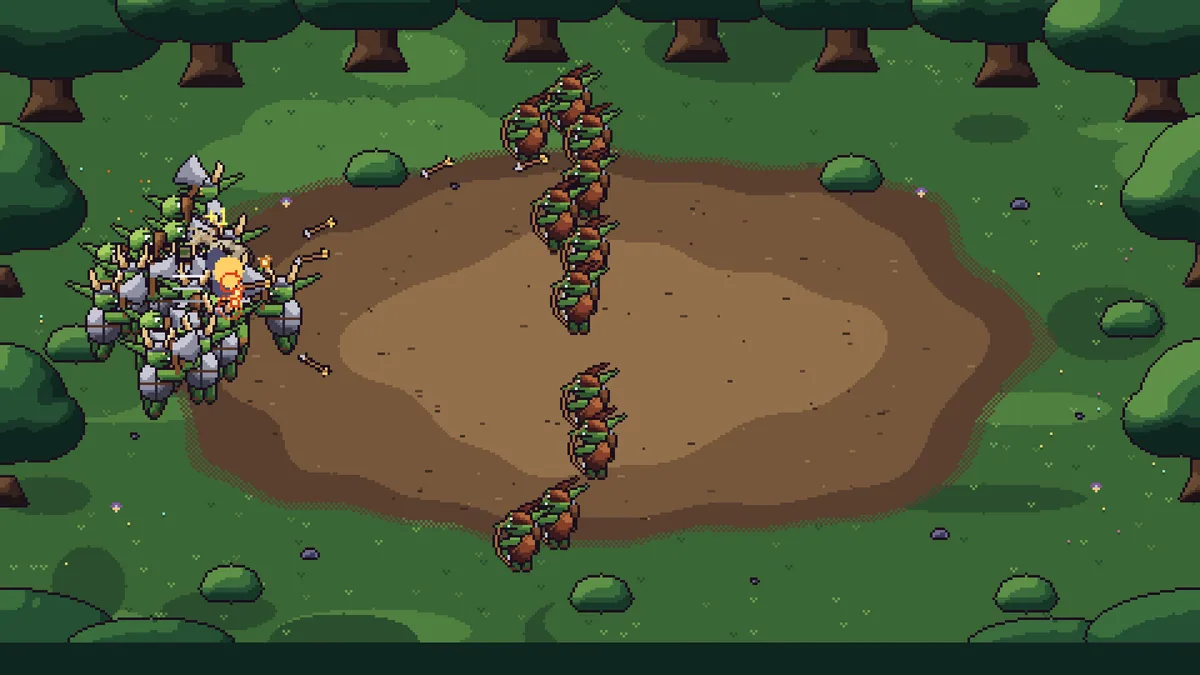

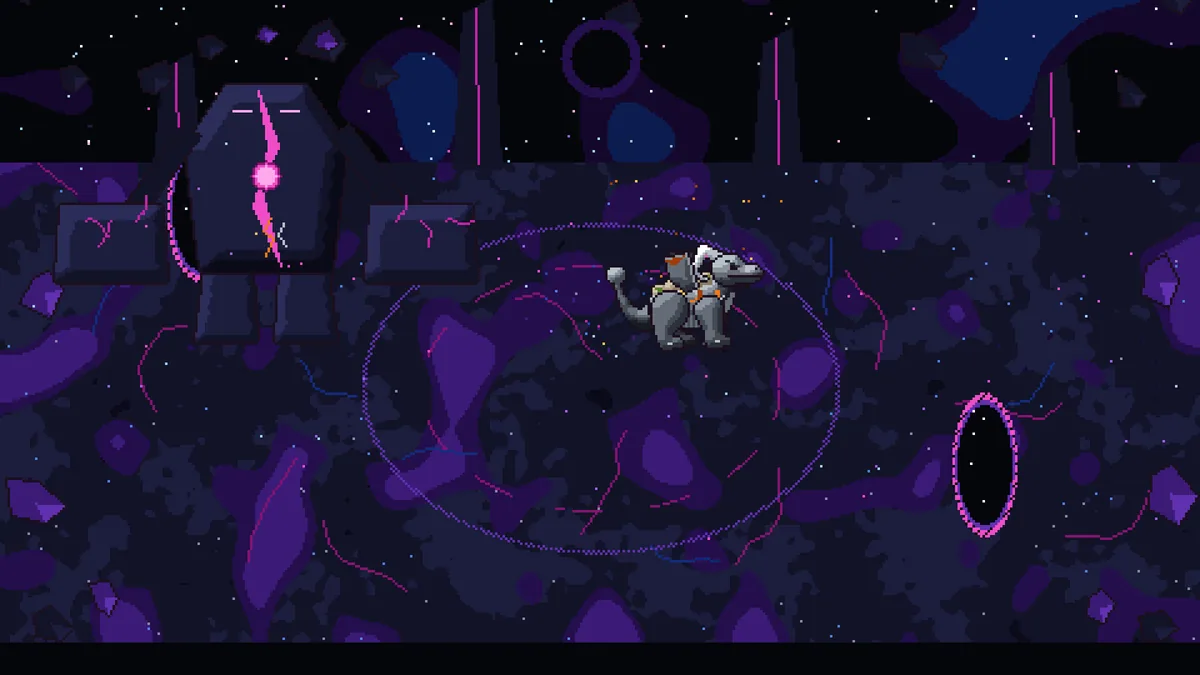
Using the DragonFire: Defense trainer
The Eagle menu shows the dragon's form, card effects and incoming waves. Open it with Insert between rounds to compare an upgrade with the chosen species. A world tracker and gold ledger connect today's defense to the next hatch and evolution.