FREE CHEATS FOR
Dread Wardens
Released November 14, 2026
Updated

 EAGLE CHEATS
How to use Eagle in Dread Wardens
With Dread Wardens running, press Insert to open the Eagle menu. The quick keys give direct access to Hero Roster and Tower Coverage. Use the menu for Spell Status, Defense Map and Wave Tracker and the remaining listed features; close it with Insert to return to the app.
- F2 Hero Roster
Press F2 to turn Hero Roster on or off without opening the menu. - F3 Tower Coverage
Press F3 to turn Tower Coverage on or off without opening the menu. - Insert Spell Status
Press Insert, find Spell Status in the feature list, and switch it on or off. - Insert Defense Map
Press Insert, find Defense Map in the feature list, and switch it on or off. - Insert Wave Tracker
Press Insert, find Wave Tracker in the feature list, and switch it on or off.
EXPLORE THE MENUFeatures
8 features
The Eagle trainer for Dread Wardens brings hero roster, tower coverage, spell status together for the Windows PC release. Press Insert during play to open the menu, choose a control and return to the current session. Additional controls cover wave tracker, undead markers, and team positions during play.
- Hero Roster
- Tower Coverage
- Spell Status
- Wave Tracker
- Undead Markers
- Team Positions
- Defense Map
- Climb Record
About the game
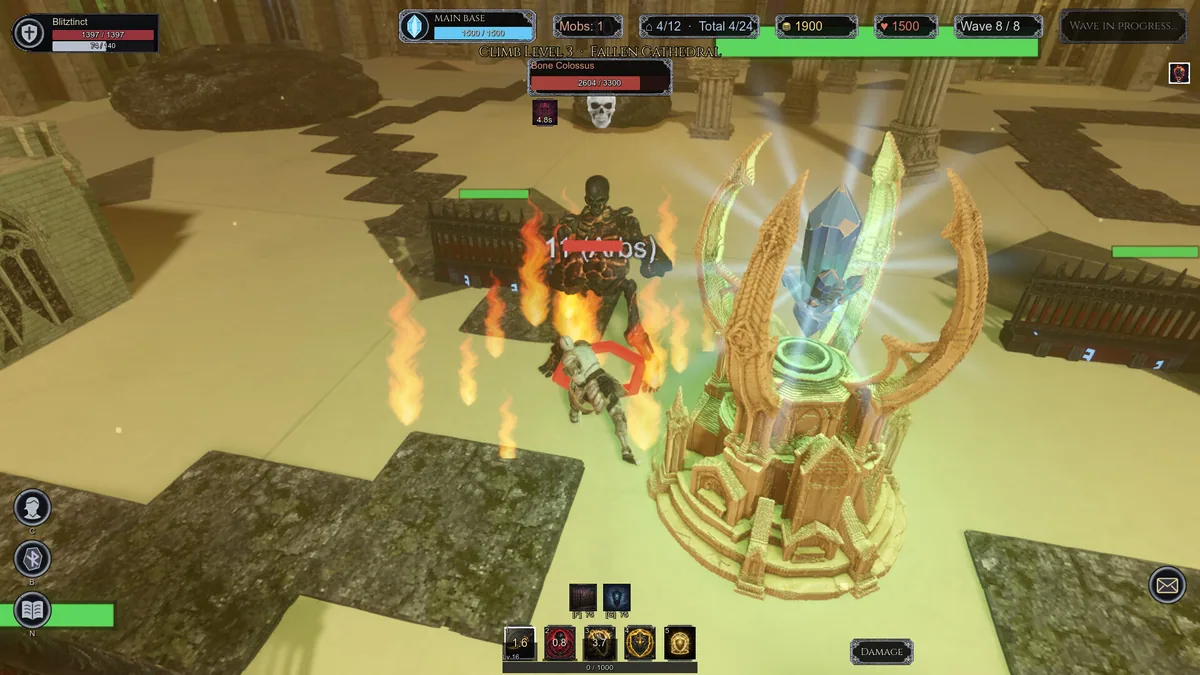
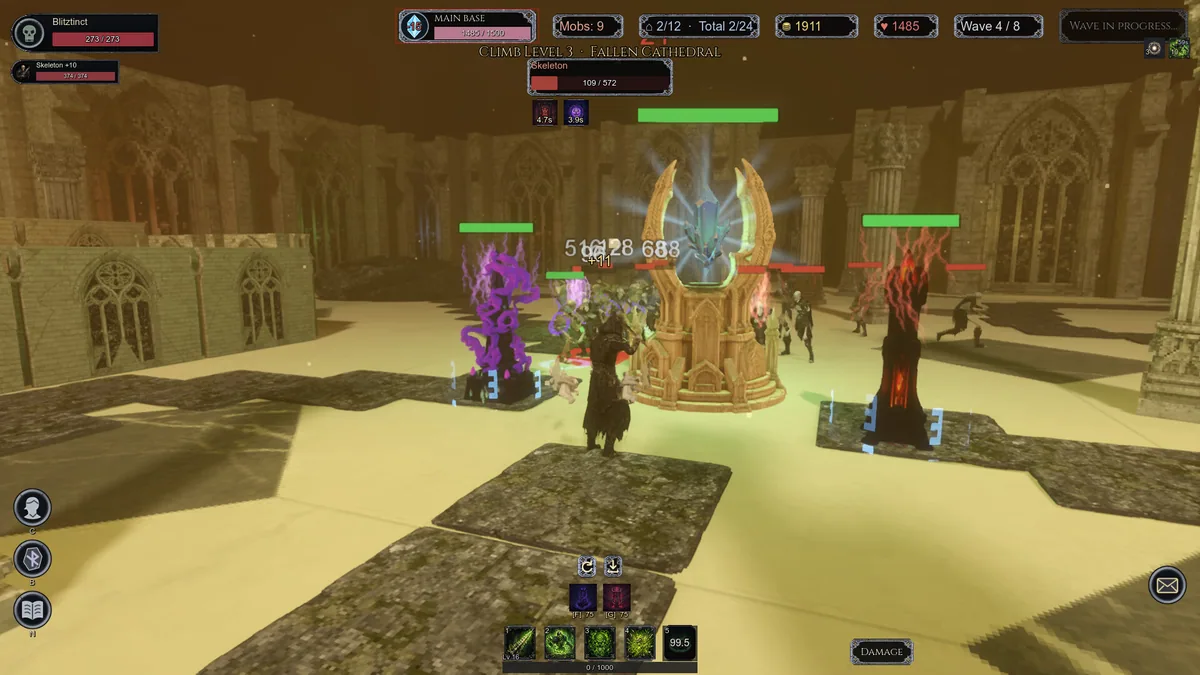
Dread Wardens combines third-person hero combat with tower defense against undead armies. Five heroes, spells and built defenses all contribute to an endless climb that can be played solo or with up to four online companions. Fighting forward only works when the line behind the hero remains intact.
A tower placed for the current wave may leave another approach weak later, while a hero who stays at the front can miss a breach. Combining spells with defense placement offers more than a simple damage increase. The climb tests whether the group can adapt its arrangement to growing pressure.
Official game page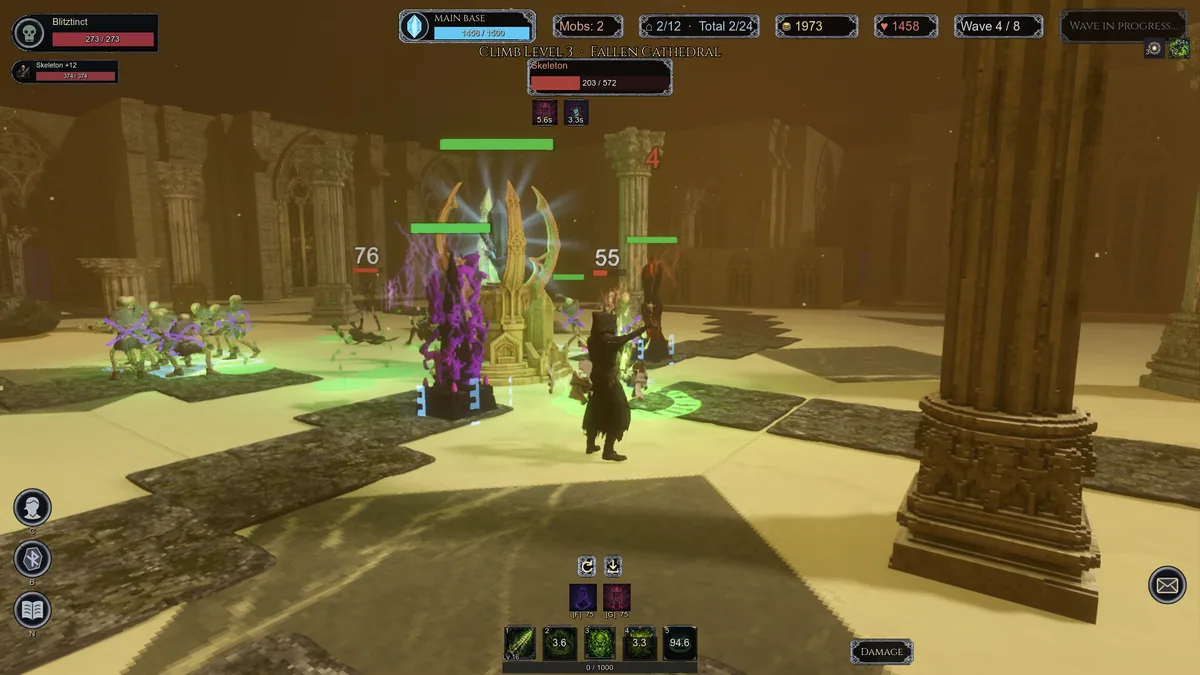
Using the Dread Wardens trainer
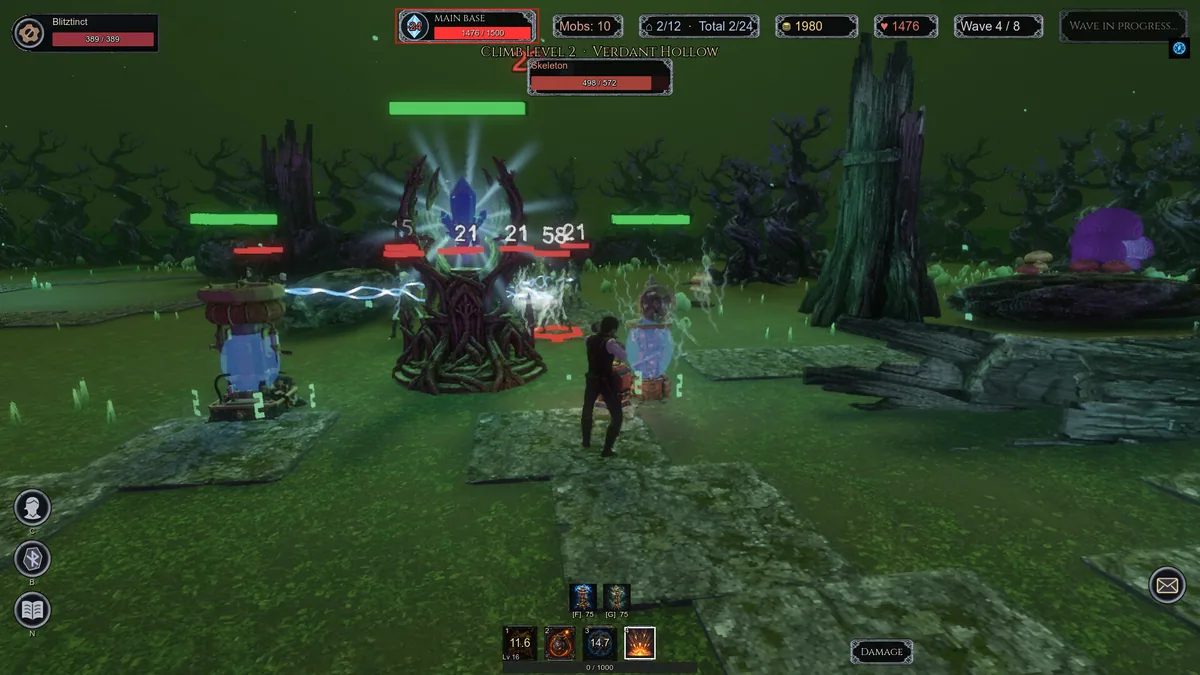
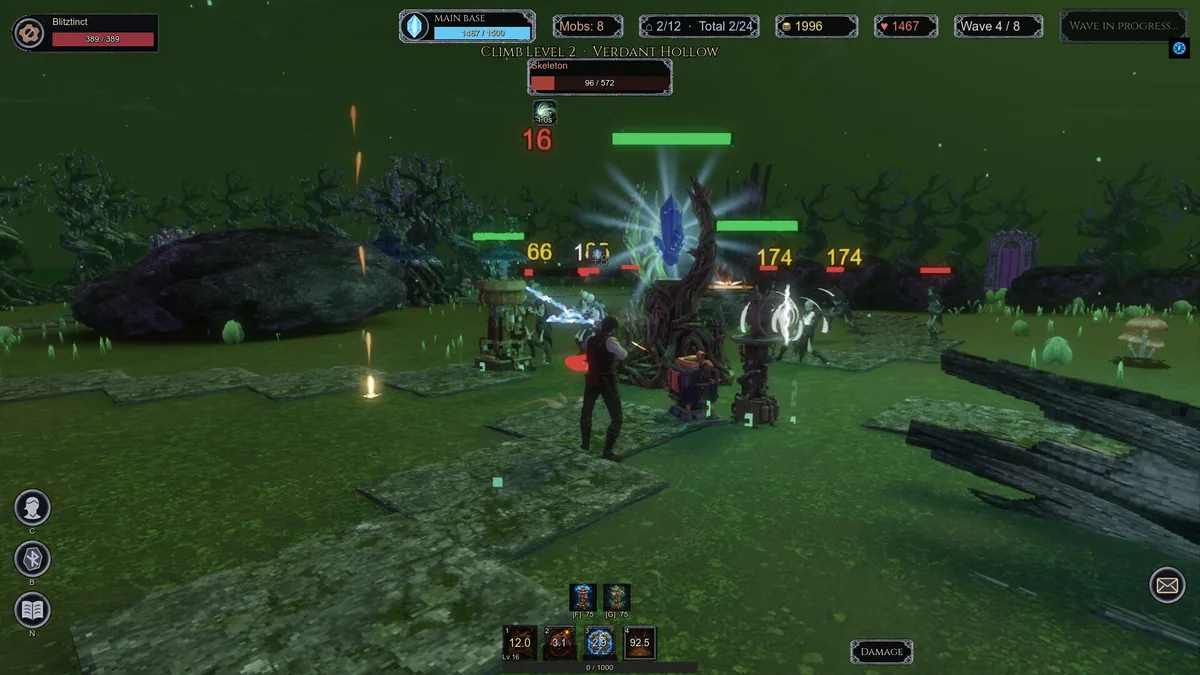
The Eagle menu links hero condition, tower coverage and wave direction on one defense map. Open it with Insert between assaults to review spell and tower combinations. In cooperative play, teammate markers show which section has a defender and which route needs immediate support.