FREE CHEATS FOR
Dungeon Delvers
Released November 17, 2026
Updated

 EAGLE CHEATS
How to use Eagle in Dungeon Delvers
With Dungeon Delvers running, press Insert to open the Eagle menu. The quick keys give direct access to Weapon Pool and Cover Map. Use the menu for Trap Notes, Boss Journal and Region Route and the remaining listed features; close it with Insert to return to the app.
- F2 Weapon Pool
Press F2 to turn Weapon Pool on or off without opening the menu. - F3 Cover Map
Press F3 to turn Cover Map on or off without opening the menu. - Insert Trap Notes
Press Insert, find Trap Notes in the feature list, and switch it on or off. - Insert Boss Journal
Press Insert, find Boss Journal in the feature list, and switch it on or off. - Insert Region Route
Press Insert, find Region Route in the feature list, and switch it on or off.
EXPLORE THE MENUFeatures
8 features
The Eagle trainer for Dungeon Delvers brings weapon pool, cover map, trap notes together for the Windows PC release. Press Insert during play to open the menu, choose a control and return to the current session. Additional controls cover boss journal, region route, and equipment build during play.
- Weapon Pool
- Cover Map
- Trap Notes
- Boss Journal
- Region Route
- Equipment Build
- Run History
- Dungeon Progress
About the game
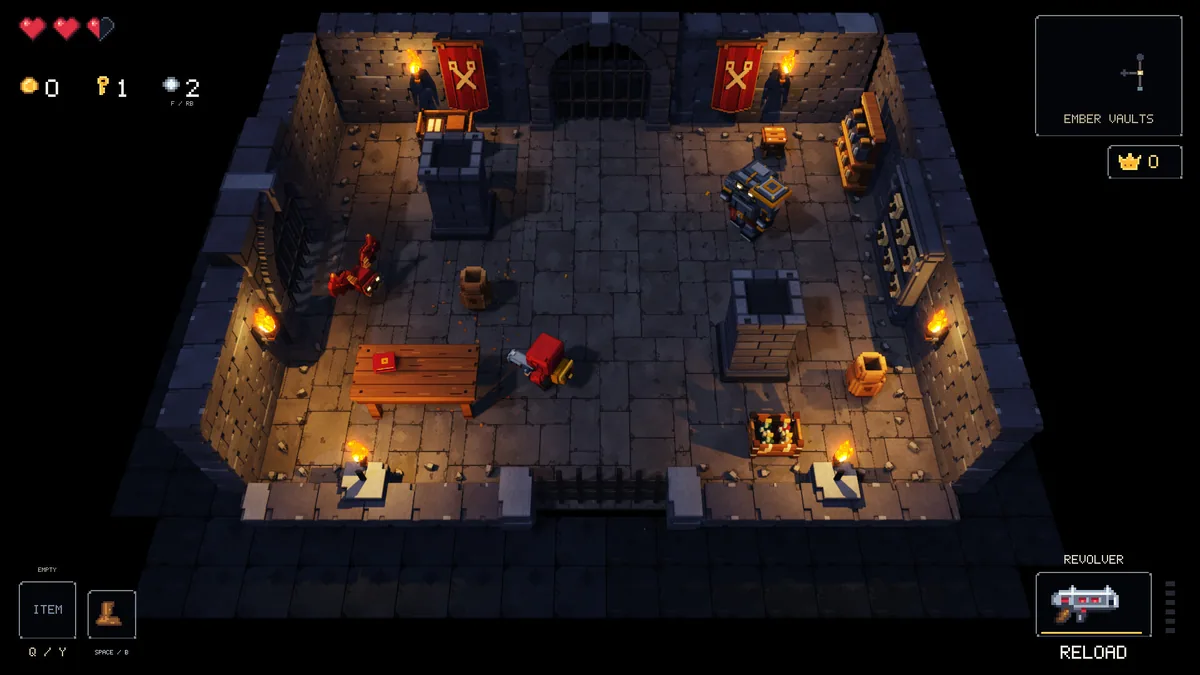
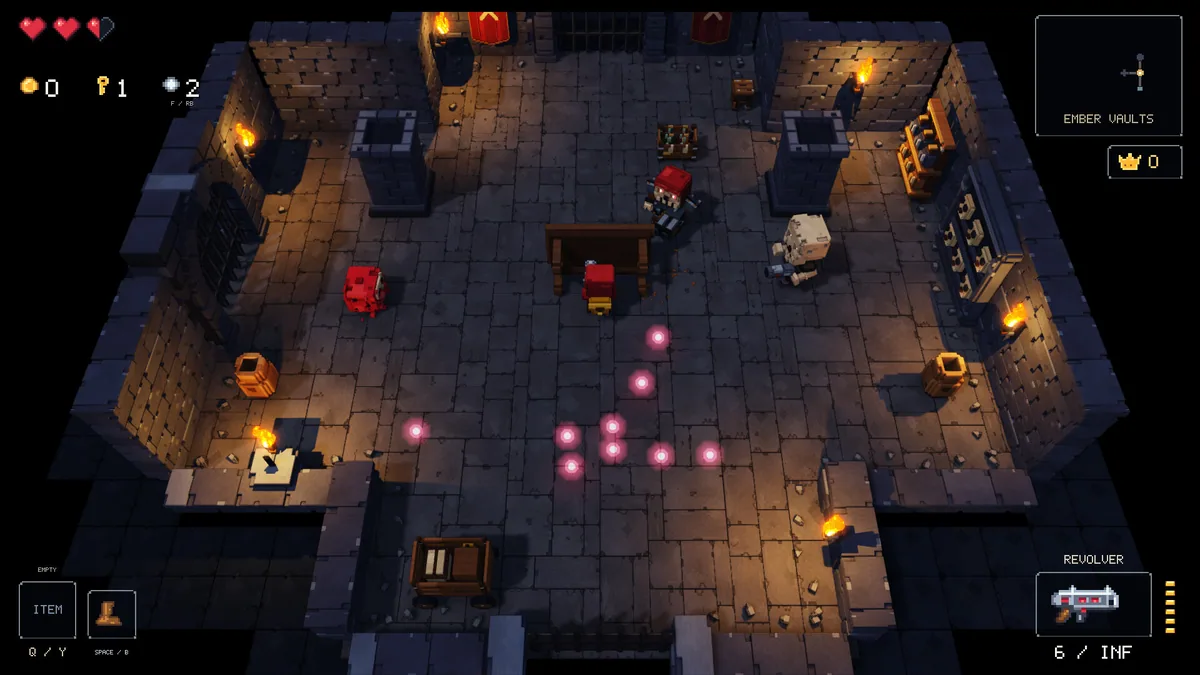
Dungeon Delvers fights through ten shifting voxel regions with a large weapon pool, traps and bosses. Breakable cover changes how an arena can be used. The run rewards both fast dodging and selecting gear for the next threat.
A weapon that works in an open room may be awkward behind tight cover. Destroying an obstacle can create a firing line for enemies as well as for the player. Reviewing deaths by region helps identify which tool or route needs changing.
Official game page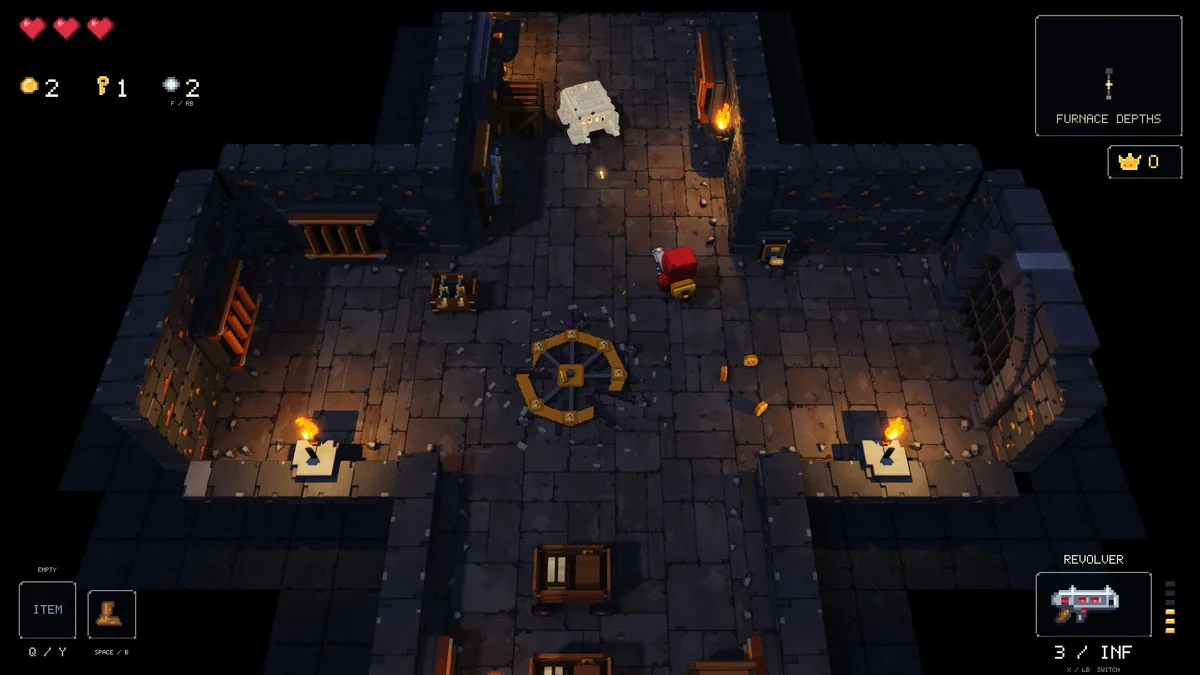
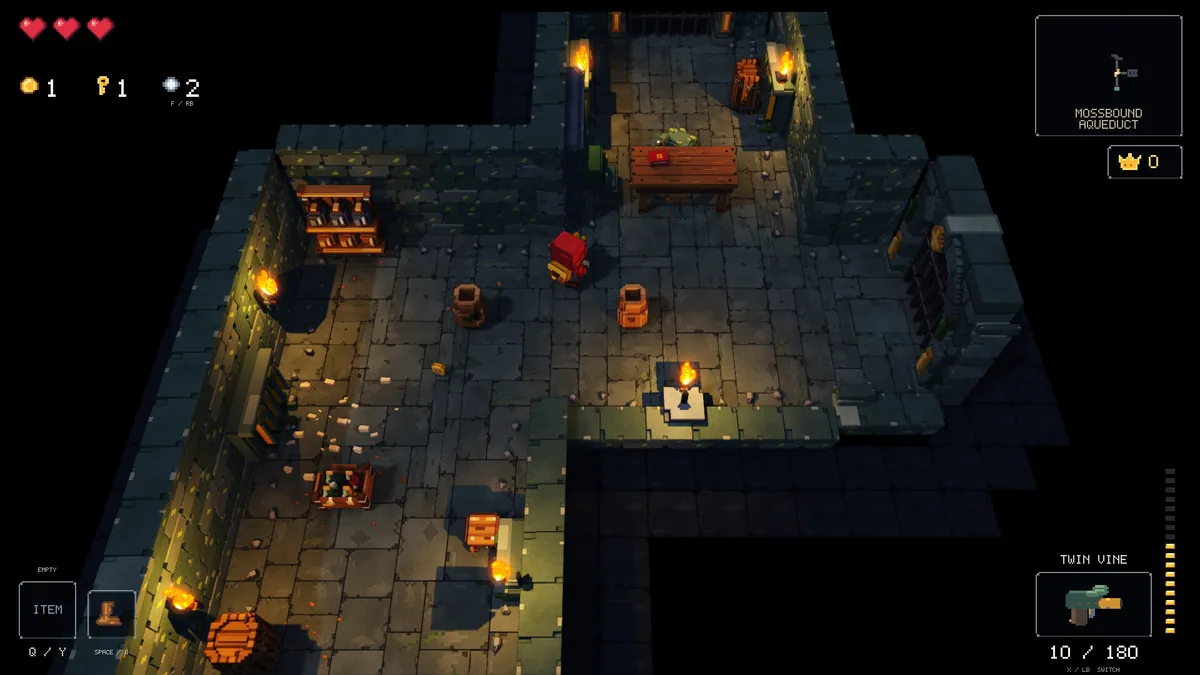
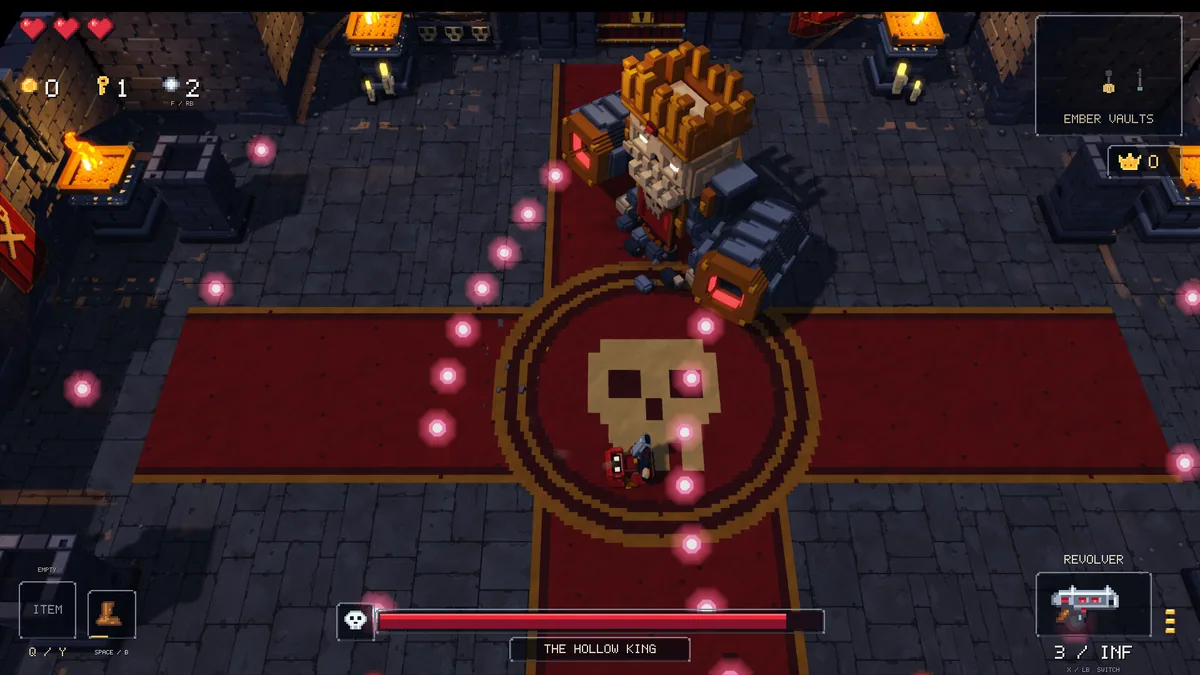
Using the Dungeon Delvers trainer
Open the Eagle menu with Insert between regions to inspect weapons, cover and boss notes. The dungeon journal records traps and valuable routes. Use the equipment panel to compare a new weapon against the next area's conditions.