FREE CHEATS FOR
Elastic Rabbit
Released November 10, 2026
Updated

 EAGLE CHEATS
How to use Eagle in Elastic Rabbit
With Elastic Rabbit running, press Insert to open the Eagle menu. The quick keys give direct access to Sling Tension and Rabbit Health. Use the menu for Mine Markers, Arena Map and Safe Integrity and the remaining listed features; close it with Insert to return to the app.
- F2 Sling Tension
Press F2 to turn Sling Tension on or off without opening the menu. - F3 Rabbit Health
Press F3 to turn Rabbit Health on or off without opening the menu. - Insert Mine Markers
Press Insert, find Mine Markers in the feature list, and switch it on or off. - Insert Arena Map
Press Insert, find Arena Map in the feature list, and switch it on or off. - Insert Safe Integrity
Press Insert, find Safe Integrity in the feature list, and switch it on or off.
EXPLORE THE MENUFeatures
8 features
The Eagle trainer for Elastic Rabbit brings sling tension, rabbit health, mine markers together for the Windows PC release. Press Insert during play to open the menu, choose a control and return to the current session. Additional controls cover safe integrity, team positions, and arena map during play.
- Sling Tension
- Rabbit Health
- Mine Markers
- Safe Integrity
- Team Positions
- Arena Map
- Combo Tracker
- Match Replay
About the game
Elastic Rabbit is a physics brawler with rubbery movement, mines and explosive combat. Players sling through hand-drawn arenas and can join friends to protect a safe. The movement system turns each attack and escape into a problem of momentum.
A long sling can reach an opponent quickly but can also overshoot a safe landing. Team play requires watching both the objective and the space around allies. Mines and other hazards reward thinking about where a fight will end, not only where it starts.
Official game page
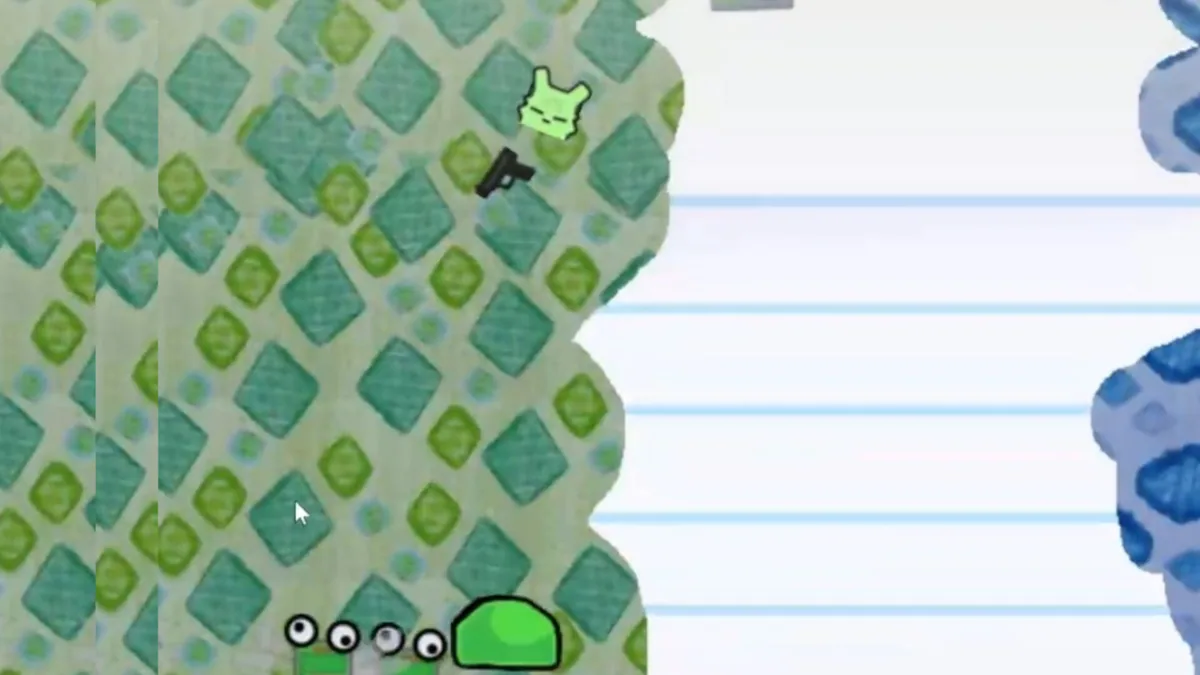


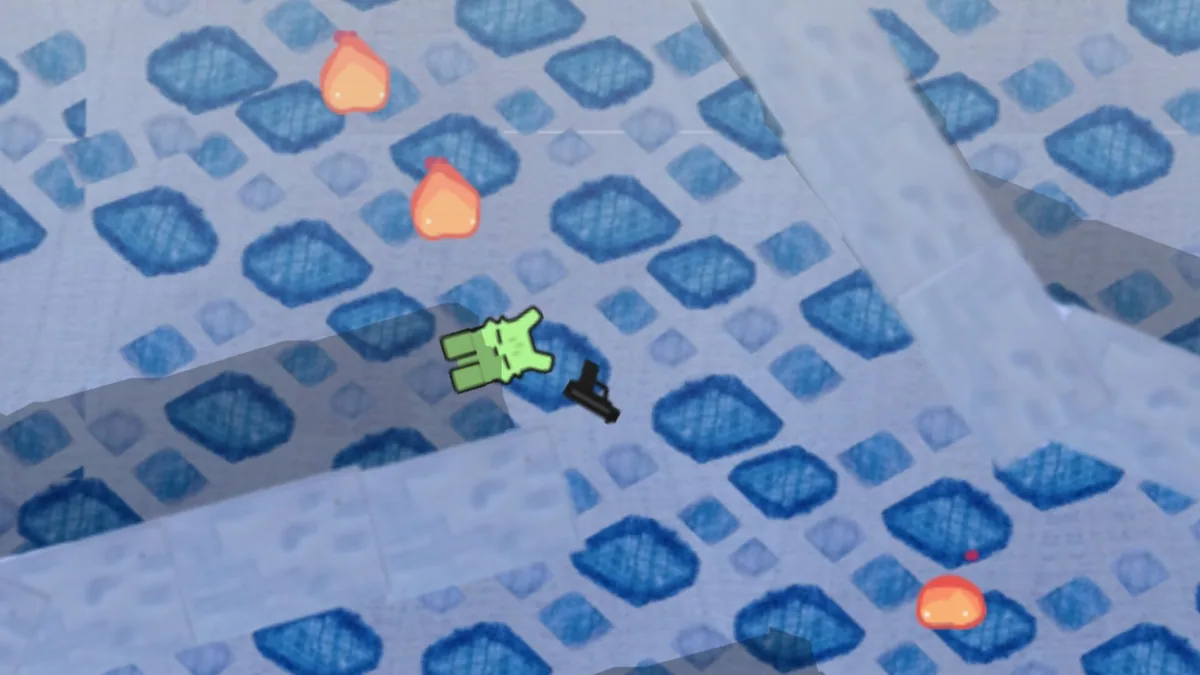
Using the Elastic Rabbit trainer
The menu shows sling tension, mine positions and the safe's condition during a battle. It helps time a launch and follow whether the team is still protecting its objective. Match replay supports learning which movement led to a collision or missed defense.