FREE CHEATS FOR
Emergency Response Heroes
Released November 16, 2026
Updated

 EAGLE CHEATS
How to use Eagle in Emergency Response Heroes
With Emergency Response Heroes running, press Insert to open the Eagle menu. The quick keys give direct access to Incident Board and Hero Roster. Use the menu for Travel Times, Health Status and Supply Stock and the remaining listed features; close it with Insert to return to the app.
- F2 Incident Board
Press F2 to turn Incident Board on or off without opening the menu. - F3 Hero Roster
Press F3 to turn Hero Roster on or off without opening the menu. - Insert Travel Times
Press Insert, find Travel Times in the feature list, and switch it on or off. - Insert Health Status
Press Insert, find Health Status in the feature list, and switch it on or off. - Insert Supply Stock
Press Insert, find Supply Stock in the feature list, and switch it on or off.
EXPLORE THE MENUFeatures
8 features
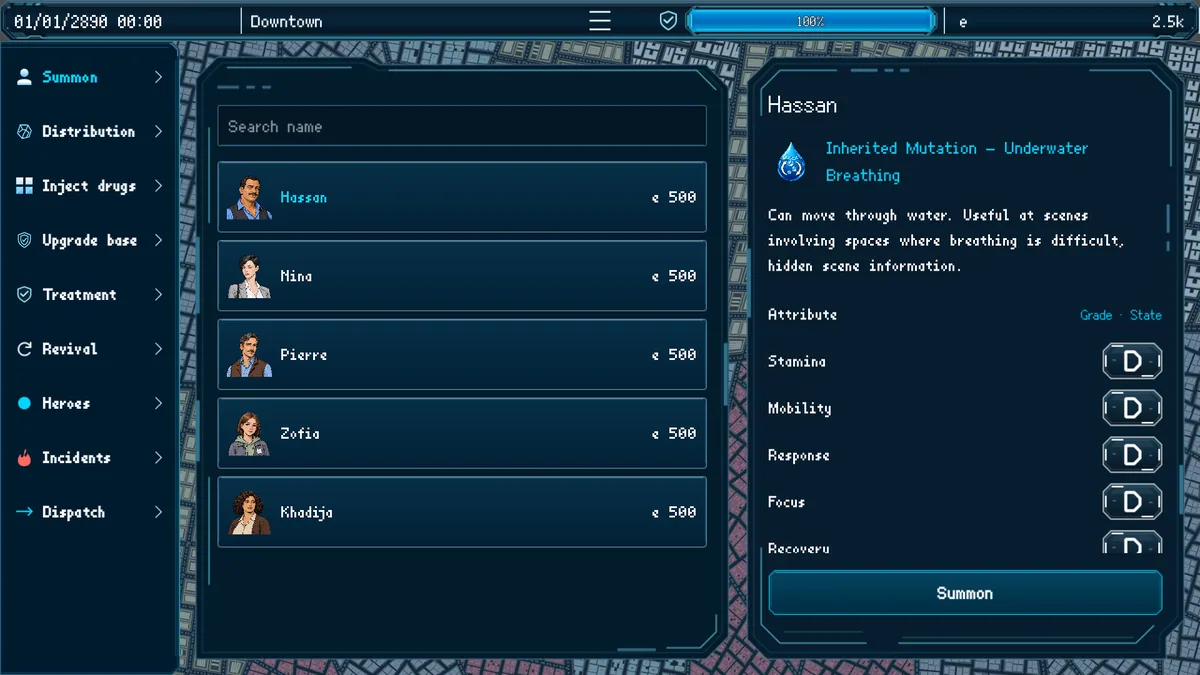
The Eagle trainer for Emergency Response Heroes brings incident board, hero roster, travel times together for the Windows PC release. Press Insert during play to open the menu, choose a control and return to the current session. Additional controls cover health status, supply stock, and city map during play.
- Incident Board
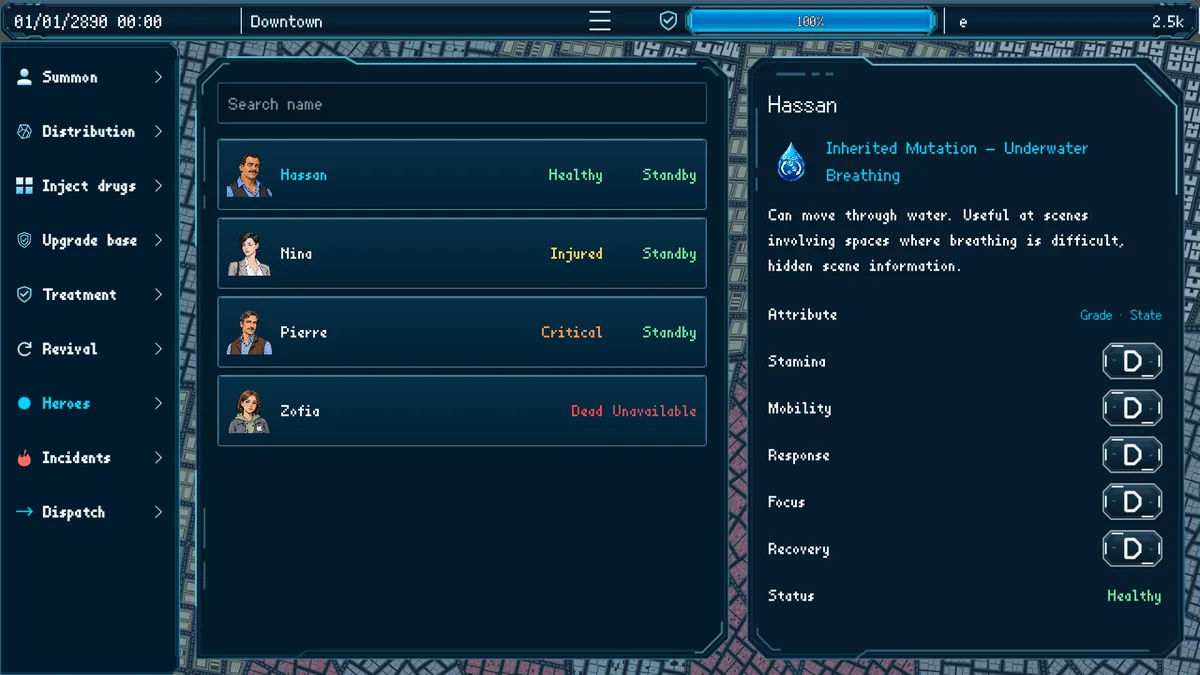
- Hero Roster
- Travel Times
- Health Status
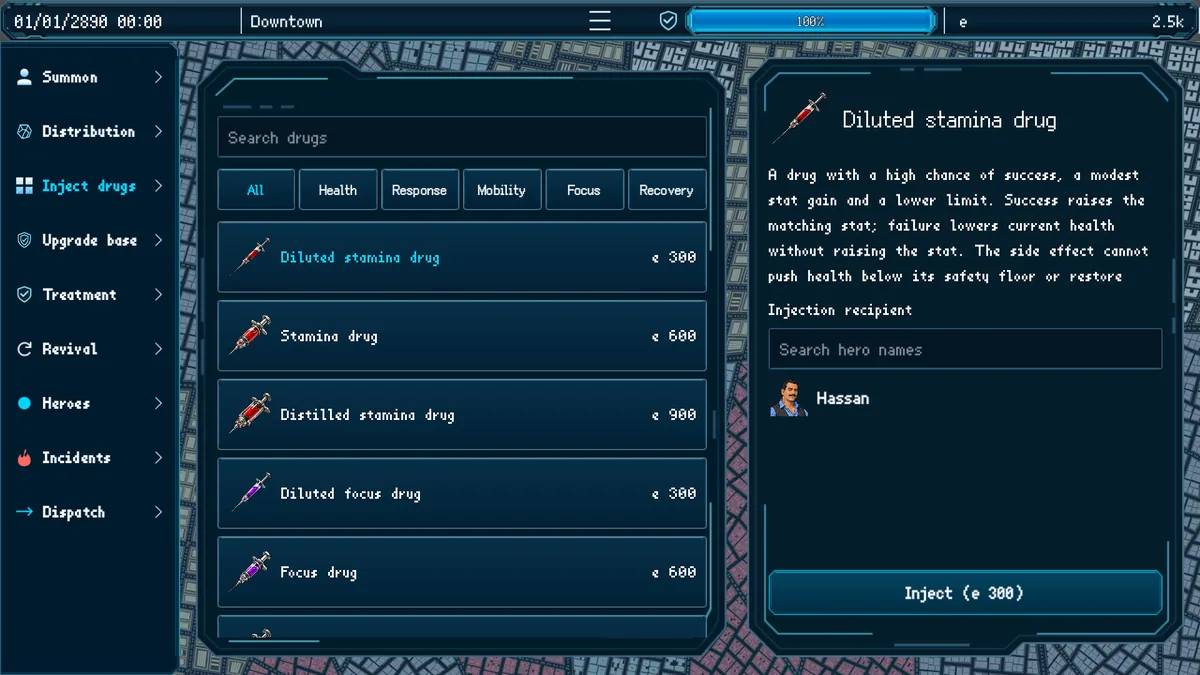
- Supply Stock
- City Map
- Dispatch Ledger
- City Safety
About the game
Emergency Response Heroes puts the player in charge of dispatching a city's rescue teams. A large roster of heroes has different strengths, while travel, health and supplies limit each response. Protecting the city means matching the right crew to the right incident.
Sending the strongest team to every call can leave the next emergency uncovered. A nearby specialist may arrive sooner than a better hero across town. Reviewing response times and outcomes helps improve dispatch decisions.
Official game page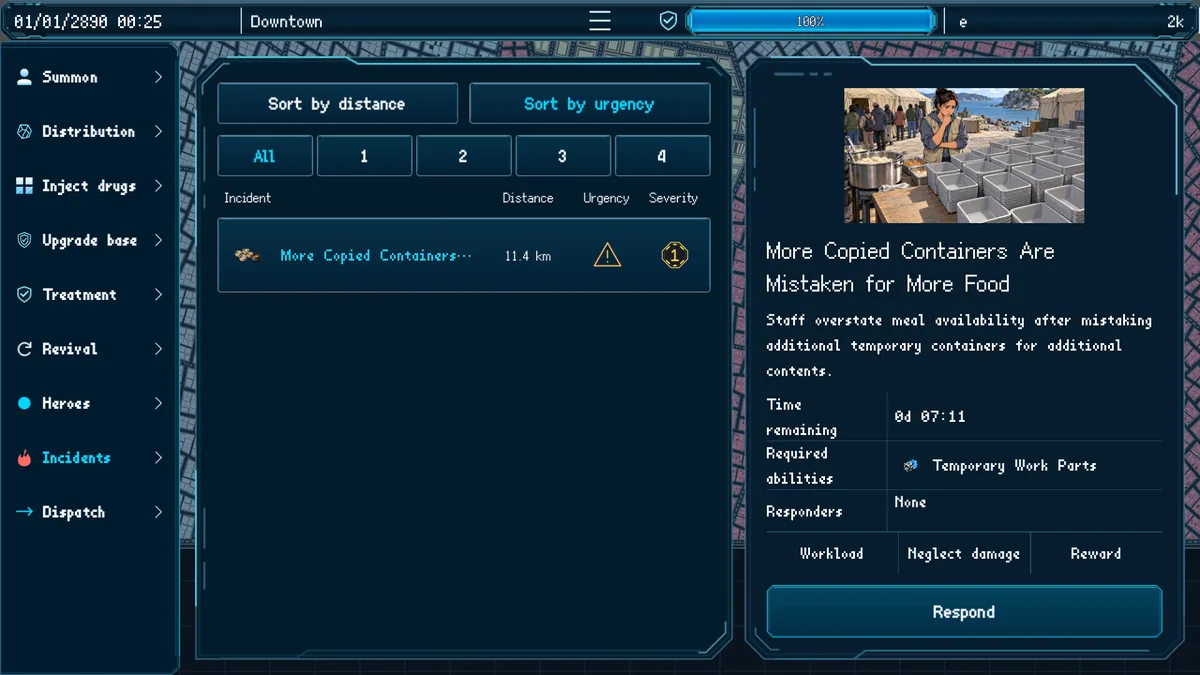
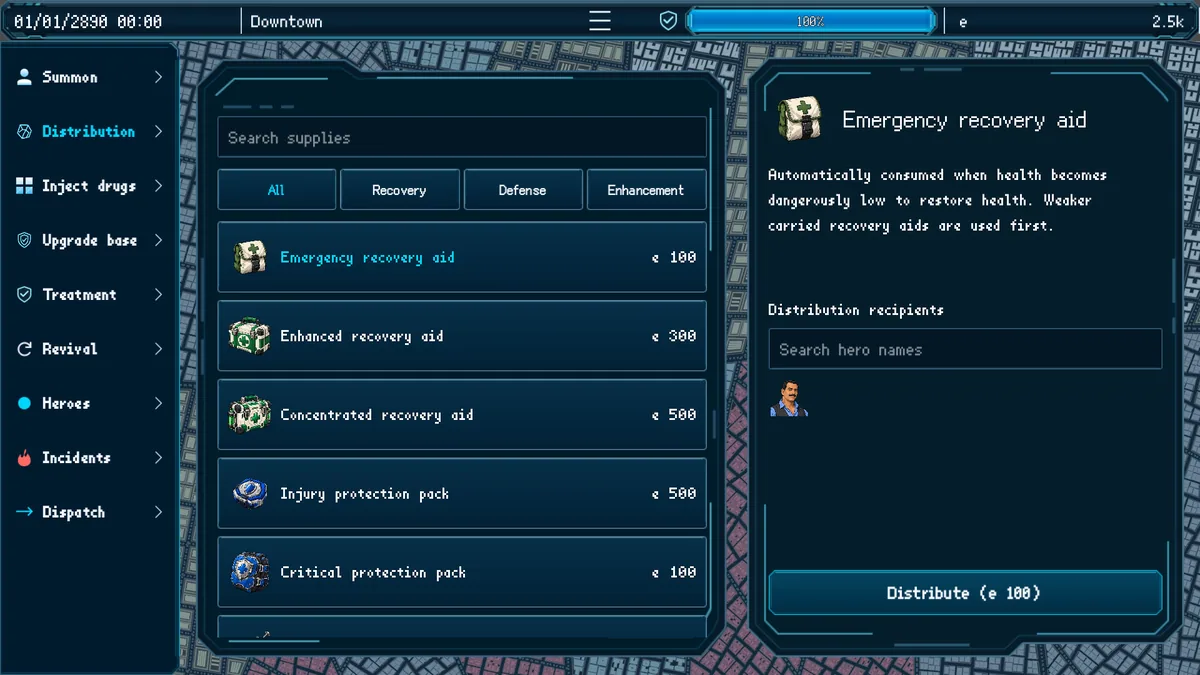
Using the Emergency Response Heroes trainer
Open the Eagle menu with Insert to inspect active incidents, hero availability and travel estimates. The operations ledger records which team handled each call. Use the city map before assigning a distant hero to an urgent rescue.