FREE CHEATS FOR
Espetero Simulator
Released November 17, 2026
Updated

 EAGLE CHEATS
How to use Eagle in Espetero Simulator
With Espetero Simulator running, press Insert to open the Eagle menu. The quick keys give direct access to Fish Stock and Skewer Prep. Use the menu for Grill Heat, Cook Timer and Order Queue and the remaining listed features; close it with Insert to return to the app.
- F2 Fish Stock
Press F2 to turn Fish Stock on or off without opening the menu. - F3 Skewer Prep
Press F3 to turn Skewer Prep on or off without opening the menu. - Insert Grill Heat
Press Insert, find Grill Heat in the feature list, and switch it on or off. - Insert Cook Timer
Press Insert, find Cook Timer in the feature list, and switch it on or off. - Insert Order Queue
Press Insert, find Order Queue in the feature list, and switch it on or off.
EXPLORE THE MENUFeatures
8 features
The Eagle trainer for Espetero Simulator brings fish stock, skewer prep, grill heat together for the Windows PC release. Press Insert during play to open the menu, choose a control and return to the current session. Additional controls cover order queue, cook timer, and customer wait during play.
- Fish Stock
- Skewer Prep
- Grill Heat
- Order Queue
- Cook Timer
- Customer Wait
- Service Ledger
- Shop Progress
About the game
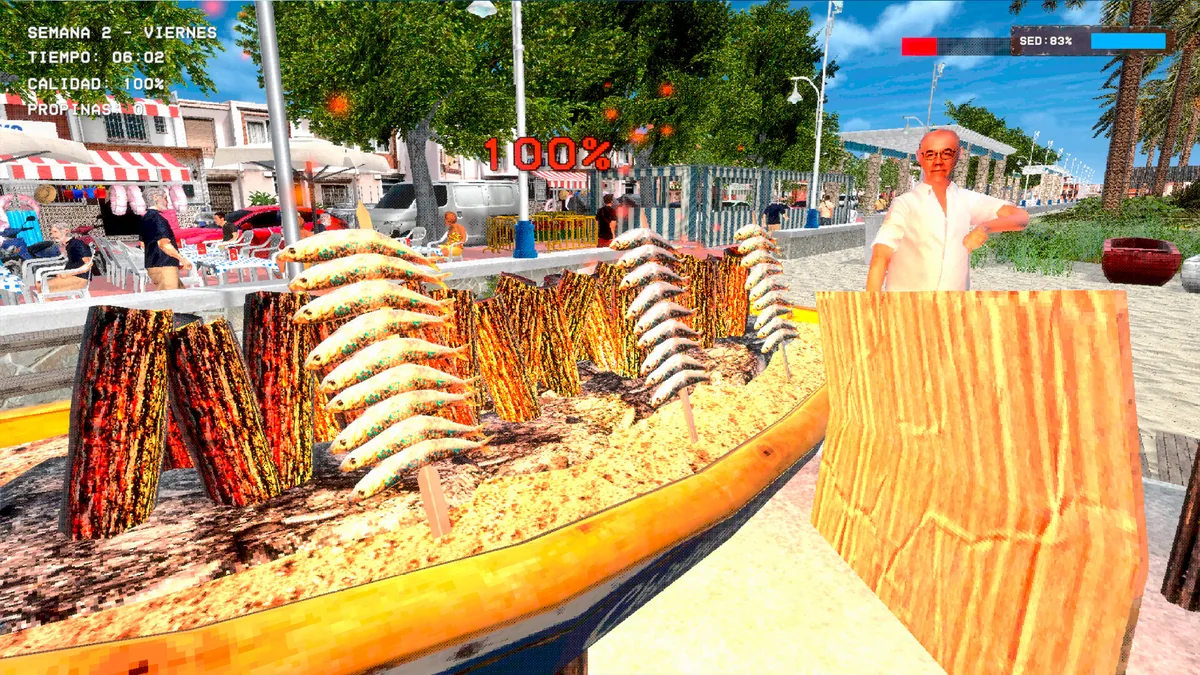
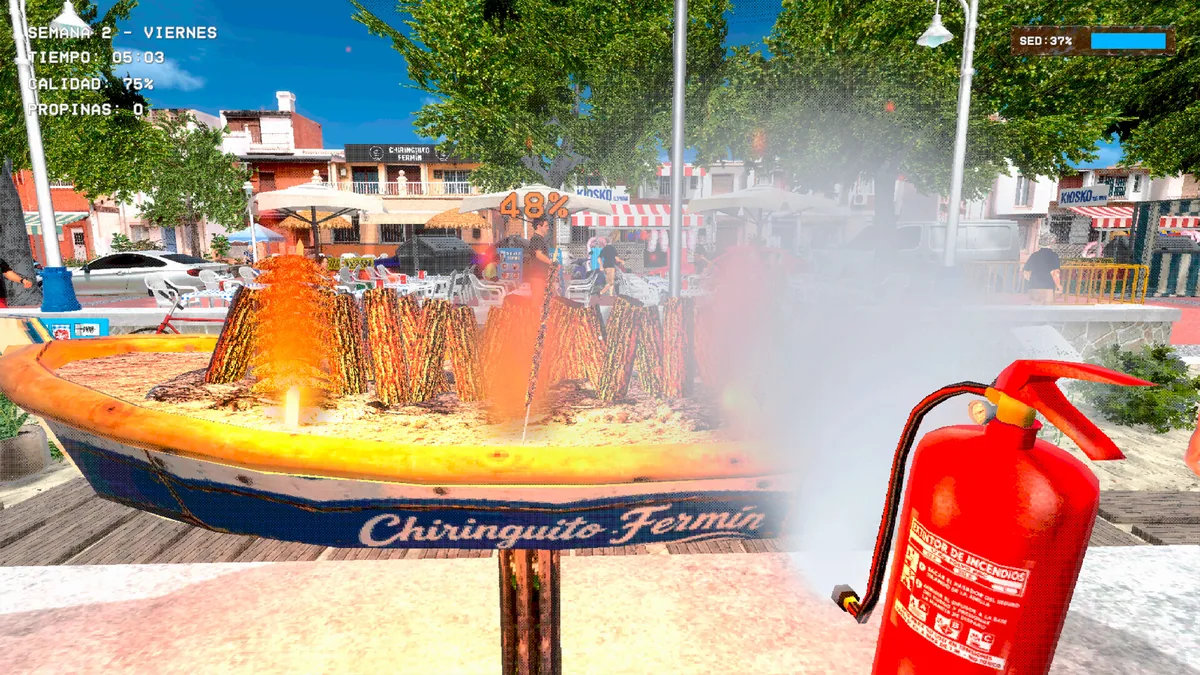
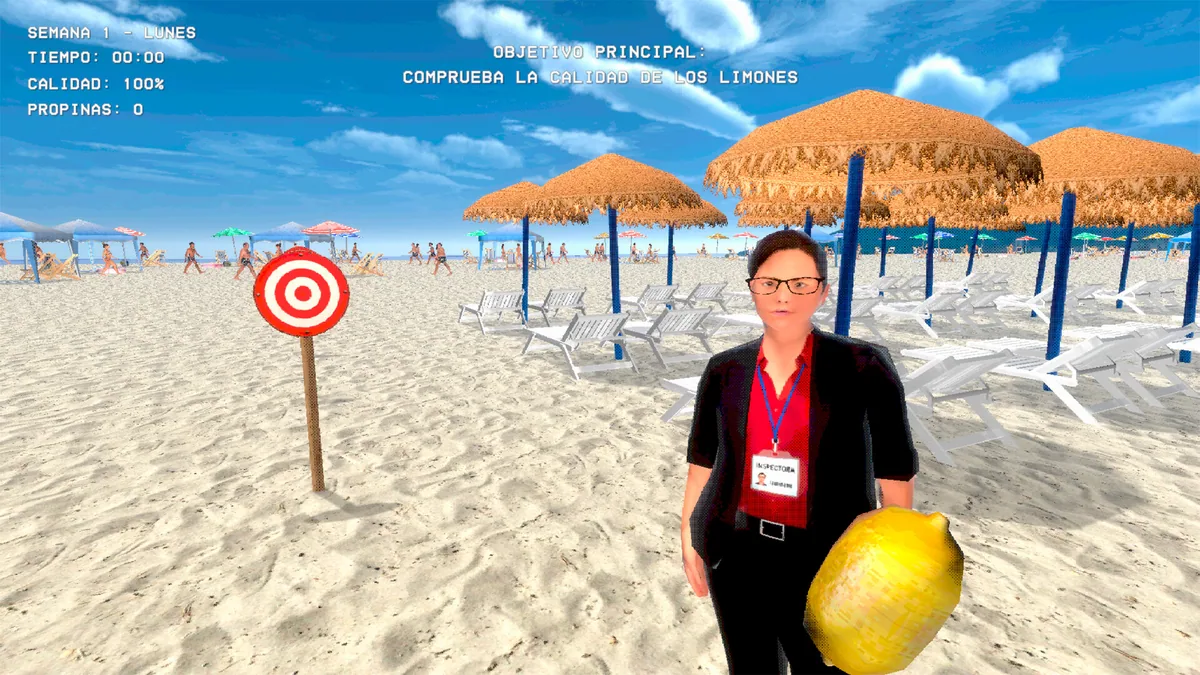
Espetero Simulator puts the player at a grill learning to skewer and cook sardines. Preparation, heat and customer service all affect the final plate. The simple food business rewards a consistent routine under growing demand.
A skewer can look ready outside while still needing attention on another side. Taking too many orders can overload the grill and reduce quality. Reviewing cook times and sales helps decide which part of the station to improve.
Official game page

Using the Espetero Simulator trainer
Open the Eagle menu with Insert to inspect fish stock, grill slots and the order queue. The service ledger records cooking results and customer wait. Use the prep list before a busy shift so ingredients are ready when the next order arrives.