FREE CHEATS FOR
ETCH
Released November 16, 2026
Updated
 EAGLE CHEATS
How to use Eagle in ETCH
With ETCH running, press Insert to open the Eagle menu. The quick keys give direct access to Maze Map and Ability Status. Use the menu for Gadget Effects, Risk Rating and Upgrade Picks and the remaining listed features; close it with Insert to return to the app.
- F2 Maze Map
Press F2 to turn Maze Map on or off without opening the menu. - F3 Ability Status
Press F3 to turn Ability Status on or off without opening the menu. - Insert Gadget Effects
Press Insert, find Gadget Effects in the feature list, and switch it on or off. - Insert Risk Rating
Press Insert, find Risk Rating in the feature list, and switch it on or off. - Insert Upgrade Picks
Press Insert, find Upgrade Picks in the feature list, and switch it on or off.
EXPLORE THE MENUFeatures
8 features
The Eagle trainer for ETCH brings maze map, ability status, gadget effects together for the Windows PC release. Press Insert during play to open the menu, choose a control and return to the current session. Additional controls cover risk rating, upgrade picks, and enemy markers during play.
- Maze Map
- Ability Status
- Gadget Effects
- Risk Rating
- Upgrade Picks
- Enemy Markers
- Boss Phases
- Descent Log
About the game
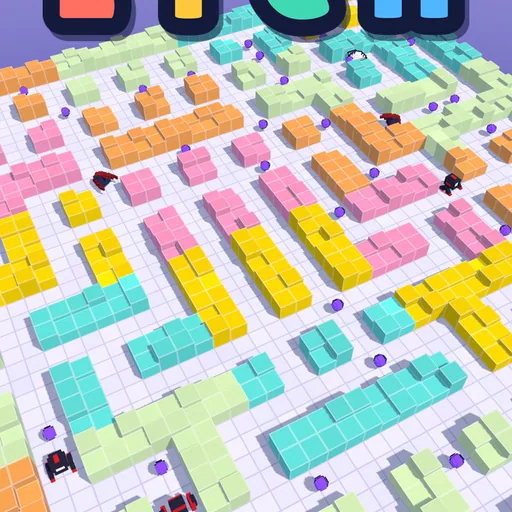
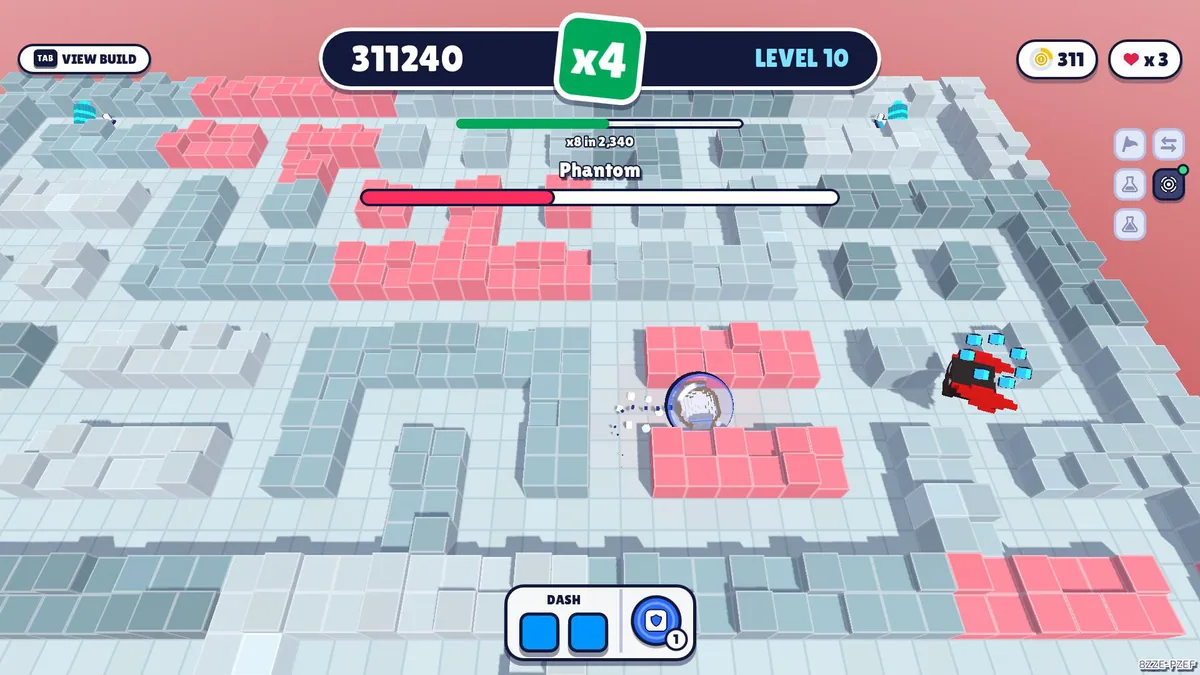
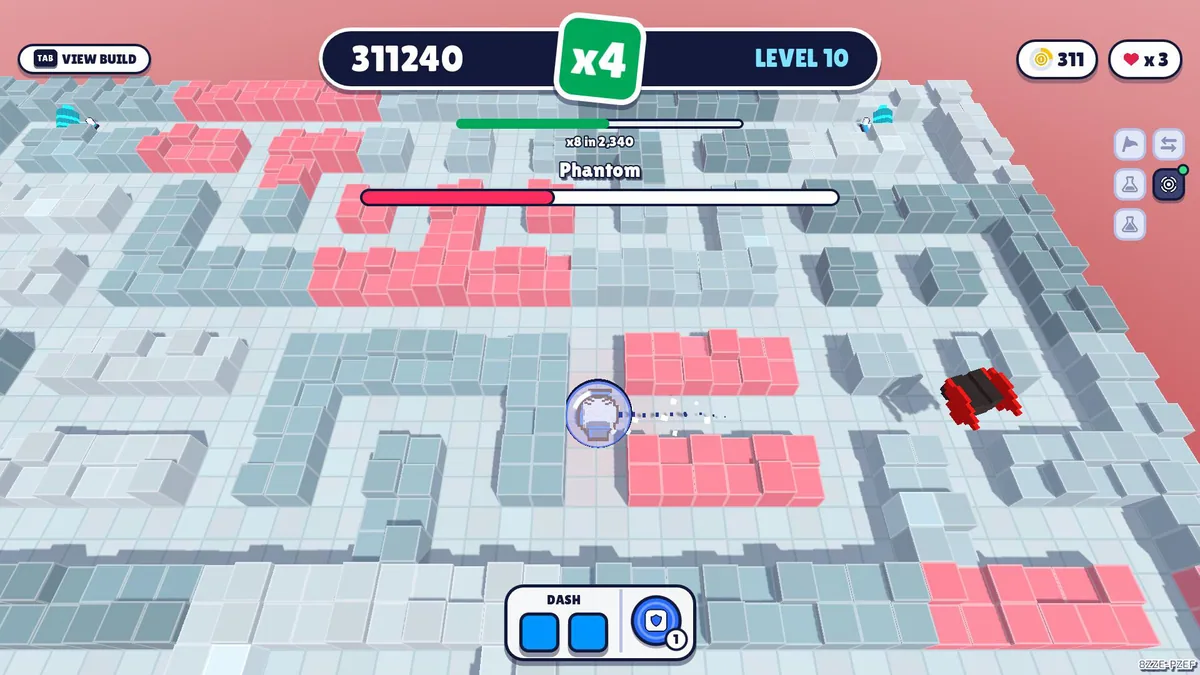
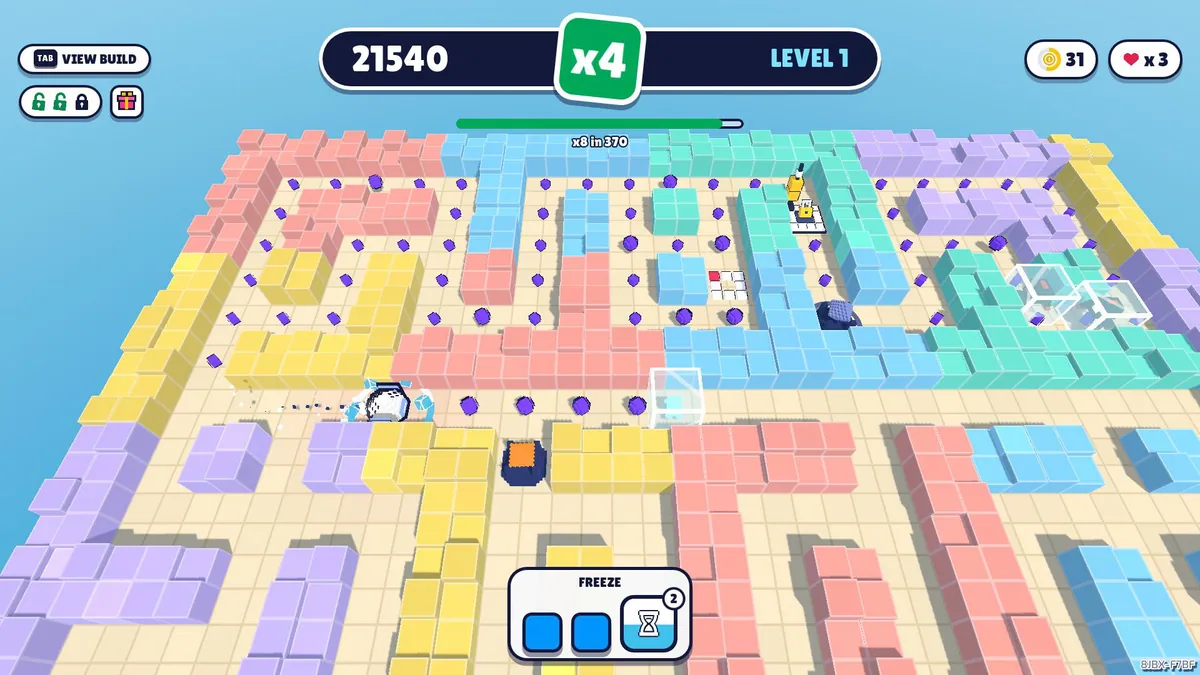
ETCH is a top-down roguelike maze runner with abilities, gadgets and many upgrades. A long descent through changing enemies and bosses turns route choice into a combat decision. Some gadgets carry risk, so a stronger build is not always a safer one.
An ability that clears a corridor may be unavailable at the next junction. Taking a dangerous gadget can speed progress and make a boss harder to survive. The thirty-level structure rewards learning which combinations match the enemy patterns ahead.
Official game page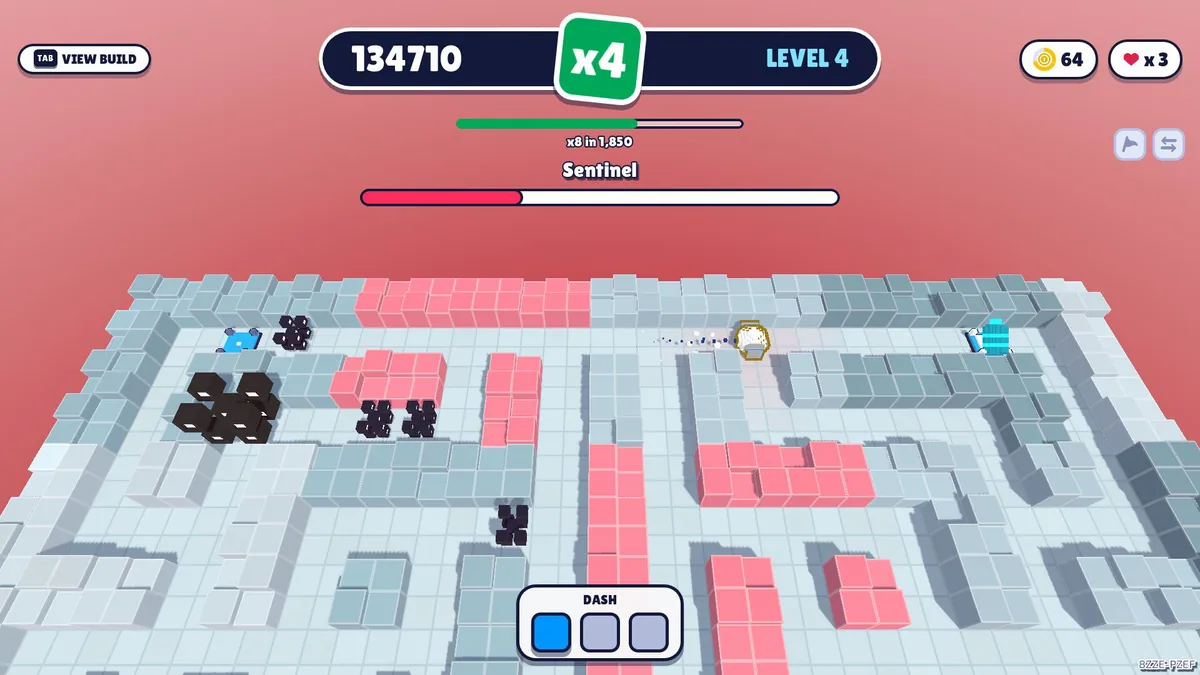
Using the ETCH trainer
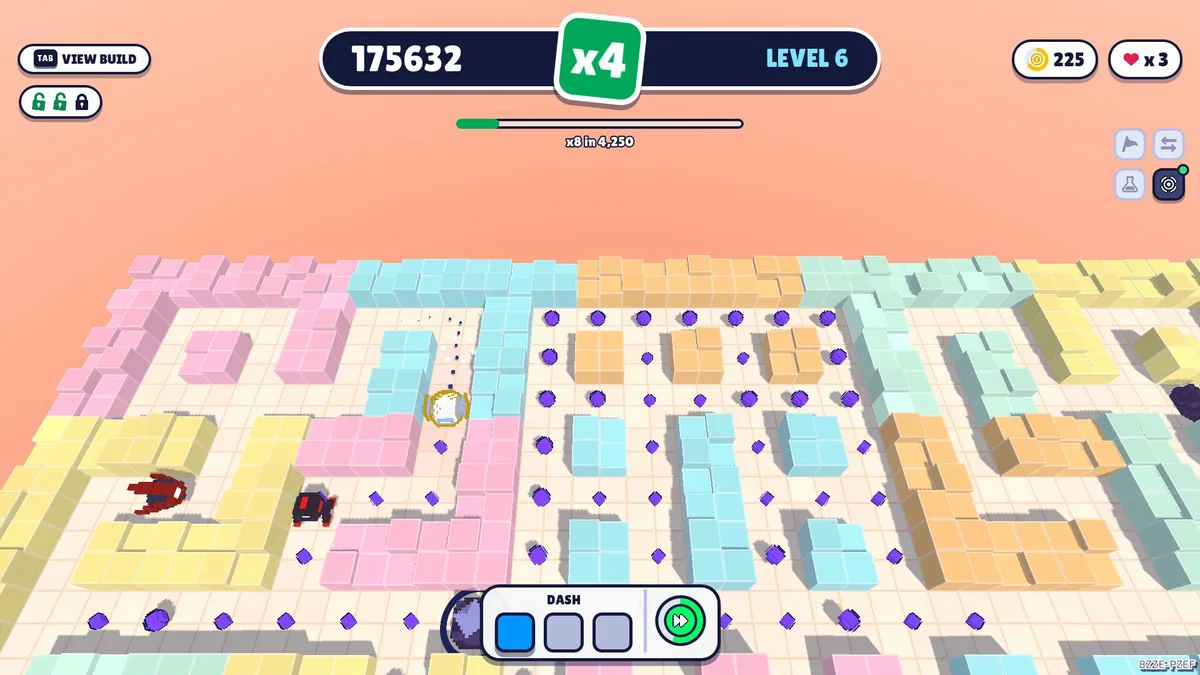
The Eagle menu pairs maze routes, ability readiness and gadget effects. Use Insert before choosing a risky pickup to compare it with the current build. A boss tracker keeps the next major fight visible while the player navigates each level.