FREE CHEATS FOR
FailRooms
Released November 10, 2026
Updated

 EAGLE CHEATS
How to use Eagle in FailRooms
With FailRooms running, press Insert to open the Eagle menu. The quick keys give direct access to Room Map and Anomaly Log. Use the menu for Route Markers, Inventory View and Threat Indicator and the remaining listed features; close it with Insert to return to the app.
- F2 Room Map
Press F2 to turn Room Map on or off without opening the menu. - F3 Anomaly Log
Press F3 to turn Anomaly Log on or off without opening the menu. - Insert Route Markers
Press Insert, find Route Markers in the feature list, and switch it on or off. - Insert Inventory View
Press Insert, find Inventory View in the feature list, and switch it on or off. - Insert Threat Indicator
Press Insert, find Threat Indicator in the feature list, and switch it on or off.
EXPLORE THE MENUFeatures
8 features
The Eagle trainer for FailRooms brings room map, anomaly log, route markers together for the Windows PC release. Press Insert during play to open the menu, choose a control and return to the current session. Additional controls cover threat indicator, puzzle notes, and inventory view during play.
- Room Map
- Anomaly Log
- Route Markers
- Threat Indicator
- Puzzle Notes
- Inventory View
- Checkpoint Select
- Escape Progress
About the game
FailRooms is a liminal horror game set in endless architecture that seems broken or impossible. The world can be funny for a moment before another room becomes threatening. Escaping depends on noticing how spaces connect and what changes between visits.
A corridor that appears familiar may lead somewhere different on a second pass. Players benefit from keeping their own map and noting odd features rather than assuming the layout is stable. The uncertainty is part of the horror, so not every unusual room should be treated as an answer.
Official game page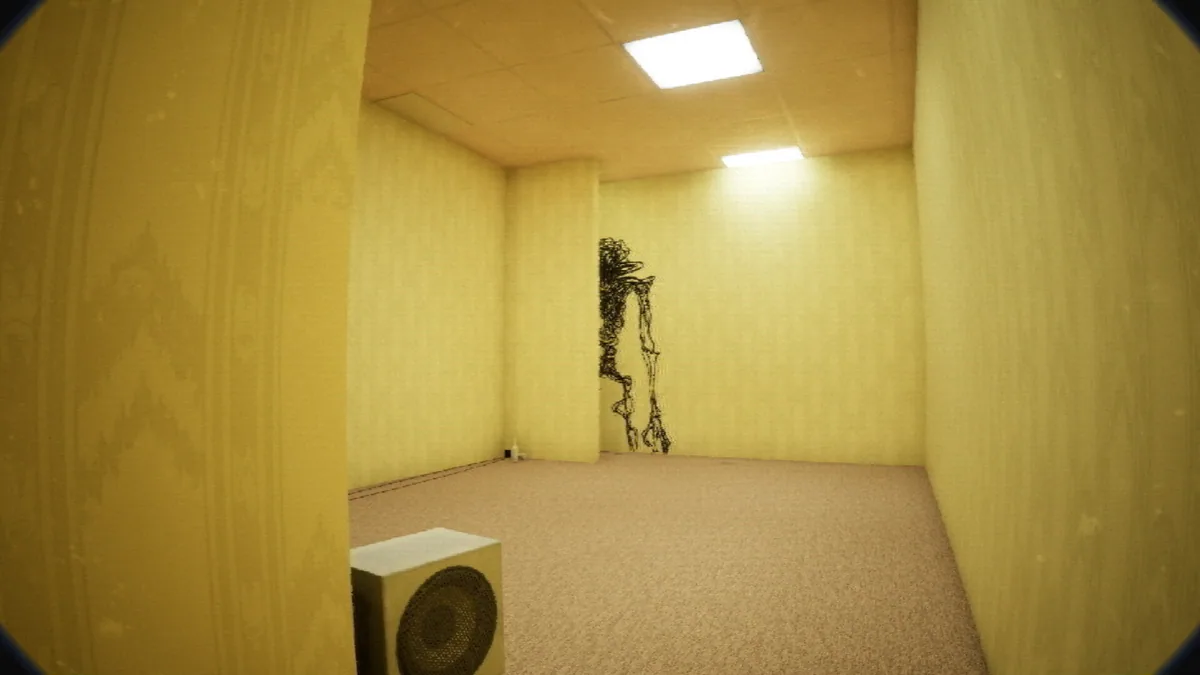




Using the FailRooms trainer
The menu records visited rooms, observed anomalies and the route back to a known point. It helps maintain direction without revealing the solution to every space. Threat and objective views stay separate so a player can respond to danger while continuing the escape.