FREE CHEATS FOR
Ghost Express
Released November 10, 2026
Updated
 EAGLE CHEATS
How to use Eagle in Ghost Express
With Ghost Express running, press Insert to open the Eagle menu. The quick keys give direct access to Item Dimensions and Box Layout. Use the menu for Order Queue, Delivery Map and Placement Preview and the remaining listed features; close it with Insert to return to the app.
- F2 Item Dimensions
Press F2 to turn Item Dimensions on or off without opening the menu. - F3 Box Layout
Press F3 to turn Box Layout on or off without opening the menu. - Insert Order Queue
Press Insert, find Order Queue in the feature list, and switch it on or off. - Insert Delivery Map
Press Insert, find Delivery Map in the feature list, and switch it on or off. - Insert Placement Preview
Press Insert, find Placement Preview in the feature list, and switch it on or off.
EXPLORE THE MENUFeatures
8 features
The Eagle trainer for Ghost Express brings item dimensions, box layout, order queue together for the Windows PC release. Press Insert during play to open the menu, choose a control and return to the current session. Additional controls cover placement preview, undo moves, and delivery map during play.
- Item Dimensions
- Box Layout
- Order Queue
- Placement Preview
- Undo Moves
- Delivery Map
- Shop Progress
- Packing History
About the game
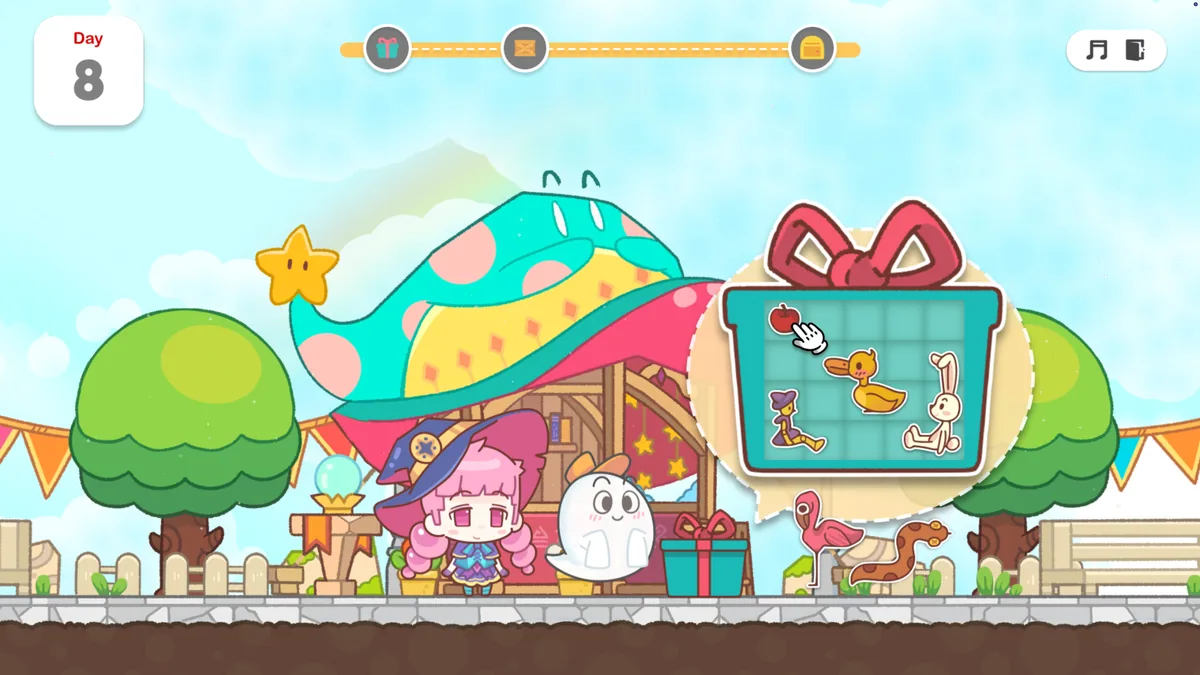
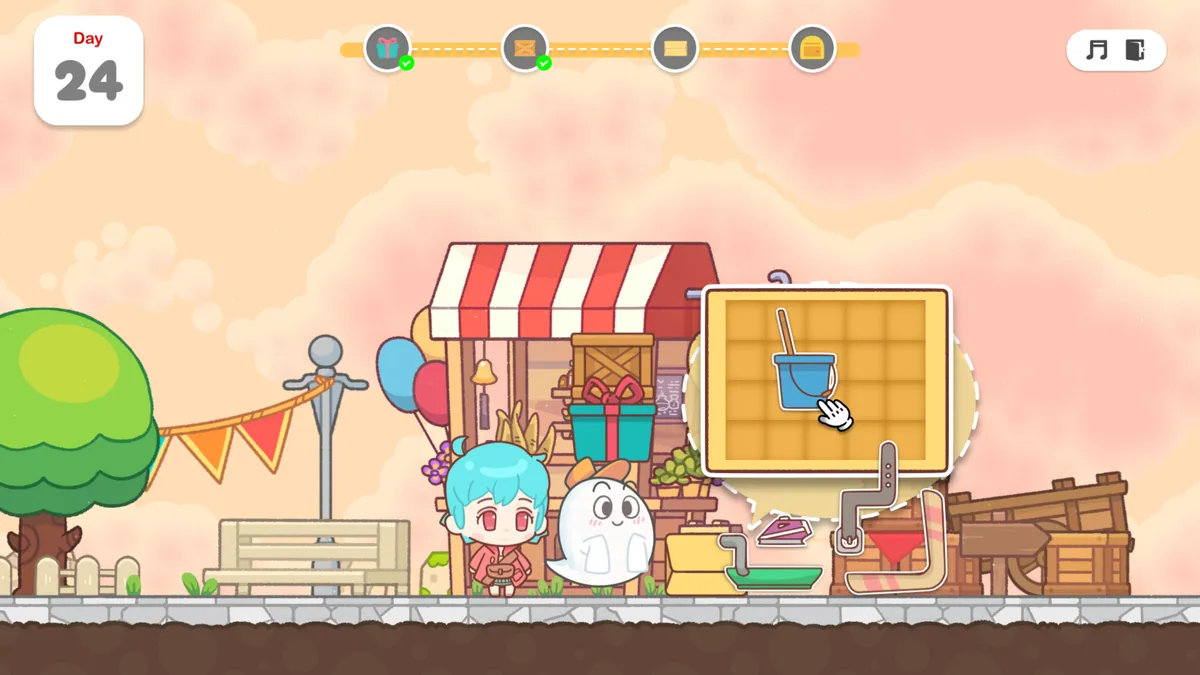
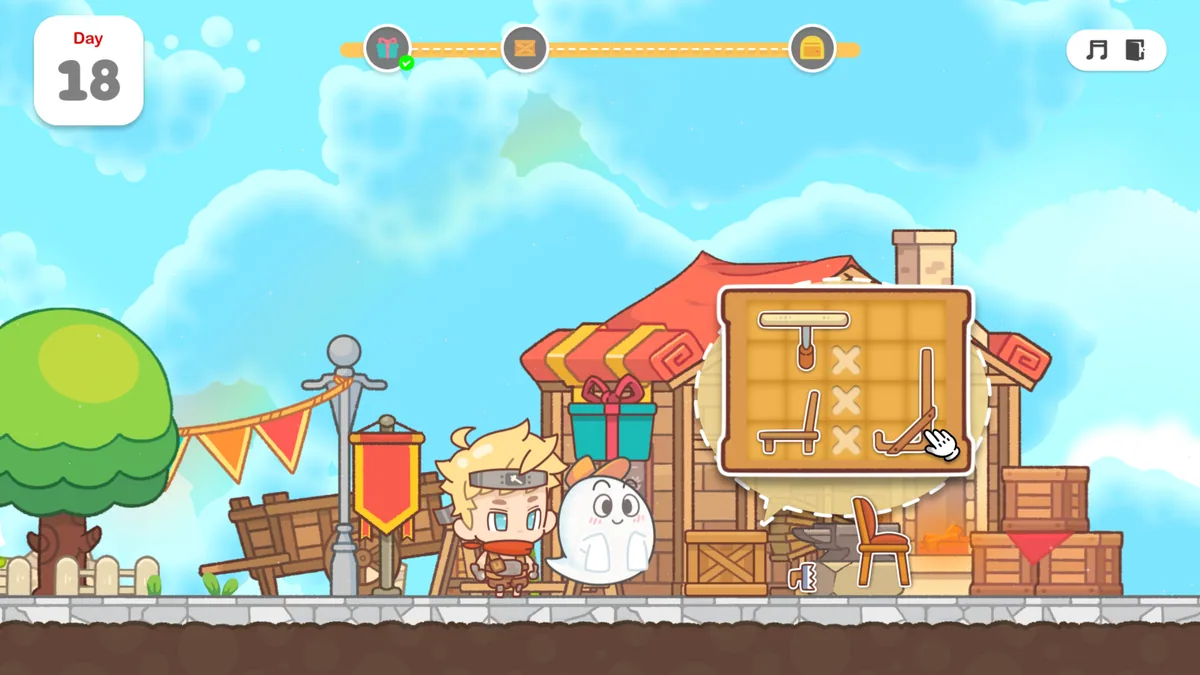
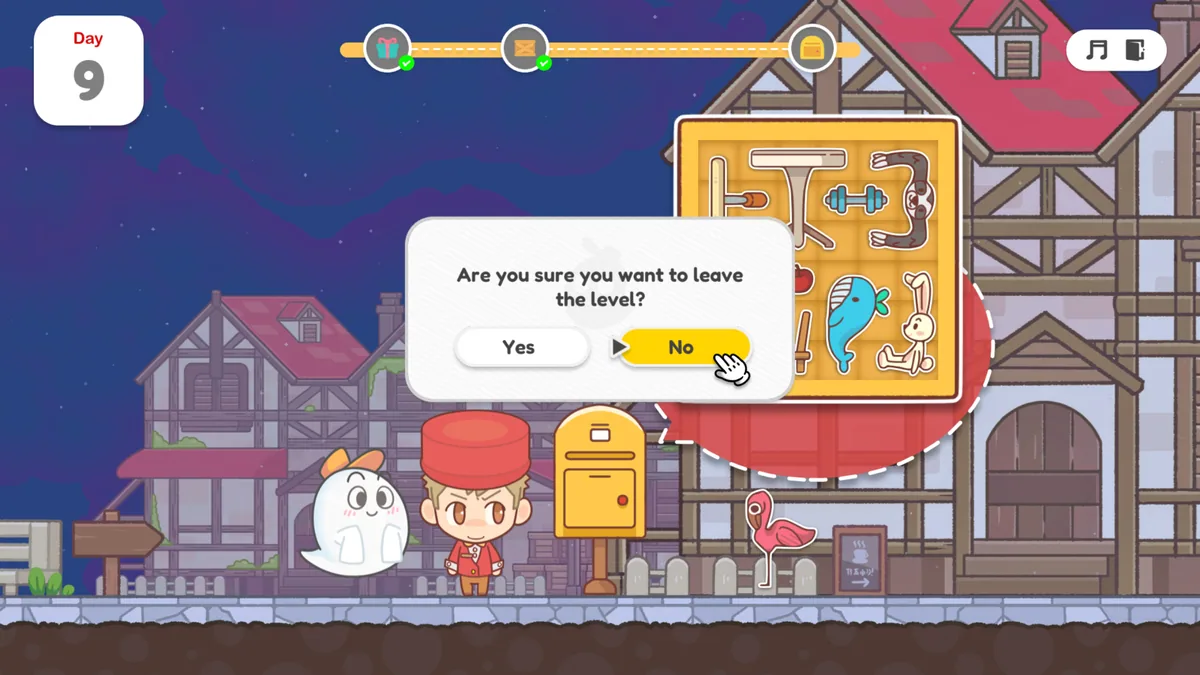
Ghost Express follows Spooky, a friendly ghost, through a series of storage and packing puzzles. Each shop's goods need to fit into boxes before being delivered nearby. Limited space turns a simple order into a careful arrangement problem.
A large item placed first can block several smaller pieces, while another orientation can make the entire order fit. As requests pile up, players have to decide which box and delivery to finish next. The cozy presentation hides a real spatial challenge.
Official game page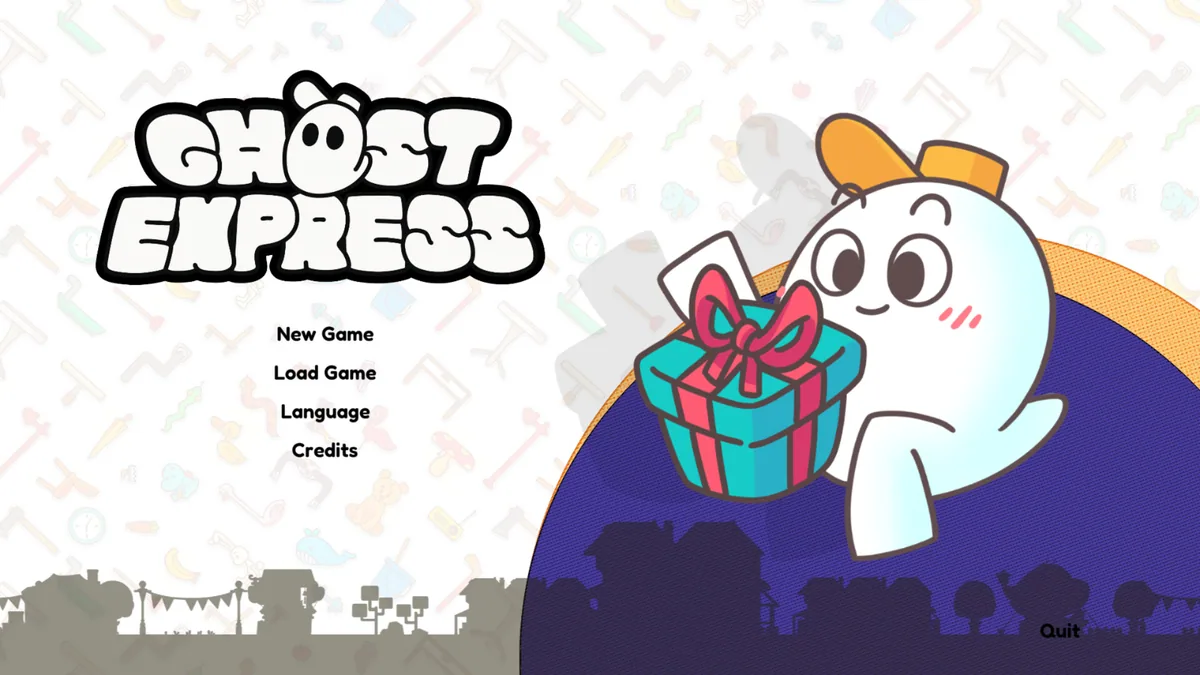
Using the Ghost Express trainer
The menu keeps item dimensions, box capacity and pending orders visible together. It helps test an arrangement, review an unsuccessful packing attempt and locate the next delivery. Spooky's route remains clear even when several shops have goods waiting.