FREE CHEATS FOR
GraviSmack
Released November 15, 2026
Updated
 EAGLE CHEATS
How to use Eagle in GraviSmack
With GraviSmack running, press Insert to open the Eagle menu. The quick keys give direct access to Gravity Direction and Surface Map. Use the menu for Weapon Build, Active Boons and Character Roster and the remaining listed features; close it with Insert to return to the app.
- F2 Gravity Direction
Press F2 to turn Gravity Direction on or off without opening the menu. - F3 Surface Map
Press F3 to turn Surface Map on or off without opening the menu. - Insert Weapon Build
Press Insert, find Weapon Build in the feature list, and switch it on or off. - Insert Active Boons
Press Insert, find Active Boons in the feature list, and switch it on or off. - Insert Character Roster
Press Insert, find Character Roster in the feature list, and switch it on or off.
EXPLORE THE MENUFeatures
8 features
The Eagle trainer for GraviSmack brings gravity direction, surface map, weapon build together for the Windows PC release. Press Insert during play to open the menu, choose a control and return to the current session. Additional controls cover active boons, character roster, and swarm alerts during play.
- Gravity Direction
- Surface Map
- Weapon Build
- Active Boons
- Character Roster
- Swarm Alerts
- Team Markers
- Run Record
About the game
GraviSmack is an action roguelite where gravity shifts and impossible surfaces become routes through enemy swarms. Weapons, boons and unlockable characters alter each attempt, alone or with friends. Movement is part of the attack plan, not just a way to escape damage.
A gravity change can create a fast line through enemies and leave the next landing awkward. A weapon that rewards close range may demand a different surface path from a long-range build. Cooperative play adds teammates to an already mobile arena.
Official game page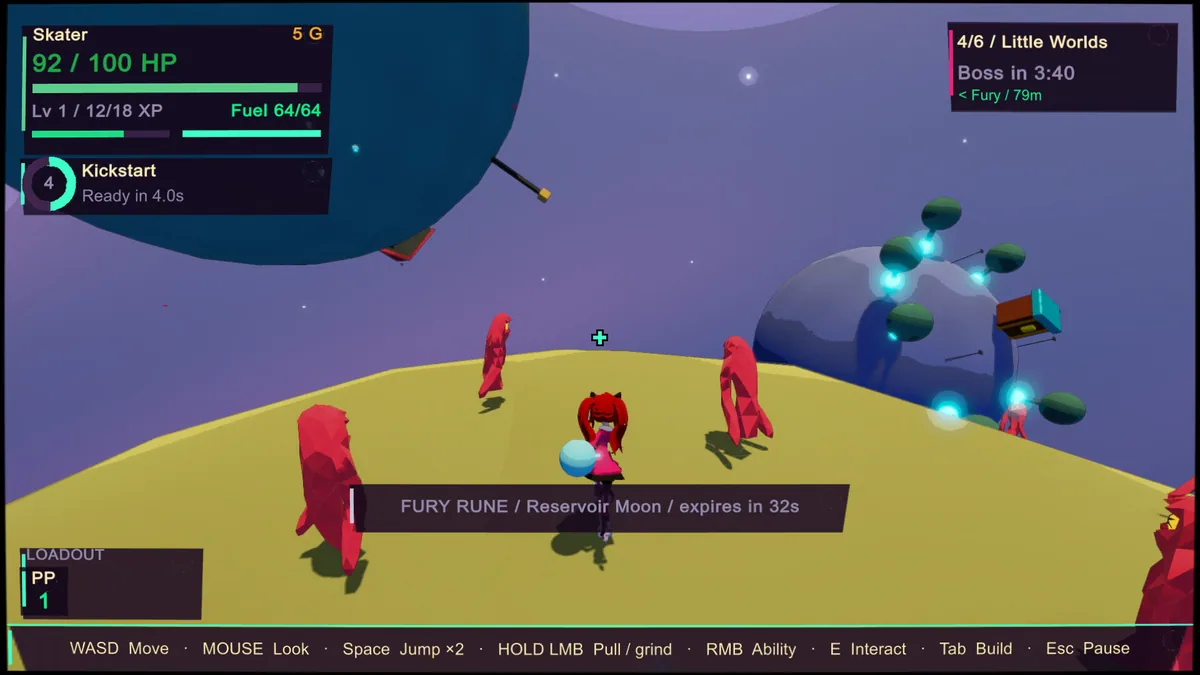
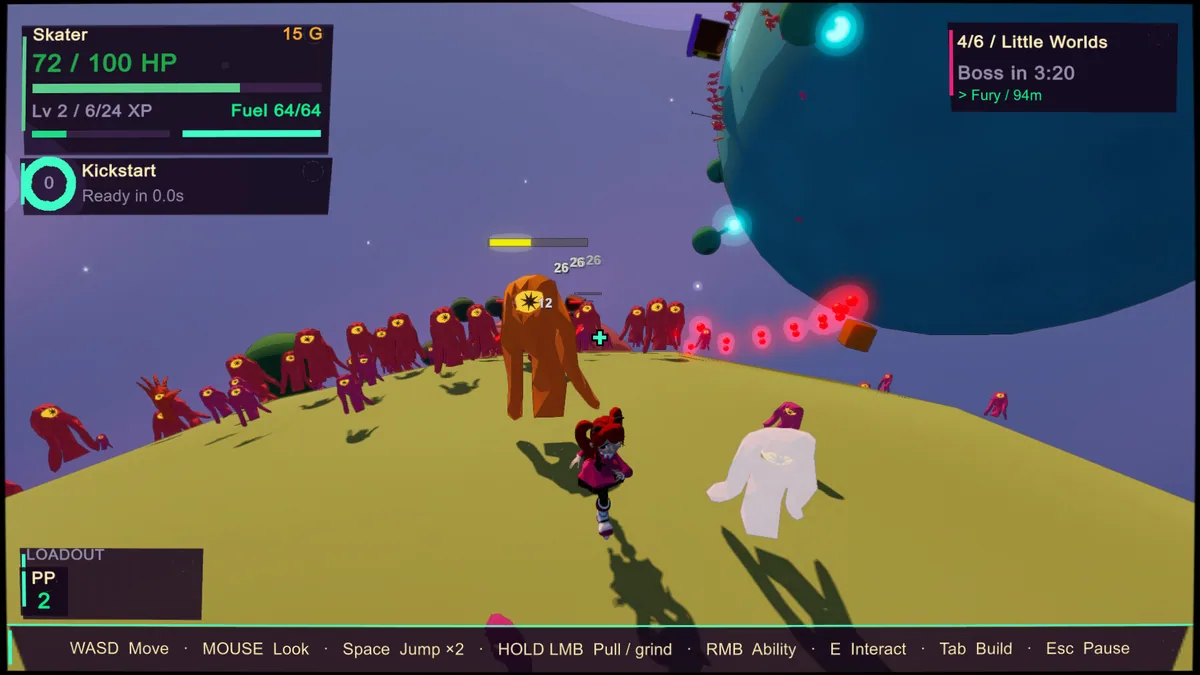
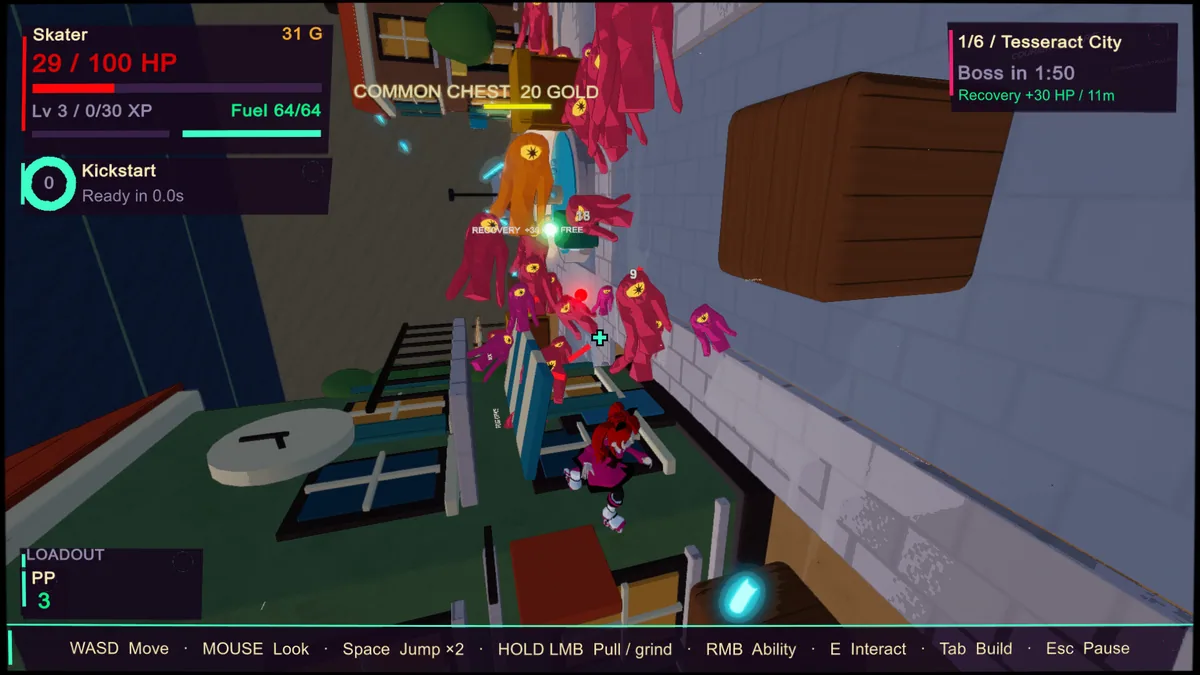
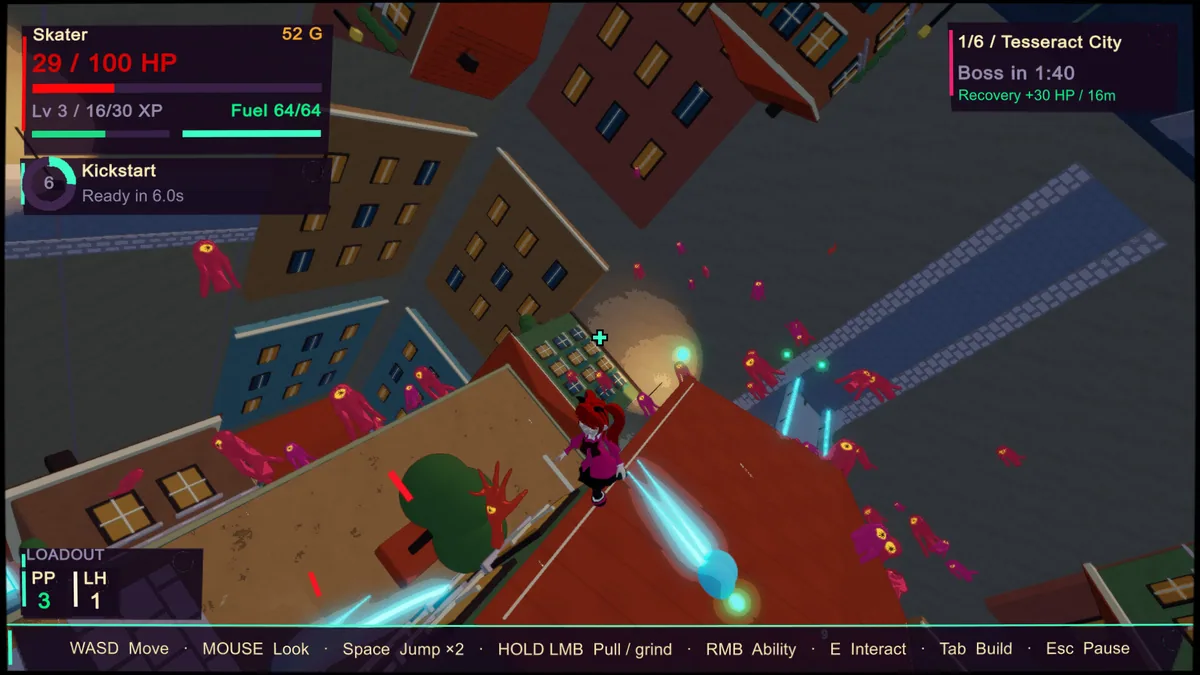
Using the GraviSmack trainer
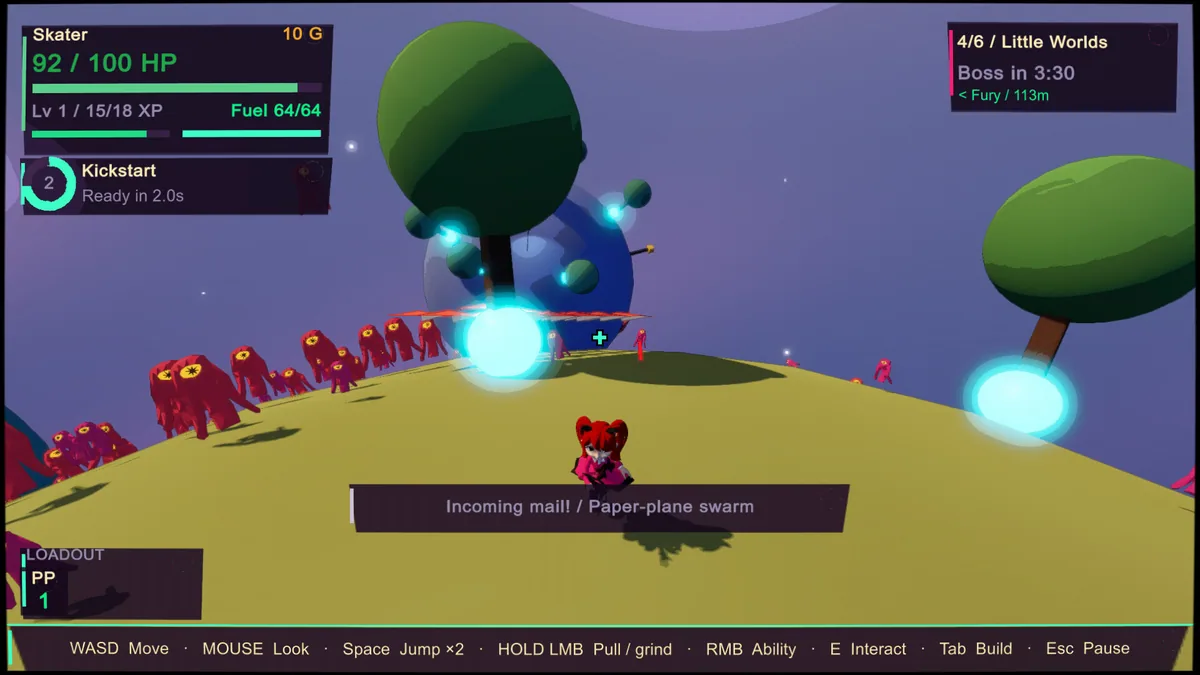
The Eagle menu displays gravity direction, active boons and nearby surfaces. Use Insert between fights to compare a new weapon with the character's route. Team markers and wave alerts help keep orientation when the arena turns.