FREE CHEATS FOR
GroundInFlames
Released November 10, 2026
Updated
 EAGLE CHEATS
How to use Eagle in GroundInFlames
With GroundInFlames running, press Insert to open the Eagle menu. The quick keys give direct access to Squad Morale and Trench Map. Use the menu for Supply Stock, Armor Condition and Drone Feed and the remaining listed features; close it with Insert to return to the app.
- F2 Squad Morale
Press F2 to turn Squad Morale on or off without opening the menu. - F3 Trench Map
Press F3 to turn Trench Map on or off without opening the menu. - Insert Supply Stock
Press Insert, find Supply Stock in the feature list, and switch it on or off. - Insert Armor Condition
Press Insert, find Armor Condition in the feature list, and switch it on or off. - Insert Drone Feed
Press Insert, find Drone Feed in the feature list, and switch it on or off.
EXPLORE THE MENUFeatures
8 features
The Eagle trainer for GroundInFlames brings squad morale, trench map, supply stock together for the Windows PC release. Press Insert during play to open the menu, choose a control and return to the current session. Additional controls cover drone feed, ew status, and armor condition during play.
- Squad Morale
- Trench Map
- Supply Stock
- Drone Feed
- EW Status
- Armor Condition
- Suppression View
- Battle Orders
About the game
GroundInFlames is real-time tactics built around modern combined-arms warfare. Trenches, suppression, morale, drones and electronic warfare interact with vehicle armor and scarce supplies. A battlefield decision has to account for both the frontline and what can reach it afterward.
An armored vehicle can be powerful but vulnerable if reconnaissance misses a threat or its supporting squad is suppressed. A drone may reveal a route, while radio disruption changes what orders can be delivered. Conserving manpower matters because losses cannot be replaced instantly.
Official game page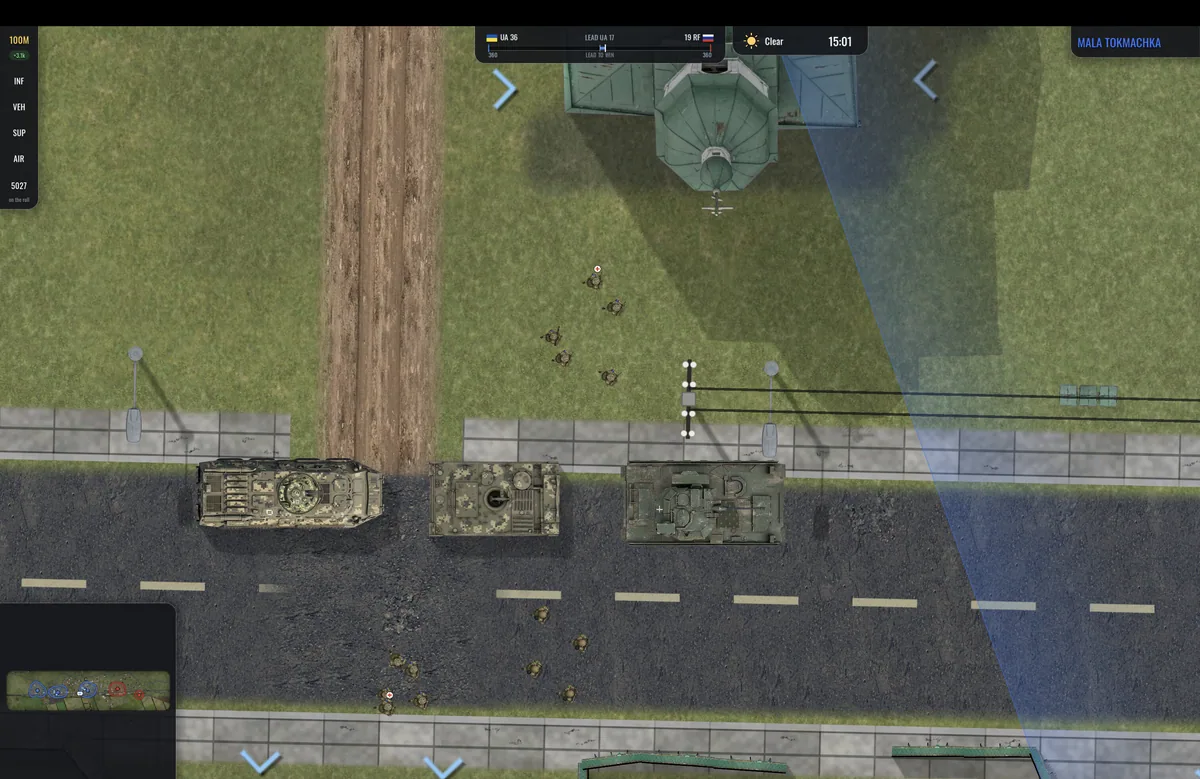
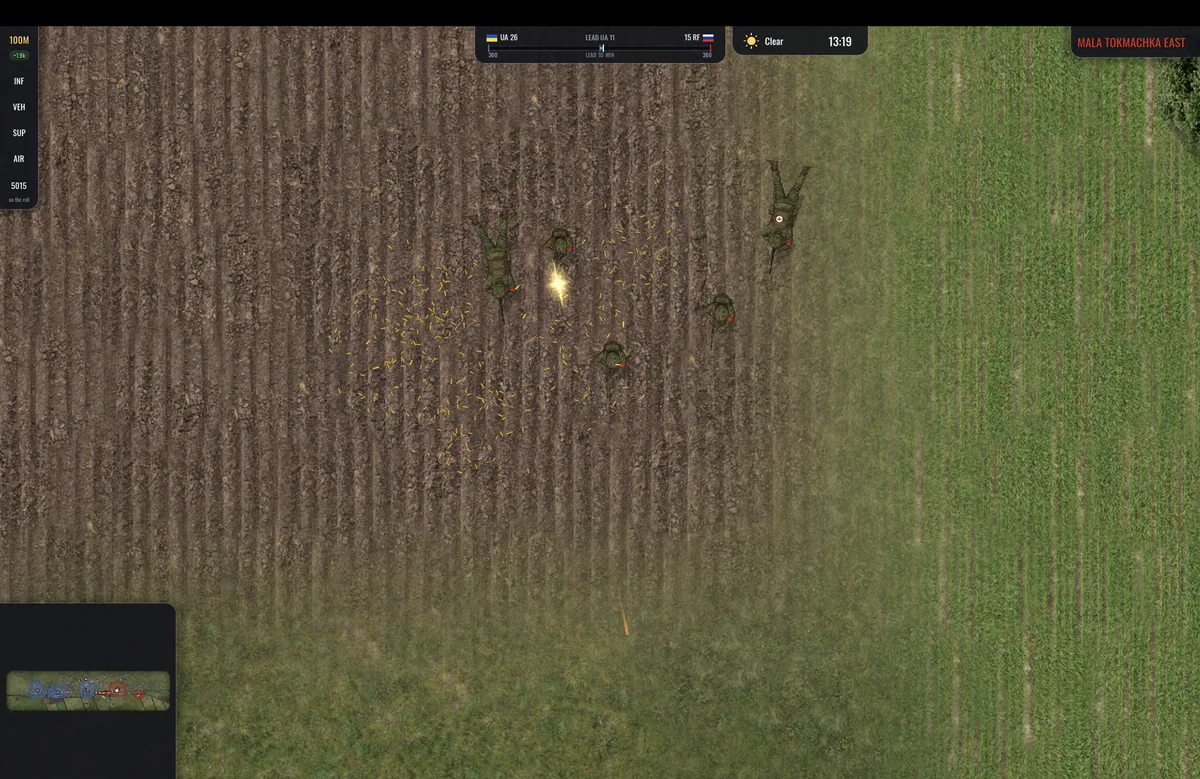
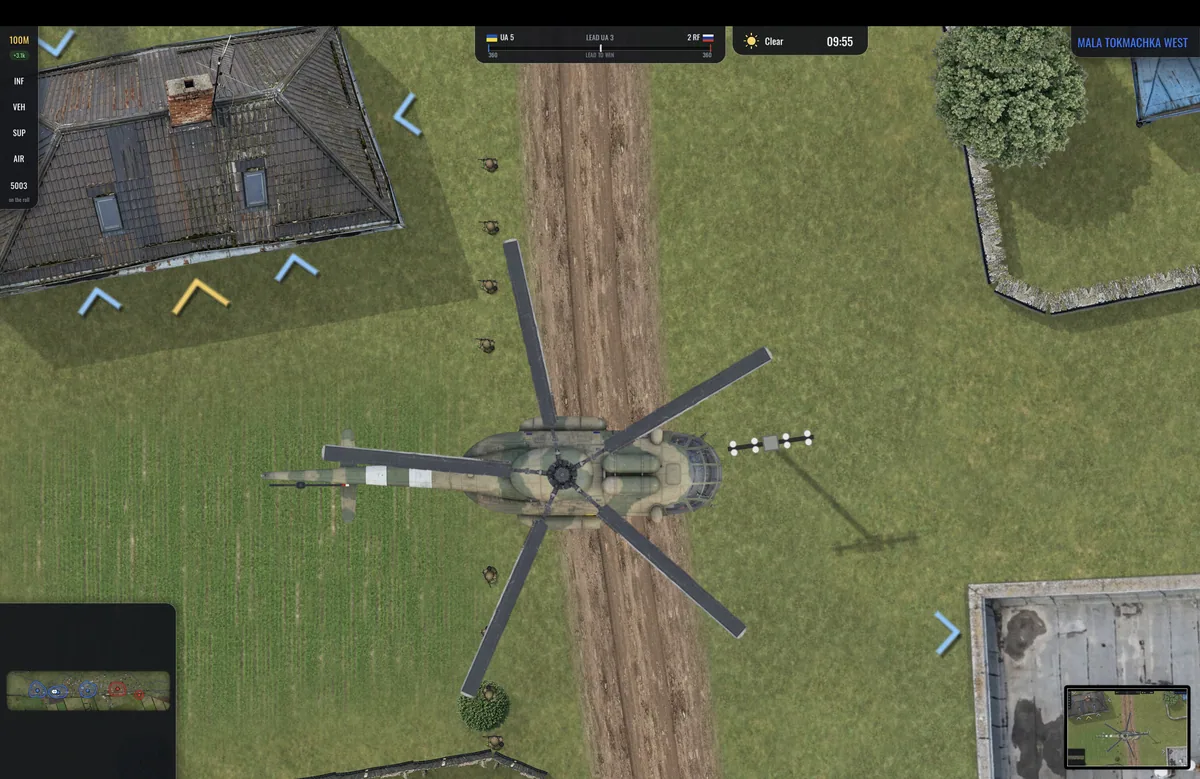
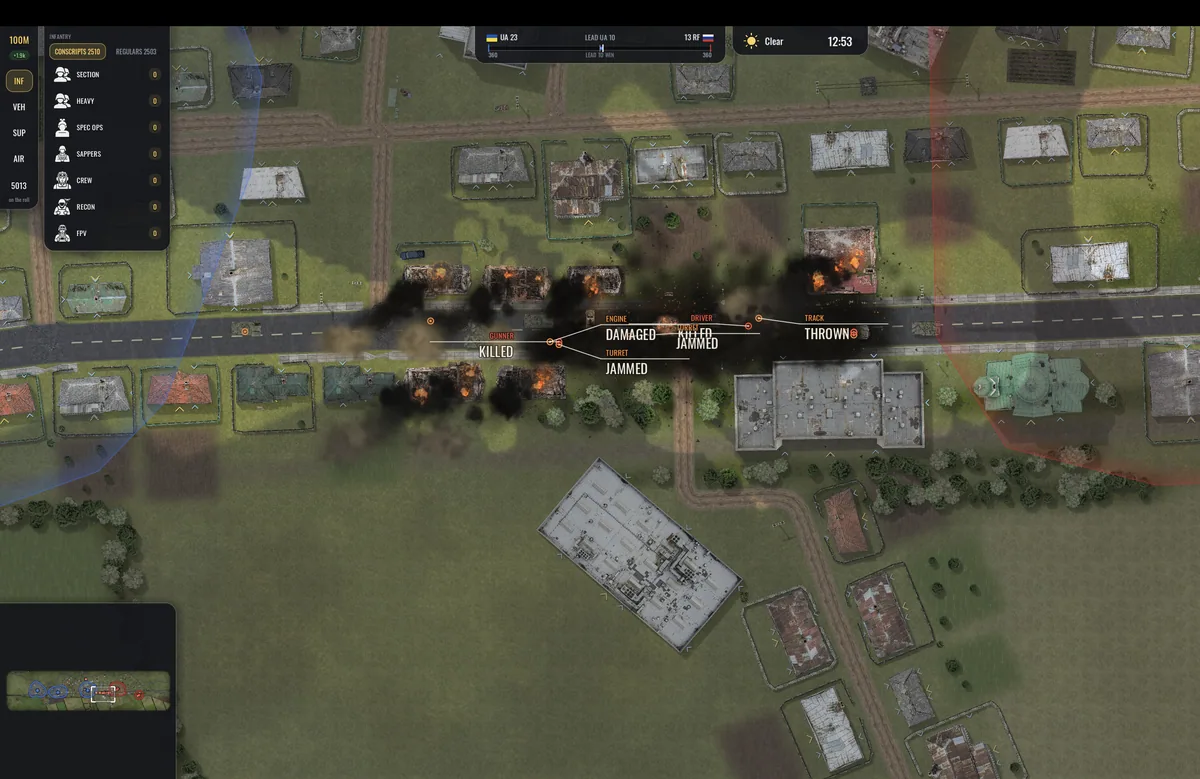
Using the GroundInFlames trainer
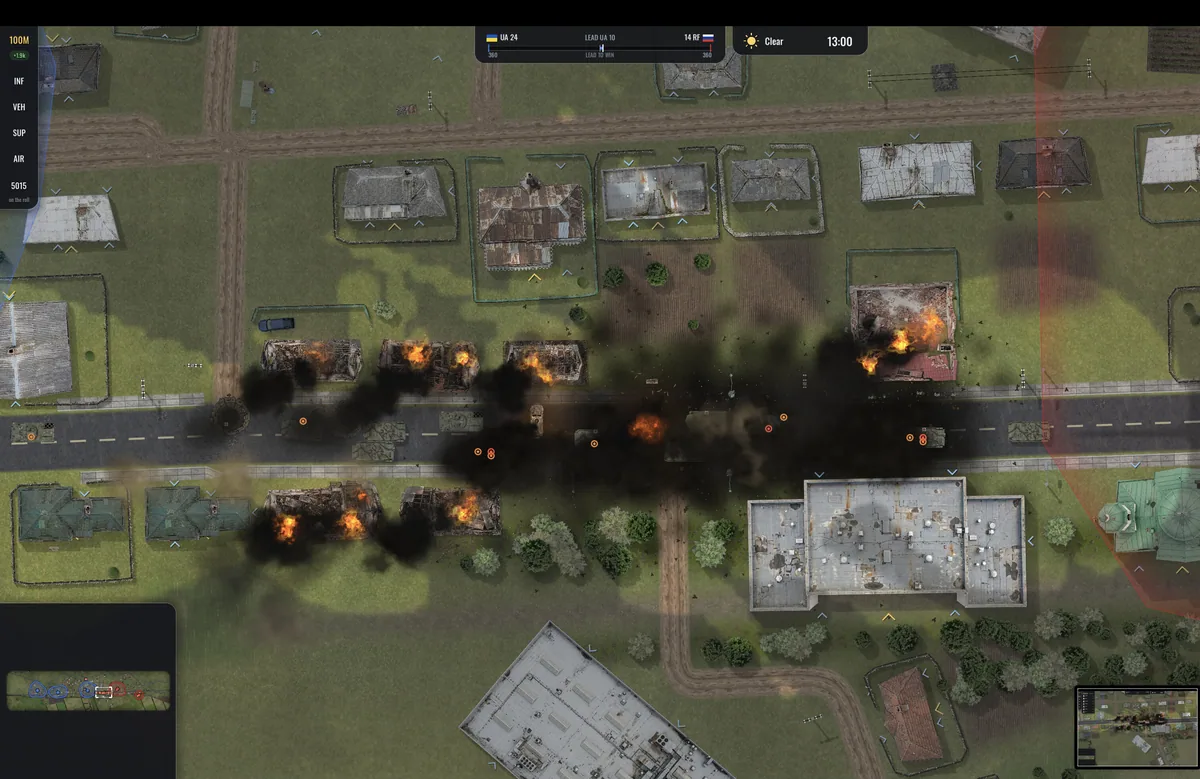
The menu connects squad morale, supply routes and drone coverage on the tactical map. It helps compare a planned push with the ammunition and armor condition available to support it. The frontline view makes simultaneous pressure on different positions easier to manage.