FREE CHEATS FOR
Hellmouth
Released November 13, 2026
Updated

 EAGLE CHEATS
How to use Eagle in Hellmouth
With Hellmouth running, press Insert to open the Eagle menu. The quick keys give direct access to Health View and Upgrade Effects. Use the menu for Demon Waves, Weapon Status and Arena Map and the remaining listed features; close it with Insert to return to the app.
- F2 Health View
Press F2 to turn Health View on or off without opening the menu. - F3 Upgrade Effects
Press F3 to turn Upgrade Effects on or off without opening the menu. - Insert Demon Waves
Press Insert, find Demon Waves in the feature list, and switch it on or off. - Insert Weapon Status
Press Insert, find Weapon Status in the feature list, and switch it on or off. - Insert Arena Map
Press Insert, find Arena Map in the feature list, and switch it on or off.
EXPLORE THE MENUFeatures
8 features
The Eagle trainer for Hellmouth brings health view, upgrade effects, demon waves together for the Windows PC release. Press Insert during play to open the menu, choose a control and return to the current session. Additional controls cover projectile alerts, arena map, and weapon status during play.
- Health View
- Upgrade Effects
- Demon Waves
- Projectile Alerts
- Arena Map
- Weapon Status
- Escape Route
- Run Record
About the game
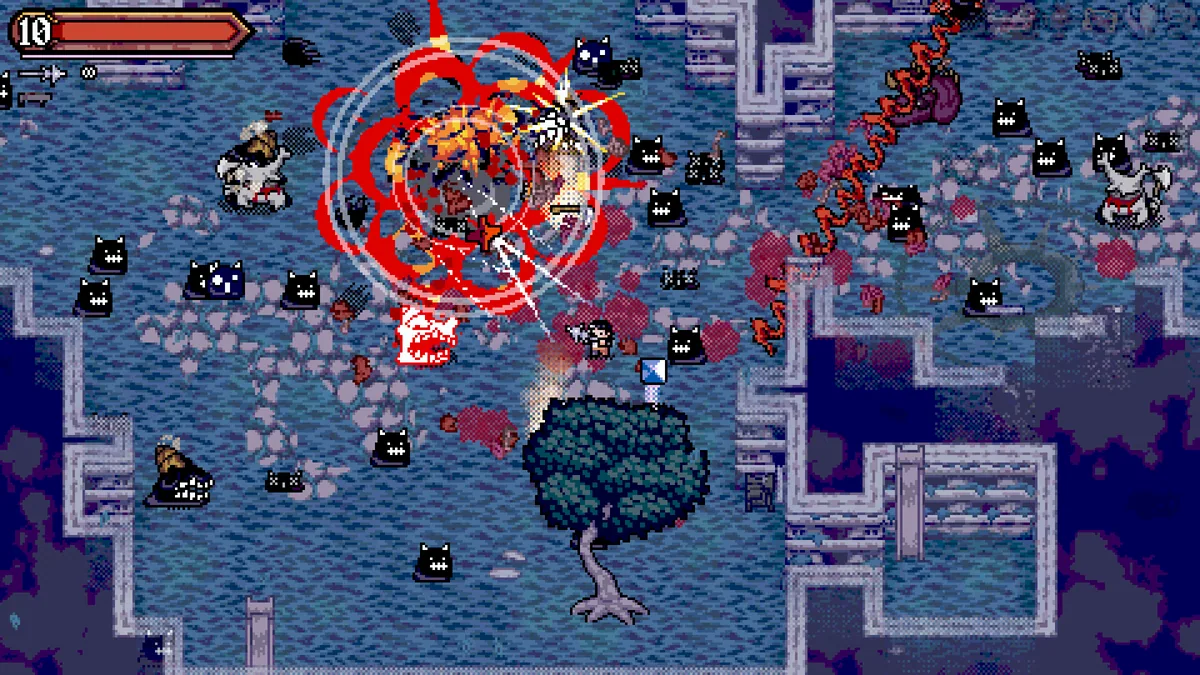
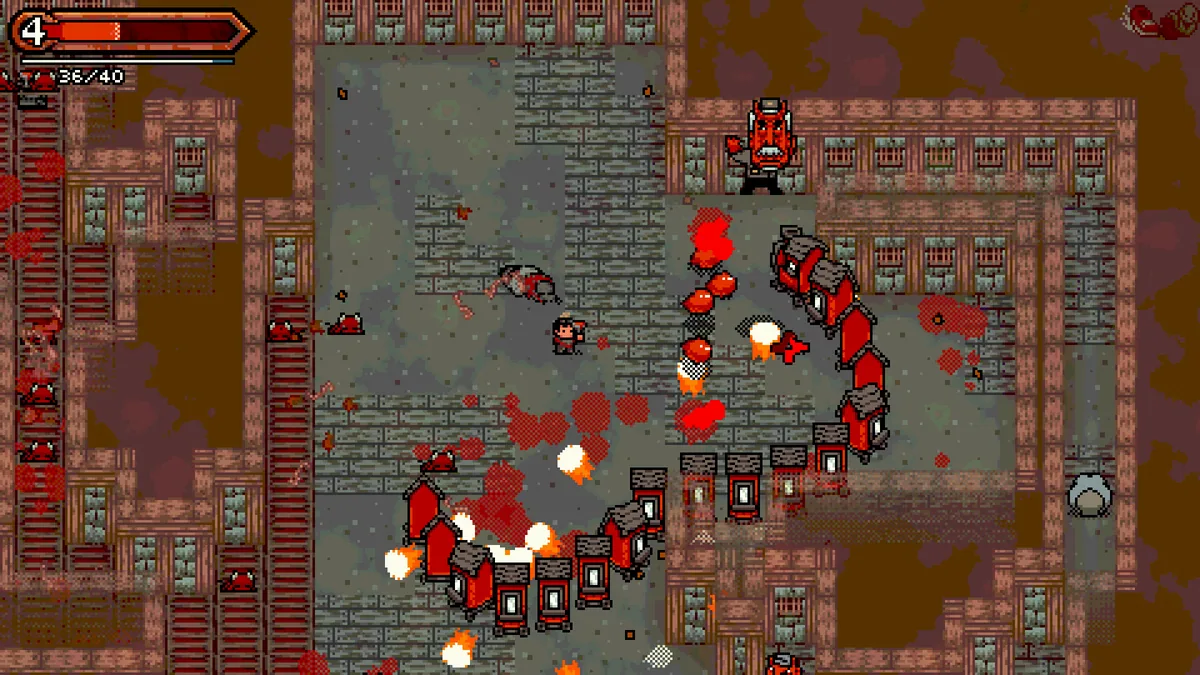
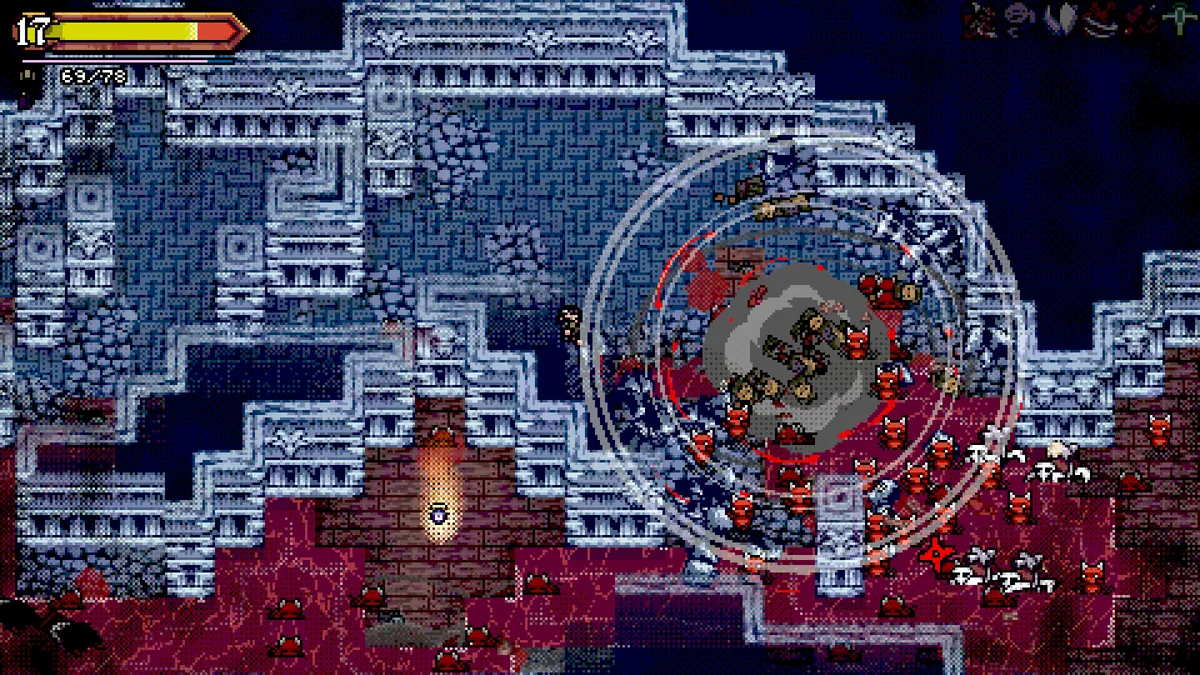
Hellmouth drops players into a post-industrial inferno for a top-down bullet-hell shooter. Hordes of demons fill the screen while upgrades change the way the player fights toward an escape. The immediate challenge is finding a path through projectiles without losing the ability to attack.
A strong upgrade can clear nearby enemies but may not help against a pattern arriving from the edge of the arena. Movement and firing direction need to be considered together. Each attempt turns survival time into a chance to learn which combinations keep the escape route open.
Official game page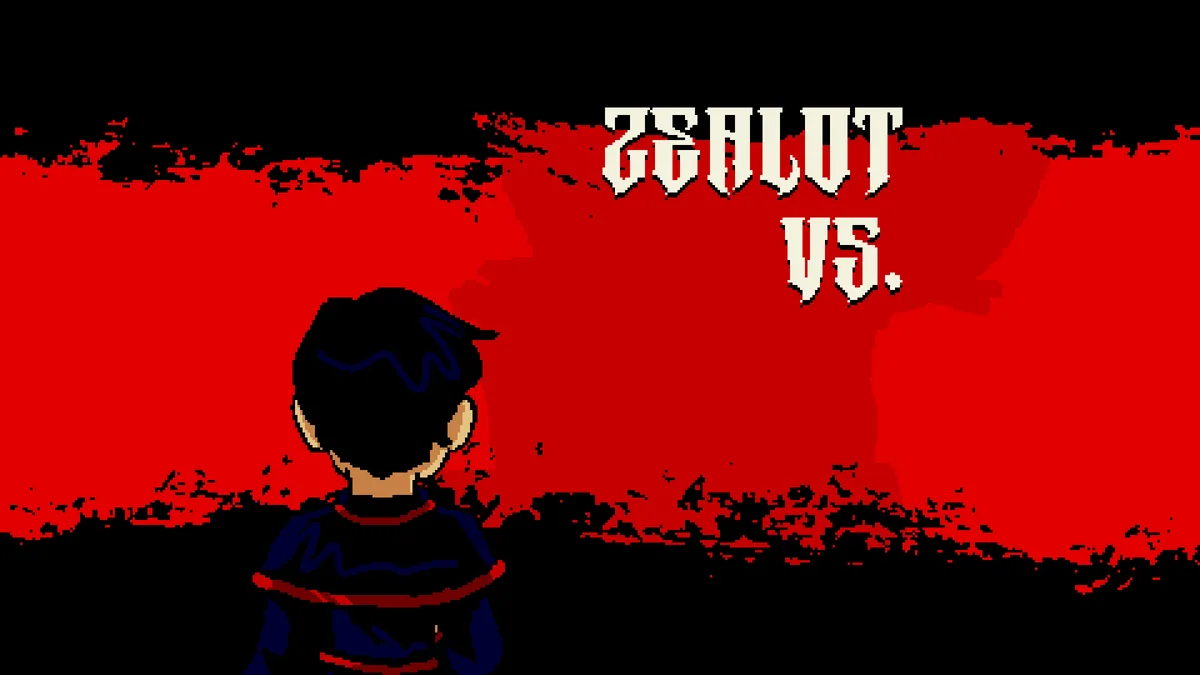
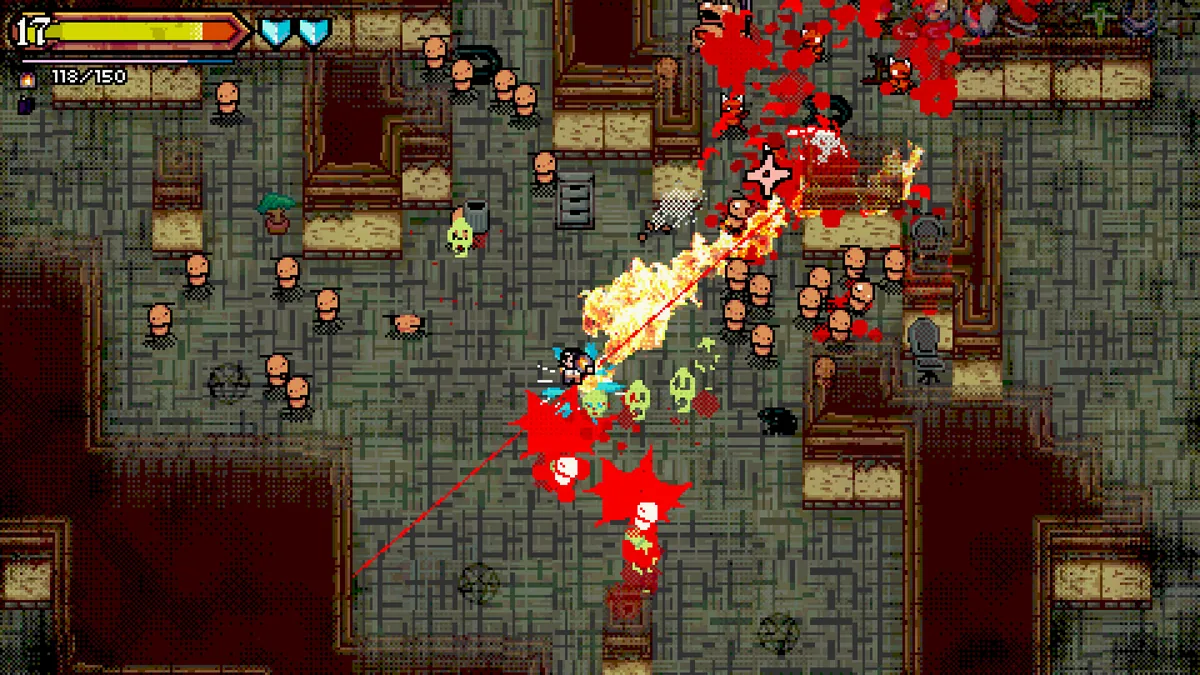
Using the Hellmouth trainer
The Eagle menu groups health, upgrade effects and approaching demon waves around a compact arena view. Open it with Insert between encounters to compare a new choice with the existing build. Projectile and exit markers remain visible without taking over movement through the bullet field.