FREE CHEATS FOR
HEXFORGE
Released November 14, 2026
Updated
 EAGLE CHEATS
How to use Eagle in HEXFORGE
With HEXFORGE running, press Insert to open the Eagle menu. The quick keys give direct access to Heat Meter and Target Marks. Use the menu for Socket Grid, Mod Merges and Capsule Picks and the remaining listed features; close it with Insert to return to the app.
- F2 Heat Meter
Press F2 to turn Heat Meter on or off without opening the menu. - F3 Target Marks
Press F3 to turn Target Marks on or off without opening the menu. - Insert Socket Grid
Press Insert, find Socket Grid in the feature list, and switch it on or off. - Insert Mod Merges
Press Insert, find Mod Merges in the feature list, and switch it on or off. - Insert Capsule Picks
Press Insert, find Capsule Picks in the feature list, and switch it on or off.
EXPLORE THE MENUFeatures
8 features
The Eagle trainer for HEXFORGE brings heat meter, target marks, socket grid together for the Windows PC release. Press Insert during play to open the menu, choose a control and return to the current session. Additional controls cover mod merges, capsule picks, and ability status during play.
- Heat Meter
- Target Marks
- Socket Grid
- Mod Merges
- Capsule Picks
- Ability Status
- Zone Progress
- Run Blueprint
About the game
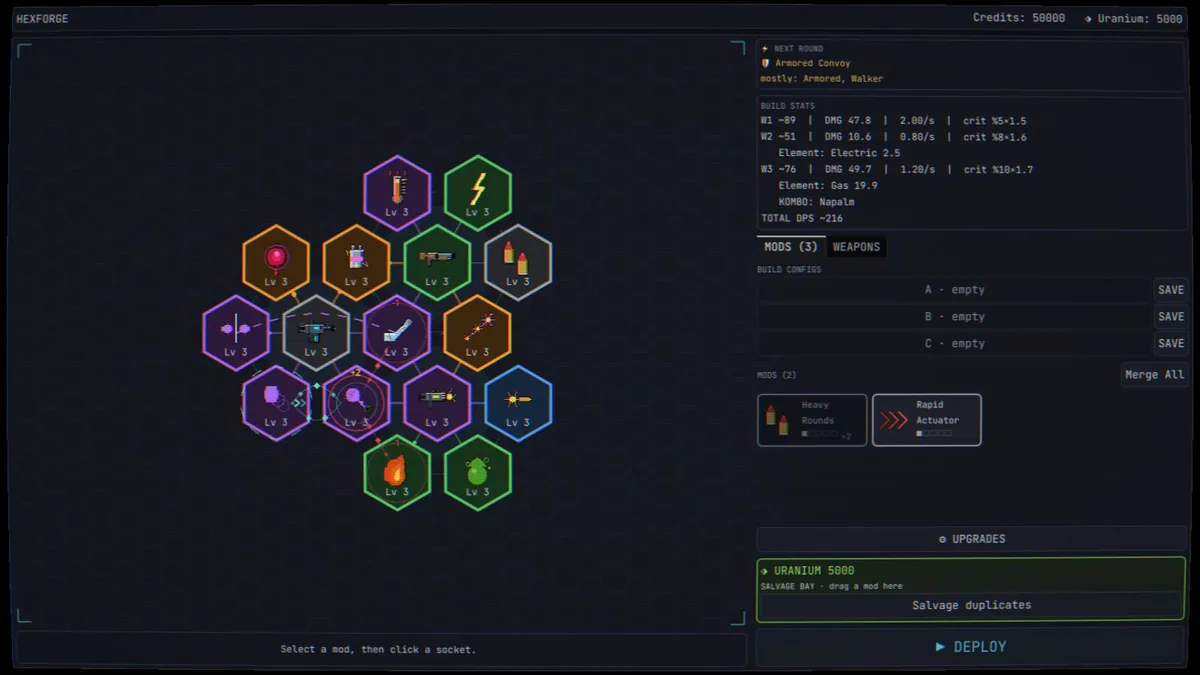
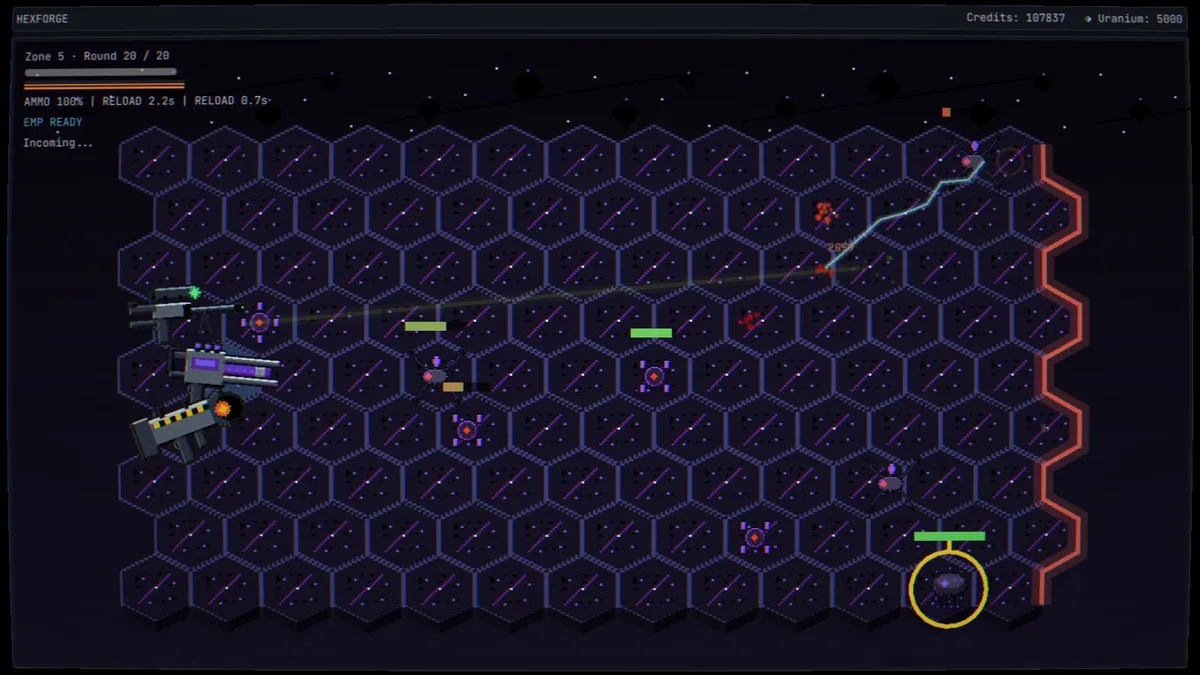
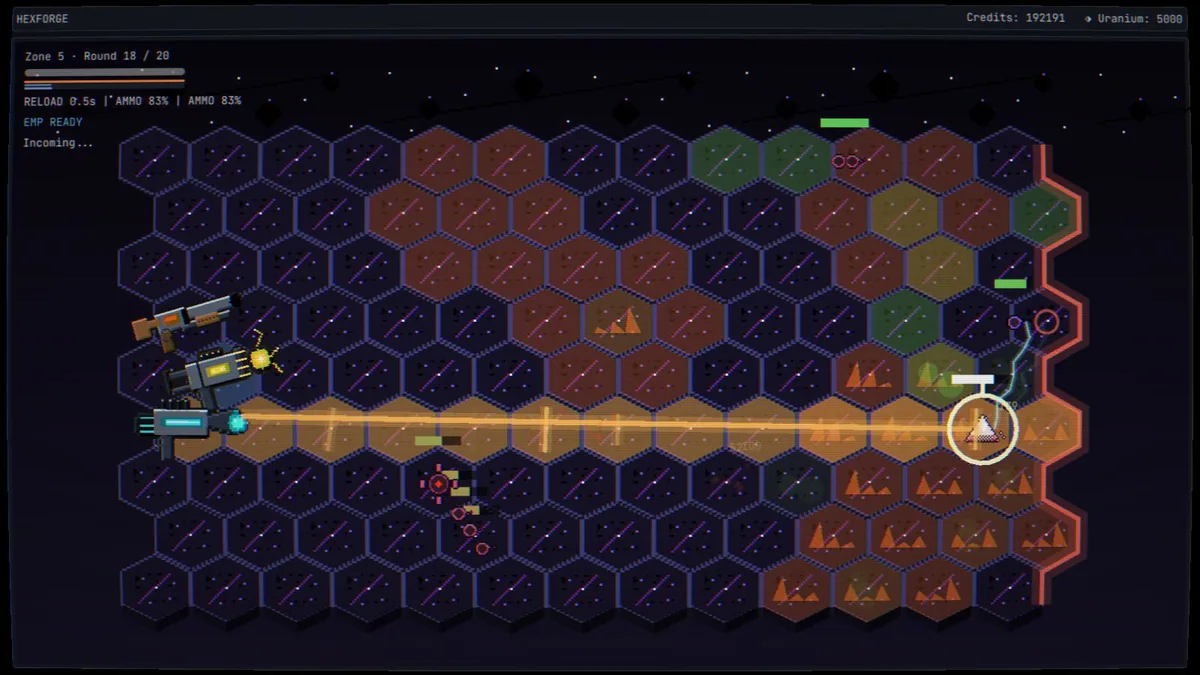
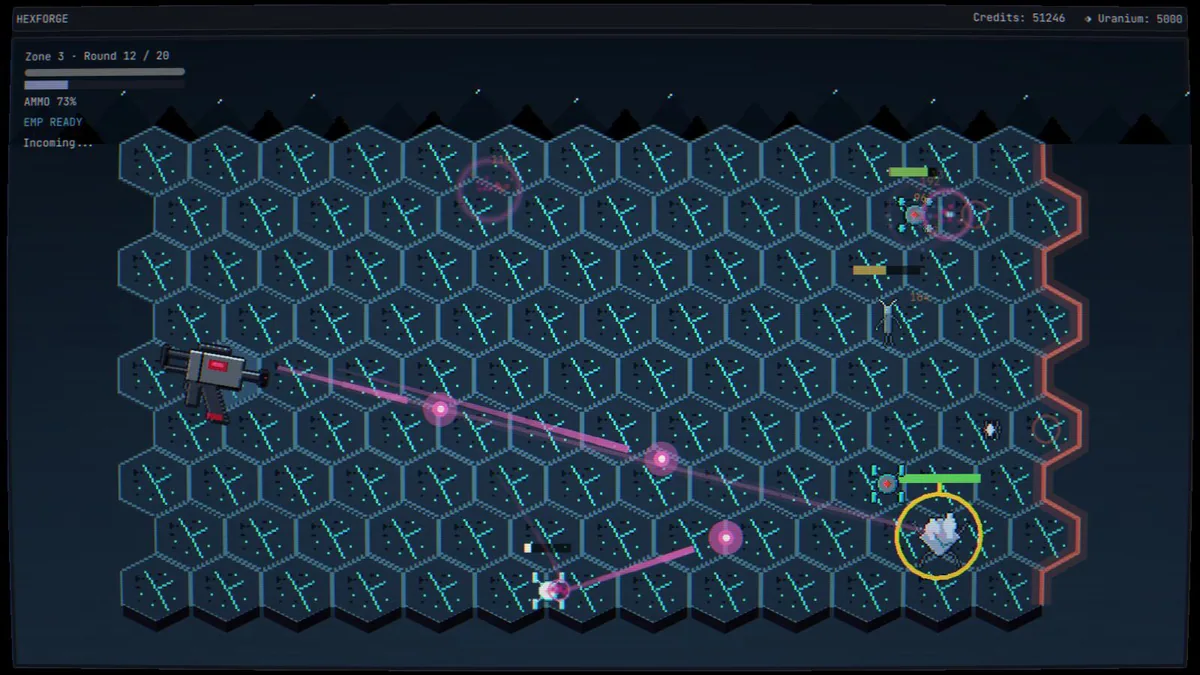
HEXFORGE puts automatically firing weapons inside a hexagonal arena, leaving targeting and build decisions to the player. Between rounds, capsules, merged mods and a thirteen-socket grid reshape the machine. Six zones give the long run a visible structure as the build becomes increasingly automated.
Marking the right target matters when heat is rising, because a stronger volley can require time to vent. The socket grid rewards a plan for neighboring components rather than a pile of unrelated upgrades. A choice made between rounds can change how the next entire zone plays.
Official game page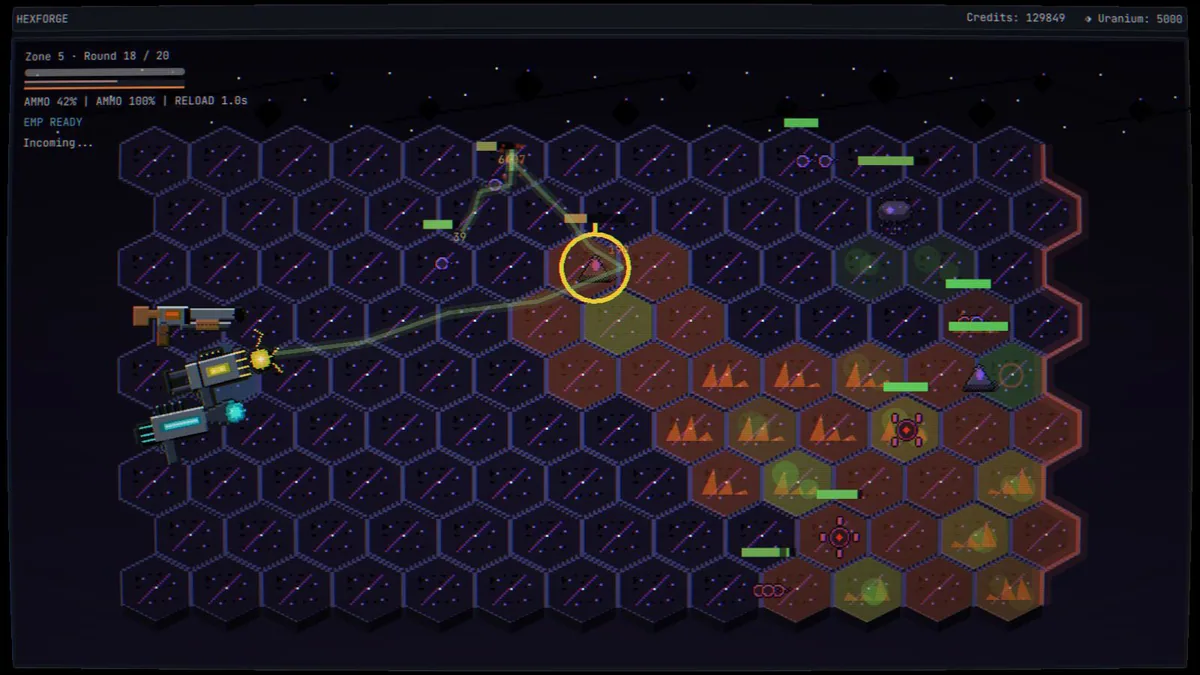
Using the HEXFORGE trainer
The Eagle menu links target marks, heat and the socket grid. Use Insert between rounds to compare a proposed mod merge with current connections. During combat, zone progress and ability readiness stay visible without asking the player to manually fire every weapon.



