FREE CHEATS FOR
HEXWING
Released November 16, 2026
Updated
 EAGLE CHEATS
How to use Eagle in HEXWING
With HEXWING running, press Insert to open the Eagle menu. The quick keys give direct access to Weapon Arsenal and Soul Count. Use the menu for Upgrade Cards, Flight Route and Boss Journal and the remaining listed features; close it with Insert to return to the app.
- F2 Weapon Arsenal
Press F2 to turn Weapon Arsenal on or off without opening the menu. - F3 Soul Count
Press F3 to turn Soul Count on or off without opening the menu. - Insert Upgrade Cards
Press Insert, find Upgrade Cards in the feature list, and switch it on or off. - Insert Flight Route
Press Insert, find Flight Route in the feature list, and switch it on or off. - Insert Boss Journal
Press Insert, find Boss Journal in the feature list, and switch it on or off.
EXPLORE THE MENUFeatures
8 features
The Eagle trainer for HEXWING brings weapon arsenal, soul count, upgrade cards together for the Windows PC release. Press Insert during play to open the menu, choose a control and return to the current session. Additional controls cover boss journal, wave pressure, and flight route during play.
- Weapon Arsenal
- Soul Count
- Upgrade Cards
- Boss Journal
- Wave Pressure
- Flight Route
- Build Summary
- Run Record
About the game
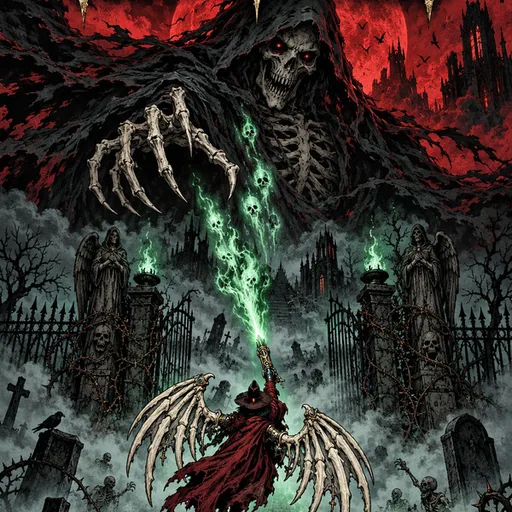
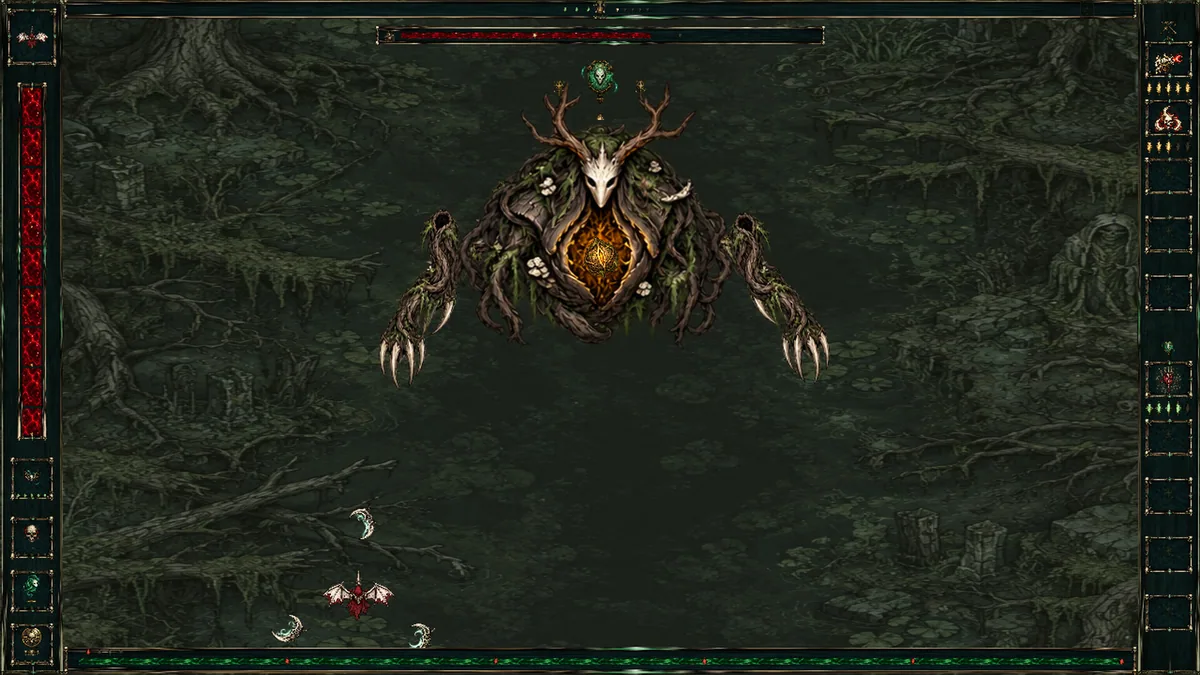
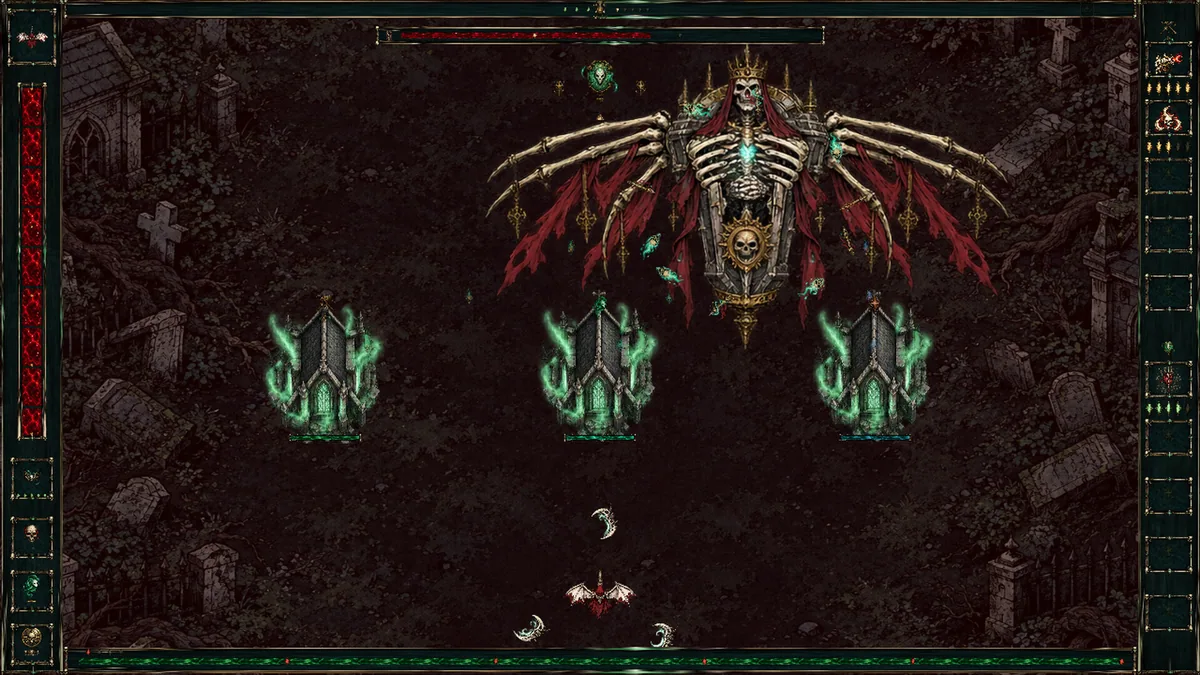
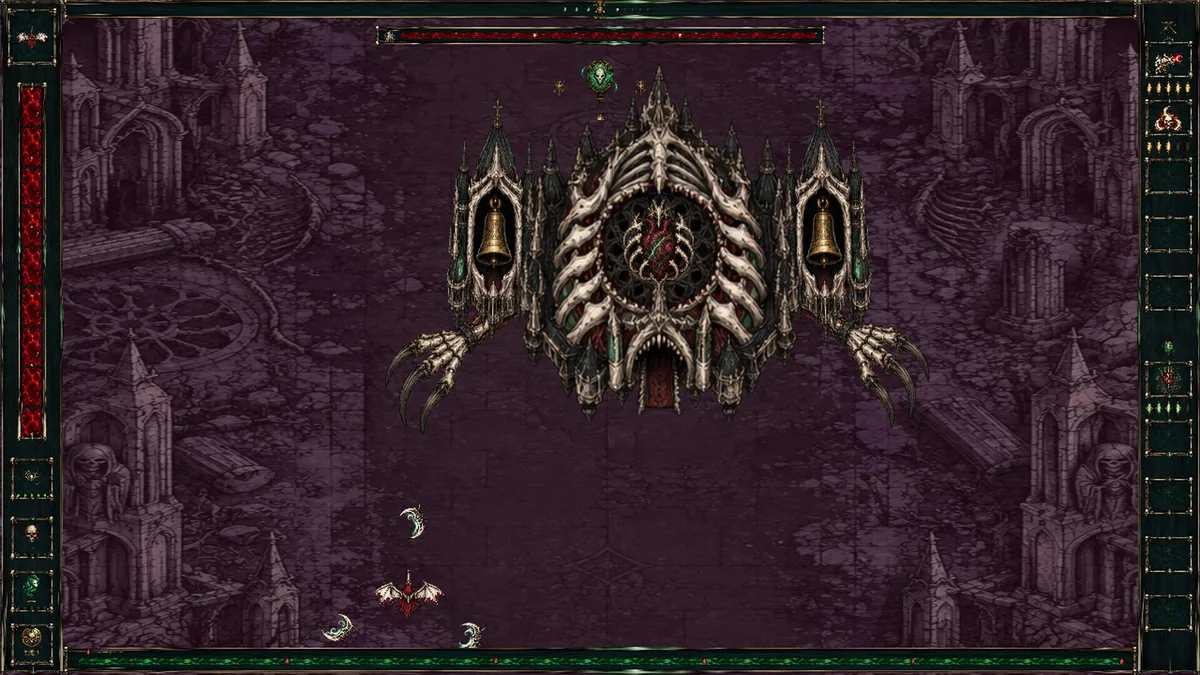
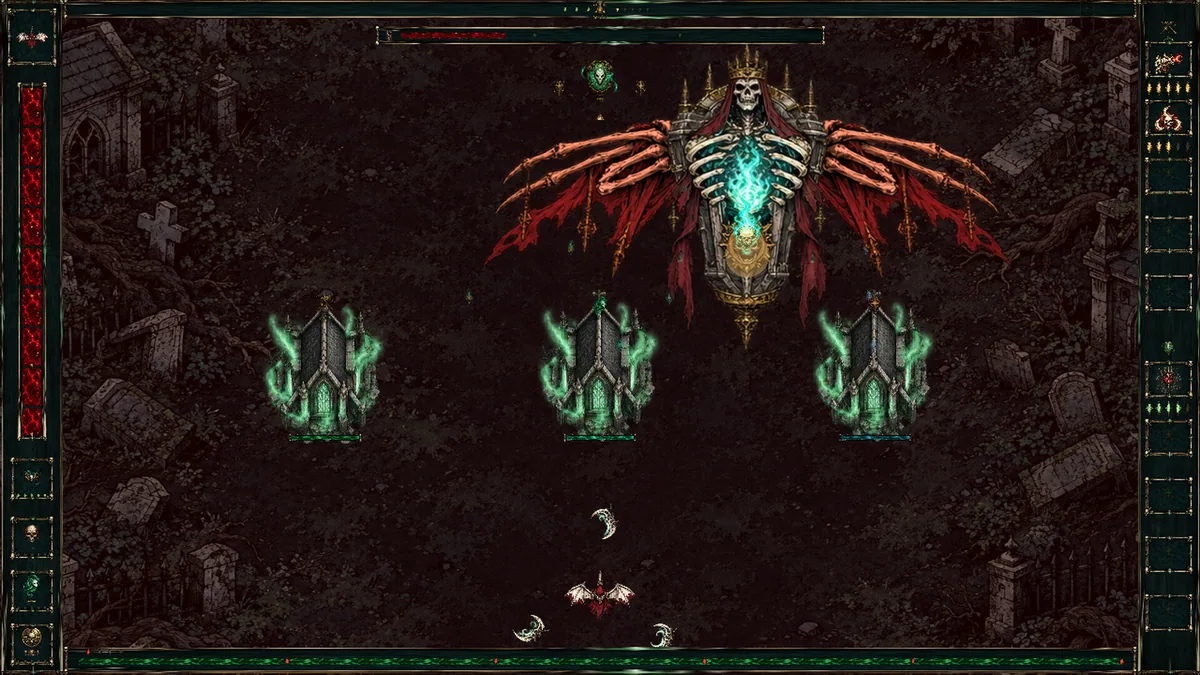
HEXWING is a gothic survival shooter in cursed skies. Upgrade cards expand the arsenal while collected souls feed progression. Bosses test whether the chosen weapons can handle more than ordinary swarms.
A wide attack may clear small enemies but leave little focused damage for a boss. Collecting souls is valuable only if the route remains survivable. Reviewing which threat ended a run helps choose the next card for a real weakness.
Official game page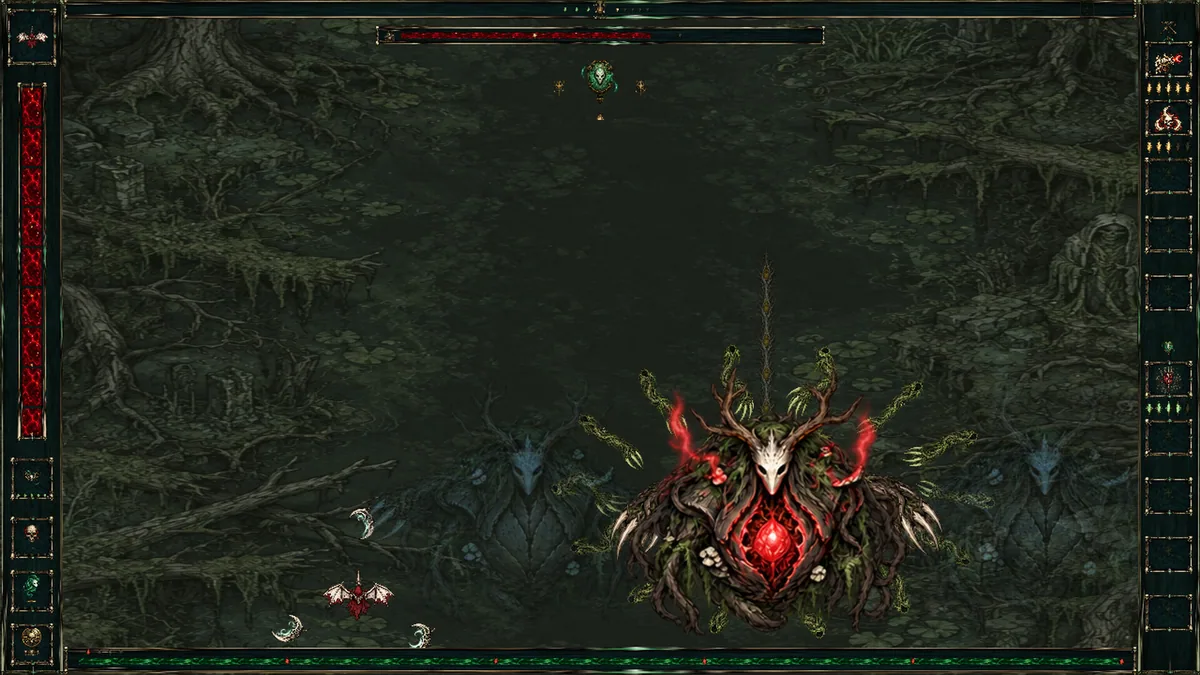
Using the HEXWING trainer
Open the Eagle menu with Insert between waves to compare weapons, soul gains and card effects. The boss journal records attack patterns observed so far. Use the build summary before taking a card that changes the flight strategy.