FREE CHEATS FOR
Hill-Z
Released November 14, 2026
Updated
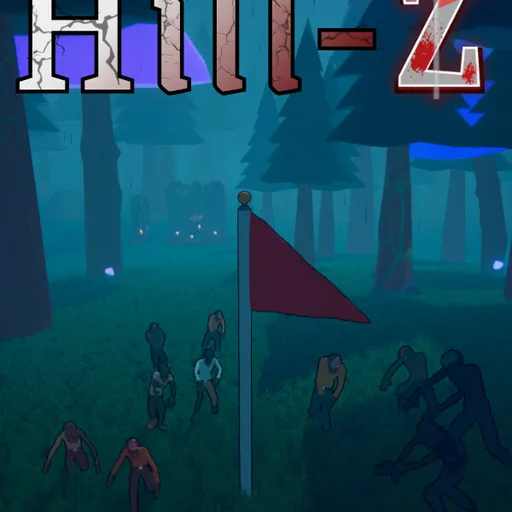
 EAGLE CHEATS
How to use Eagle in Hill-Z
With Hill-Z running, press Insert to open the Eagle menu. The quick keys give direct access to Flag Integrity and Wave Tracker. Use the menu for Loadout View, Hill Map and Special Rounds and the remaining listed features; close it with Insert to return to the app.
- F2 Flag Integrity
Press F2 to turn Flag Integrity on or off without opening the menu. - F3 Wave Tracker
Press F3 to turn Wave Tracker on or off without opening the menu. - Insert Loadout View
Press Insert, find Loadout View in the feature list, and switch it on or off. - Insert Hill Map
Press Insert, find Hill Map in the feature list, and switch it on or off. - Insert Special Rounds
Press Insert, find Special Rounds in the feature list, and switch it on or off.
EXPLORE THE MENUFeatures
8 features
The Eagle trainer for Hill-Z brings flag integrity, wave tracker, loadout view together for the Windows PC release. Press Insert during play to open the menu, choose a control and return to the current session. Additional controls cover special rounds, enemy markers, and hill map during play.
- Flag Integrity
- Wave Tracker
- Loadout View
- Special Rounds
- Enemy Markers
- Hill Map
- Upgrade Choices
- Round Record
About the game
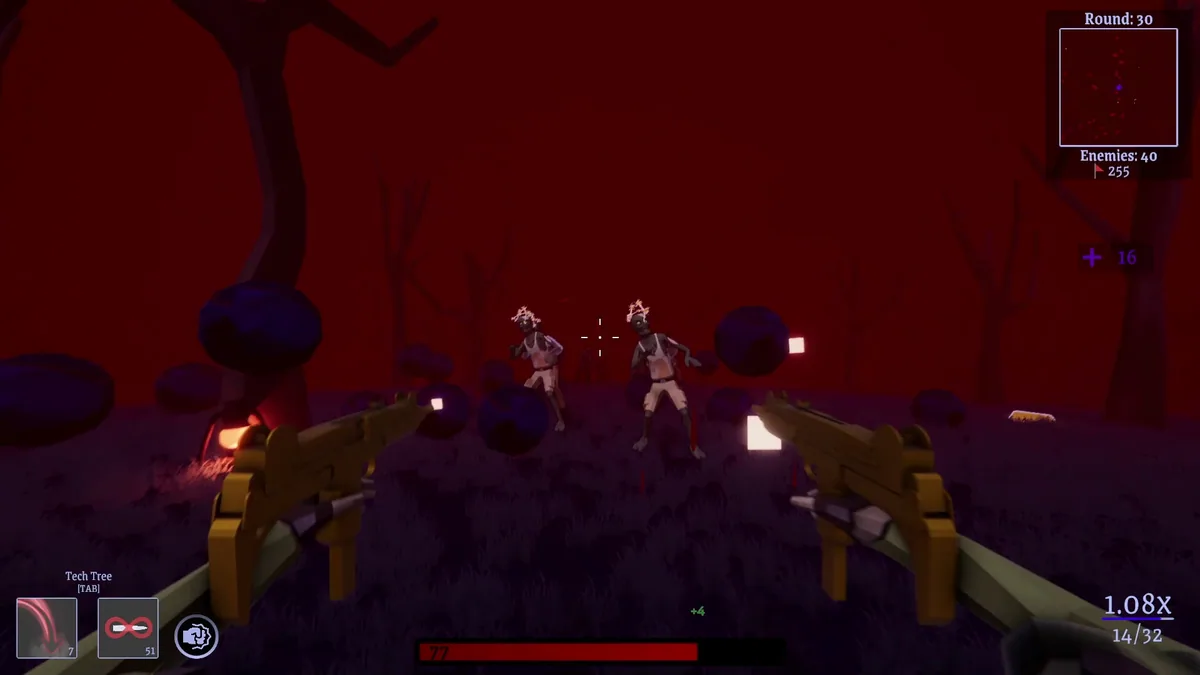
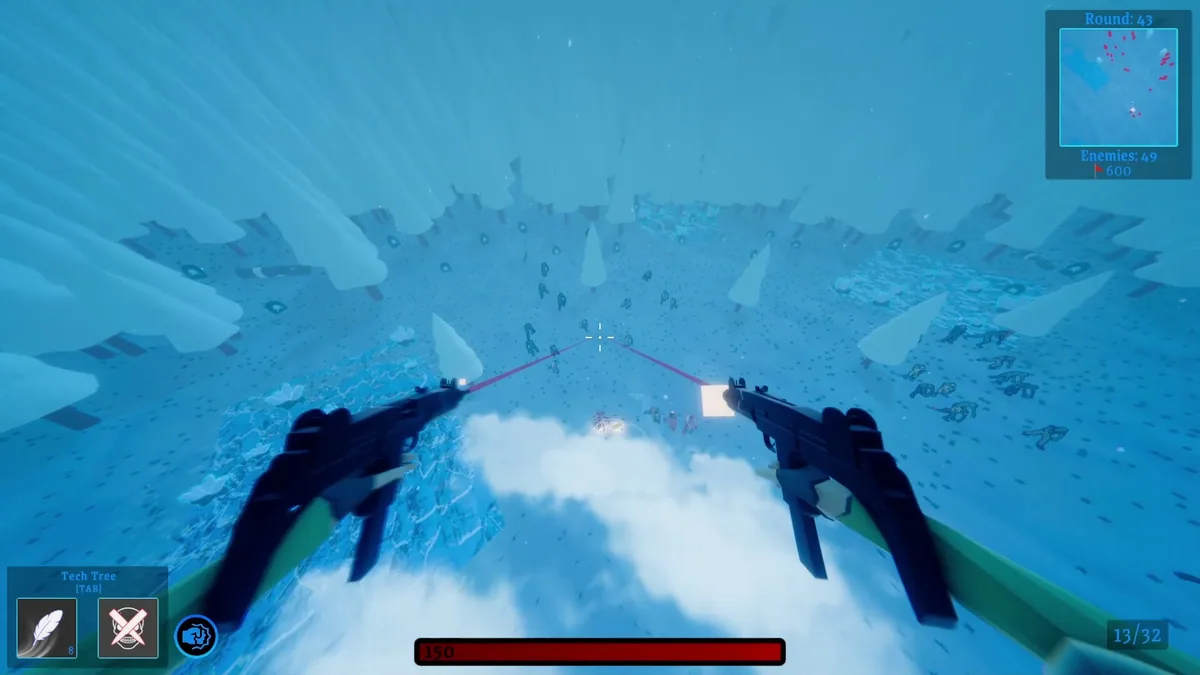
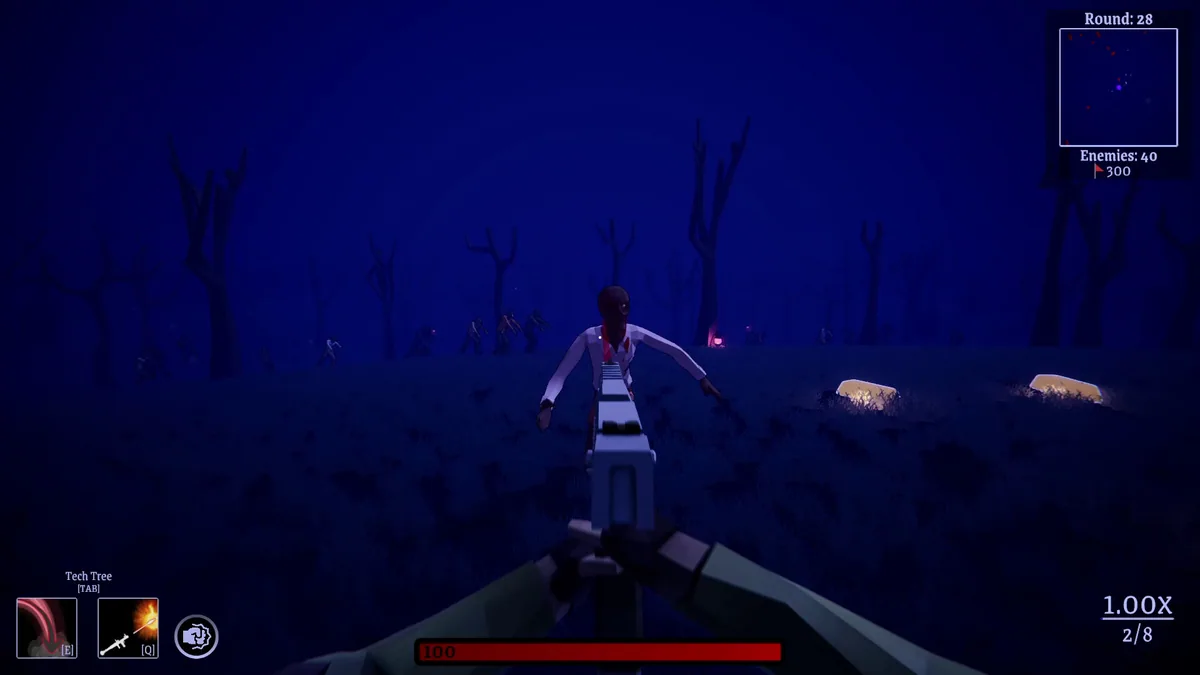
Hill-Z combines zombie waves with a king-of-the-hill objective. Players must protect a flag, survive special rounds and improve a loadout as the horde expands. A strong build means little if the objective is left exposed while chasing enemies away from the hill.
A special round may demand a different use of the same weapon, and the flag's condition becomes more urgent as enemy numbers rise. Upgrade choices should be judged against what the next defense needs, not just against raw damage. Every round tests how long the position can hold.
Official game page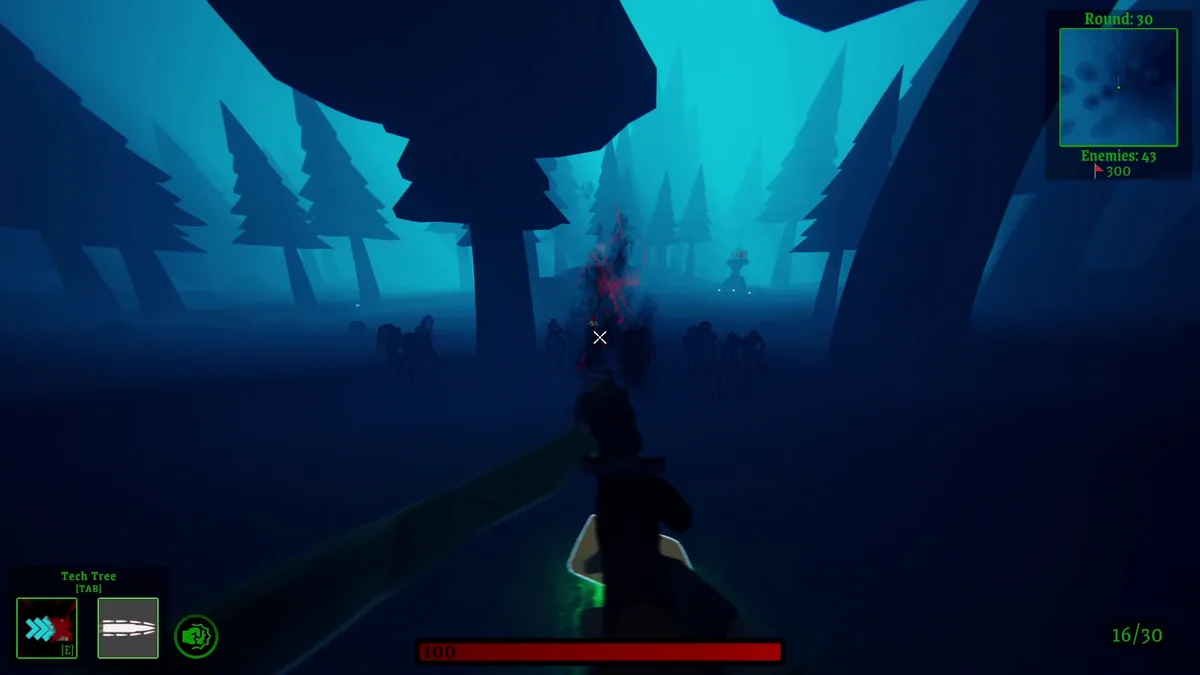
Using the Hill-Z trainer
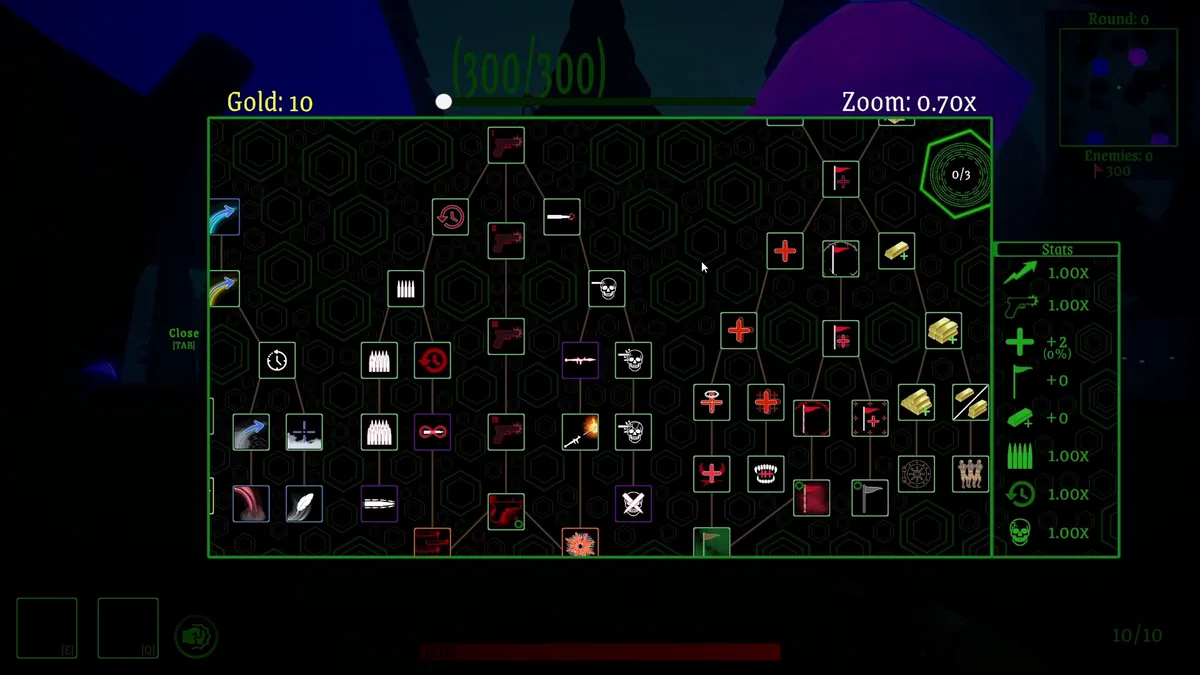
The Eagle menu places flag integrity, wave count and loadout details beside the hill map. Open it with Insert between rounds to review an upgrade or shift attention to a weak approach. During combat, objective alerts keep the flag in view when enemies pull the player outward.