FREE CHEATS FOR
Hoppernaut
Released November 17, 2026
Updated

 EAGLE CHEATS
How to use Eagle in Hoppernaut
With Hoppernaut running, press Insert to open the Eagle menu. The quick keys give direct access to Capsule Map and Jetpack Fuel. Use the menu for Dug Tunnels, Level Route and Robot Patrols and the remaining listed features; close it with Insert to return to the app.
- F2 Capsule Map
Press F2 to turn Capsule Map on or off without opening the menu. - F3 Jetpack Fuel
Press F3 to turn Jetpack Fuel on or off without opening the menu. - Insert Dug Tunnels
Press Insert, find Dug Tunnels in the feature list, and switch it on or off. - Insert Level Route
Press Insert, find Level Route in the feature list, and switch it on or off. - Insert Robot Patrols
Press Insert, find Robot Patrols in the feature list, and switch it on or off.
EXPLORE THE MENUFeatures
8 features
The Eagle trainer for Hoppernaut brings capsule map, jetpack fuel, dug tunnels together for the Windows PC release. Press Insert during play to open the menu, choose a control and return to the current session. Additional controls cover robot patrols, trap plan, and level route during play.
- Capsule Map
- Jetpack Fuel
- Dug Tunnels
- Robot Patrols
- Trap Plan
- Level Route
- Attempt Log
- Collection Progress
About the game
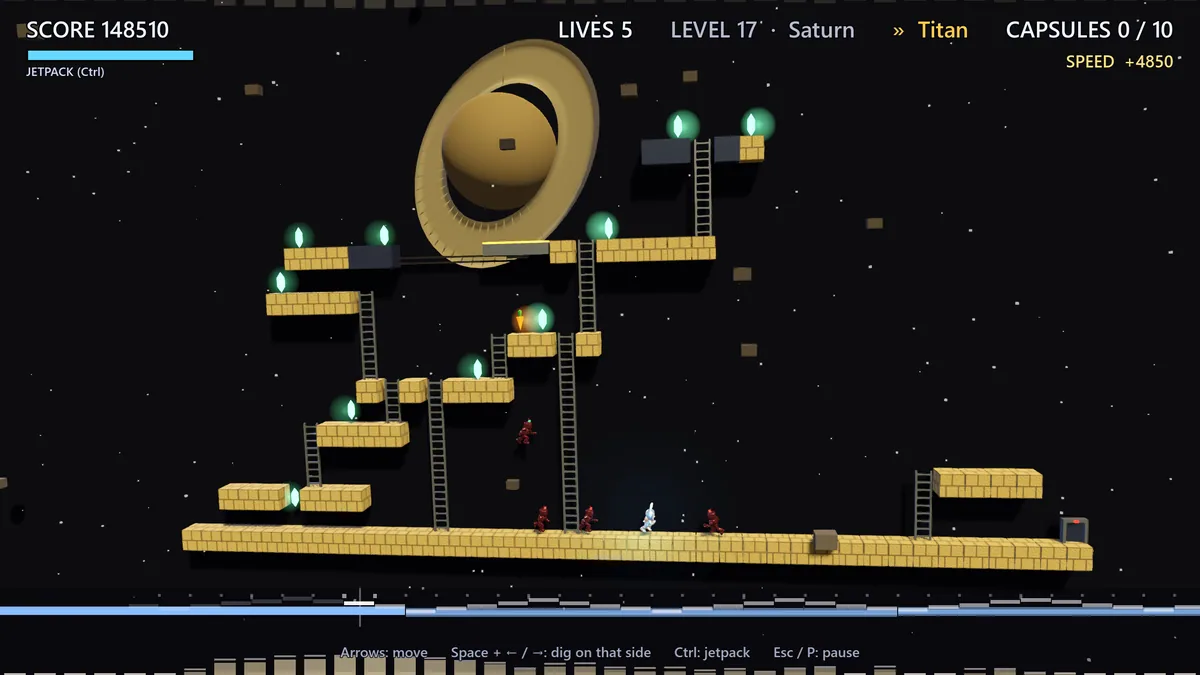
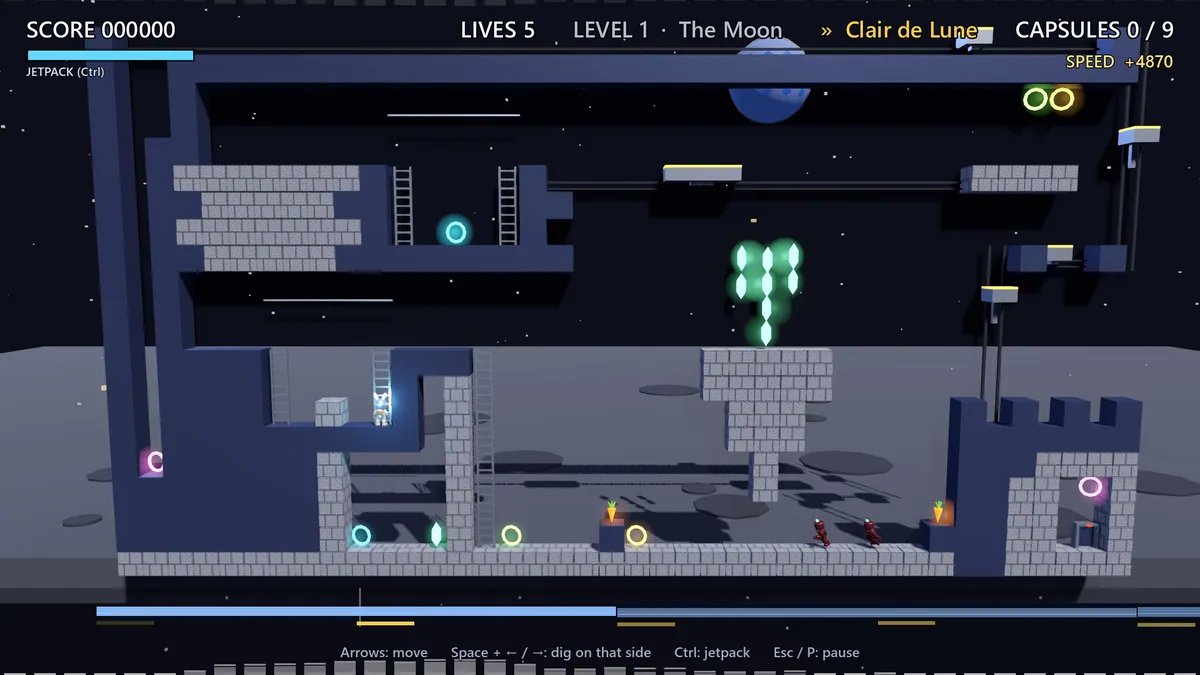
Hoppernaut gives a rabbit a jetpack, capsules to collect and robots to trap. Digging holes changes the level while hopping and flying provide different routes. The challenge is using terrain as part of the plan.
A tunnel can create a shortcut but also give a robot another approach. Spending fuel on a high capsule may leave too little for a safe return. Reviewing level layouts makes each dig more purposeful.
Official game page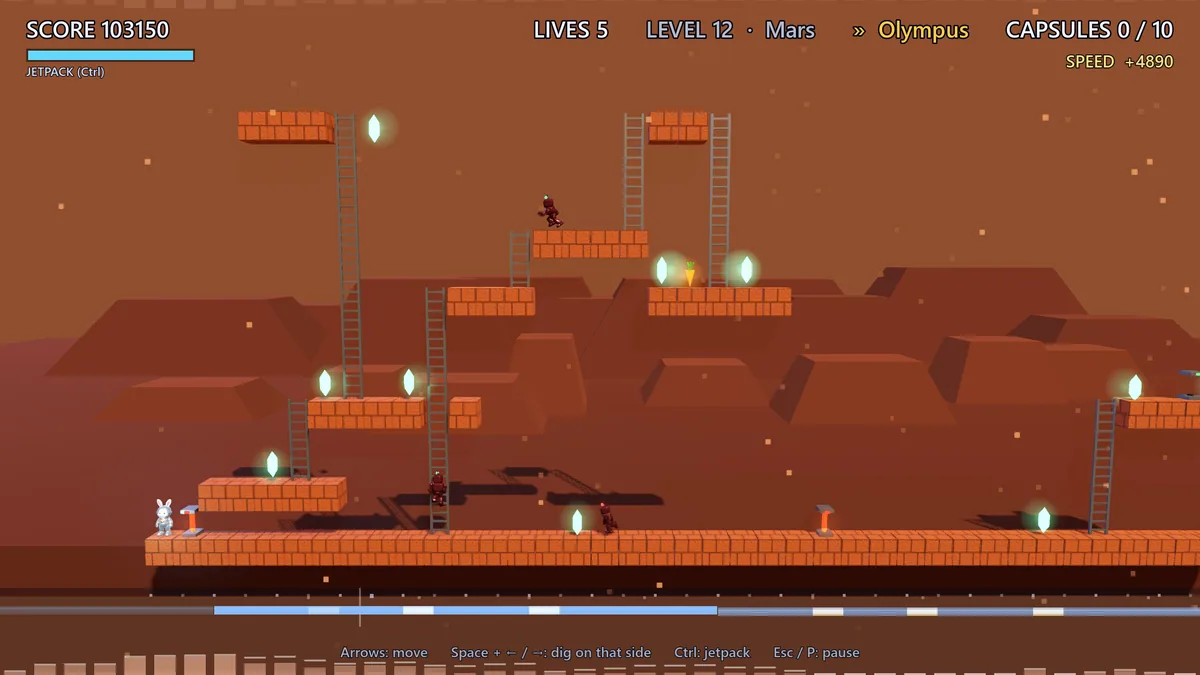
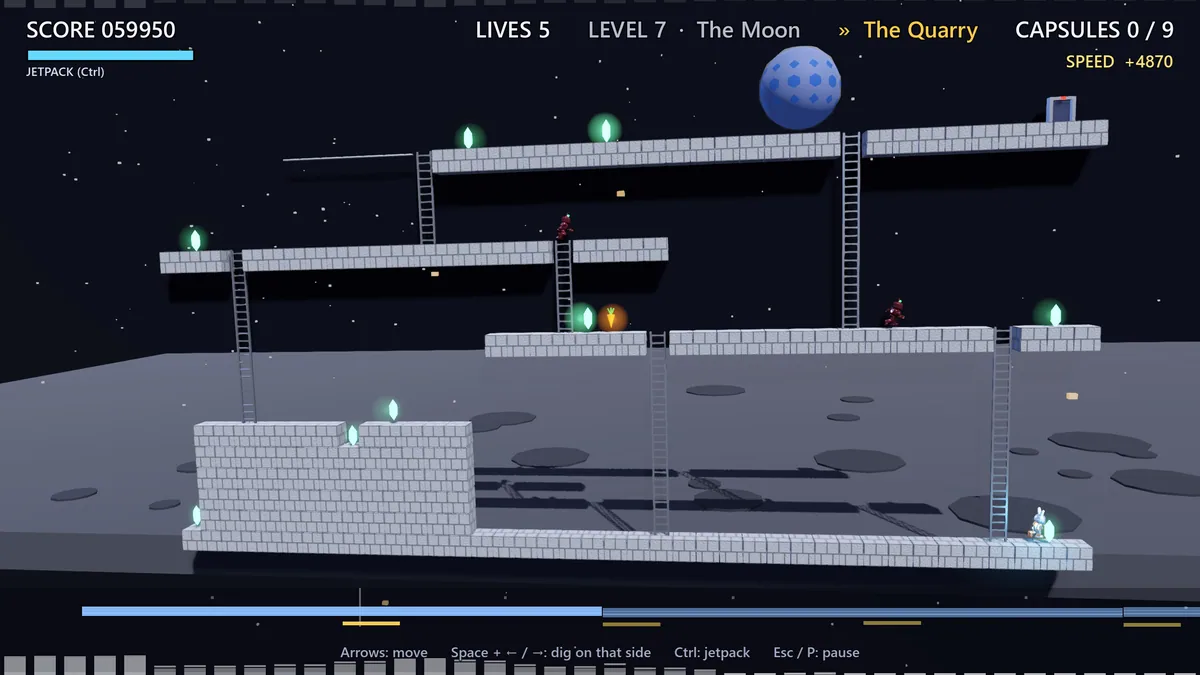
Using the Hoppernaut trainer
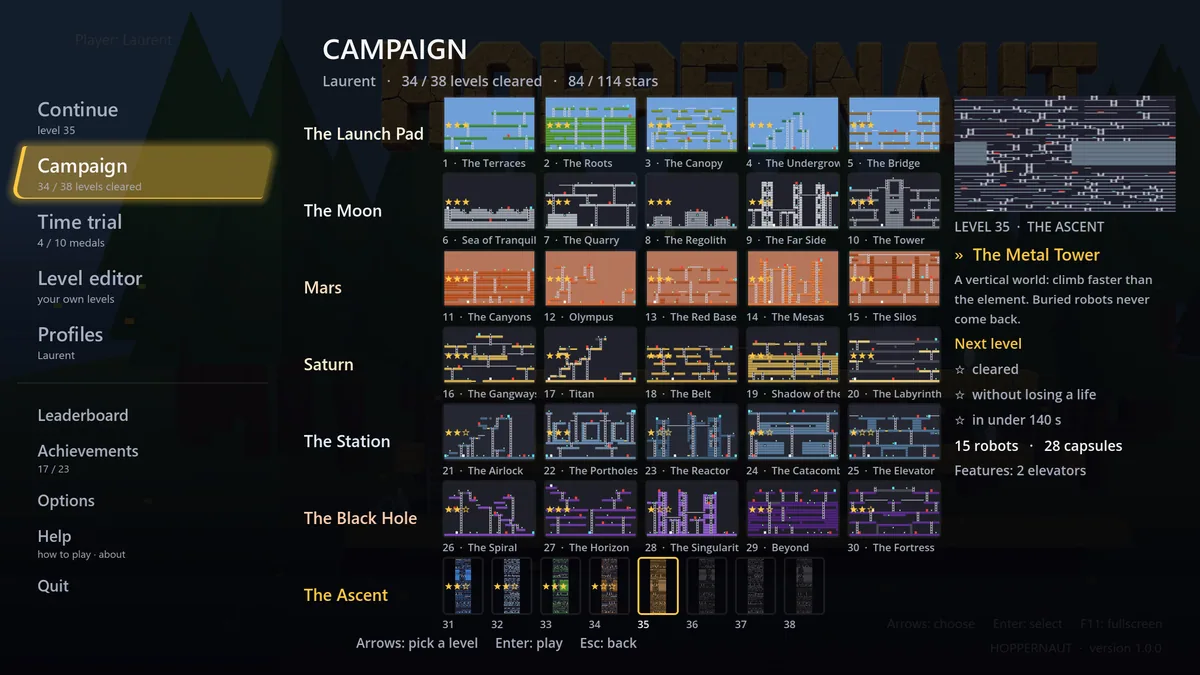
Open the Eagle menu with Insert to inspect capsule locations, jetpack fuel and dug passages. The robot notes record patrols and traps. Use the route map before cutting a new tunnel that could connect dangerous areas.



