FREE CHEATS FOR
Horde Highway: Zombie Survivors on Wheels
Released November 10, 2026
Updated
 EAGLE CHEATS
How to use Eagle in Horde Highway: Zombie Survivors on Wheels
With Horde Highway: Zombie Survivors on Wheels running, press Insert to open the Eagle menu. The quick keys give direct access to Car Health and Weapon Evolutions. Use the menu for Zombie Density, Boss Health and Stage Map and the remaining listed features; close it with Insert to return to the app.
- F2 Car Health
Press F2 to turn Car Health on or off without opening the menu. - F3 Weapon Evolutions
Press F3 to turn Weapon Evolutions on or off without opening the menu. - Insert Zombie Density
Press Insert, find Zombie Density in the feature list, and switch it on or off. - Insert Boss Health
Press Insert, find Boss Health in the feature list, and switch it on or off. - Insert Stage Map
Press Insert, find Stage Map in the feature list, and switch it on or off.
EXPLORE THE MENUFeatures
8 features
The Eagle trainer for Horde Highway: Zombie Survivors on Wheels brings car health, weapon evolutions, zombie density together for the Windows PC release. Press Insert during play to open the menu, choose a control and return to the current session. Additional controls cover open lanes, stage map, and boss health during play.
- Car Health
- Weapon Evolutions
- Zombie Density
- Open Lanes
- Stage Map
- Boss Health
- Upgrade Choices
- Run Timer
About the game
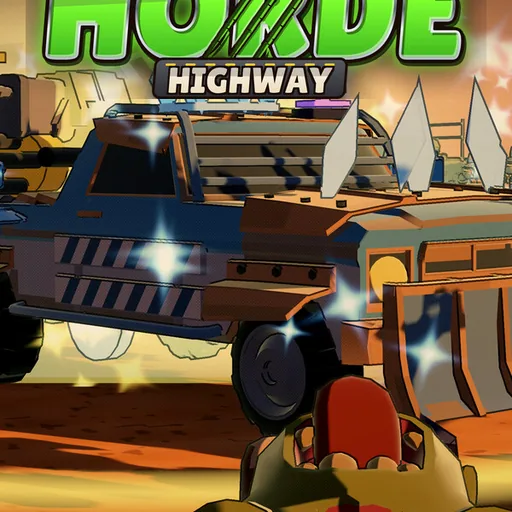
Horde Highway: Zombie Survivors on Wheels turns a vehicle into the center of a bullet-heaven run. Players evolve weapons while driving through dense zombie crowds across forty stages, with a boss at the end of each one. Ten cars offer different starting possibilities.
A build that clears nearby enemies may struggle against a boss that stays at range, so upgrade selection should anticipate the end of a stage. The car also needs a route through the swarm. Surviving depends on keeping movement space while the arsenal grows.
Official game page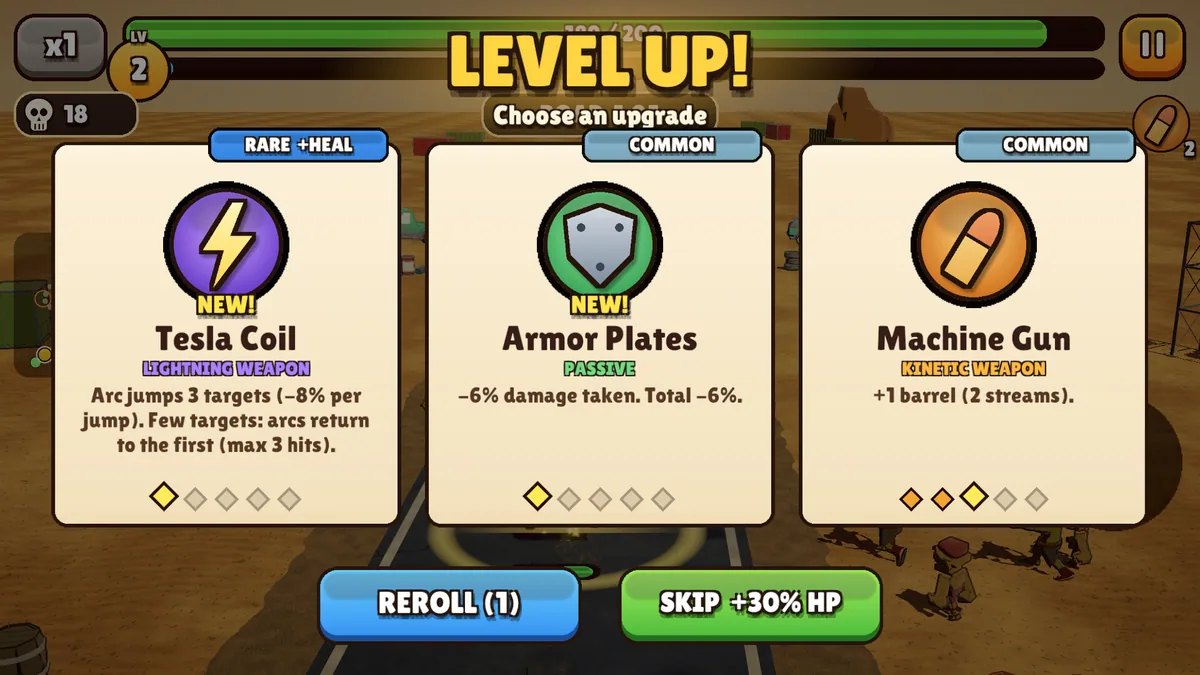
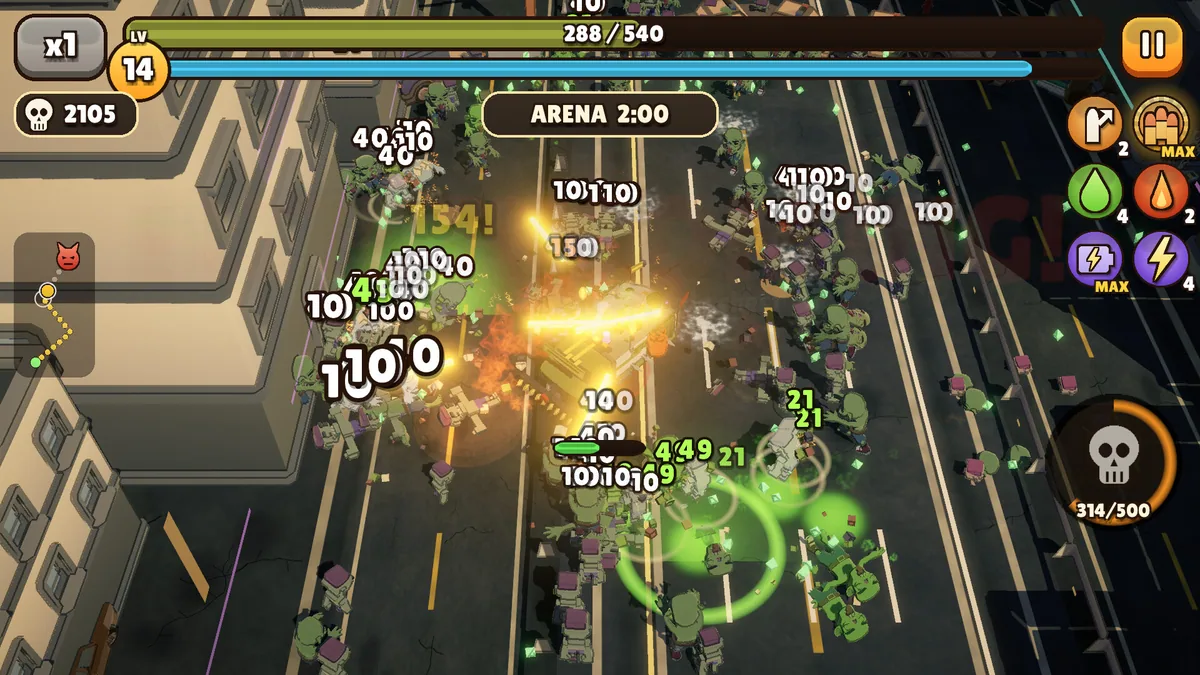
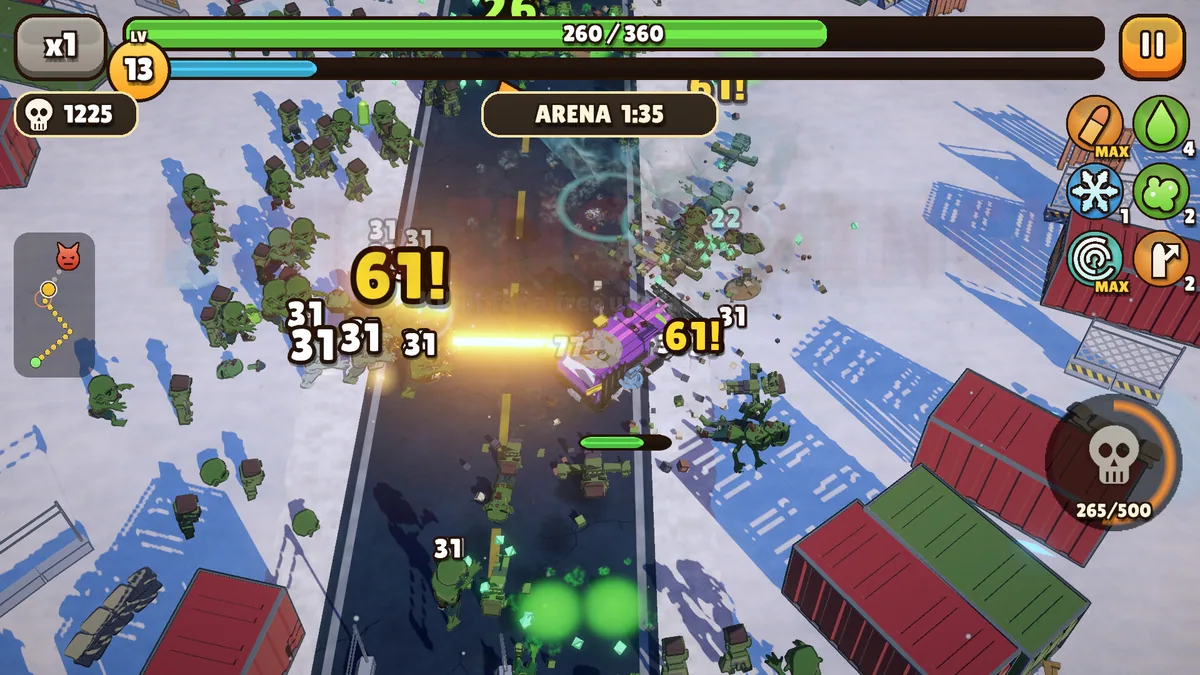
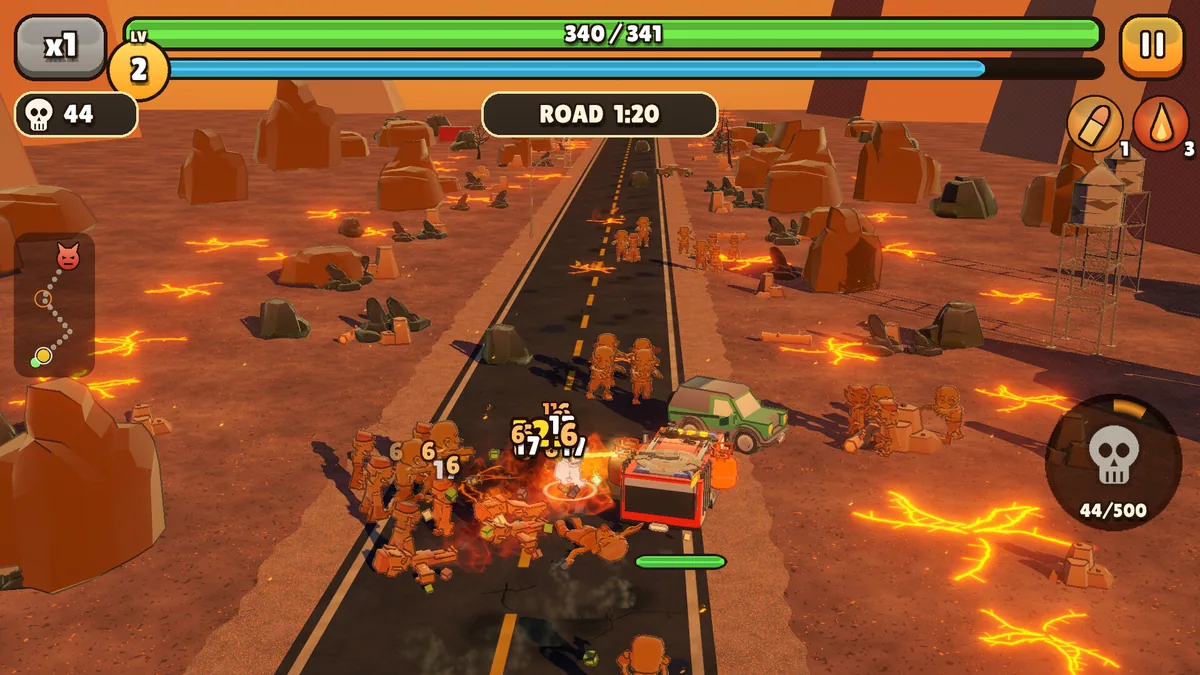
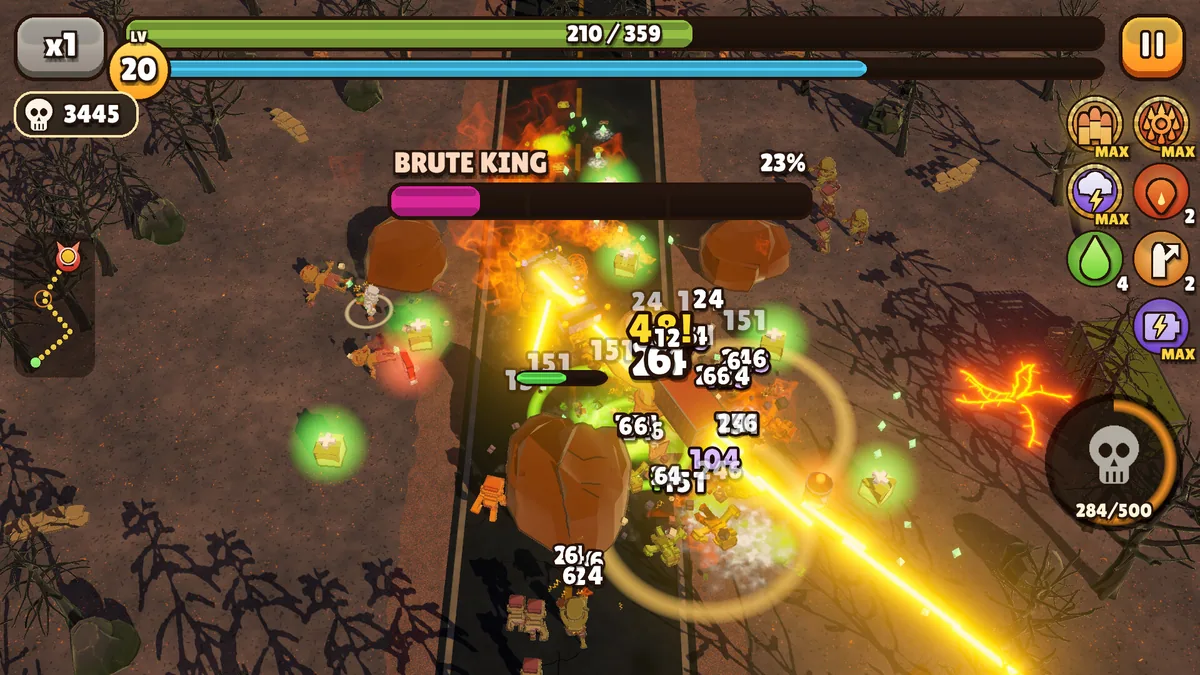
Using the Horde Highway: Zombie Survivors on Wheels trainer
The menu displays car health, installed weapons and the next stage objective. It helps compare an evolution with the current loadout and track boss progress. A highway view keeps open lanes visible when enemies fill most of the screen.