FREE CHEATS FOR
Human Power Plant
Released November 17, 2026
Updated

 EAGLE CHEATS
How to use Eagle in Human Power Plant
With Human Power Plant running, press Insert to open the Eagle menu. The quick keys give direct access to Power Output and Demand Timeline. Use the menu for Pedal Effort, Shift History and Energy Reserve and the remaining listed features; close it with Insert to return to the app.
- F2 Power Output
Press F2 to turn Power Output on or off without opening the menu. - F3 Demand Timeline
Press F3 to turn Demand Timeline on or off without opening the menu. - Insert Pedal Effort
Press Insert, find Pedal Effort in the feature list, and switch it on or off. - Insert Shift History
Press Insert, find Shift History in the feature list, and switch it on or off. - Insert Energy Reserve
Press Insert, find Energy Reserve in the feature list, and switch it on or off.
EXPLORE THE MENUFeatures
8 features
The Eagle trainer for Human Power Plant brings power output, demand timeline, pedal effort together for the Windows PC release. Press Insert during play to open the menu, choose a control and return to the current session. Additional controls cover shift history, energy reserve, and efficiency view during play.
- Power Output
- Demand Timeline
- Pedal Effort
- Shift History
- Energy Reserve
- Efficiency View
- Workforce Status
- Production Goals
About the game
Human Power Plant imagines an automated society that still needs people to pedal for electricity. The premise makes energy generation feel like labor rather than an abstract counter. The player balances the pace of work with the demand placed on the plant.
A burst of output may solve an immediate shortage while making the next shift harder to sustain. Looking at demand over time clarifies when additional effort helps and when it merely produces a temporary spike. The unusual setting gives each efficiency choice a human cost.
Official game page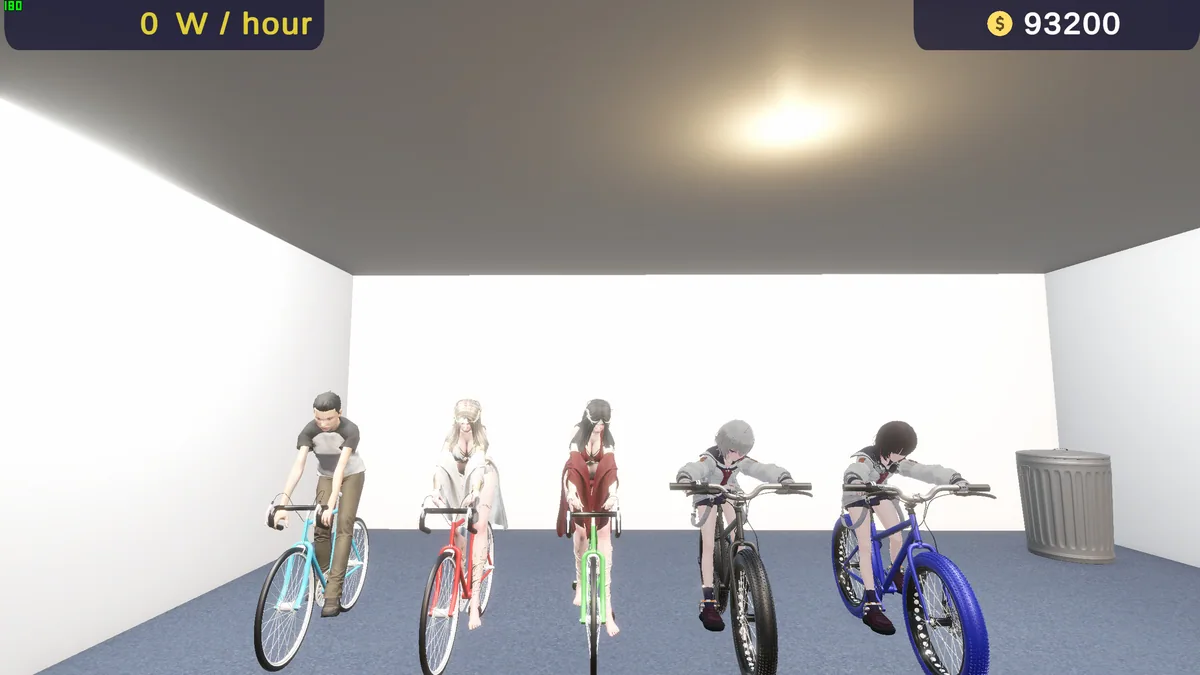
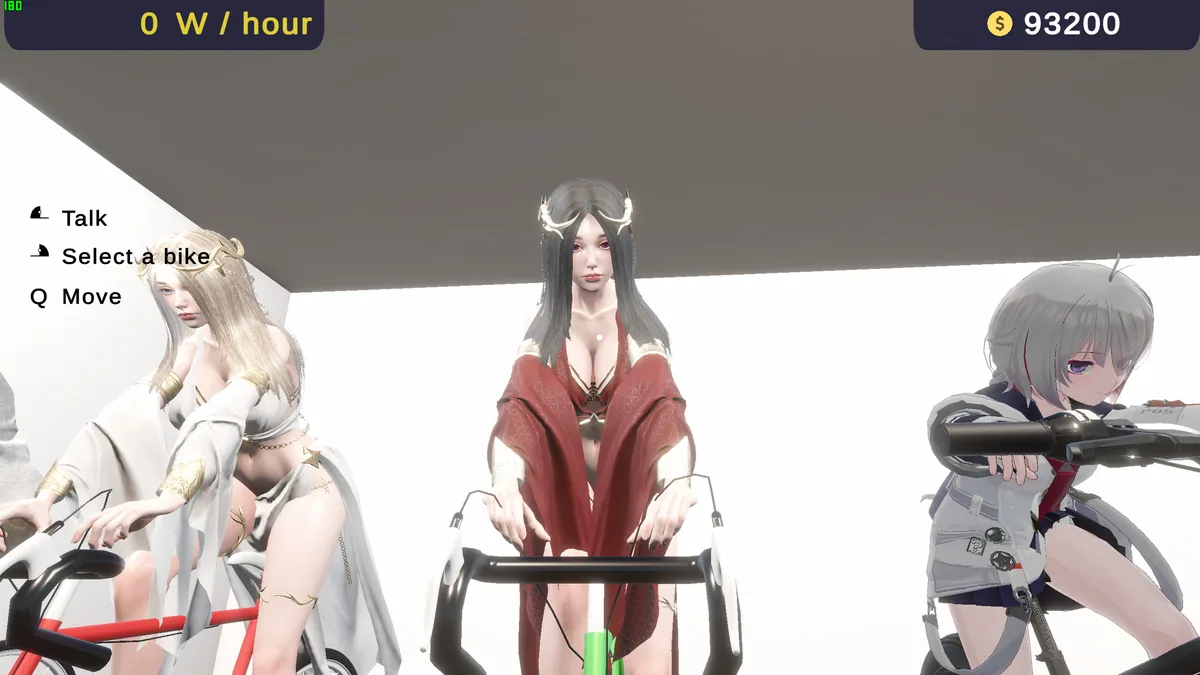
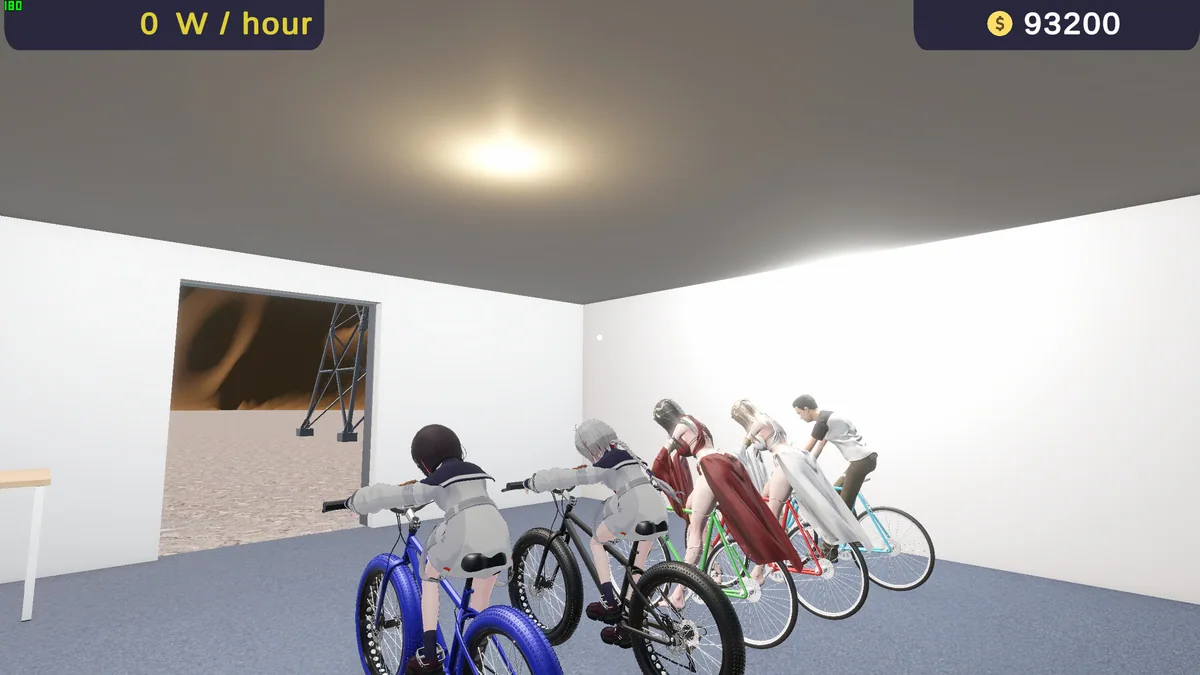
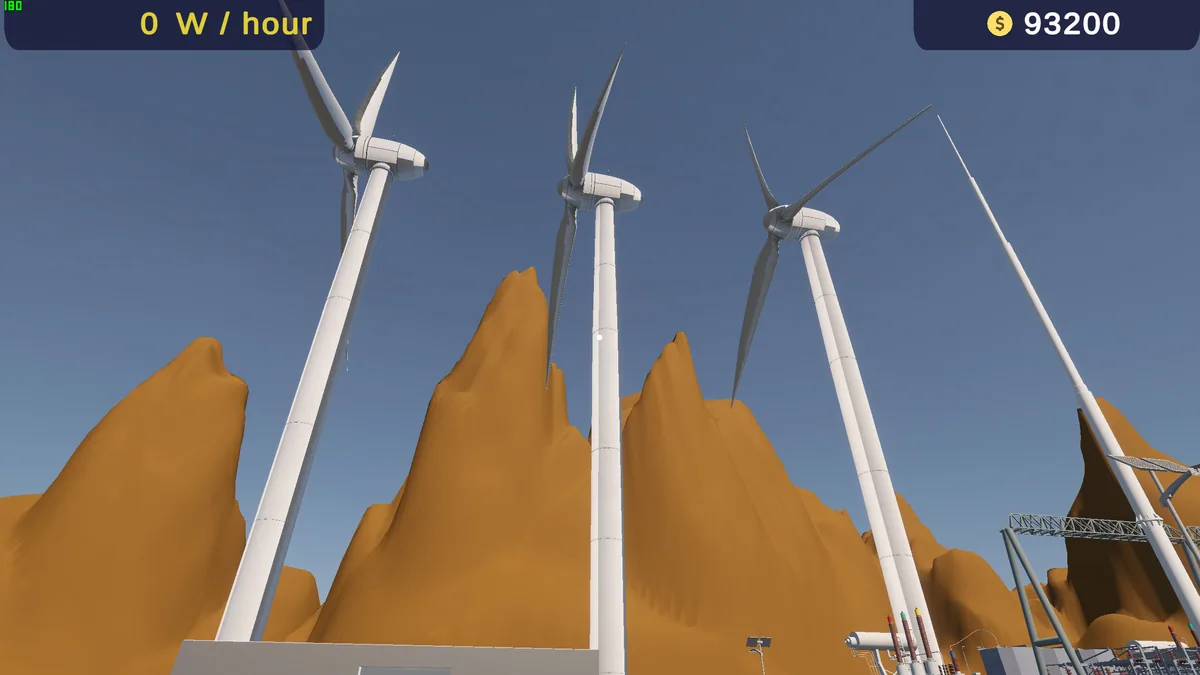
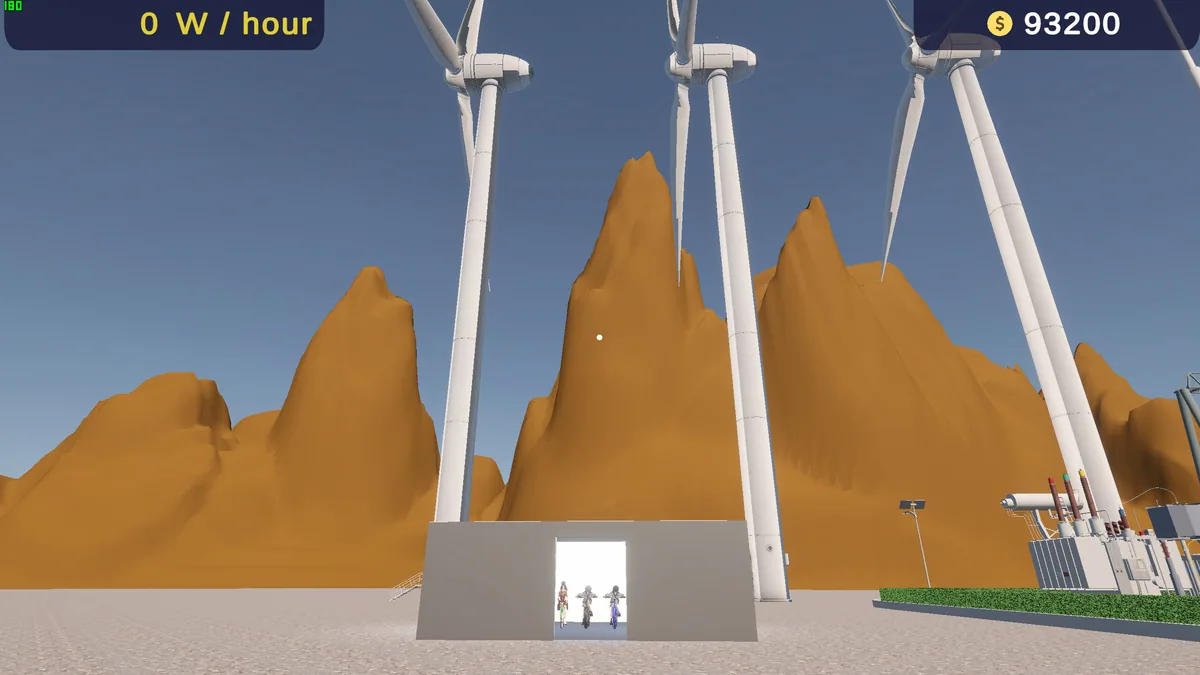
Using the Human Power Plant trainer
Use Insert to open the Eagle plant dashboard and compare power output, demand and worker effort. The shift history shows how a change affected later periods. Review the production timeline before increasing the pace so the plant can meet a sustained target.