FREE CHEATS FOR
Idle King: Loot Together
Released November 15, 2026
Updated

 EAGLE CHEATS
How to use Eagle in Idle King: Loot Together
With Idle King: Loot Together running, press Insert to open the Eagle menu. The quick keys give direct access to Gear Inventory and Idle Rewards. Use the menu for Party Health, Loot Rarity and Boss Readiness and the remaining listed features; close it with Insert to return to the app.
- F2 Gear Inventory
Press F2 to turn Gear Inventory on or off without opening the menu. - F3 Idle Rewards
Press F3 to turn Idle Rewards on or off without opening the menu. - Insert Party Health
Press Insert, find Party Health in the feature list, and switch it on or off. - Insert Loot Rarity
Press Insert, find Loot Rarity in the feature list, and switch it on or off. - Insert Boss Readiness
Press Insert, find Boss Readiness in the feature list, and switch it on or off.
EXPLORE THE MENUFeatures
8 features
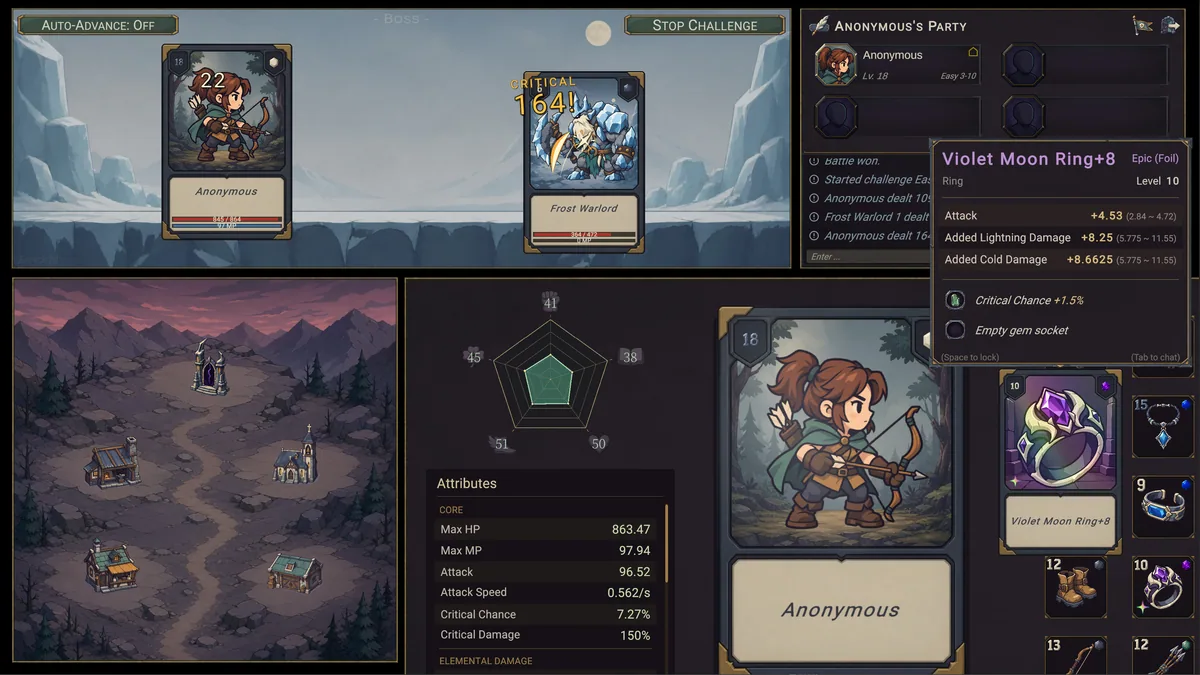
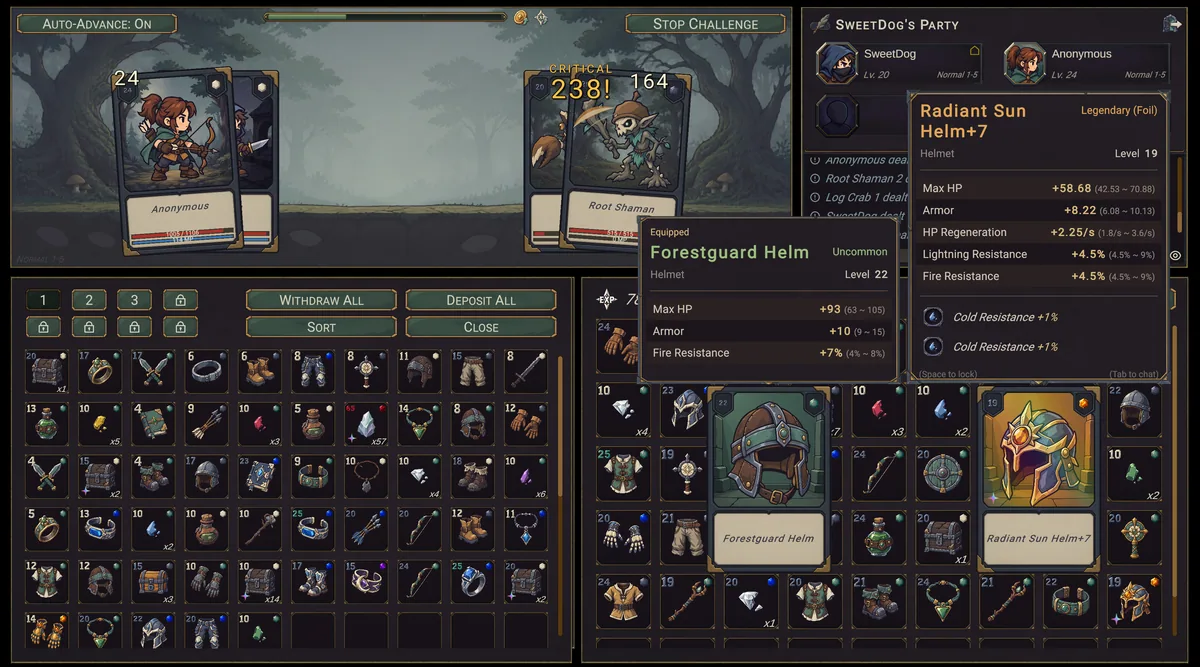
The Eagle trainer for Idle King: Loot Together brings gear inventory, idle rewards, party health together for the Windows PC release. Press Insert during play to open the menu, choose a control and return to the current session. Additional controls cover boss readiness, upgrade stock, and loot rarity during play.
- Gear Inventory
- Idle Rewards
- Party Health
- Boss Readiness
- Upgrade Stock
- Loot Rarity
- Team Markers
- Battle Report
About the game
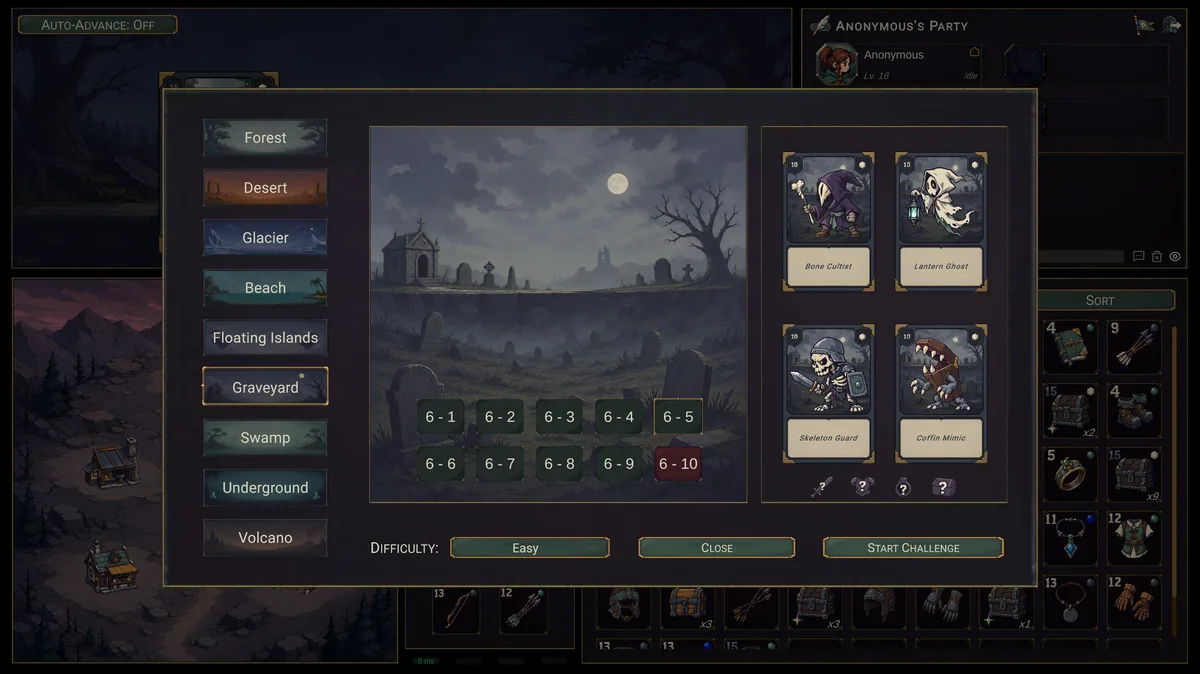
Idle King: Loot Together is a dark fairy-tale idle RPG where automatic battles produce equipment and growth. Solo play and online cooperation for up to four friends give the same loot loop different goals. Harder bosses reward a group that prepares its gear together.
An item with a high number may not suit the role a character plays in a team. Upgrading one piece can use resources needed by another player. Checking the outcome of an idle session helps choose the next boss or equipment change.
Official game page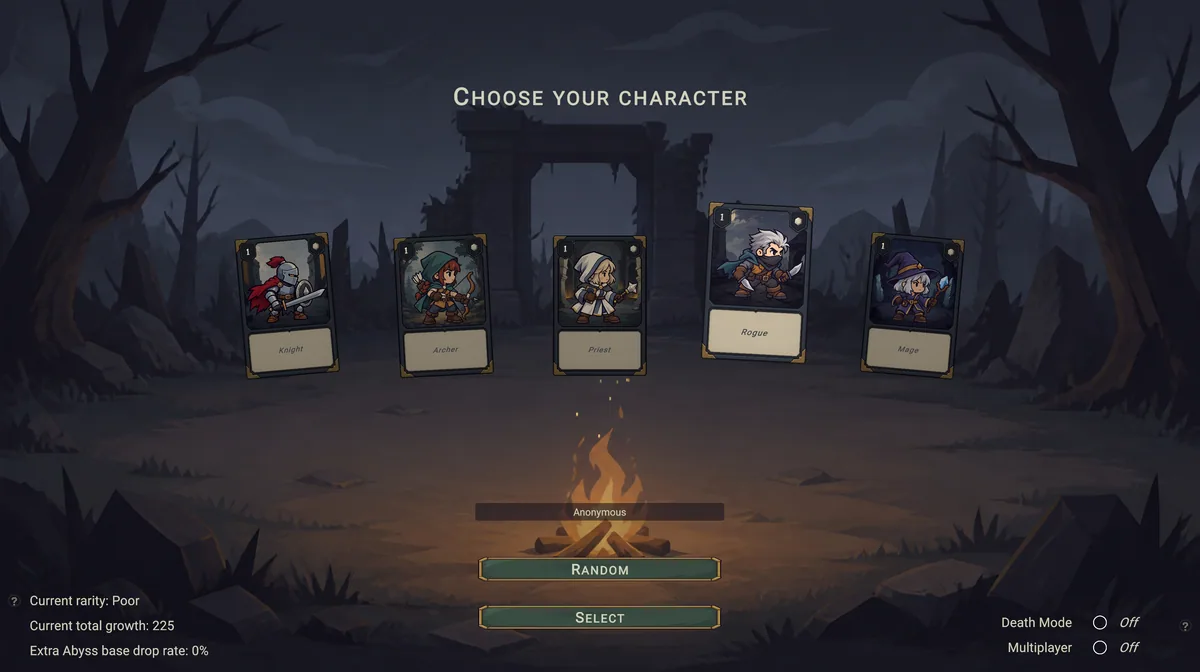
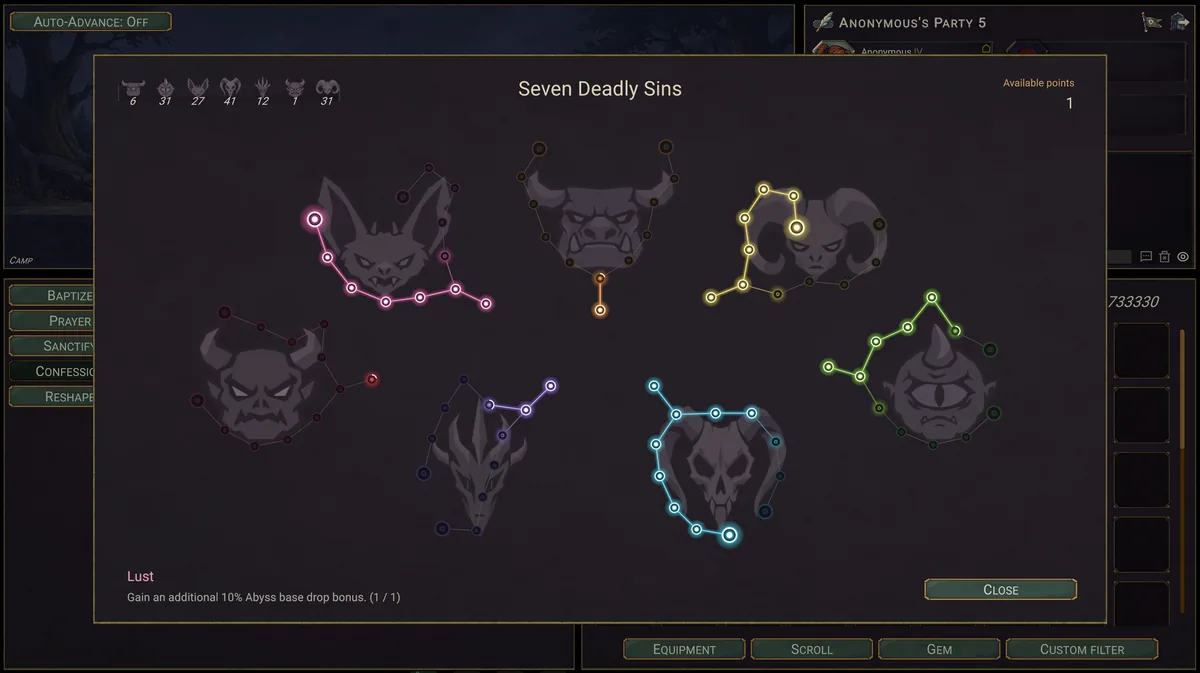
Using the Idle King: Loot Together trainer
The Eagle menu gathers gear stats, idle rewards and party condition. Use Insert during a check-in to compare newly found loot. A co-op panel keeps teammates and boss readiness visible without requiring constant input during automatic battles.