FREE CHEATS FOR
INKBLOT
Released November 16, 2026
Updated
 EAGLE CHEATS
How to use Eagle in INKBLOT
With INKBLOT running, press Insert to open the Eagle menu. The quick keys give direct access to Ink State and Momentum View. Use the menu for Machinery Cycle, Landing Points and Wall Grip and the remaining listed features; close it with Insert to return to the app.
- F2 Ink State
Press F2 to turn Ink State on or off without opening the menu. - F3 Momentum View
Press F3 to turn Momentum View on or off without opening the menu. - Insert Machinery Cycle
Press Insert, find Machinery Cycle in the feature list, and switch it on or off. - Insert Landing Points
Press Insert, find Landing Points in the feature list, and switch it on or off. - Insert Wall Grip
Press Insert, find Wall Grip in the feature list, and switch it on or off.
EXPLORE THE MENUFeatures
8 features
The Eagle trainer for INKBLOT brings ink state, momentum view, machinery cycle together for the Windows PC release. Press Insert during play to open the menu, choose a control and return to the current session. Additional controls cover wall grip, landing points, and room route during play.
- Ink State
- Momentum View
- Machinery Cycle
- Wall Grip
- Landing Points
- Room Route
- Page Progress
- Attempt Log
About the game
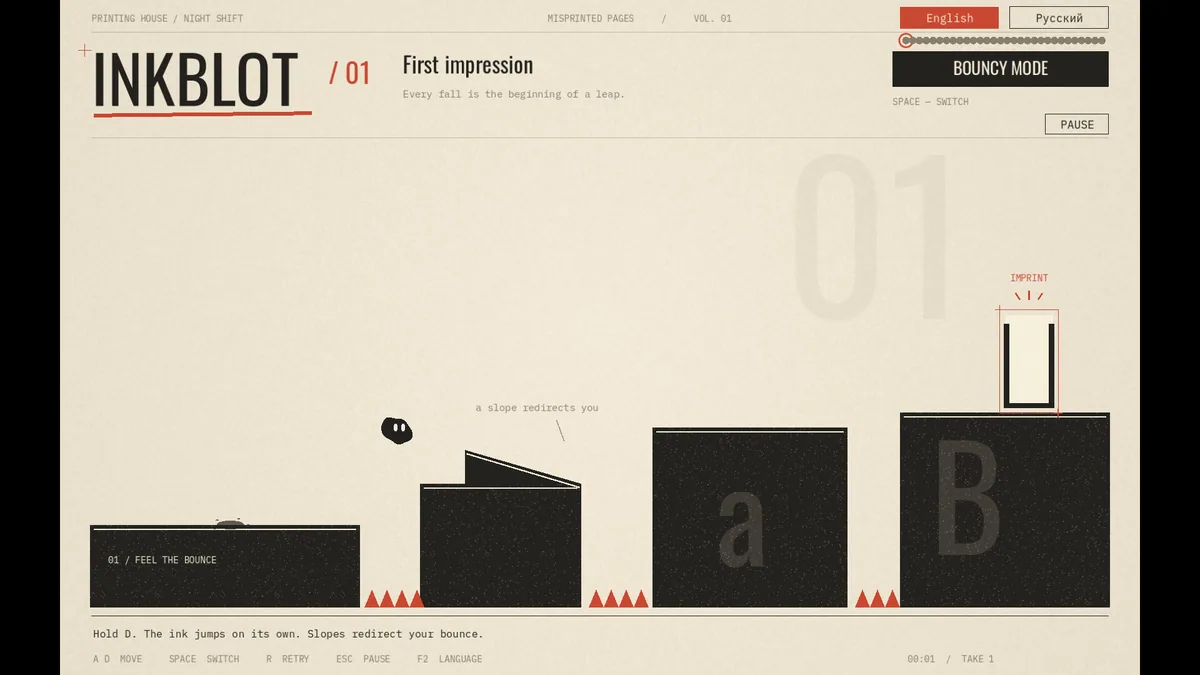
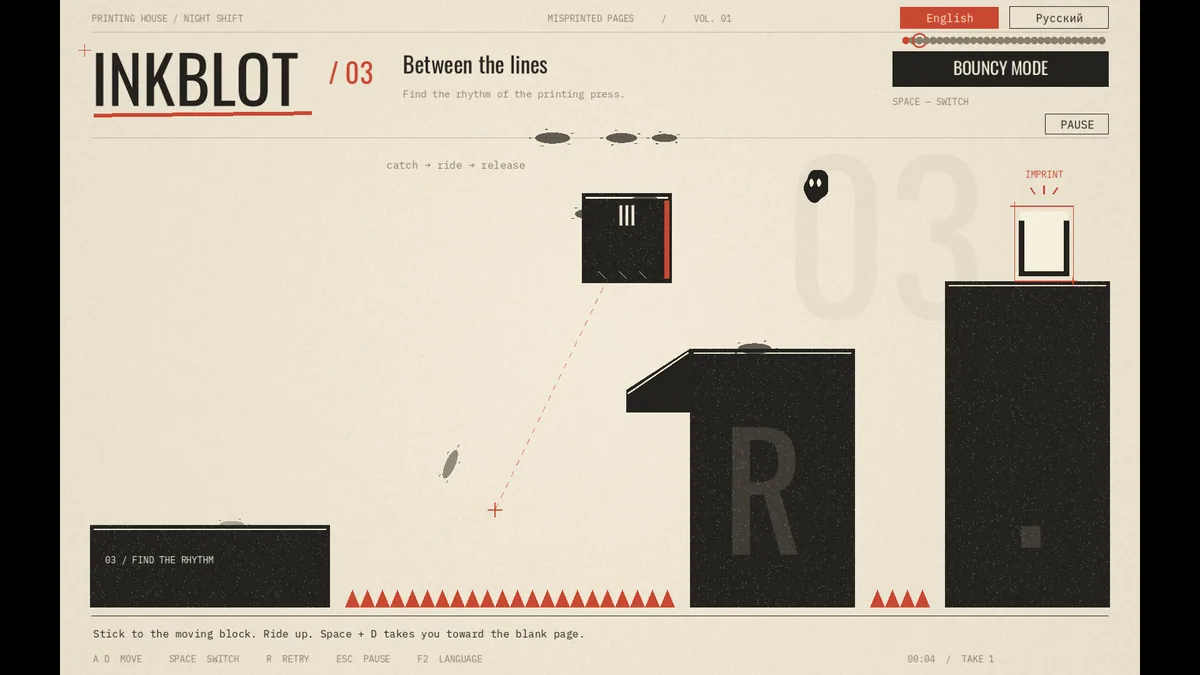
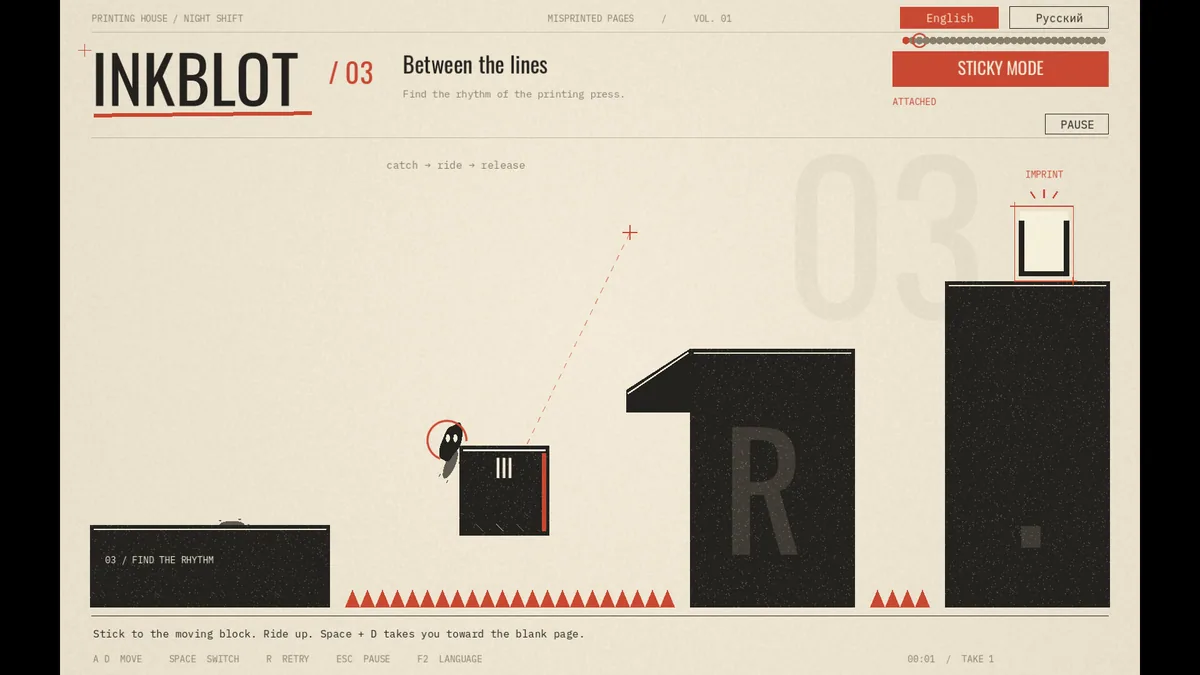
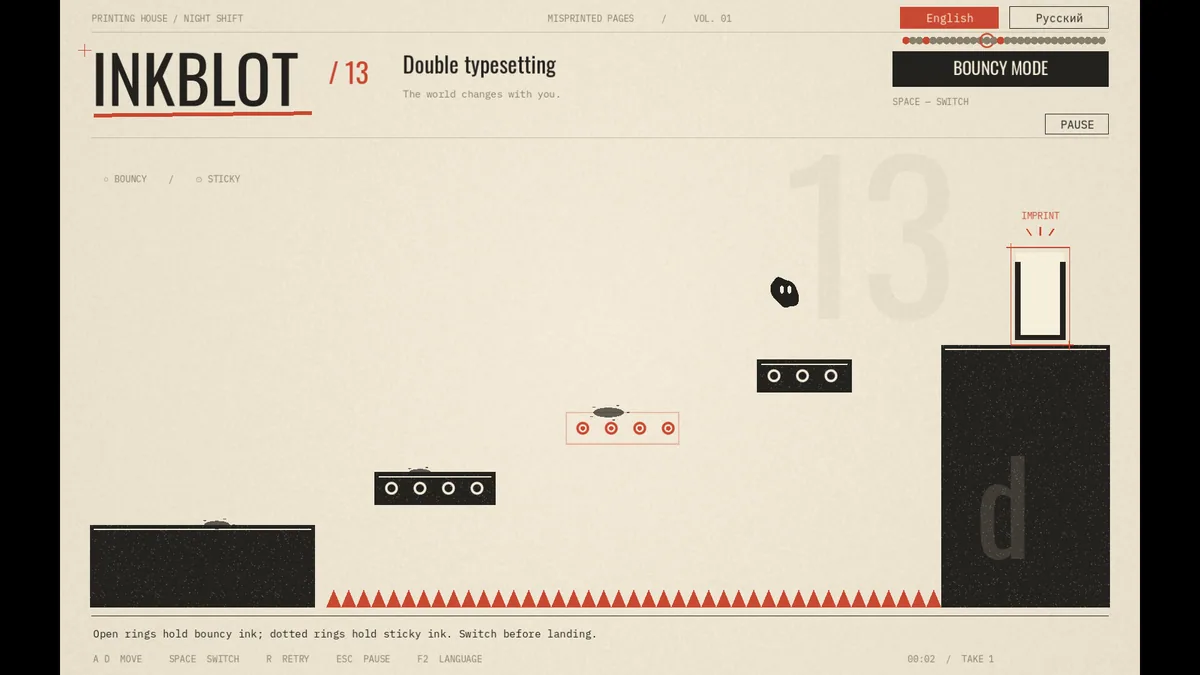
INKBLOT follows a tiny inkblot through thirty handcrafted rooms inside a misprinted book. The character switches between two states, bounces across printing blocks and sticks to walls as machinery shifts around it. Momentum and gravity make each page a physical puzzle.
A jump that works in one state may fail as the next block begins moving. Sticking to a wall can preserve height while the machine cycles, but it also changes the angle of the following bounce. Progress comes from reading the room's motion before committing to a path.
Official game page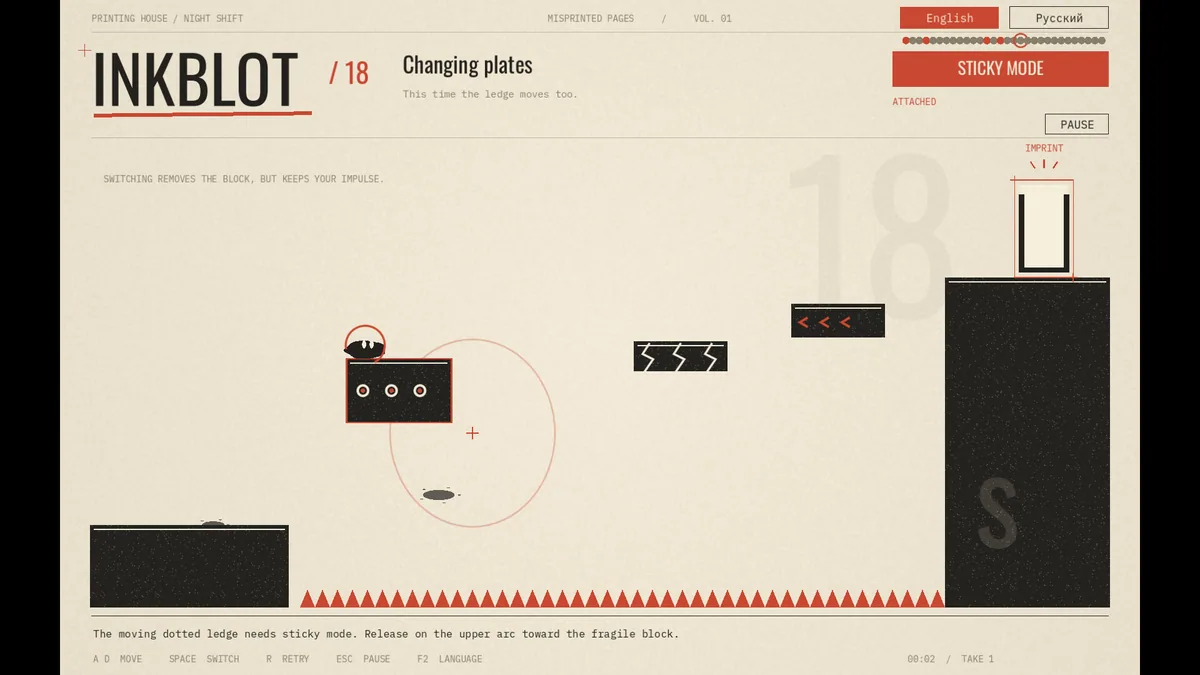
Using the INKBLOT trainer
The Eagle menu displays current state, nearby machinery and the route through a room. Open it with Insert after a failed attempt to compare timing and landing points. A page map records completed rooms while leaving the platforming to the player.



