FREE CHEATS FOR
Life Well
Released November 16, 2026
Updated

 EAGLE CHEATS
How to use Eagle in Life Well
With Life Well running, press Insert to open the Eagle menu. The quick keys give direct access to Daily Needs and Career Milestones. Use the menu for Home Plan, Schedule View and Budget Notes and the remaining listed features; close it with Insert to return to the app.
- F2 Daily Needs
Press F2 to turn Daily Needs on or off without opening the menu. - F3 Career Milestones
Press F3 to turn Career Milestones on or off without opening the menu. - Insert Home Plan
Press Insert, find Home Plan in the feature list, and switch it on or off. - Insert Schedule View
Press Insert, find Schedule View in the feature list, and switch it on or off. - Insert Budget Notes
Press Insert, find Budget Notes in the feature list, and switch it on or off.
EXPLORE THE MENUFeatures
8 features
The Eagle trainer for Life Well brings daily needs, career milestones, home plan together for the Windows PC release. Press Insert during play to open the menu, choose a control and return to the current session. Additional controls cover schedule view, budget notes, and relationship log during play.
- Daily Needs
- Career Milestones
- Home Plan
- Schedule View
- Budget Notes
- Relationship Log
- Life Journal
- Personal Goals
About the game
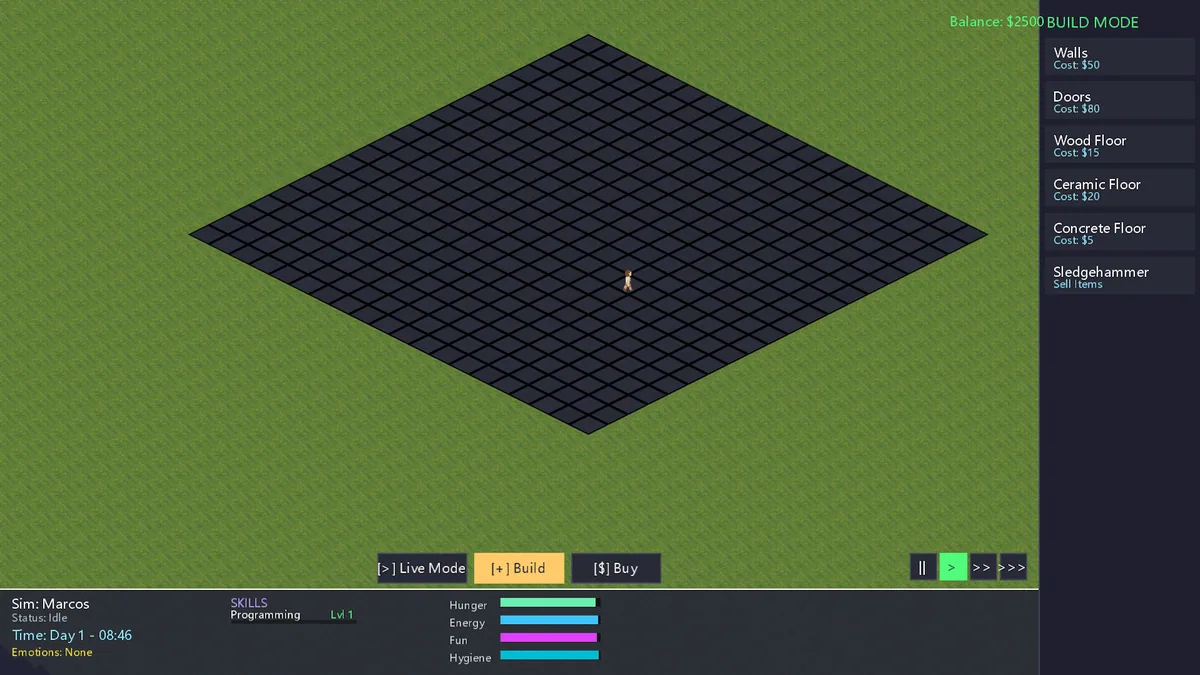
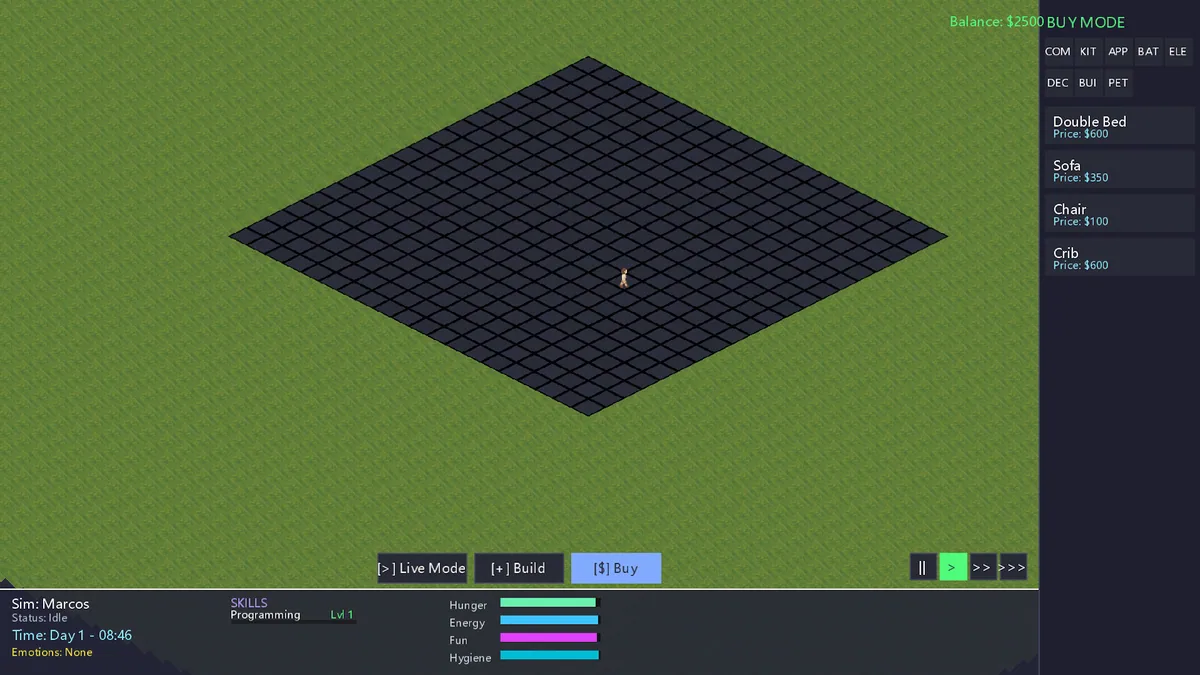
Life Well is an isometric life simulator about building a home, advancing a career and managing daily needs. A full life is a collection of small choices, so progress in one area should leave enough time for another.
Working longer can fund a better house while draining the energy needed to enjoy it. A new routine may improve one need and create a different conflict. Reviewing the calendar and personal goals helps keep the household moving in a chosen direction.
Official game page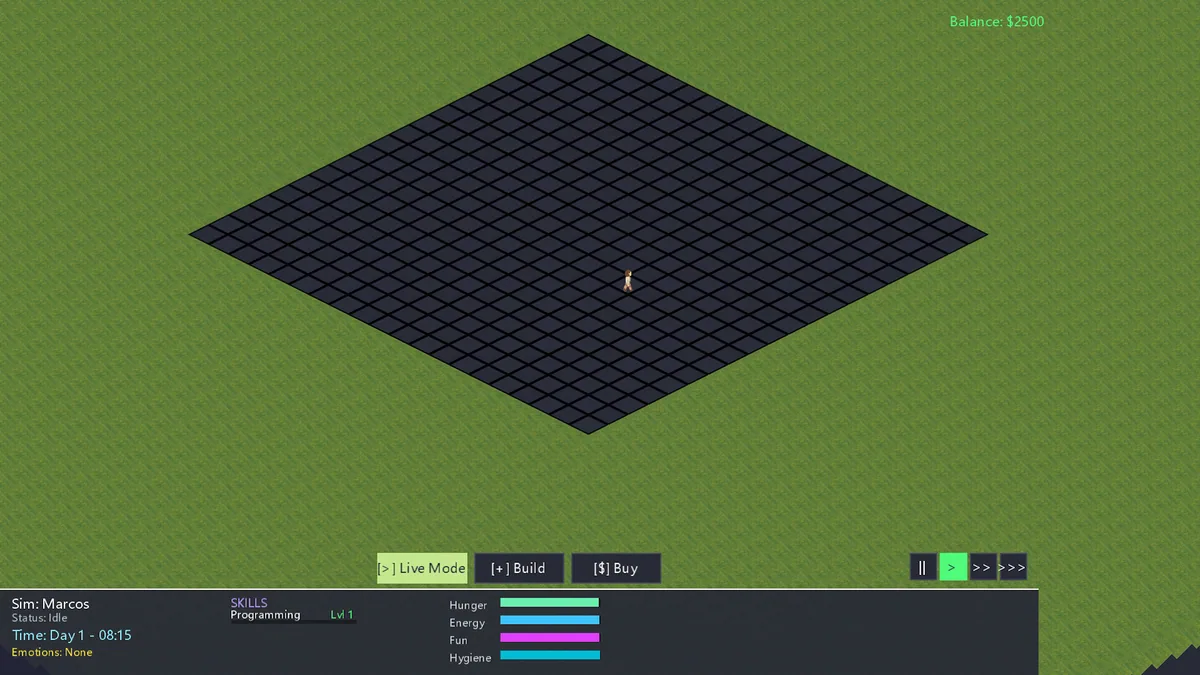
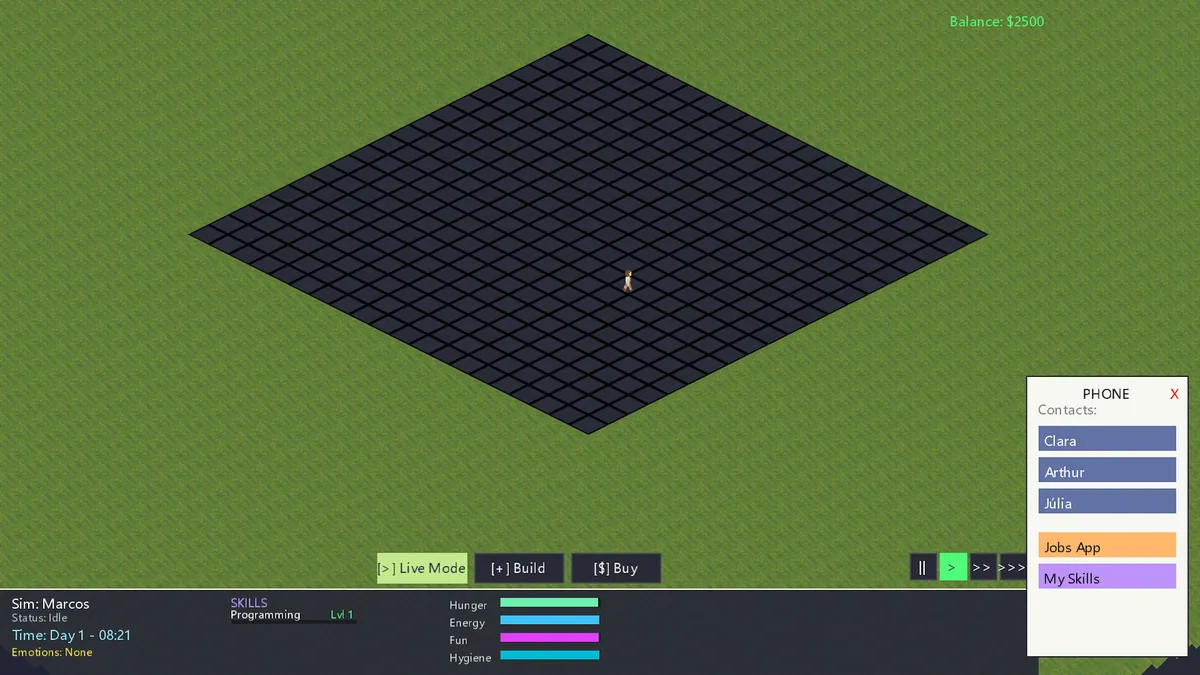
Using the Life Well trainer
Open the Eagle menu with Insert to review daily needs, career milestones and home plans. The schedule panel puts recurring tasks next to available time. Use the life journal to see how earlier choices changed the character's priorities.