FREE CHEATS FOR
Link Loop
Released November 17, 2026
Updated
 EAGLE CHEATS
How to use Eagle in Link Loop
With Link Loop running, press Insert to open the Eagle menu. The quick keys give direct access to Portal Links and Object Positions. Use the menu for Laser Paths, Fluid Flow and Switch States and the remaining listed features; close it with Insert to return to the app.
- F2 Portal Links
Press F2 to turn Portal Links on or off without opening the menu. - F3 Object Positions
Press F3 to turn Object Positions on or off without opening the menu. - Insert Laser Paths
Press Insert, find Laser Paths in the feature list, and switch it on or off. - Insert Fluid Flow
Press Insert, find Fluid Flow in the feature list, and switch it on or off. - Insert Switch States
Press Insert, find Switch States in the feature list, and switch it on or off.
EXPLORE THE MENUFeatures
8 features
The Eagle trainer for Link Loop brings portal links, object positions, laser paths together for the Windows PC release. Press Insert during play to open the menu, choose a control and return to the current session. Additional controls cover fluid flow, switch states, and step log during play.
- Portal Links
- Object Positions
- Laser Paths
- Fluid Flow
- Switch States
- Step Log
- Room Notes
- Puzzle Progress
About the game
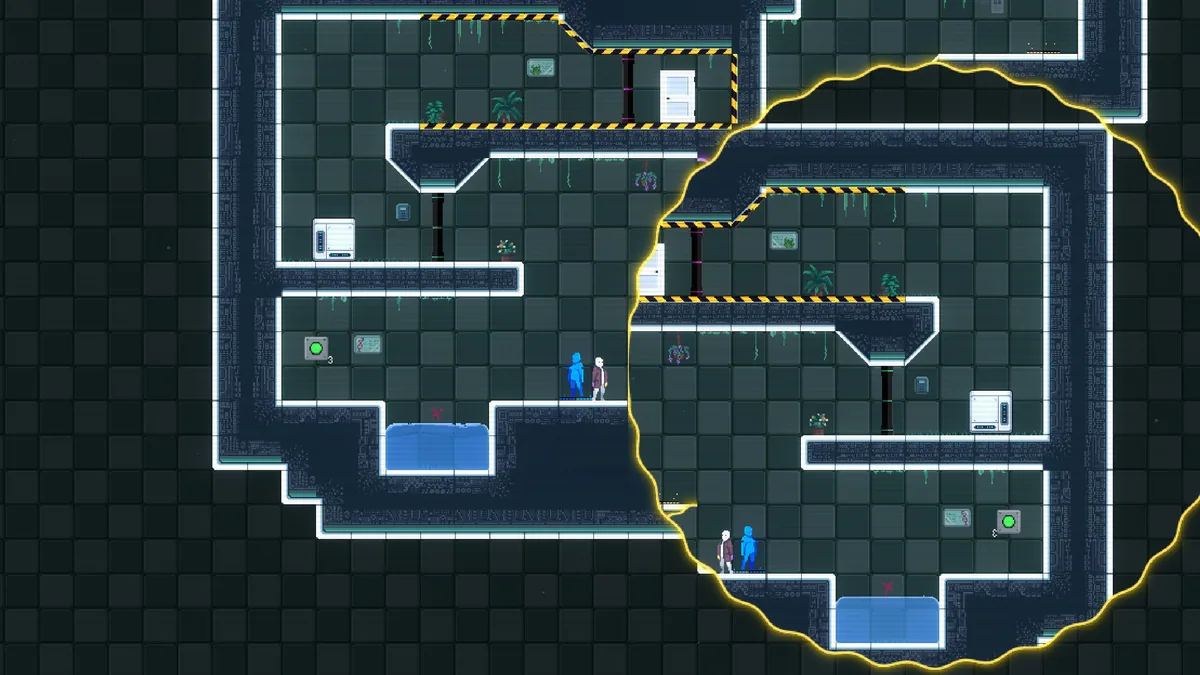
Link Loop is a puzzle platformer about portals and physical interactions. Moving an object, redirecting a laser or transporting fluid can change more than one part of a room. Solving a level means understanding the connections before using them.
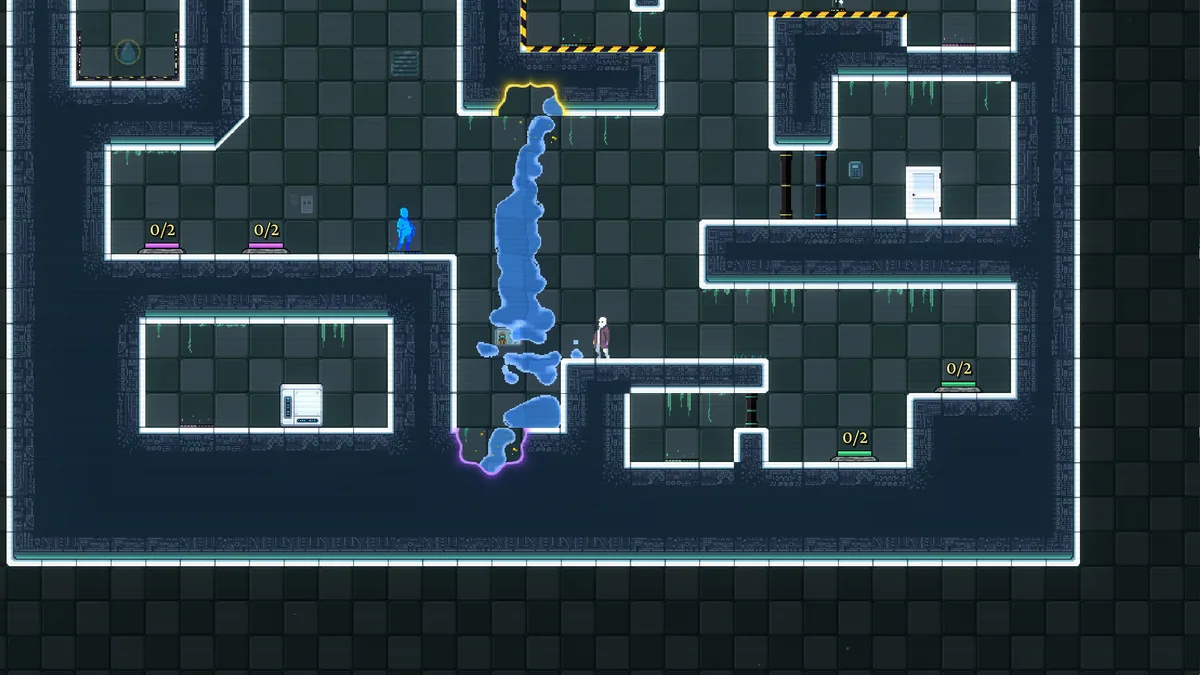
A portal placement that moves the player may also send a box somewhere inconvenient. Lasers and fluids have to be considered as continuous systems rather than isolated switches. Replaying the sequence of actions often reveals the step that made a solution impossible.
Official game page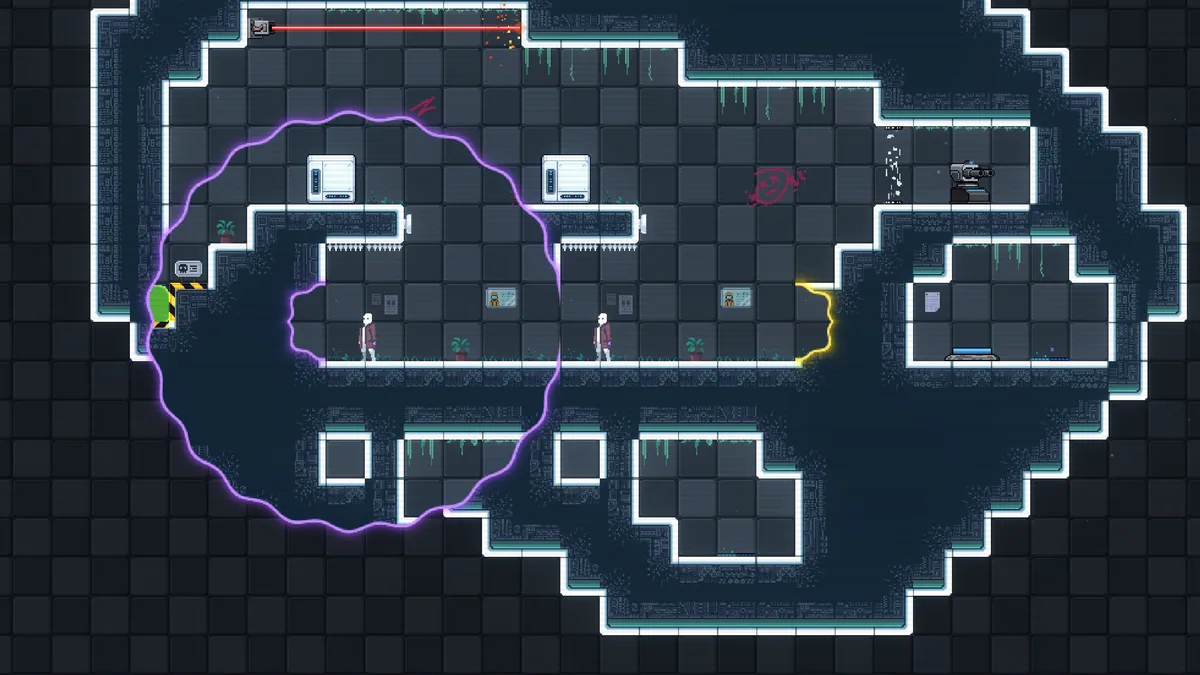
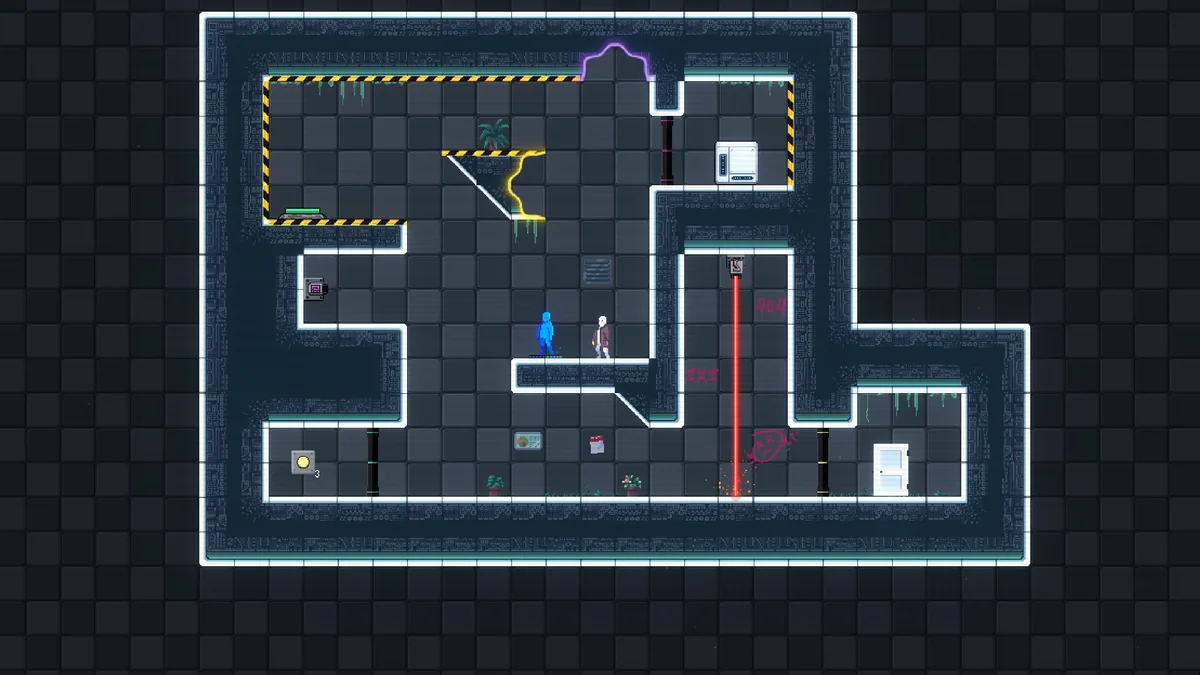
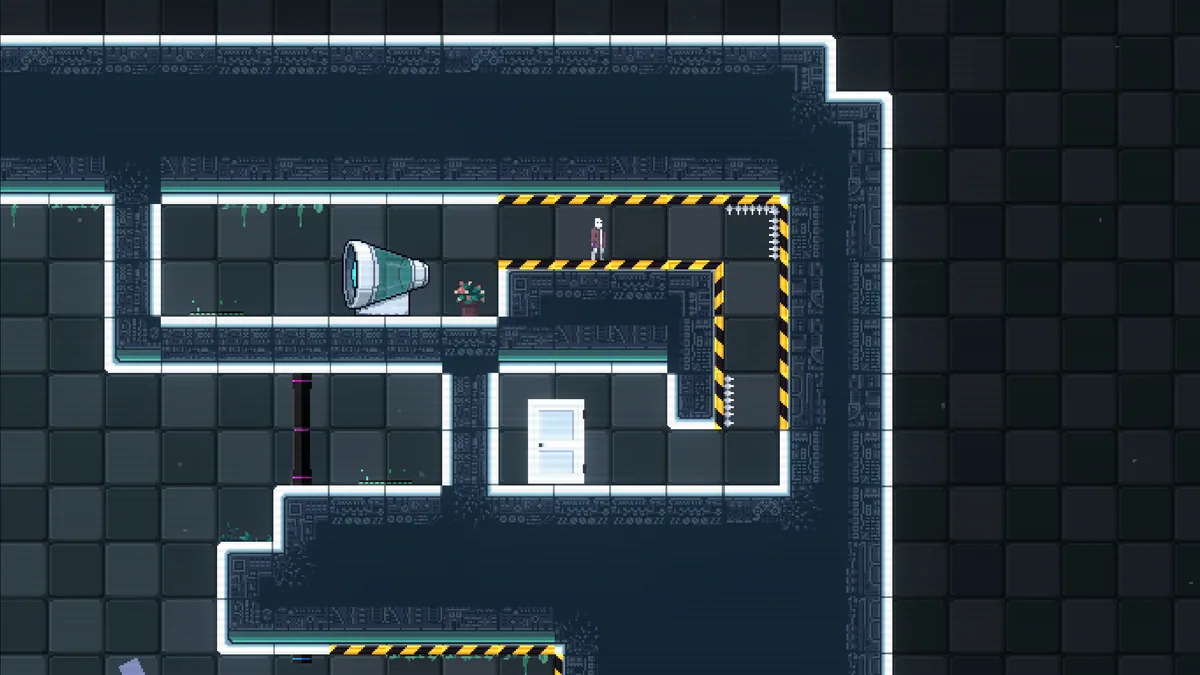
Using the Link Loop trainer
Open the Eagle menu with Insert to examine portal links, movable objects and active mechanisms. Its step log records experimental setups so a useful partial solution can be recreated. Use the room notes to track what each switch or flow path changes.