FREE CHEATS FOR
Lofi Drift
Released November 17, 2026
Updated

 EAGLE CHEATS
How to use Eagle in Lofi Drift
With Lofi Drift running, press Insert to open the Eagle menu. The quick keys give direct access to Coin Income and Upgrade Prices. Use the menu for Mission Rewards, Daily Goals and Unlock Path and the remaining listed features; close it with Insert to return to the app.
- F2 Coin Income
Press F2 to turn Coin Income on or off without opening the menu. - F3 Upgrade Prices
Press F3 to turn Upgrade Prices on or off without opening the menu. - Insert Mission Rewards
Press Insert, find Mission Rewards in the feature list, and switch it on or off. - Insert Daily Goals
Press Insert, find Daily Goals in the feature list, and switch it on or off. - Insert Unlock Path
Press Insert, choose Unlock Path, and apply the unlock.
EXPLORE THE MENUFeatures
8 features
The Eagle trainer for Lofi Drift brings coin income, upgrade prices, mission rewards together for the Windows PC release. Press Insert during play to open the menu, choose a control and return to the current session. Additional controls cover daily goals, unlock path, and click history during play.
- Coin Income
- Upgrade Prices
- Mission Rewards
- Daily Goals
- Unlock Path
- Click History
- Space Collection
- Session Progress
About the game
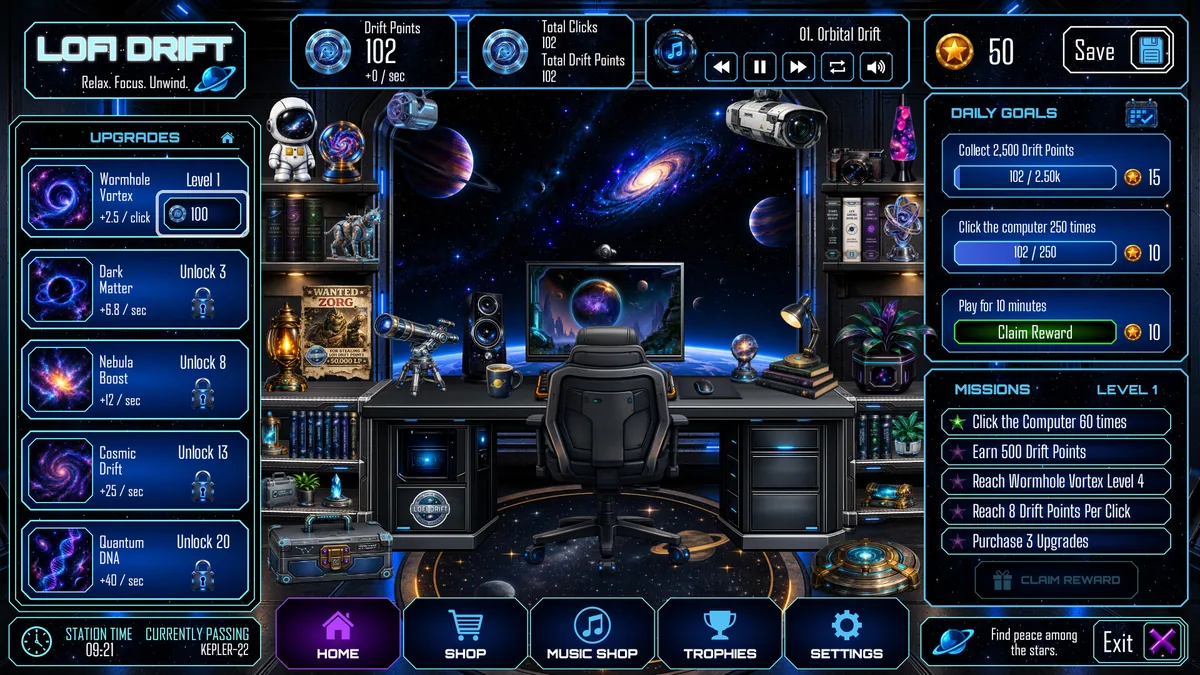
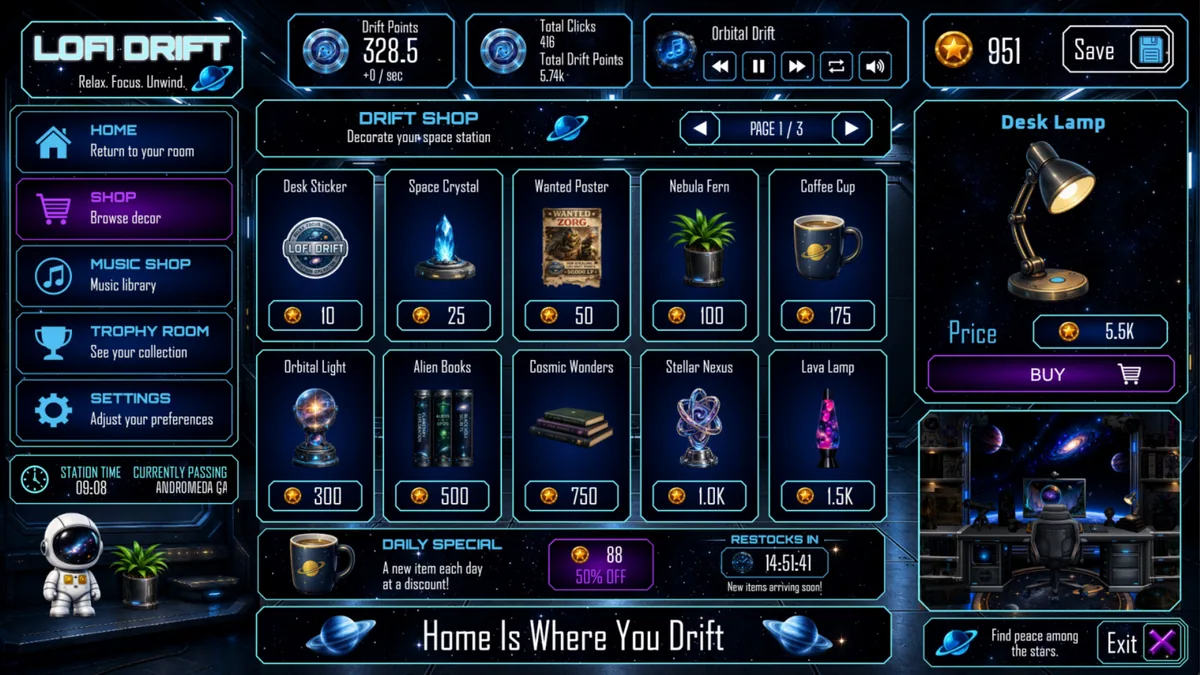
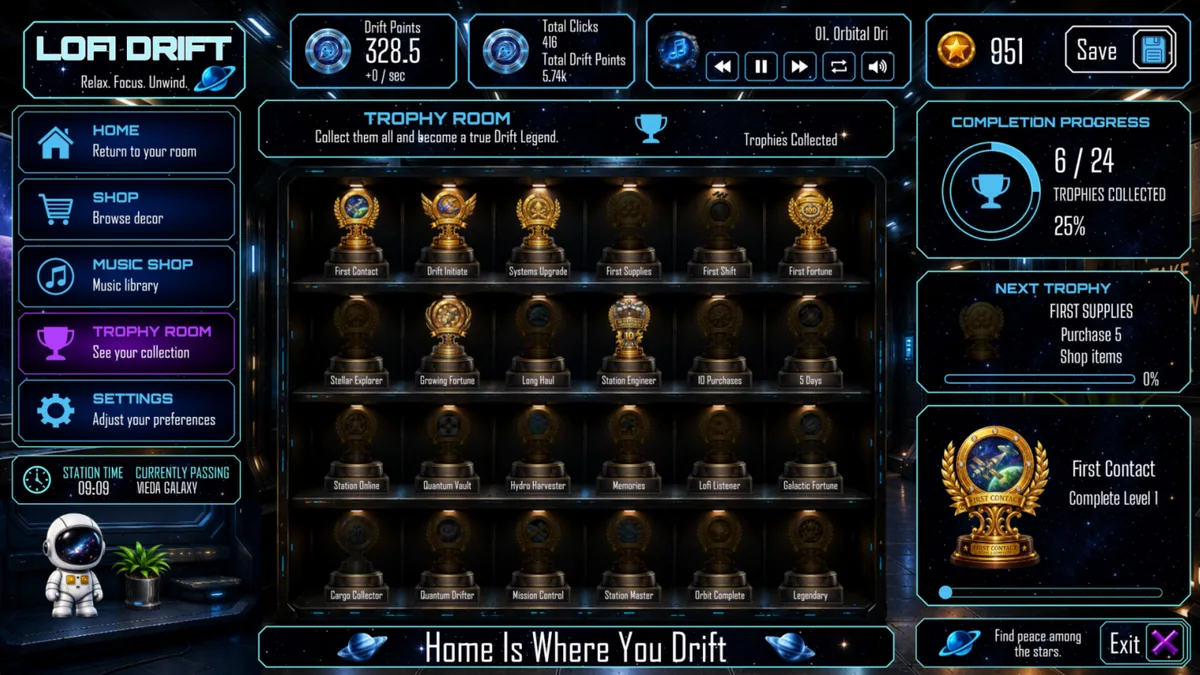
Lofi Drift is a quiet space-themed clicker with music, upgrades, missions and daily goals. Its progression is meant to be steady: small actions build enough currency to unlock another layer of the scene.
An upgrade with a high price may take longer to repay than a cheaper one that improves every click. Missions and daily goals can change which action has the best return during a short session. A clear production view helps preserve the relaxed pace.
Official game page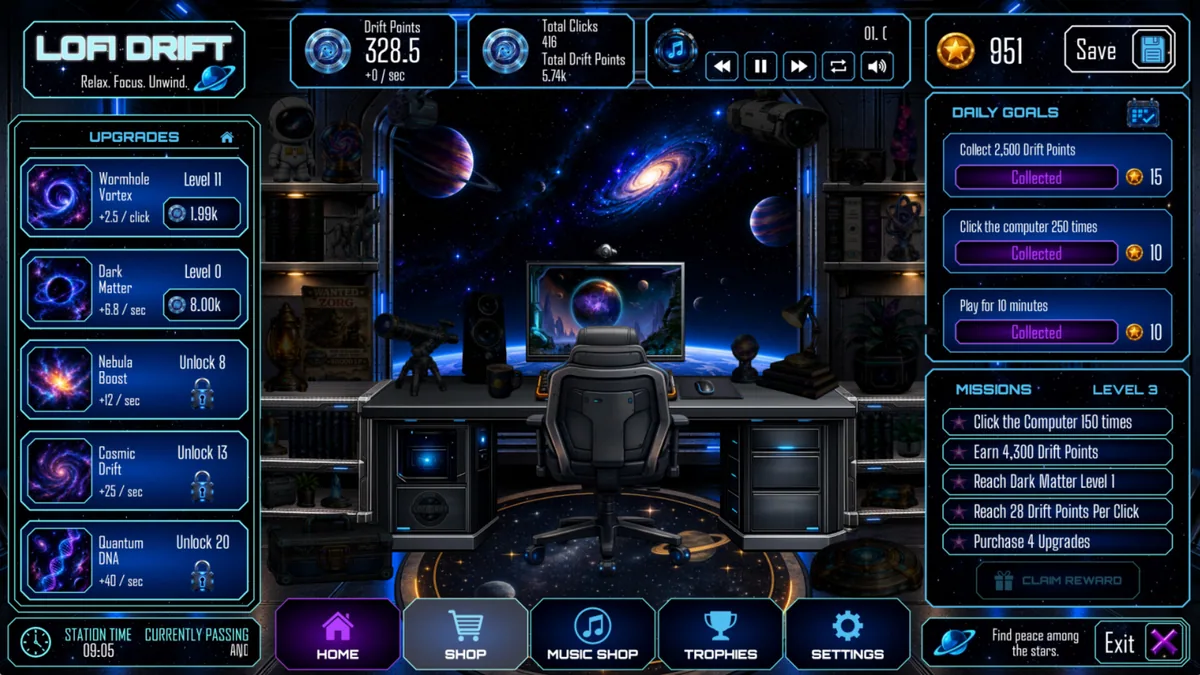
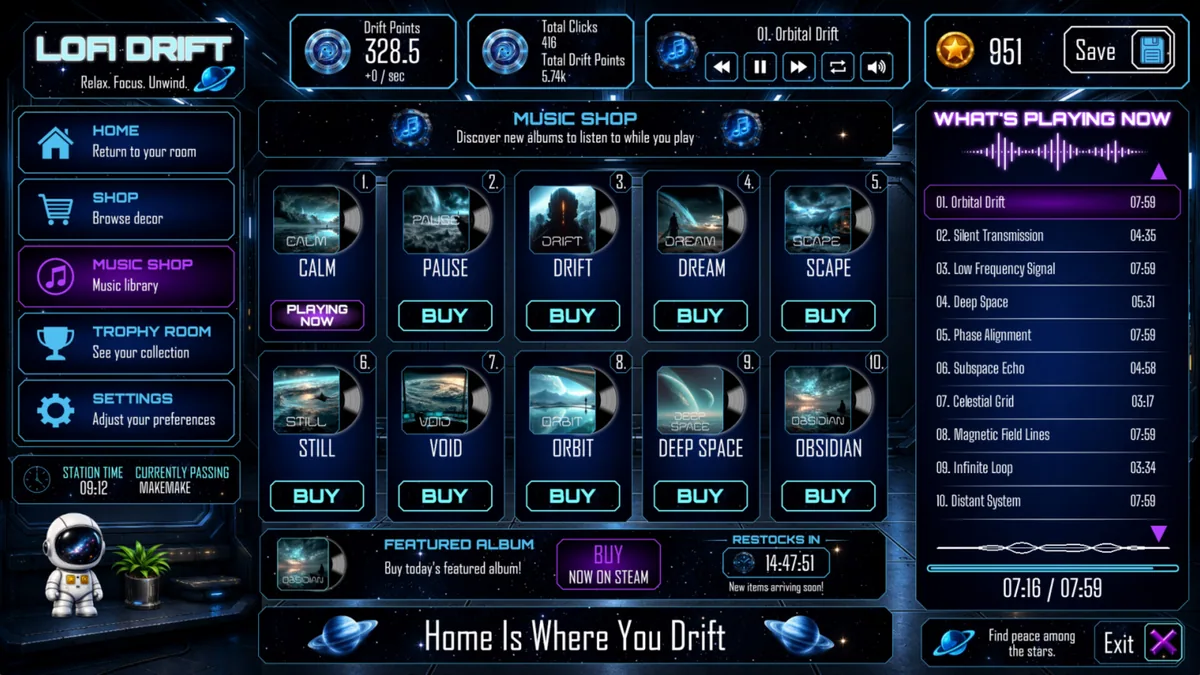
Using the Lofi Drift trainer
Use Insert to open the Eagle progression panel while playing. Compare coin income, upgrade prices and mission rewards without leaving the current screen. The daily checklist keeps temporary goals distinct from the long-term unlock path.