FREE CHEATS FOR
Lost Freight
Released November 17, 2026
Updated
 EAGLE CHEATS
How to use Eagle in Lost Freight
With Lost Freight running, press Insert to open the Eagle menu. The quick keys give direct access to Freight Lots and Yard Space. Use the menu for Debt Balance, Cargo Inventory and Bid Planner and the remaining listed features; close it with Insert to return to the app.
- F2 Freight Lots
Press F2 to turn Freight Lots on or off without opening the menu. - F3 Yard Space
Press F3 to turn Yard Space on or off without opening the menu. - Insert Debt Balance
Press Insert, find Debt Balance in the feature list, and switch it on or off. - Insert Cargo Inventory
Press Insert, find Cargo Inventory in the feature list, and switch it on or off. - Insert Bid Planner
Press Insert, find Bid Planner in the feature list, and switch it on or off.
EXPLORE THE MENUFeatures
8 features
The Eagle trainer for Lost Freight brings freight lots, yard space, debt balance together for the Windows PC release. Press Insert during play to open the menu, choose a control and return to the current session. Additional controls cover bid planner, cargo inventory, and sales ledger during play.
- Freight Lots
- Yard Space
- Debt Balance
- Bid Planner
- Cargo Inventory
- Sales Ledger
- Transport Jobs
- Business Growth
About the game
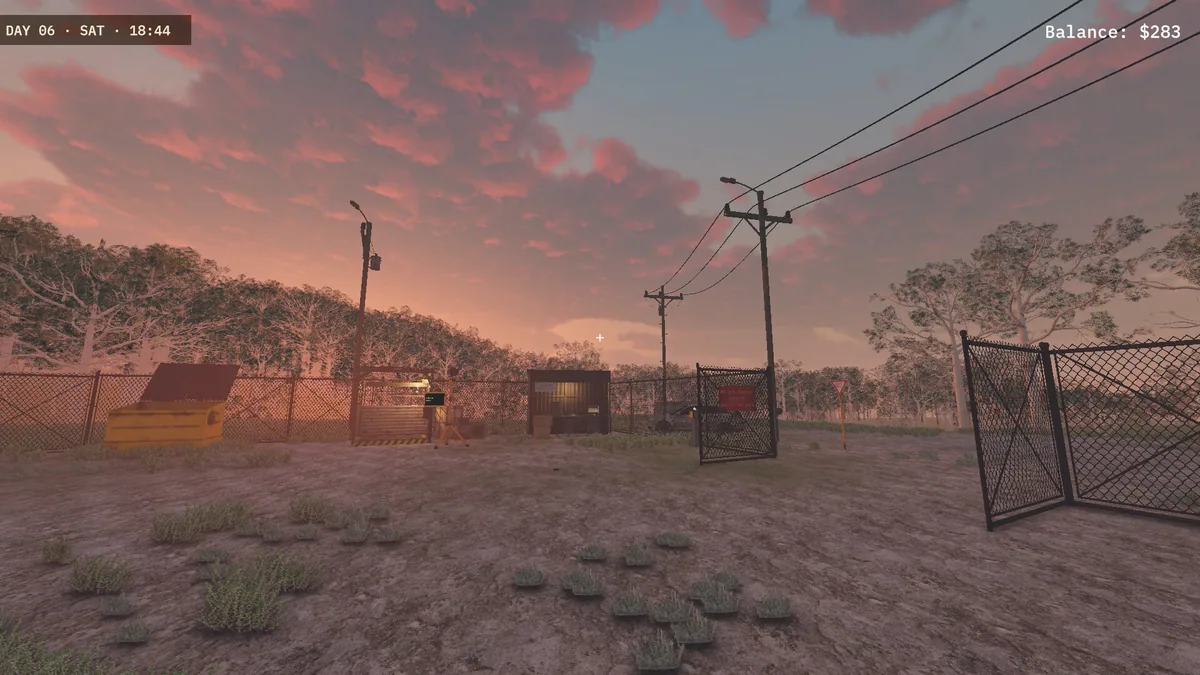
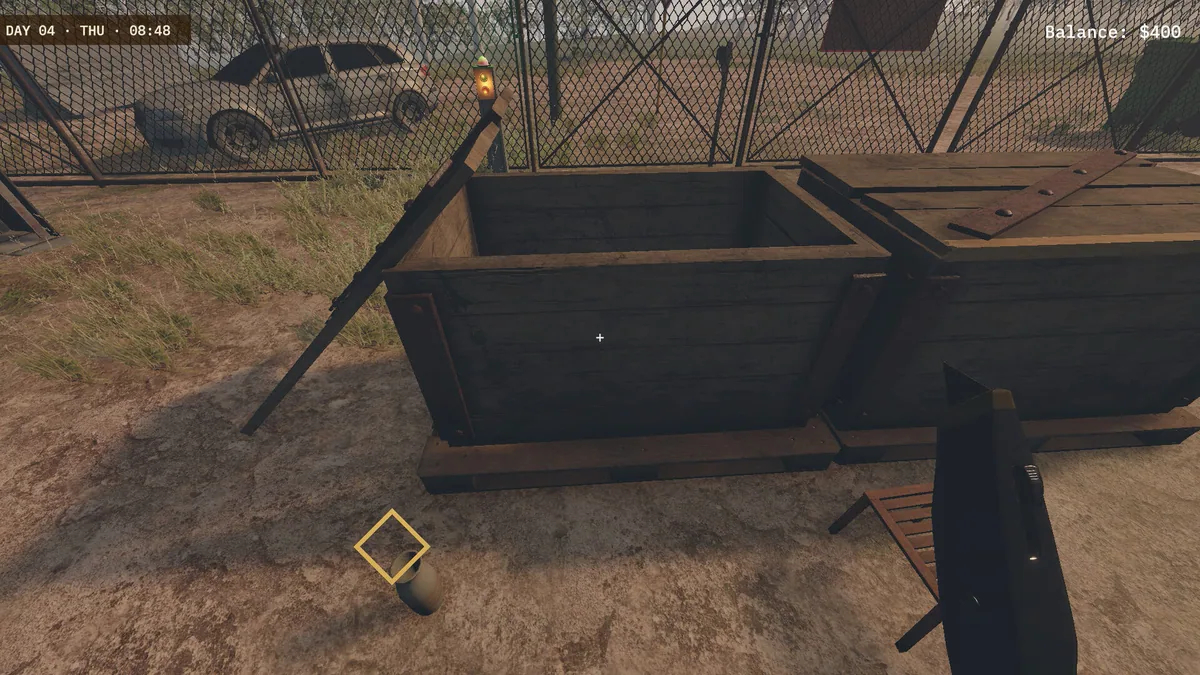
Lost Freight begins with an inherited Australian freight yard and a debt attached to it. Unclaimed cargo becomes an opportunity to buy, sort and sell valuable finds. The business grows through careful bids and efficient use of space.
A cheap lot can be a poor deal if most of its contents are difficult to move or sell. Expanding storage before demand exists can deepen the debt. Reviewing actual sale results helps decide what kind of freight to pursue next.
Official game page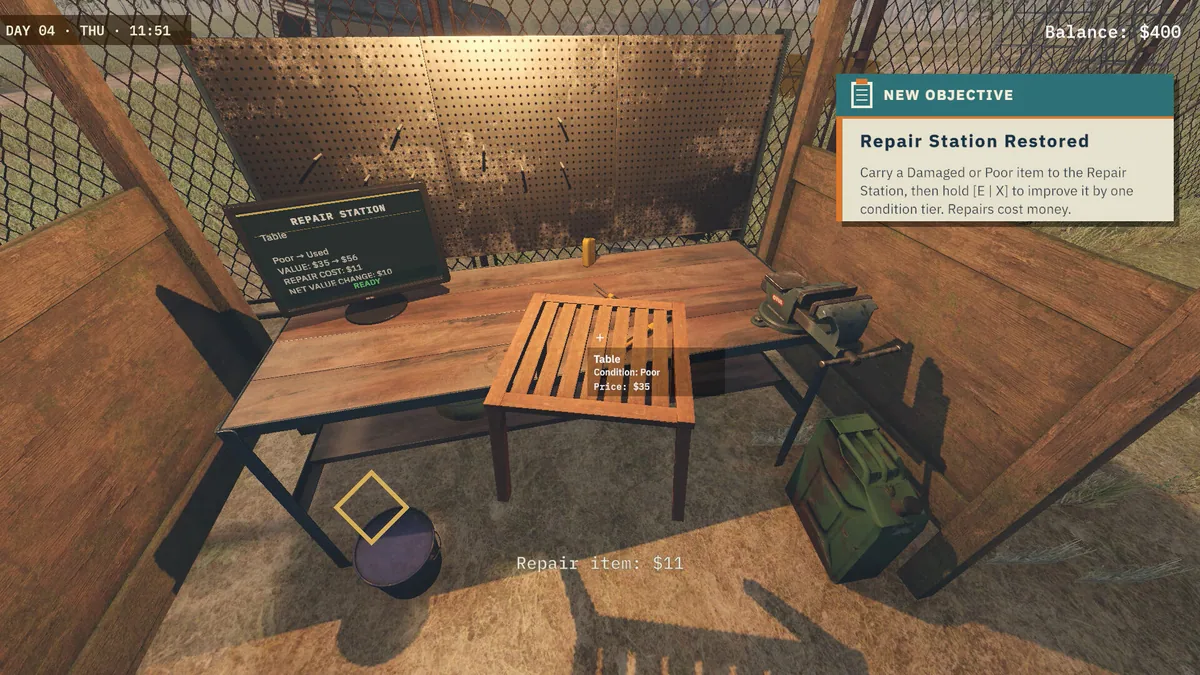
Using the Lost Freight trainer
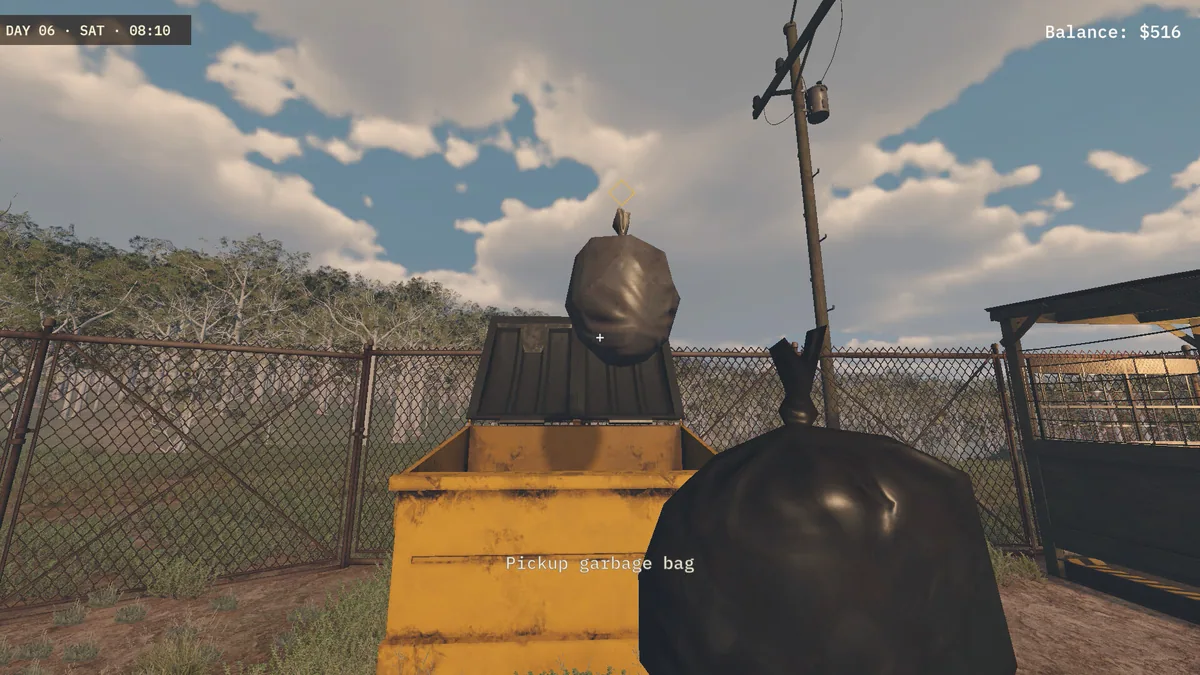
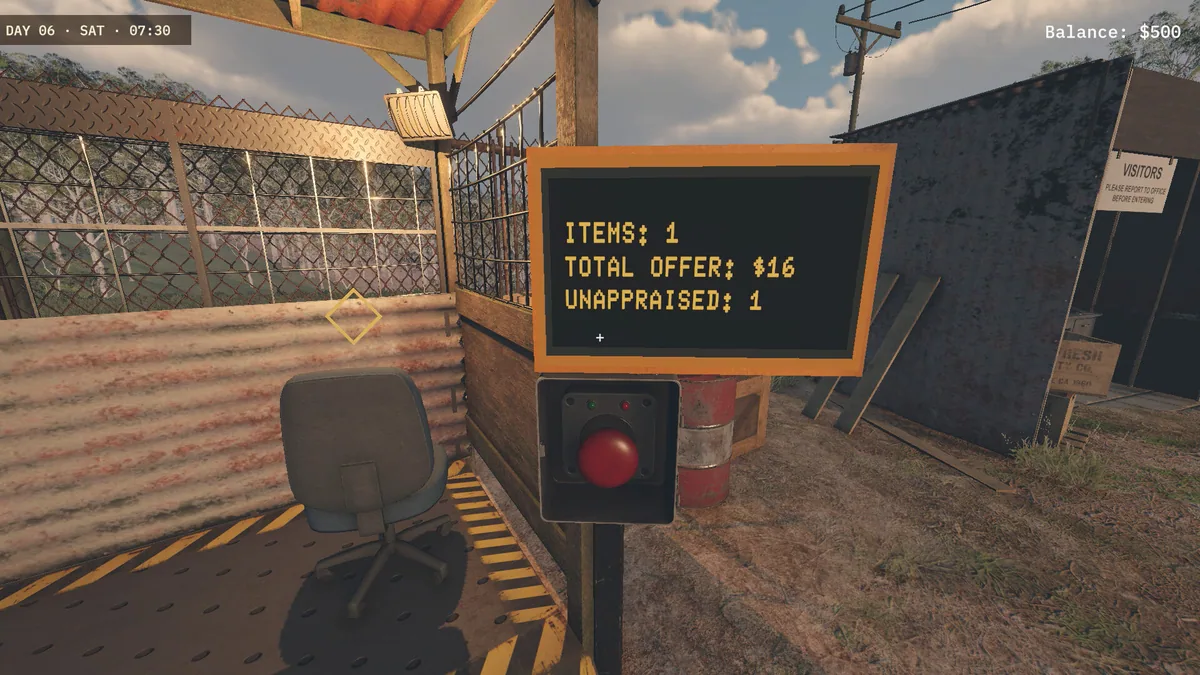
Open the Eagle menu with Insert to inspect yard space, unclaimed lots and current debt. The sales ledger links each purchase to what it returned. Use the bid planner before buying a load that may crowd out better inventory.