FREE CHEATS FOR
LOST ZION
Released November 17, 2026
Updated

 EAGLE CHEATS
How to use Eagle in LOST ZION
With LOST ZION running, press Insert to open the Eagle menu. The quick keys give direct access to Bot Status and Signal Trace. Use the menu for City Map, Power Reserve and Message Log and the remaining listed features; close it with Insert to return to the app.
- F2 Bot Status
Press F2 to turn Bot Status on or off without opening the menu. - F3 Signal Trace
Press F3 to turn Signal Trace on or off without opening the menu. - Insert City Map
Press Insert, find City Map in the feature list, and switch it on or off. - Insert Power Reserve
Press Insert, find Power Reserve in the feature list, and switch it on or off. - Insert Message Log
Press Insert, find Message Log in the feature list, and switch it on or off.
EXPLORE THE MENUFeatures
8 features
The Eagle trainer for LOST ZION brings bot status, signal trace, city map together for the Windows PC release. Press Insert during play to open the menu, choose a control and return to the current session. Additional controls cover message log, power reserve, and hazard zones during play.
- Bot Status
- Signal Trace
- City Map
- Message Log
- Power Reserve
- Hazard Zones
- Route Notes
- Story Progress
About the game
LOST ZION is a cyberpunk horror game where a service bot wakes to a faint signal. Exploring the ruined environment reveals why the machine was left behind. The bot's purpose and the city's state gradually become part of the same mystery.
A signal can indicate progress while leading through unsafe territory. Small environmental records may explain a route better than a direct objective marker. Keeping track of power, places and recovered messages helps preserve the investigation.
Official game page

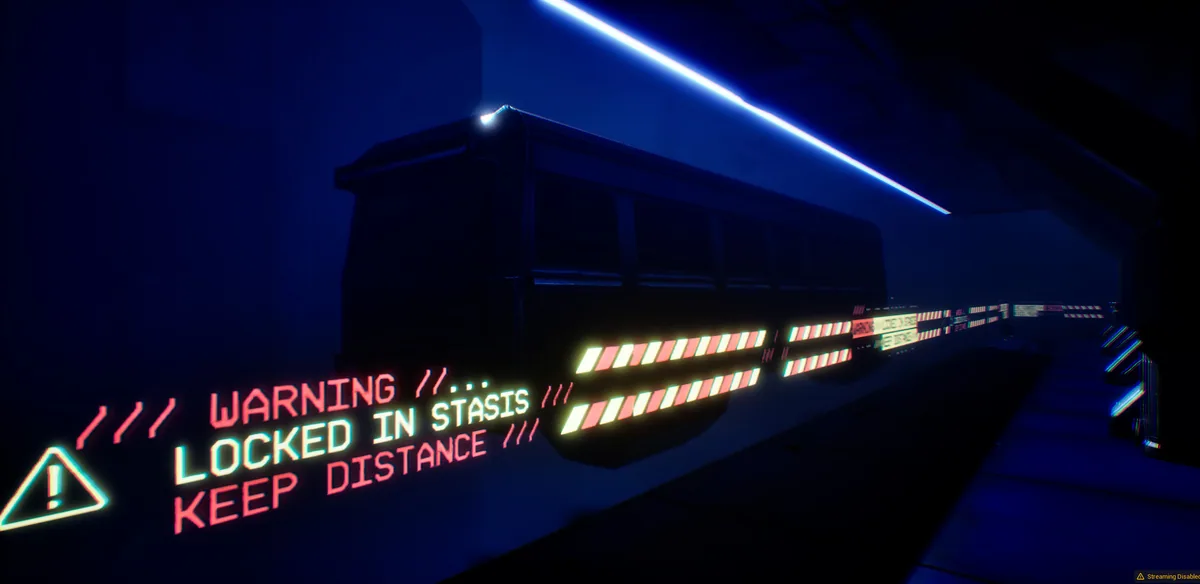


Using the LOST ZION trainer
Open the Eagle menu with Insert to inspect service-bot status, signal traces and explored zones. The message log records discoveries in order. Use the city map before entering a sector that may have no easy return path.