FREE CHEATS FOR
Mall Slop
Released November 11, 2026
Updated

 EAGLE CHEATS
How to use Eagle in Mall Slop
With Mall Slop running, press Insert to open the Eagle menu. The quick keys give direct access to Task Checklist and Mall Map. Use the menu for Team Markers, Lights Out Timer and Creature Alerts and the remaining listed features; close it with Insert to return to the app.
- F2 Task Checklist
Press F2 to turn Task Checklist on or off without opening the menu. - F3 Mall Map
Press F3 to turn Mall Map on or off without opening the menu. - Insert Team Markers
Press Insert, find Team Markers in the feature list, and switch it on or off. - Insert Lights Out Timer
Press Insert, find Lights Out Timer in the feature list, and switch it on or off. - Insert Creature Alerts
Press Insert, find Creature Alerts in the feature list, and switch it on or off.
EXPLORE THE MENUFeatures
8 features
The Eagle trainer for Mall Slop brings task checklist, mall map, team markers together for the Windows PC release. Press Insert during play to open the menu, choose a control and return to the current session. Additional controls cover lights out timer, creature alerts, and exit route during play.
- Task Checklist
- Mall Map
- Team Markers
- Lights Out Timer
- Creature Alerts
- Exit Route
- Equipment View
- Shift Results
About the game
Mall Slop turns an after-hours mall shift into multiplayer horror. Players work together on ordinary security tasks while the building grows dangerous when the lights go out. The change from routine patrol to escape gives every unfinished task a cost.
Splitting up may finish the checklist faster, but teammates become harder to help when creatures start roaming. Players need to remember service corridors and meeting points before the dark phase. Completing an assignment is valuable only if the group can still reach safety together.
Official game page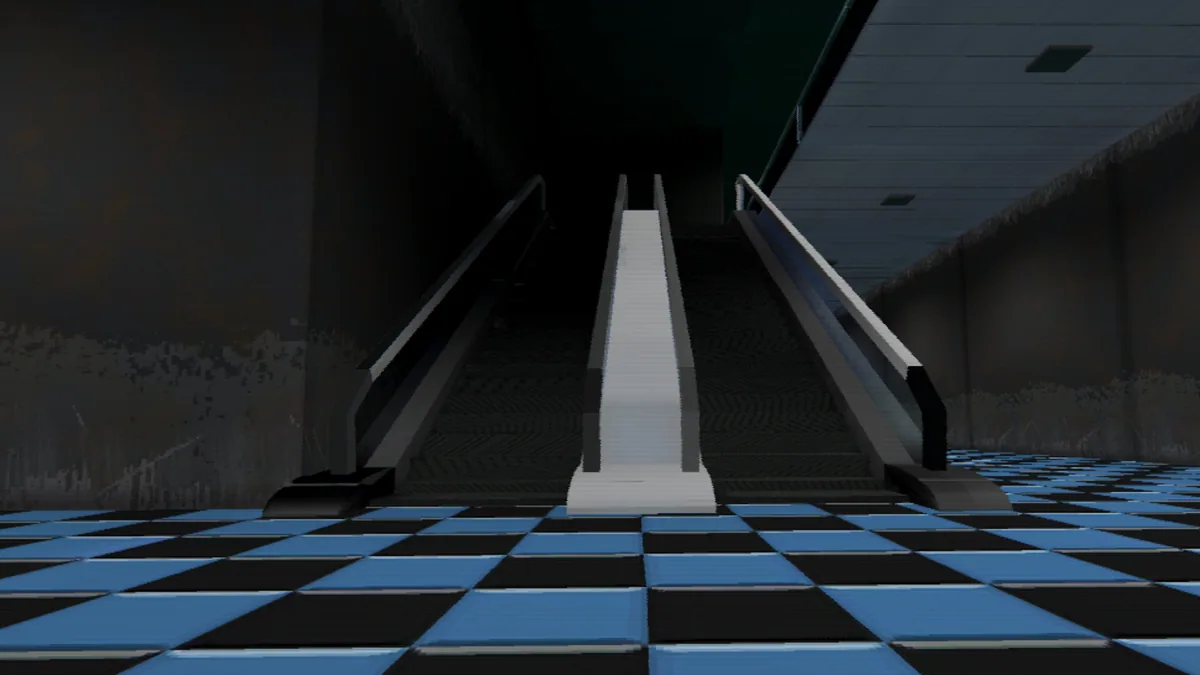
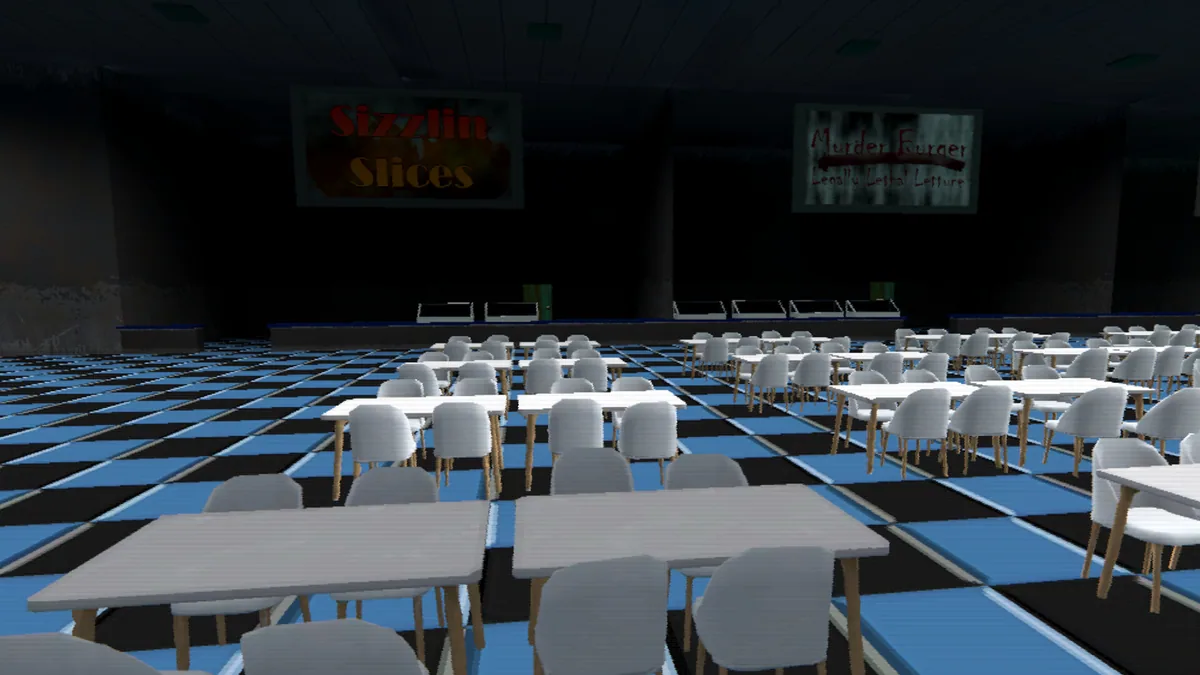
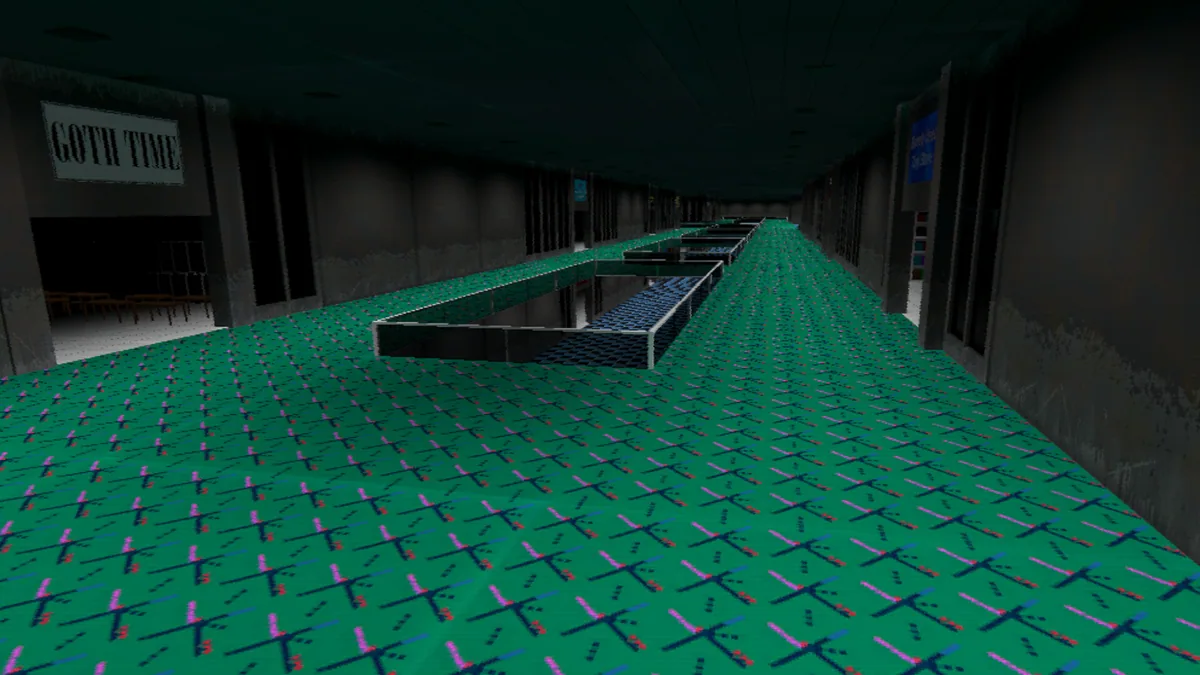
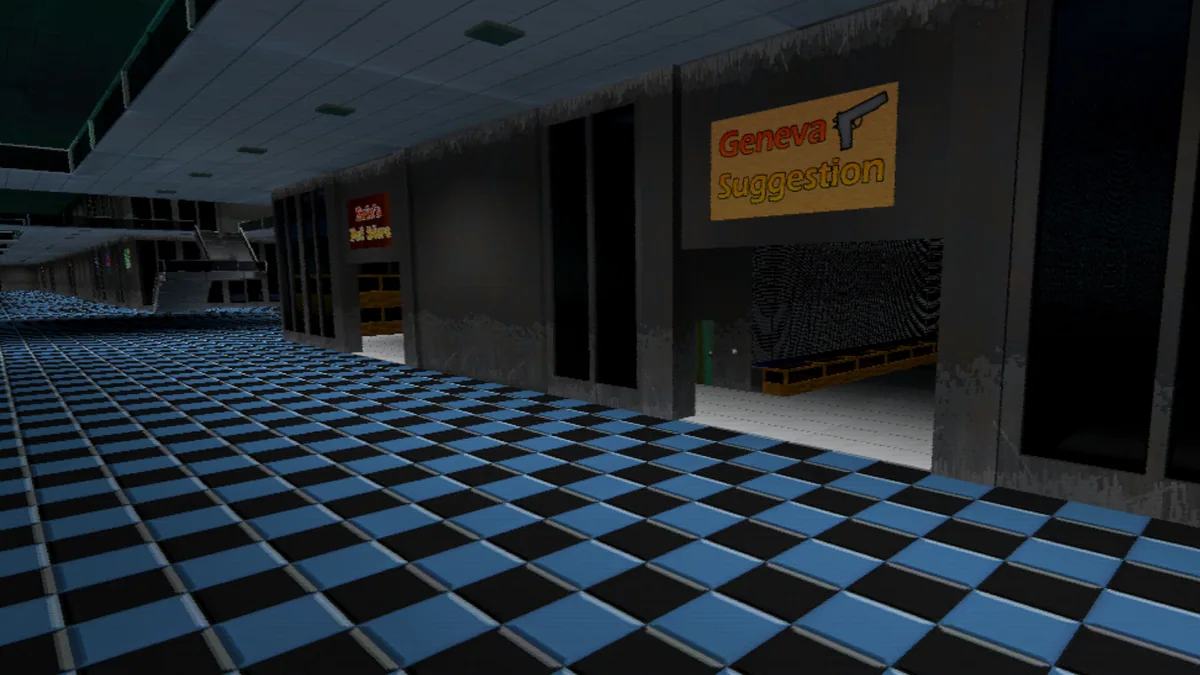
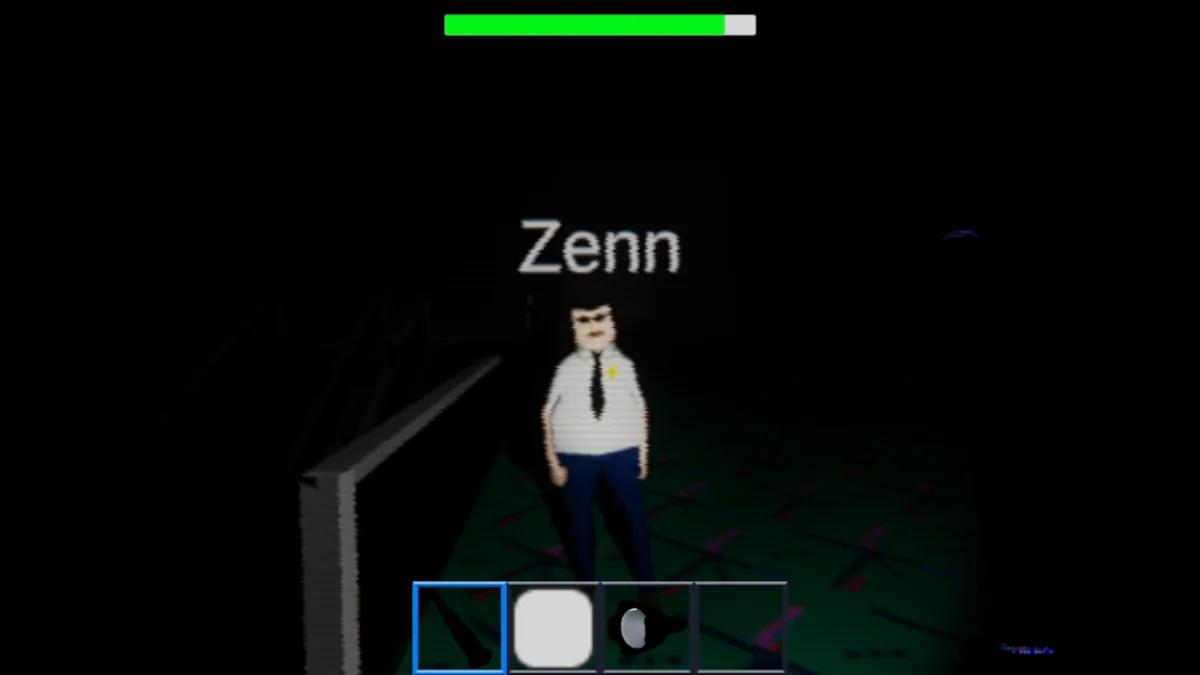
Using the Mall Slop trainer
The menu groups task progress, team markers and mall exits on one map. It helps a crew decide whether to finish another room or regroup before lights-out. An incident log records where a threat was last seen without claiming the route is safe.